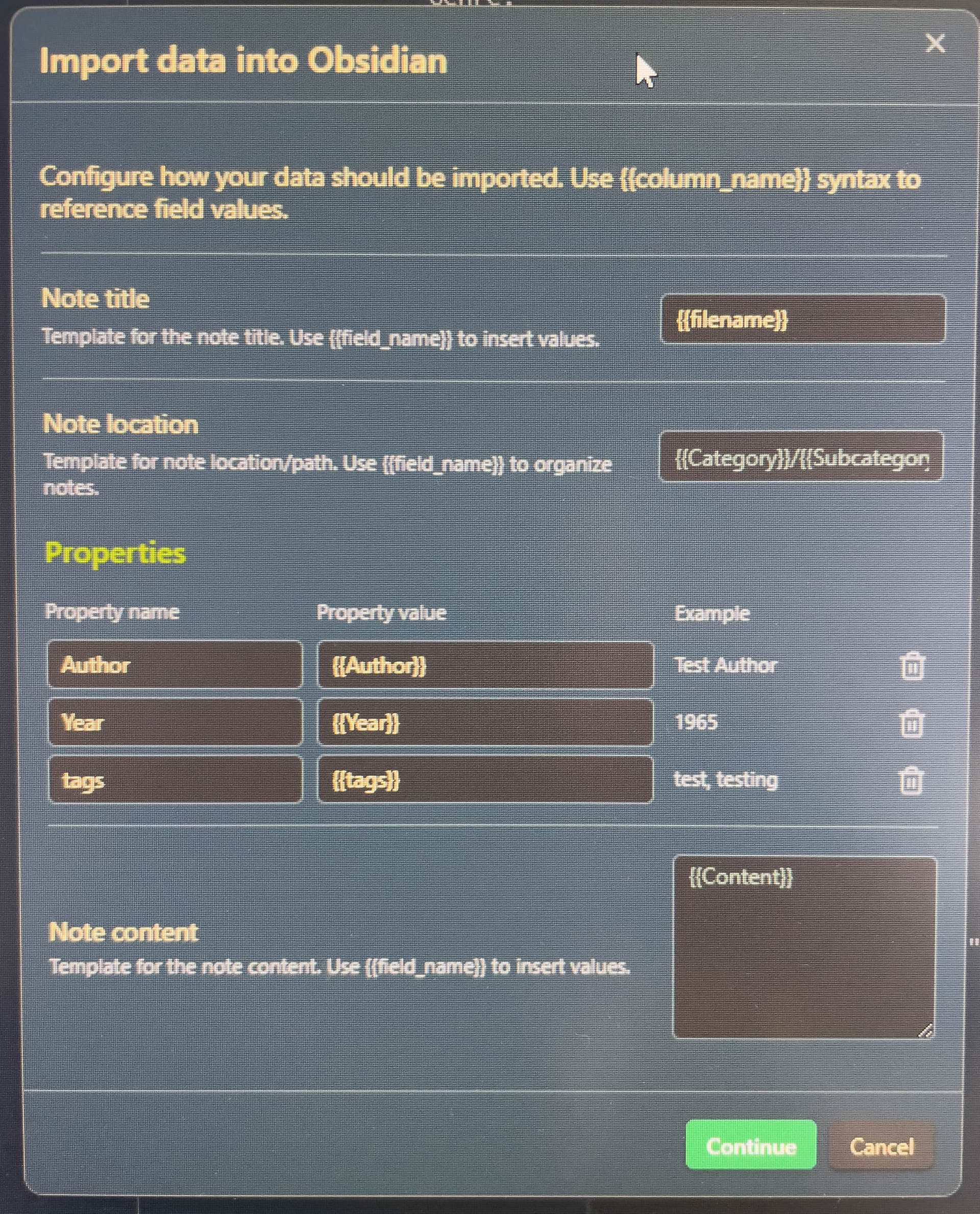
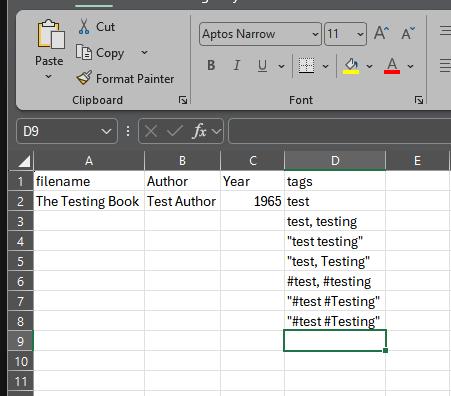
I’m using a CSV file to add some book data. I’m adding four fields- filename, Author, Year, tags.
I’ve used a test file and it works although in the tags field, I can only include 1 tag even if I include commas separating multiple tags. I would like to be able to add more than one tag relating to themes.
Do you tried to surround the tags with the character quotation marks ( “ ) ?
Example: “tag1, tag2, tagn”.
The problem is that the comma is a default separator for CSV (comma separated values), so the field must come as a string delimited with quotation marks ( “ ).
Hi there. Yes I’ve tried it with quotation marks with a comma and with a space. I found another post on here with a similar issue (sorry can’t link to it) and tried their recommendations. I’ve tried creating the CSV with Google sheets instead of Excel but same result. Seems such a daft thing to have an issue with.
Excel by default uses semi-colons ( ; ) instead of commas ( , ) to separate fields. This is not good.
By definition, CSV files expect fields containing the separator (comma) to be treated as a quote-delimited string. This is my experience in other areas, not specifically in Obsidian. Hence my initial suggestion.
But something might be going wrong on Obsidian’s side.
Is the property that should receive the tags of type list?
Btw. can you show us one or two lines of your csv file (obscuring eventual critical data, of course)
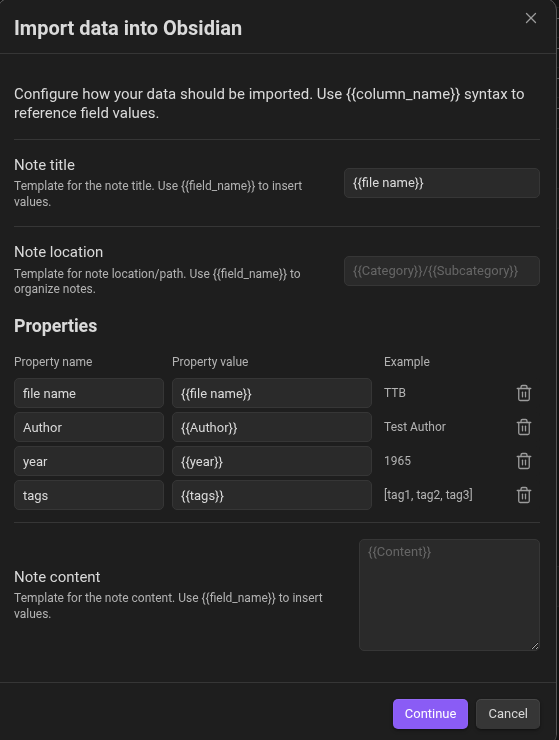
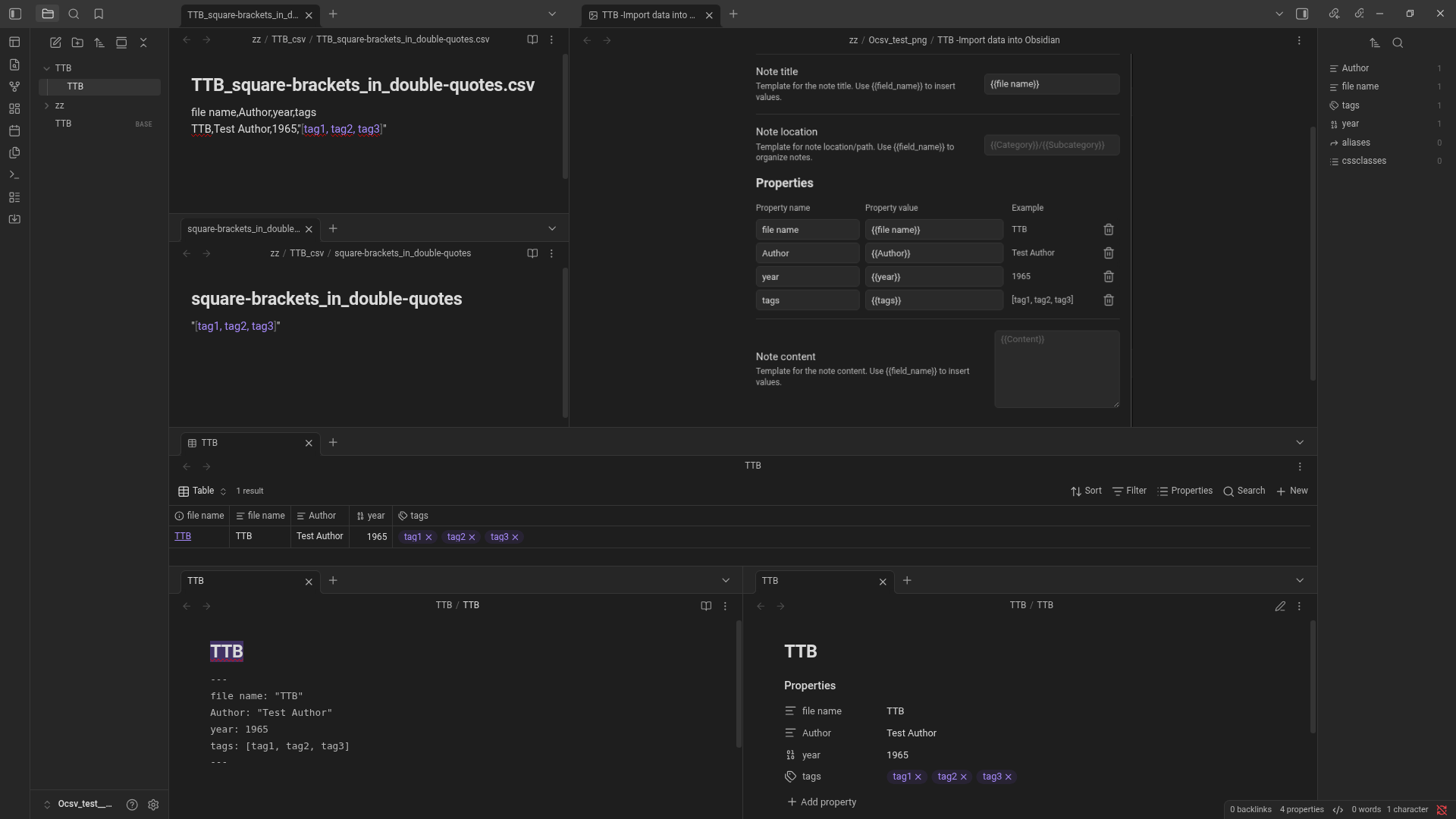
Hi there. I’ve attached some screenshots from Excel and Obsidian.
In the Excel screenshot, the first line of data is what is being used. The other data in the tag column are examples of what I have used to add multiple tages.
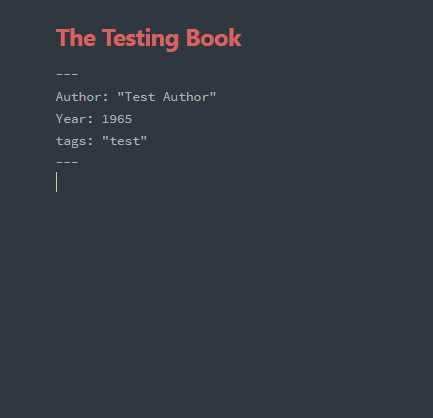
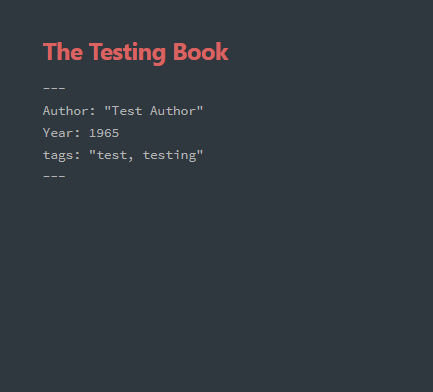
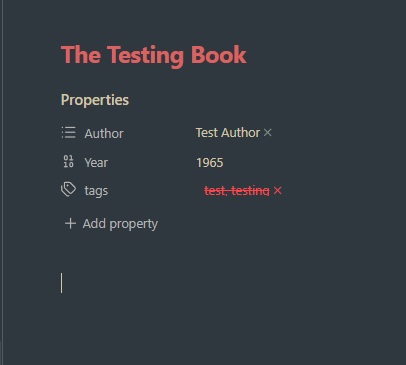
In the Obsidian screenshots, screenshot-1 shows the error, screenshot-3 is the source code view of same error.
Screenshot-2 is the error free import, screenshot-4 is the source code of same.
I apologize for the delay in responding.
I don’t know if it’s true, but from some tests I did with importing via .csv I got the impression that list-type properties (and the “tags” property is one of them) cannot be imported into .csv columns, only single values.
Maybe it is a structural issue of Obsidian…