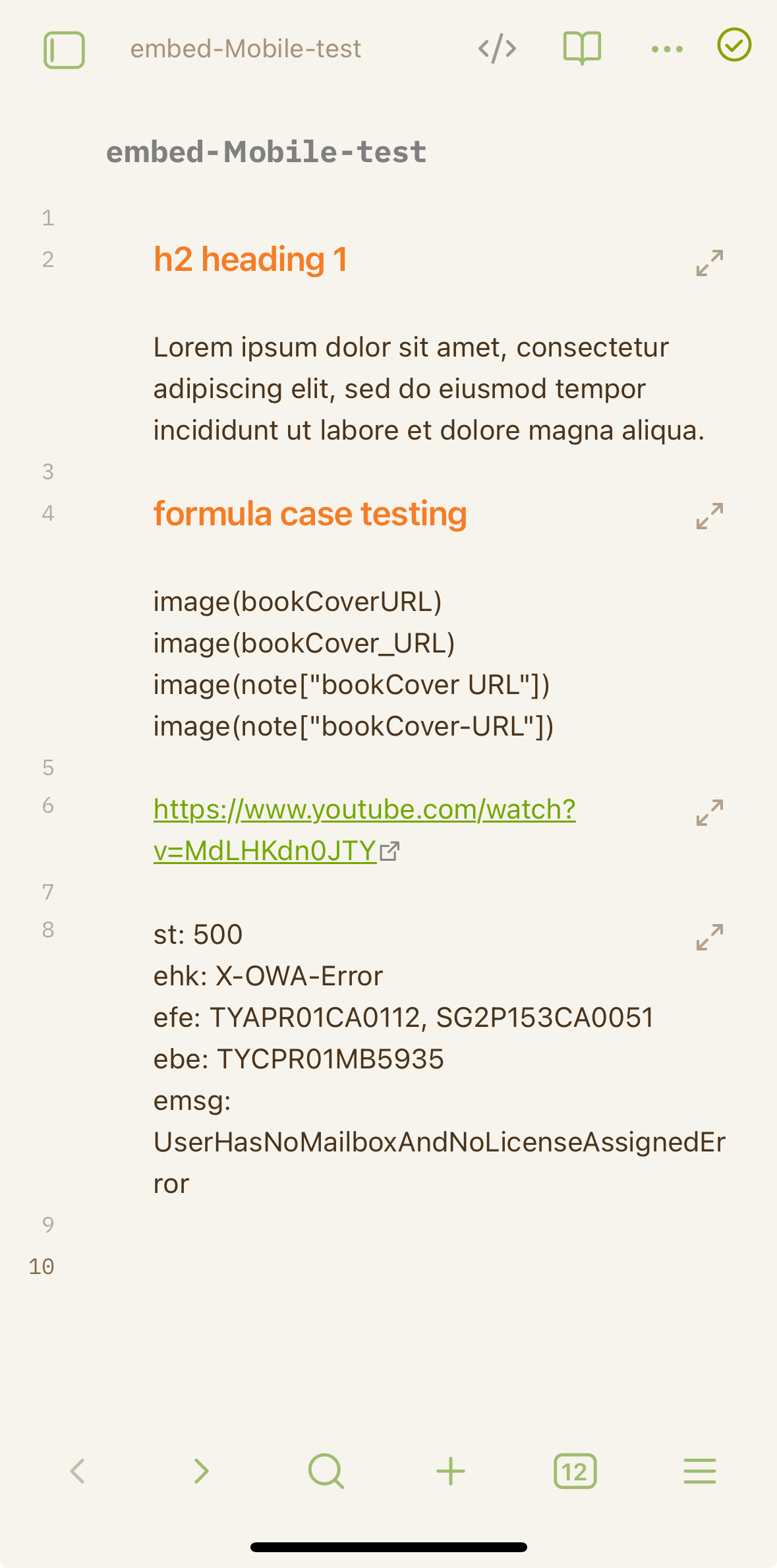
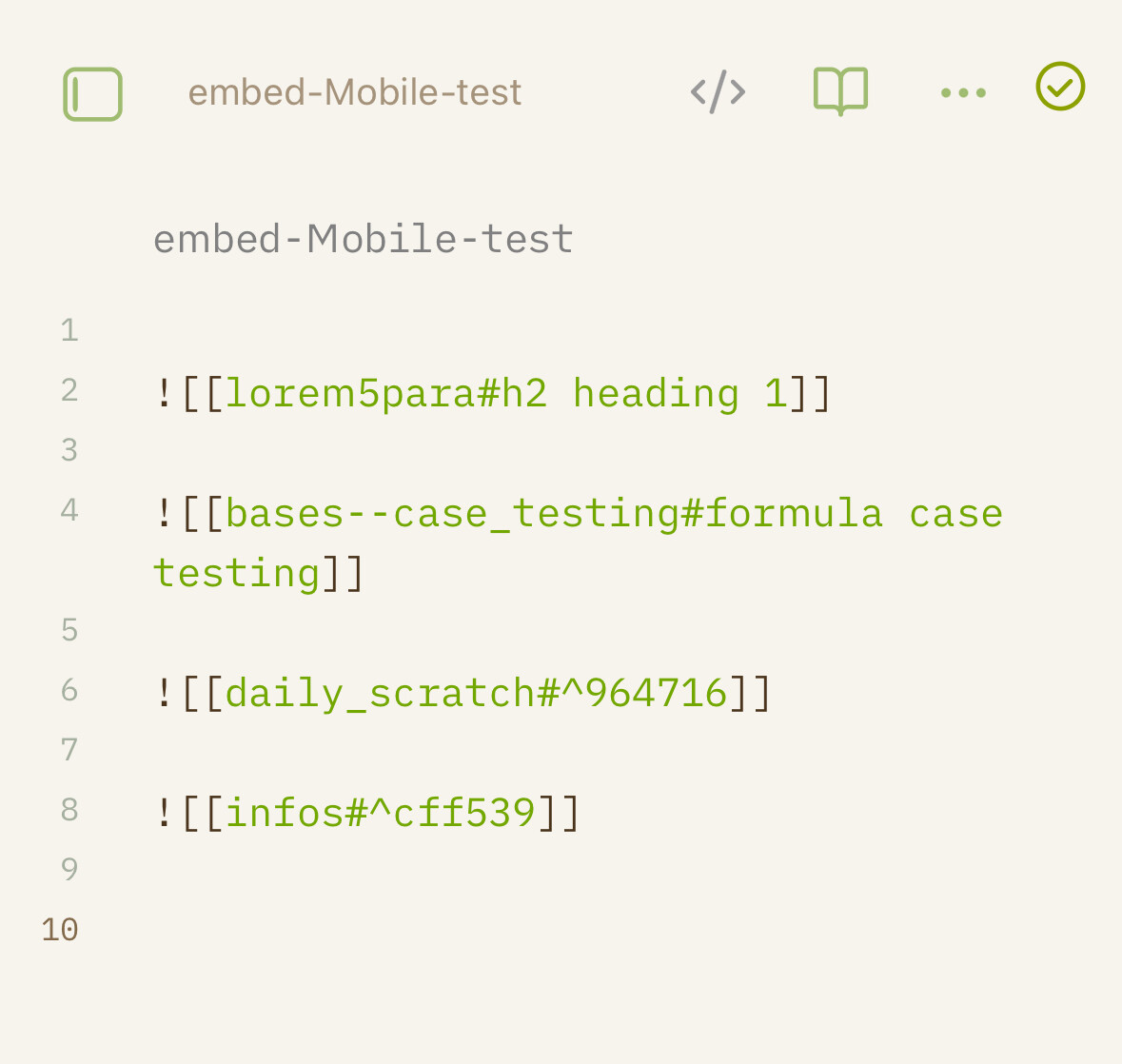
I have no problems using “tranclusion” on my Windows PC. I can reference to headlines and/or plain text. But when synching these files to my iPad (or iPhone), it’s always the full contents of the orginial file that gets displayed in the reference…
Shouldn’t this work in the same way on the iDevices as well?
What am I doing wrong?
Thanks for your reply.
I did rebuild the vault cache on my PC. But still I always get the full contents of the referenced document on the iDevice.
Could this be related to Obsidian Sync in any way?
Well, maybe I was not patient enough… After fiddling around with the basic sync settings and restarting Obsidian on the iDevices, things are working now as they should… Thanks for your help