Disclaimer
Is this project open source? Yes.
Is this project completely free? Yes.
Is this project vibe-coded beyond the author’s ability to comprehend how it works? No.
Community Directory: Trans-Hub LocalizerTrans-Hub Localizer is an independent third-party Community plugin. It is not affiliated with, endorsed by, or supported by Obsidian.
Trans-Hub Localizer
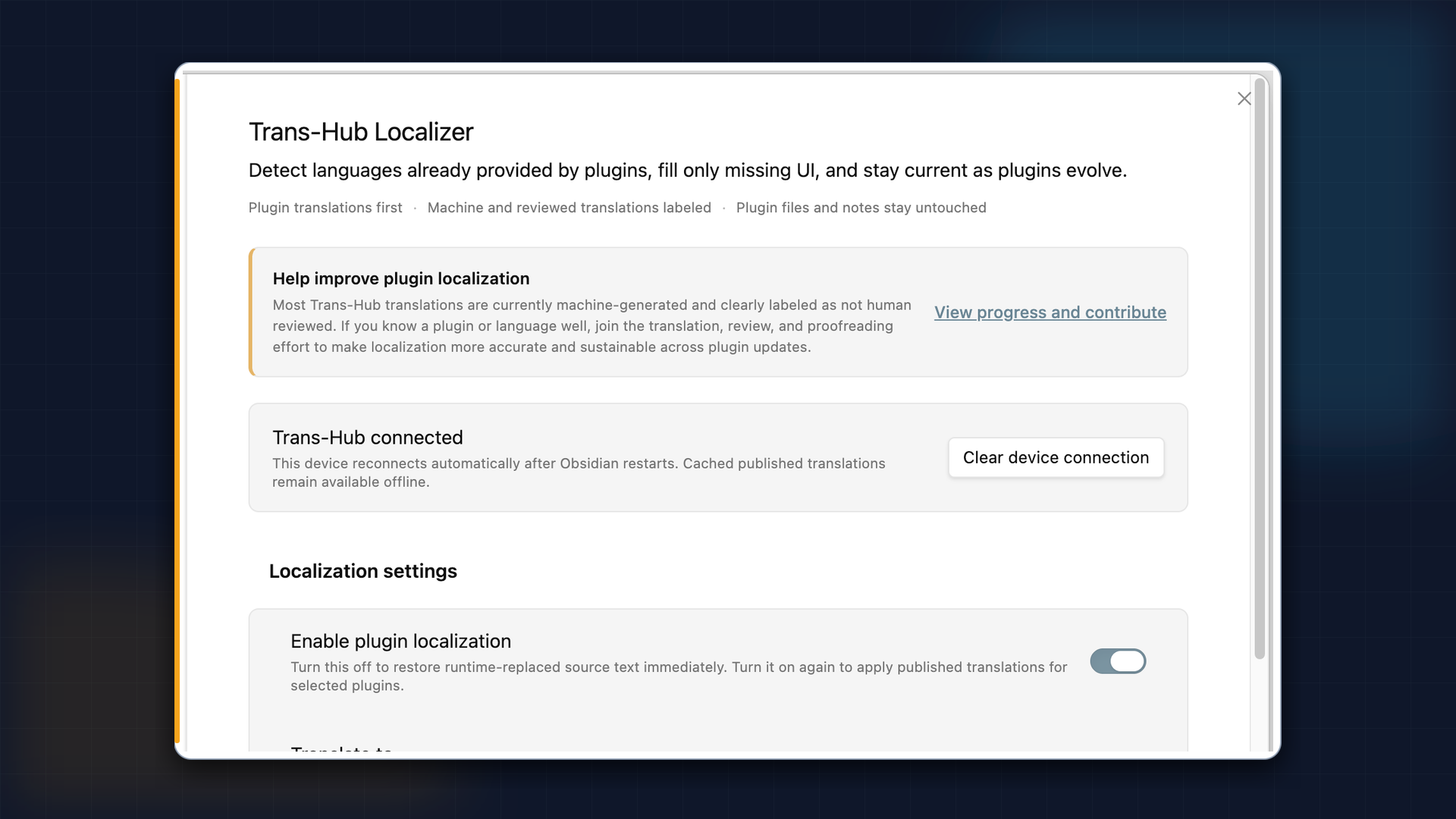
Trans-Hub Localizer helps localize Obsidian Community plugin names, descriptions, settings, commands, and selected UI text. It identifies enabled plugins that can be matched to a trusted GitHub source in the official Community Plugin directory, and applies a published translation only when it matches the current plugin version.
What it does
- Supports Simplified Chinese, Traditional Chinese, Japanese, Korean, German, French, Spanish, Portuguese (Brazil), and Russian as target languages
- Preserves a plugin’s own target-language text first; Trans-Hub fills only UI that still appears in the source language
- Labels translation provenance: plugin-provided, machine translation, reviewed translation, or reviewed correction
- Matches translations by plugin version rather than applying an older translation to a newer release
Safety and boundaries
- It does not modify third-party plugin files or read or modify note content.
- Text is replaced only when the plugin version, text structure, and placeholders can be matched safely. Ambiguous or conflicting cases stay in the source language.
- If a plugin or language has no published translation yet, it remains pending; the plugin does not immediately overwrite the UI with an unverified machine translation.
- English is the current source language, so selecting English creates no English-to-English translation work.
Download and source
- Community directory: Trans-Hub Localizer - Obsidian Plugin
- Release 0.2.0: Release 0.2.0 · SakenW/trans-hub-obsidian-localizer · GitHub
- Source: GitHub - SakenW/trans-hub-obsidian-localizer: Automatic translation and localization (i18n) for Obsidian community plugin names, descriptions, and user interfaces. · GitHub
The release includes
main.js,manifest.json, andstyles.css. Install them in your vault at.obsidian/plugins/trans-hub-plugin-localizer/, then enable the plugin in Obsidian.Feedback on plugin compatibility, translation accuracy, and any UI text that should remain untranslated is welcome.