Disclaimer
Is this plugin open source? Yes
Is this plugin completely free? Yes
Is this plugin vibe-coded beyond the author’s ability to comprehend how it works? No
Community Directory:https://community.obsidian.md/plugins/tome-reader
Tome Reader – an EPUB reader that turns highlights into notes and flashcards
Hi everyone! I’m happy to share my reading plugin for Obsidian! It works on both desktop and mobile and includes several useful features. It’s now available in the Community Plugins directory. Hope you find it useful!
What it does:
- Opens .epub files in a normal Obsidian tab, remembers your position
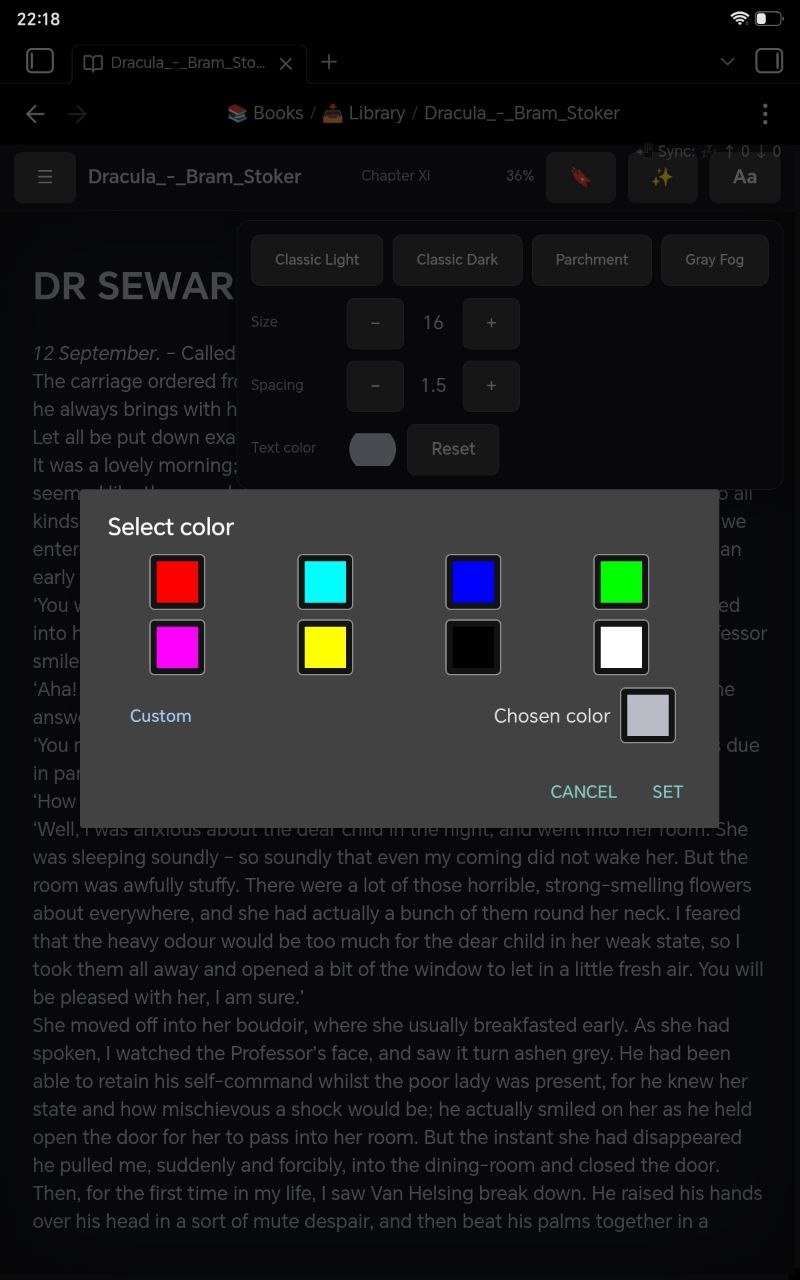
- Four themes (including a warm “Parchment” one) with live typography controls
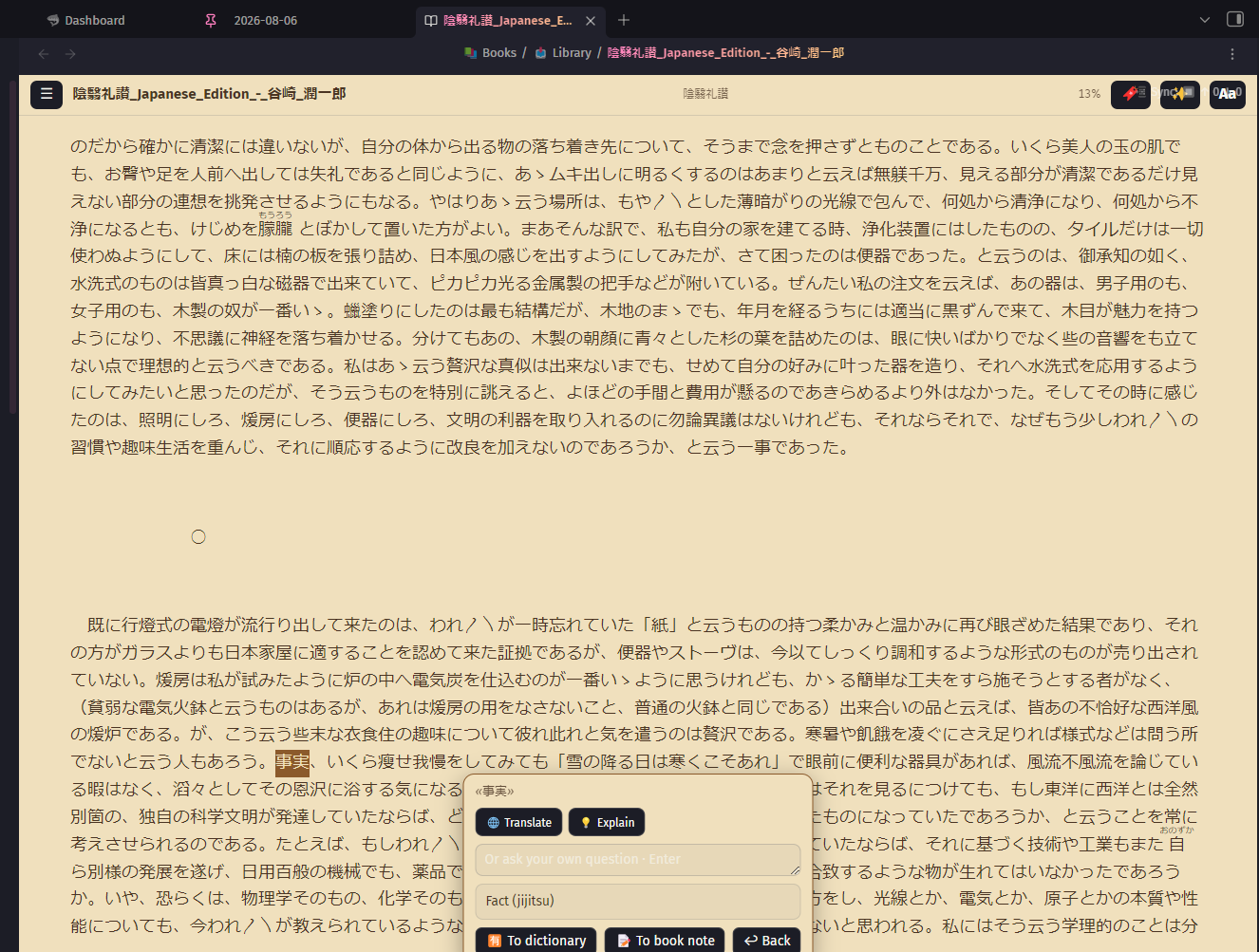
- Highlight → send a quote to a book note, or a word to a vocabulary file in the Spaced Repetition format, so tomorrow it comes back as a flashcard
- Bookmarks, pinned at the top of the table of contents
- Auto-built table of contents for broken books — the ones that ship with a single “Start” entry (converted EPUBs love doing this)
- Typo fixing directly inside the book file
- Searchable chapter list that survives very long books (mine has 1181 chapters)
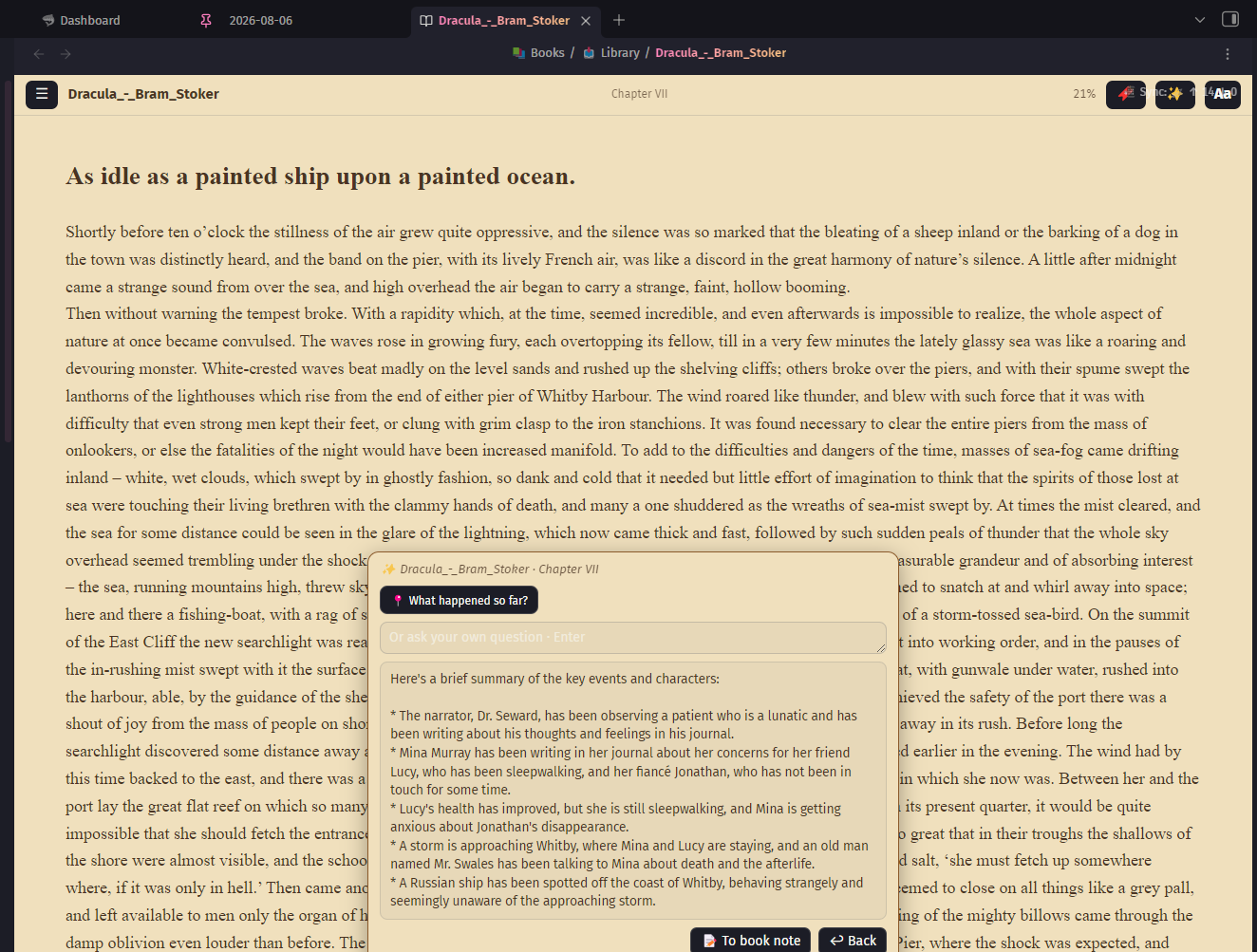
- Optional AI assistant: contextual translation, explanations, and a “what happened so far” recap that only sees text up to your current position, so it can’t spoil what you haven’t read yet
On privacy: the AI features are opt-in and you bring your own API key (OpenAI / Anthropic / Groq / OpenRouter / any OpenAI-compatible endpoint). Without a key the plugin makes no network requests at all. No telemetry.
Install: Settings → Community plugins → Browse → “Tome Reader”
I’d love feedback on three things: what formats you’d like to see in the future (FB2 is on my list), what languages and themes you’d like to add to the settings and if you encounter any bugs with the plugin.
Thanks for reading!