Is this theme/snippet open source? Yes
Is this theme/snippet completely free? Yes
Is this theme/snippet vibe-coded beyond the author’s ability to comprehend how it works? No, it is almost entirely hand-coded.
Theme Link In Community Directory: Glassivehttps://community.obsidian.md/themes/glassive
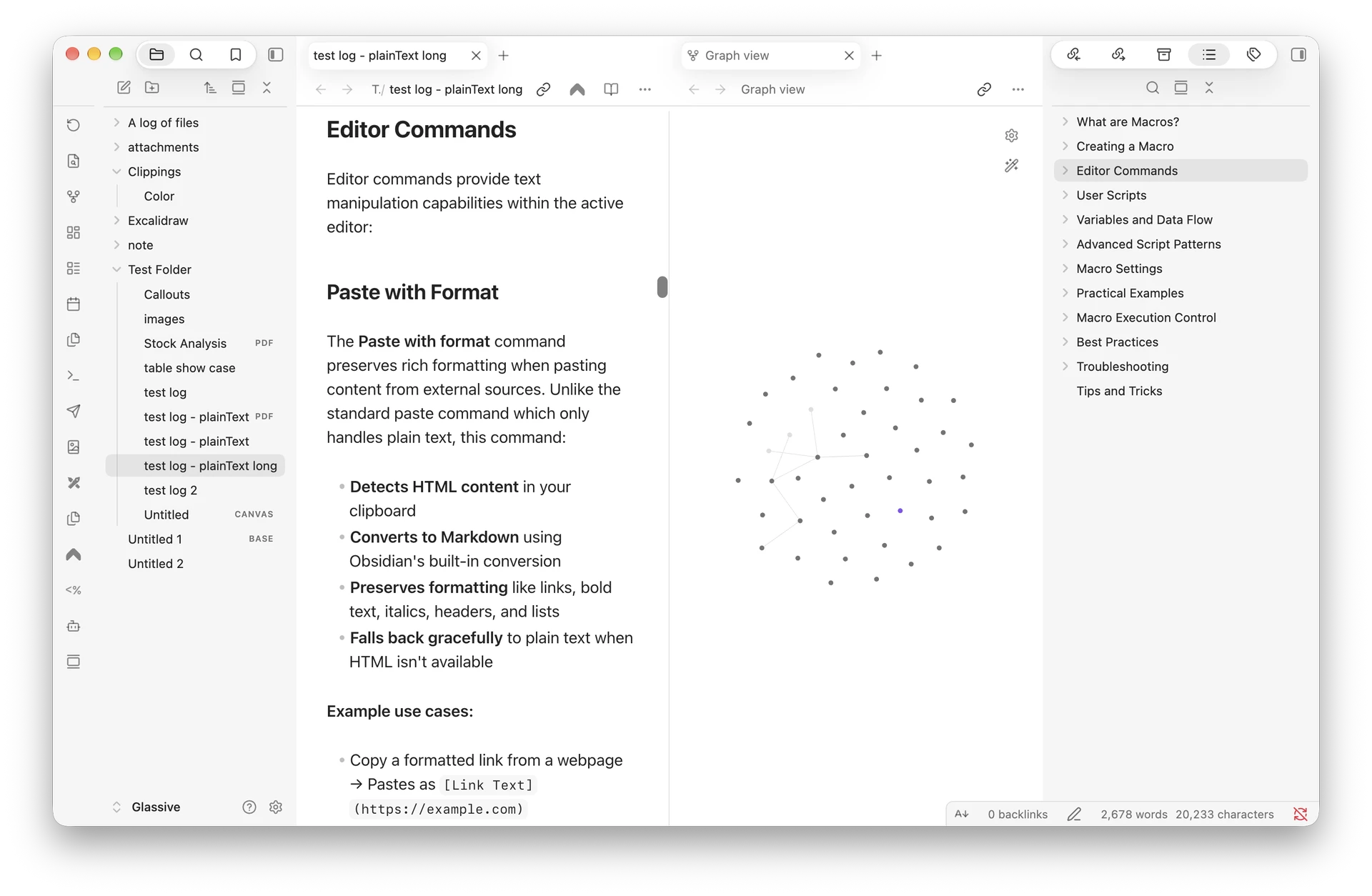
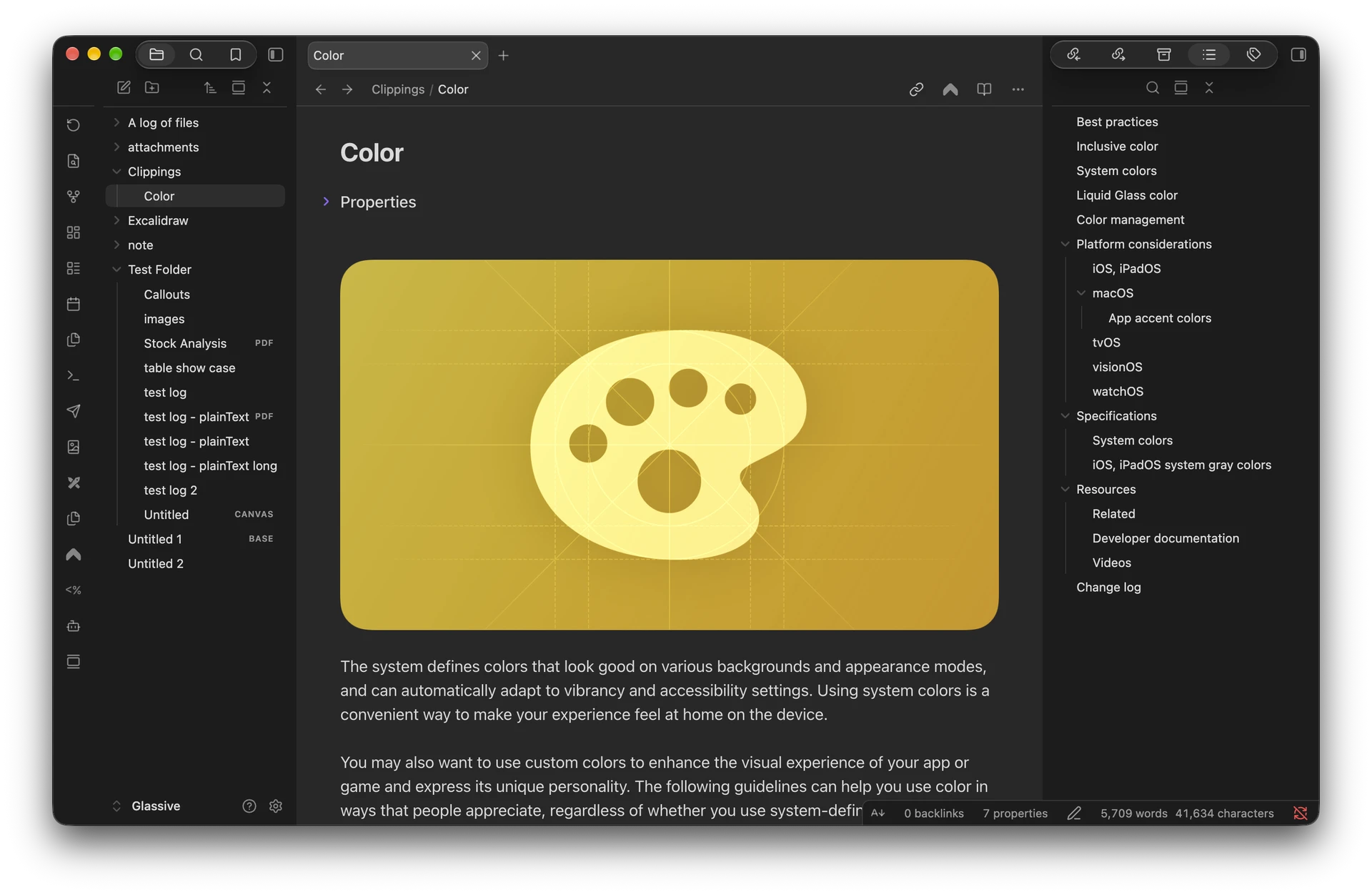
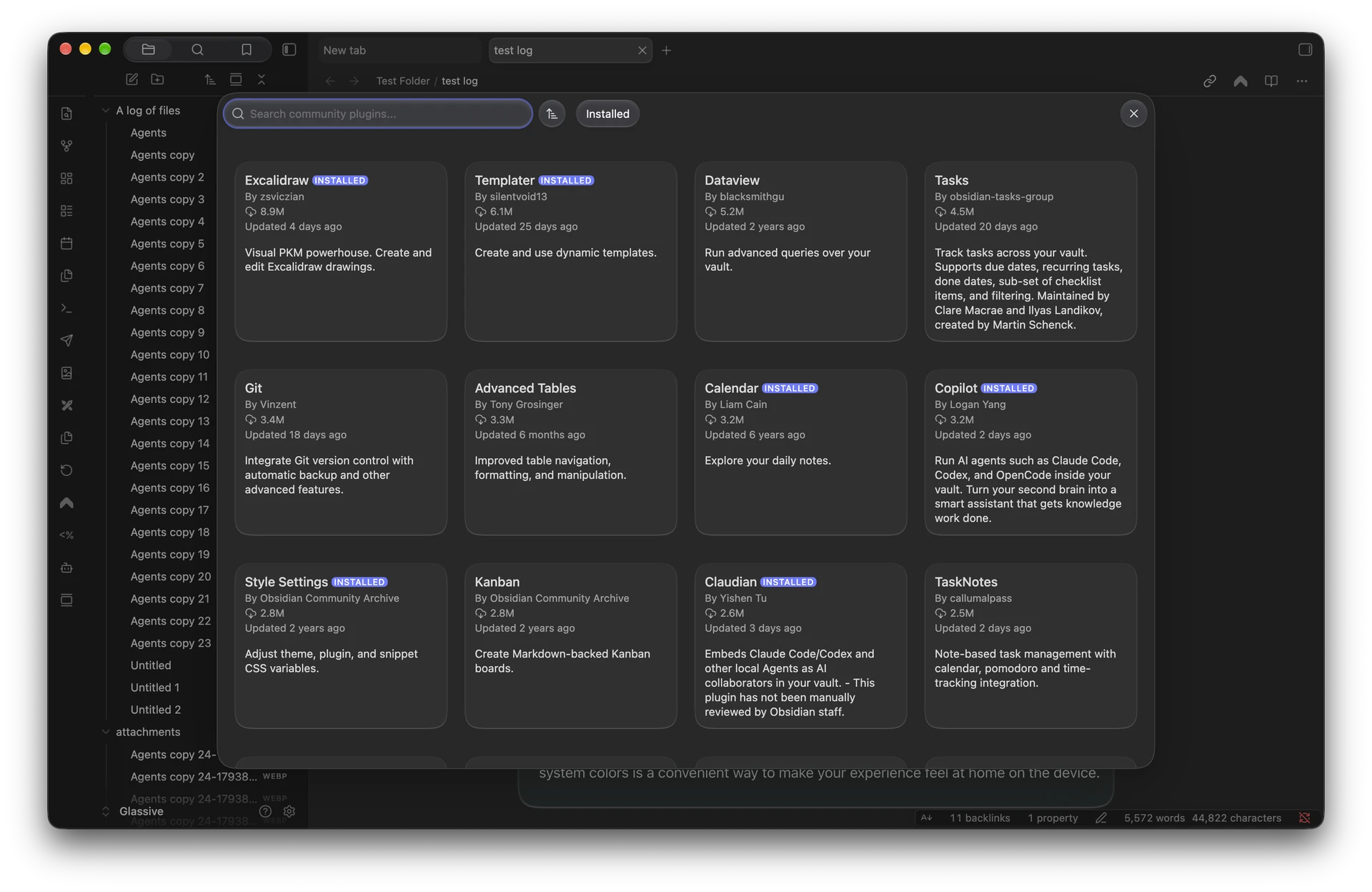
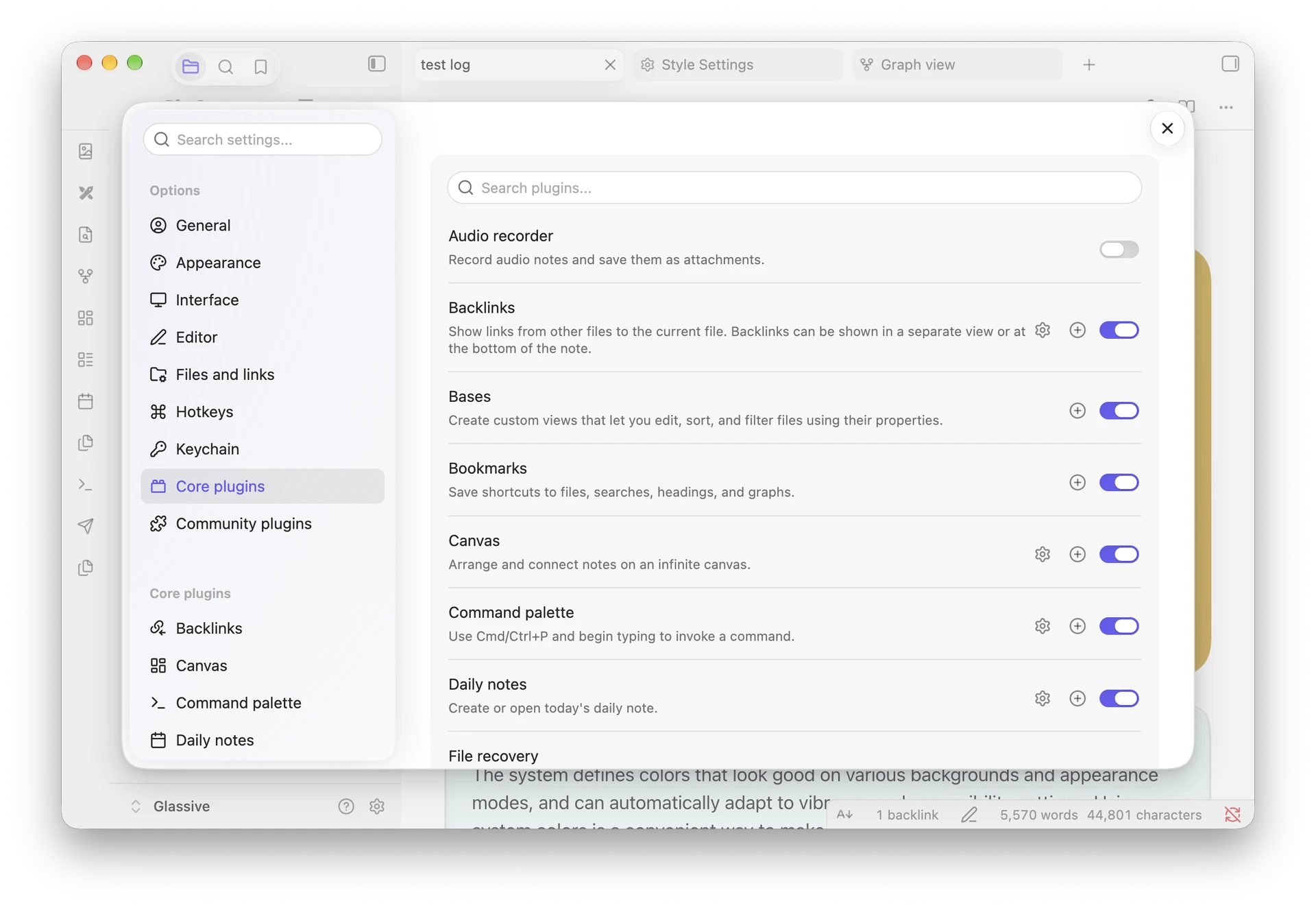
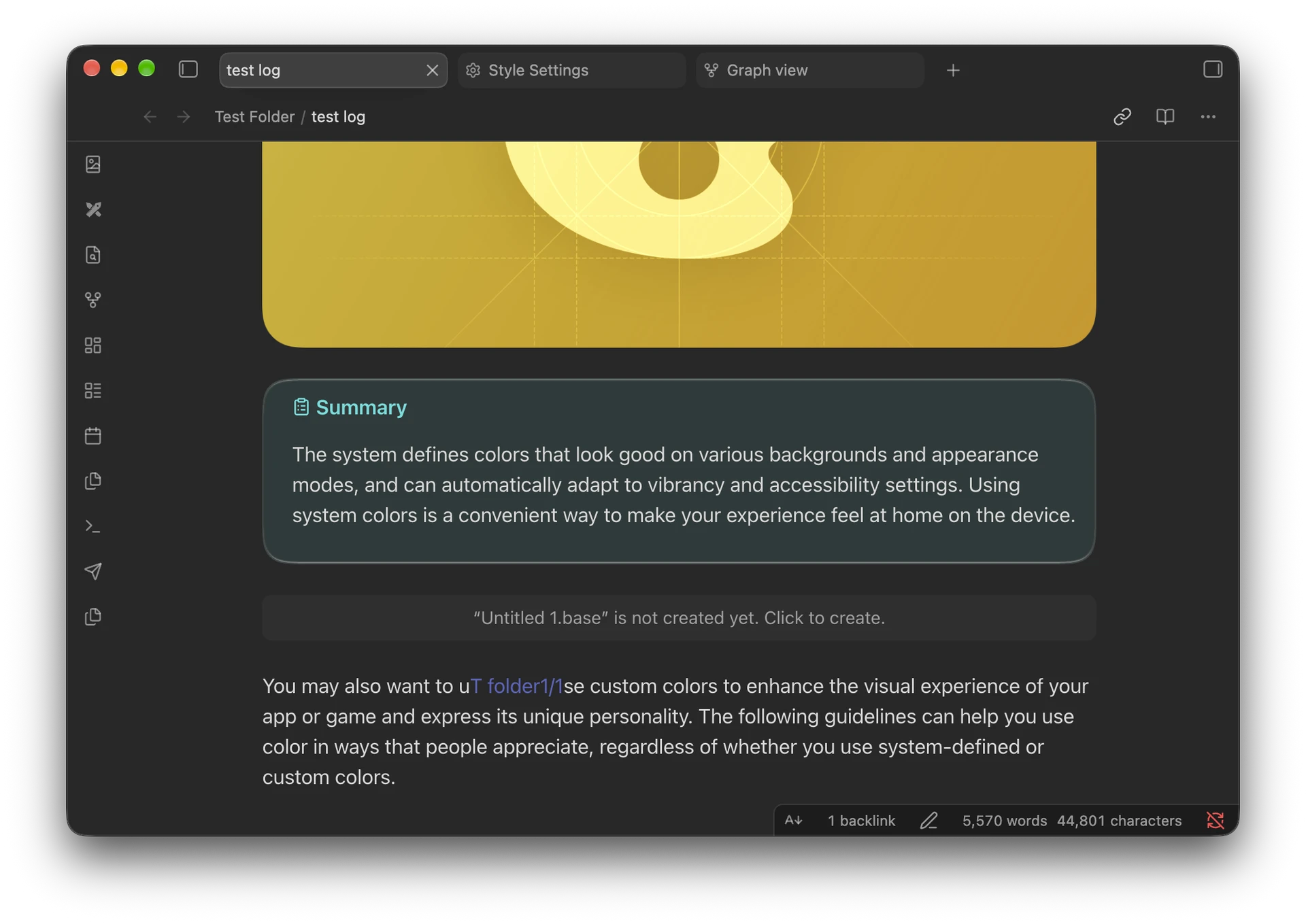
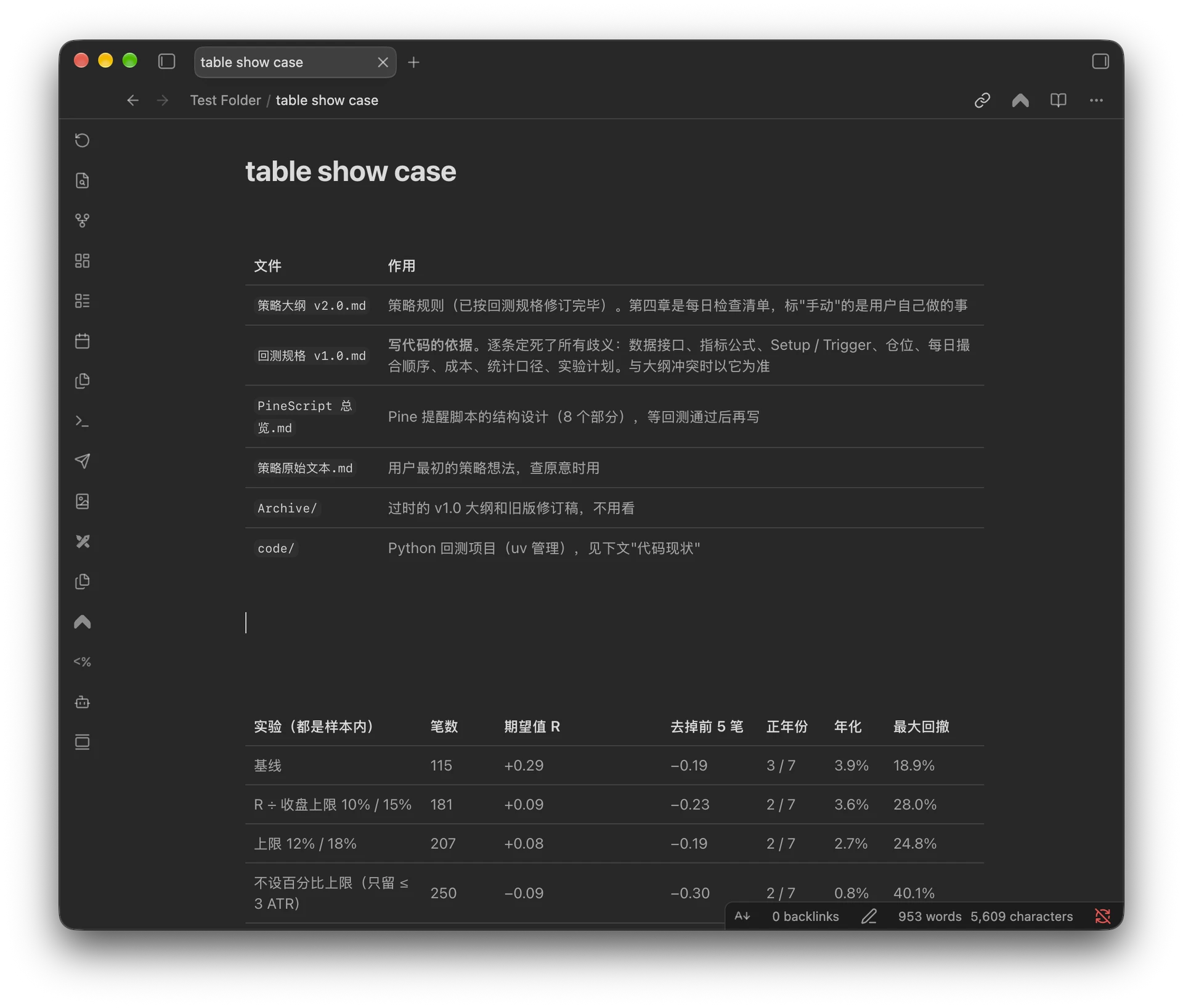
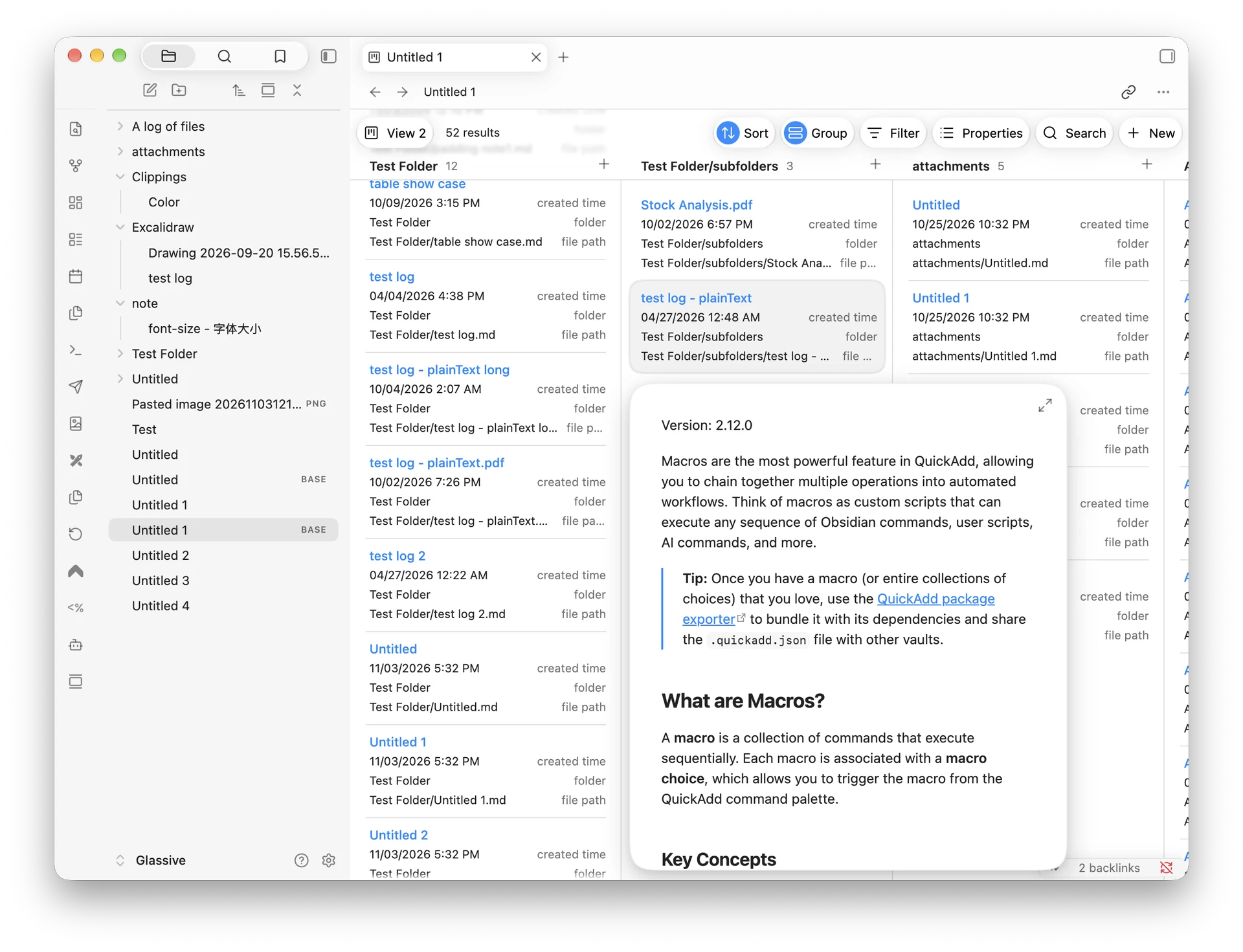
I’m excited to share my first Obsidian theme, Glassive. It’s a blend of macOS Liquid Glass and classic macOS design: soft layered surfaces, subtle highlights, and nothing more than it needs.
I spend most of my day in Obsidian, so I wanted a space that feels quiet and pleasant to work in. Glassive is the result of many evenings of tweaking, and I’m really happy to finally put it out there.
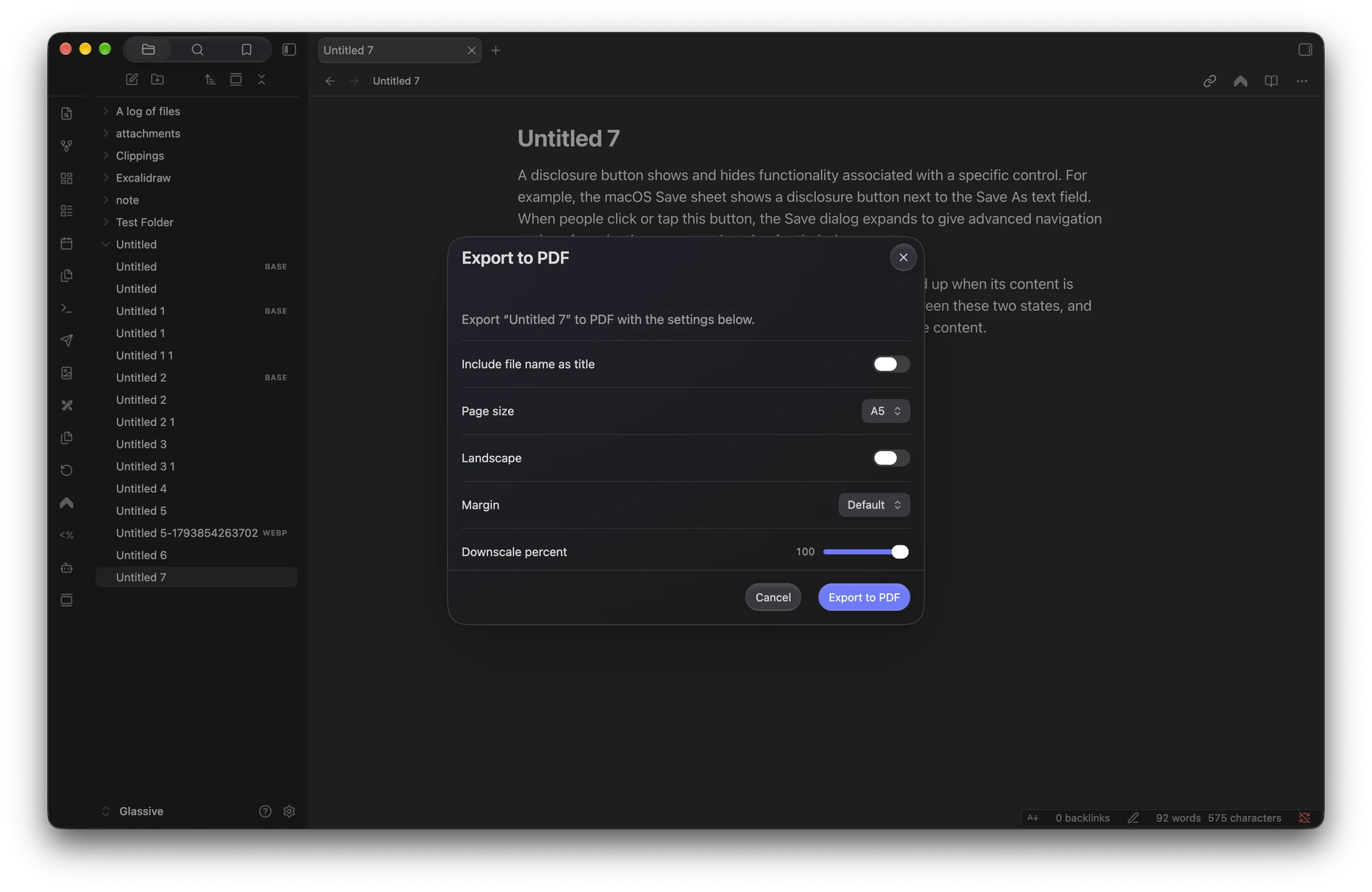
Hand-tuned motion: split panes, popovers, menus, and modals animate smoothly instead of popping in.
Redesigned tab bar and sidebars: a cleaner, quieter layout so your notes stay in focus.
Progressive blur: when the window gets small, blur kicks in so cramped layouts still feel calm.
Separate light and dark palettes: each mode has its own hand-picked colors, not just an inverted version.
A note on compatibility
I’ve only been able to test Glassive on macOS, since I don’t have Windows or Linux devices. It’s also not designed for mobile yet. If you try it on another platform, I’d love to hear how it looks, and screenshots of anything that seems off would help a lot.
Feedback, bug reports, and ideas are all very welcome, either here or on GitHub Issues.
Hi everyone! V1.1 is officially here. This update focuses on enhancing the visual polish of the interface and bringing you much more flexible styling options.
Shinny Toolbar Controls
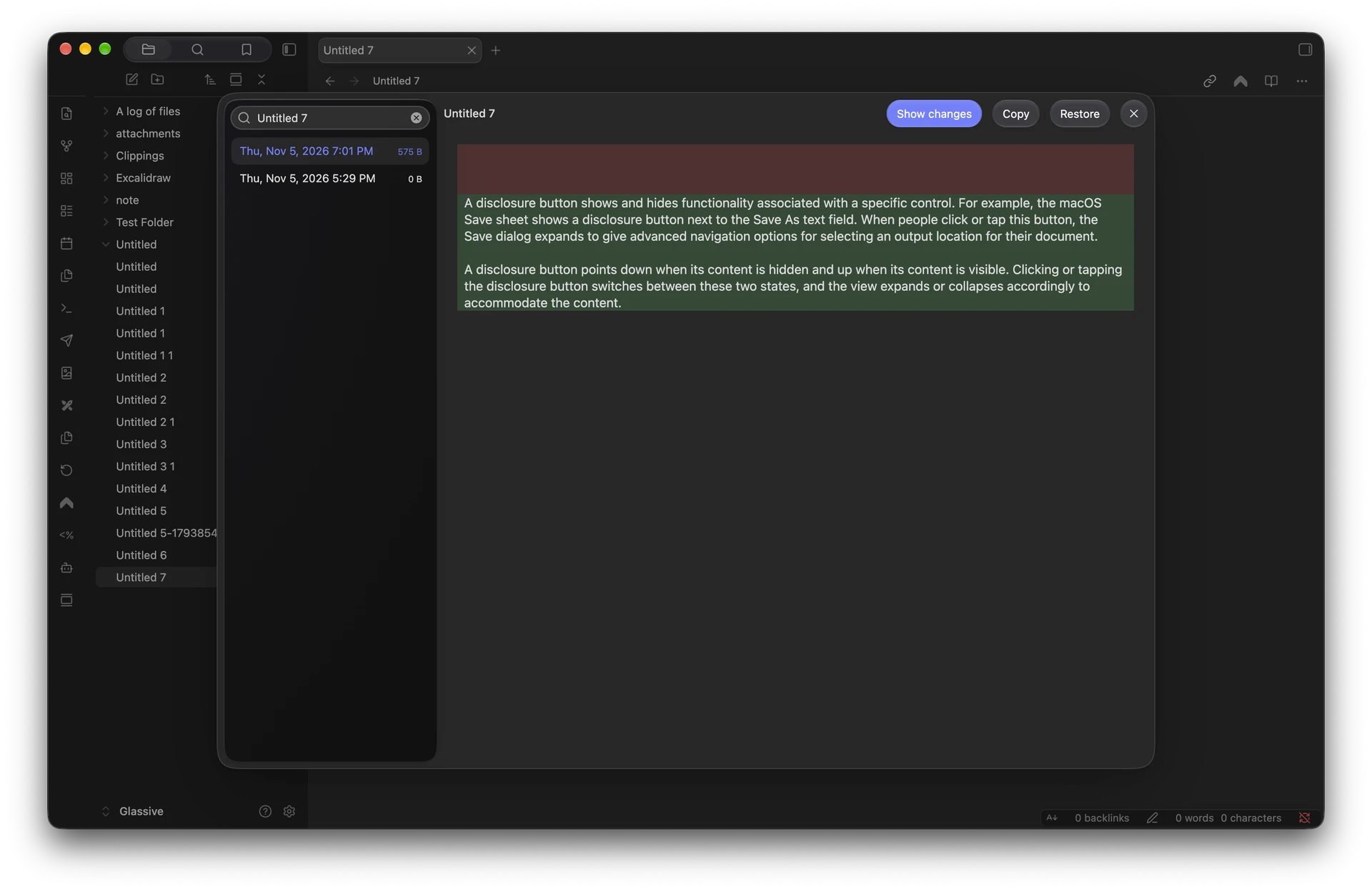
We’ve completely redesigned the toolbar controls across various UI elements to give them a sleek, shiny texture. Take the File Recovery interface as an example: buttons and control bars now look more dimensional and refined, offering a better interactive experience.
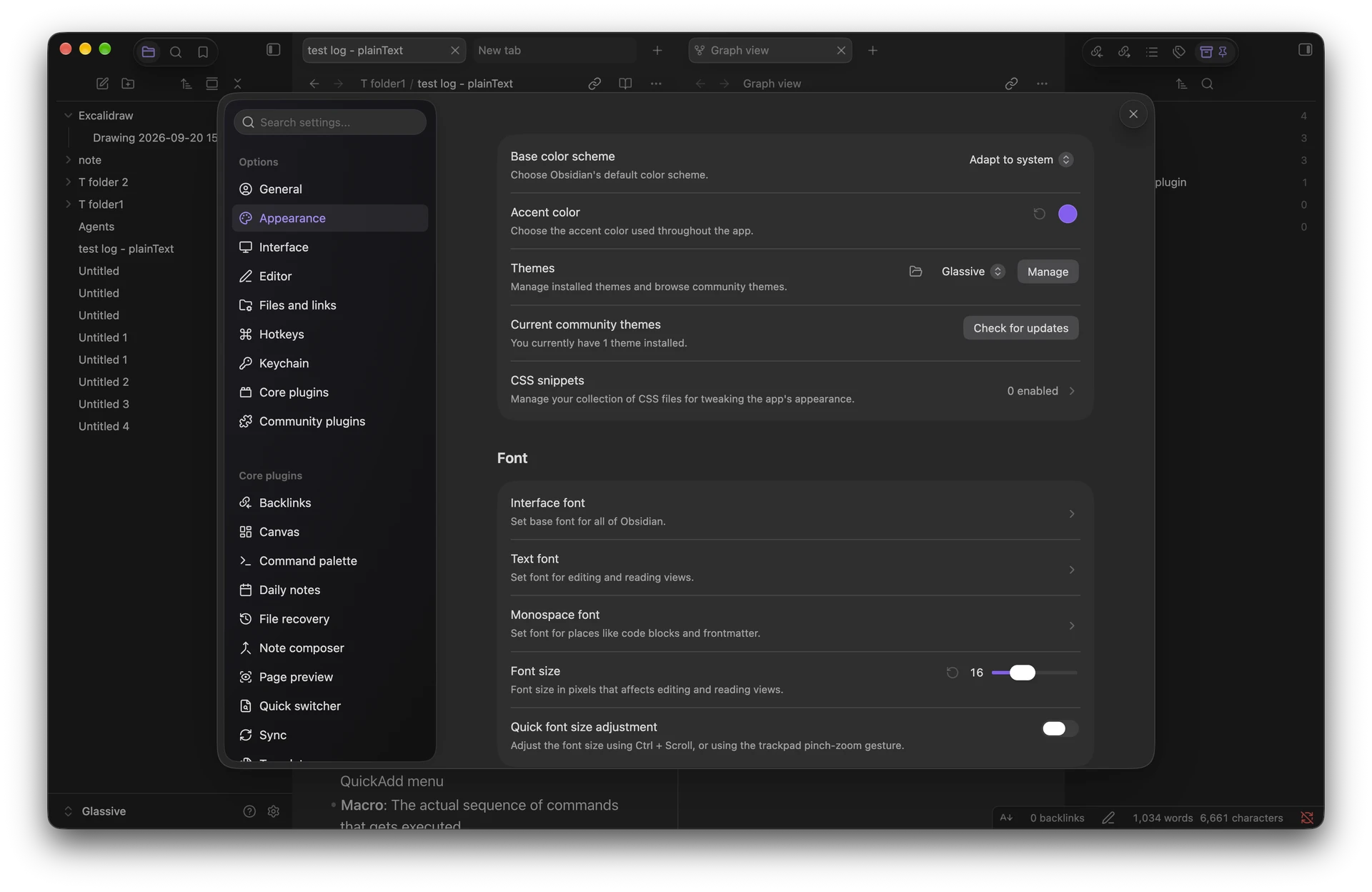
We’ve added a massive variety of new color presets and configuration options in the Style Settings. You can now easily tweak your primary accents, backgrounds, and highlight colors to perfectly match your aesthetic.
To add more depth to the UI, we’ve introduced elegant gradient backgrounds to hover popups and modals. Instead of flat solid colors, popups now look much more modern and dynamic.
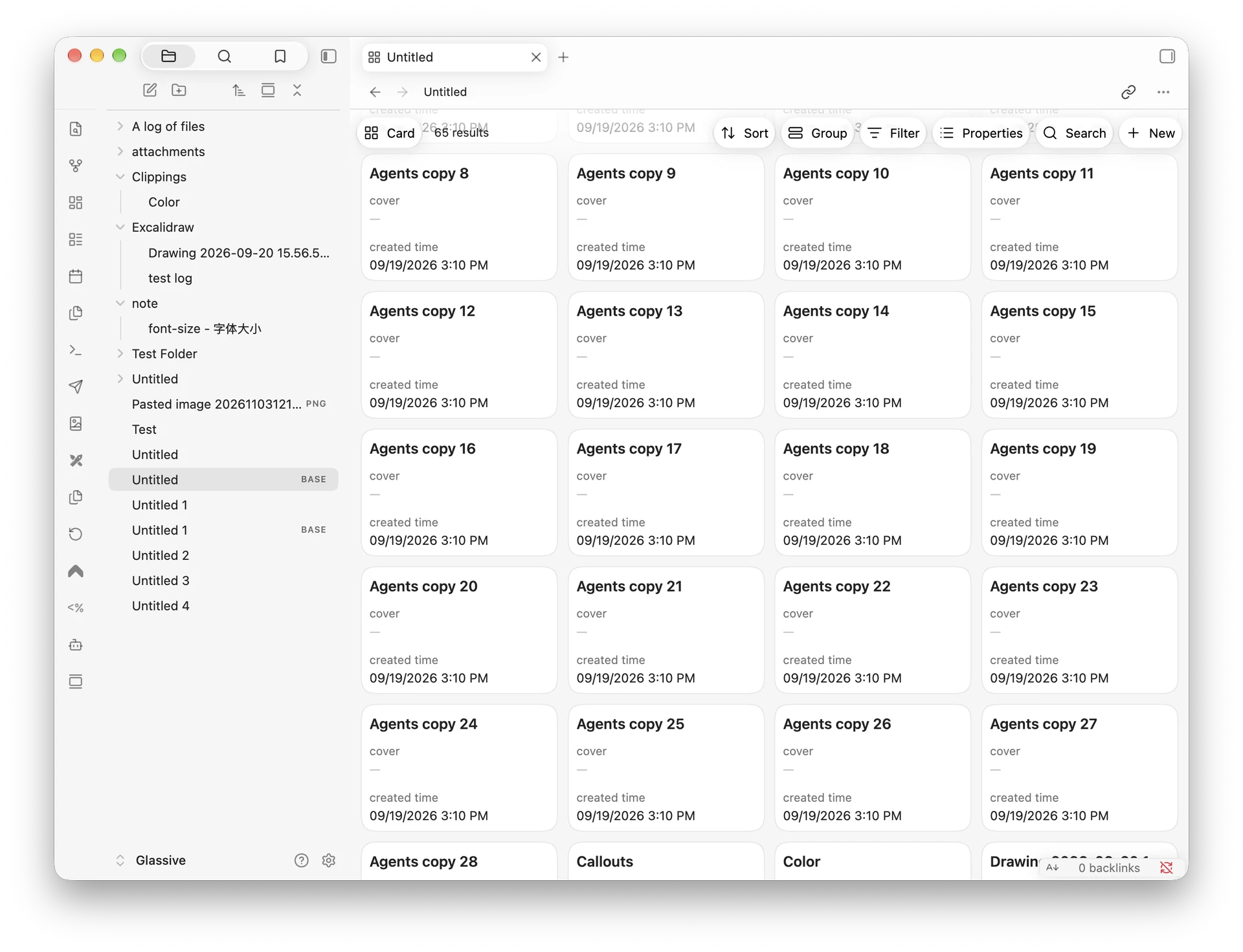
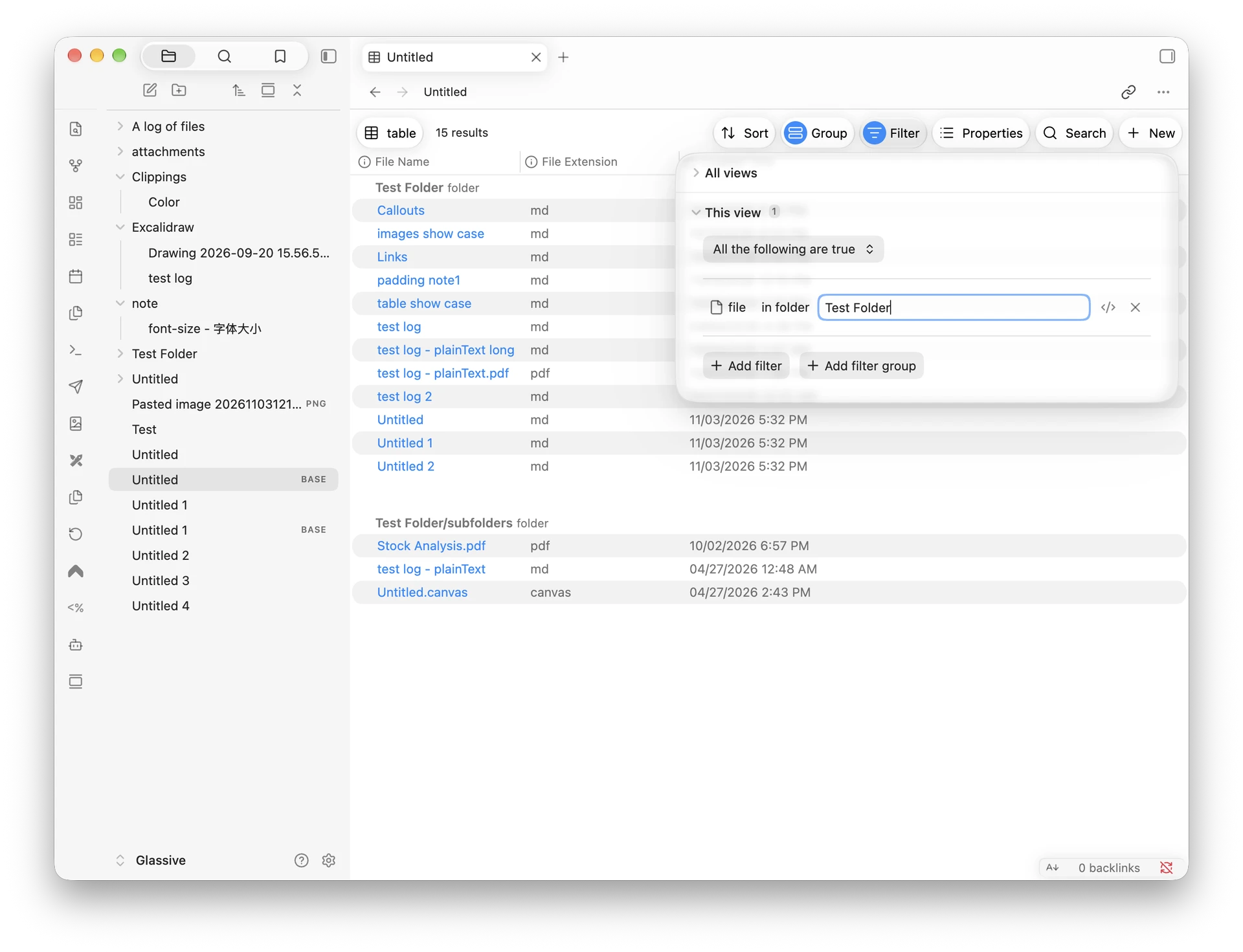
Hi everyone! Glassive v1.3 is now live. This update focuses on bringing the signature calm, macOS-inspired glassy aesthetic to the Bases (Base) core plugin:
Redesigned Base Toolbar & Menus: Styled the top toolbar with floating pill-shaped buttons (Sort, Group, Filter, Properties, Search, New) and a translucent frosted-glass backdrop that blends seamlessly when scrolling.
Refined Views:
Card View: Clean, rounded cards with subtle borders, soft shadows, and improved typography hierarchy.
Table View: Smooth pill-shaped alternating row highlights and cleaner group headers for effortless scanning.