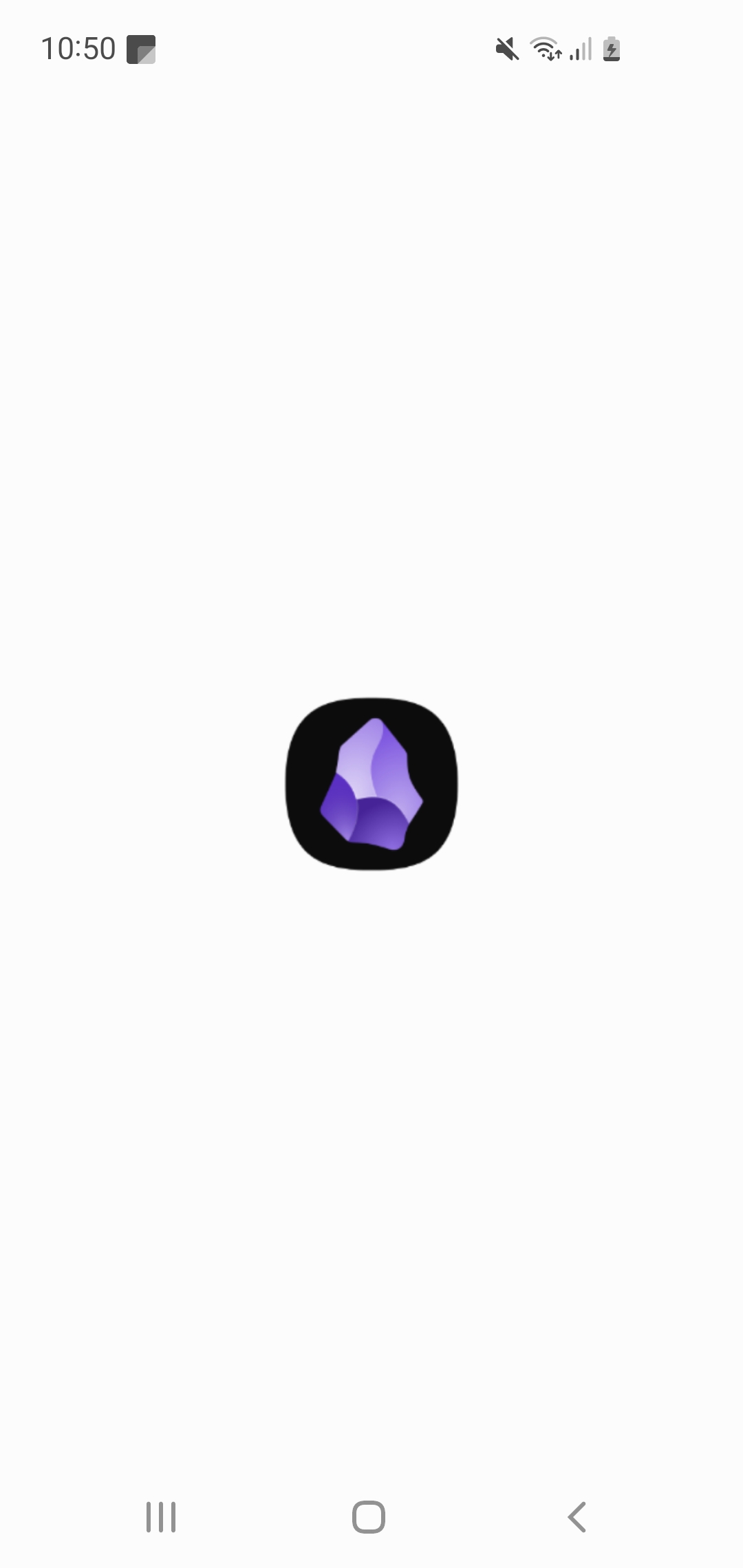
The white splashscreen on mobile is an accessibility issue for photosensitive users. Especially with the loading improvements, where it becomes a white flash.
Proposed solution
Make the splash screen color editable, or make it dark for every scenario.
Current workaround (optional)
Switching the entire OS theme to dark mode, which isn’t ideal, since OS dark mode can be too aggressive, and the lack of contrast in dark mode creates other issues.
I don’t see a white splash screen. Could you open the command palette, run “Show debug info”, and paste the result here? Here’s mine:
SYSTEM INFO:
Operating system: ios 26.1 (Apple iPhone14,5)
Obsidian version: 1.10.6 (256)
API version: v1.10.6
Login status: logged in
Language: en
Catalyst license: none
Live preview: on
Base theme: adapt to system
Community theme: none
Snippets enabled: 29
Restricted mode: off
Plugins installed: 43
Plugins enabled: 17
1: Smart Random Note v0.2.1
2: Word Sprint v0.3.1
3: Custom File Explorer sorting v3.1.6
4: Folder Note Core v1.3.5
5: Regex Find/Replace v1.2.0
6: Wrap with shortcuts v1.3.0
7: Smart Typography v1.0.18
8: Text Format v3.1.0
9: Sort & Permute lines v0.7.0
10: Snippet Commands v0.0.2
11: Regex Mark v1.11.0
12: Style Settings v1.0.9
13: File Diff v1.1.2
14: CodeScript Toolkit v11.2.0
15: Garble Text v1.2.0
16: Commander v0.5.4
17: Shortcut Launcher v1.1.0
RECOMMENDATIONS:
Custom theme and snippets: for cosmetic issues, please first try updating your theme and disabling your snippets. If still not fixed, please try to make the issue happen in the Sandbox Vault or disable community theme and snippets.
Community plugins: for bugs, please first try updating all your plugins to latest. If still not fixed, please try to make the issue happen in the Sandbox Vault or disable community plugins.
And from a test vault:
SYSTEM INFO:
Operating system: ios 26.1 (Apple iPhone14,5)
Obsidian version: 1.10.6 (256)
API version: v1.10.6
Login status: logged in
Language: en
Catalyst license: none
Live preview: on
Base theme: dark
Community theme: none
Snippets enabled: 0
Restricted mode: on
RECOMMENDATIONS:
none
I tried setting the color scheme to dark while the OS was in light mode and still didn’t see it.
Do you see the same behavior after turning on Settings > Community Plugins > Restricted Mode? I’m not sure that would make a difference but it’s worth trying.
I’ve made a new vault, and attached the required information. From what I gather, since android 12, android has a different way of handling the splash screen.
I can’t include links in my post, but here is what it says on the android developer page :
If your existing splash screen is implemented using a custom theme that overrides android:windowBackground, the system replaces your custom splash screen with a default Android system splash screen on Android 12 and later. This might not be your app’s intended experience.
SYSTEM INFO:
Operating system: android 12 (samsung SM-G970F)

Webview version: 142.0.7444.102

Obsidian version: 1.10.6 (256)

API version: v1.10.5

Login status: not logged in

Language: en

Live preview: on

Base theme: dark

Community theme: none

Snippets enabled: 0

Restricted mode: on