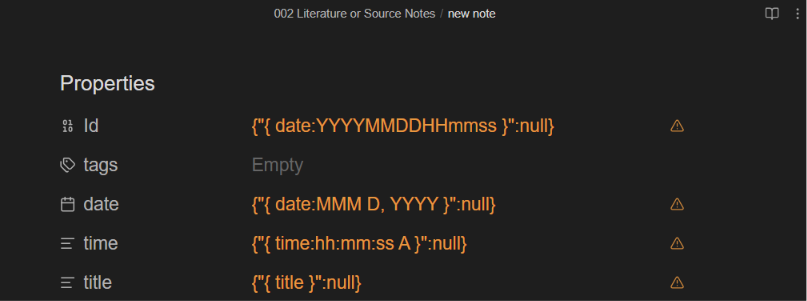
it gets converted into below type after some time or when I try to use the template. I want id to be of int or number type so that I can run desired query on it.
Well, you shouldn’t need to see the template when it’s applied on/used in a note, I think …
I mean, the template can normally be applied on a note from Live Preview.
But yes, the template in itself can only (at the moment) be open or edited from Source (at least, if the template contains placeholders meant for YAML/Properties)
Yes, sure thing.
I think my initial query is not clear.
Here again, I am using/importing template in new note then I am getting broken front matter. I am not trying to view template files.
Here is a SS to explain this.
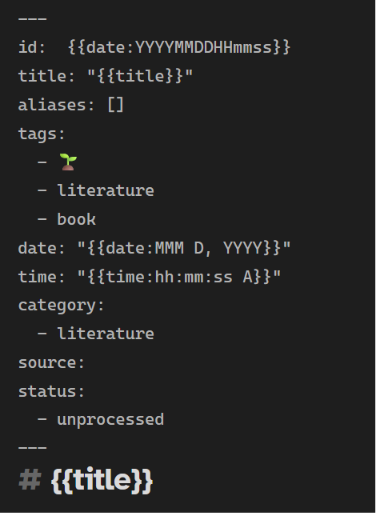
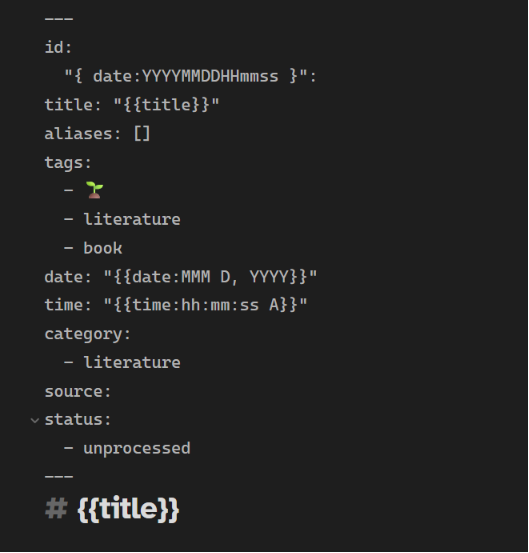
What does the template, the last screenshot, look like in source mode?
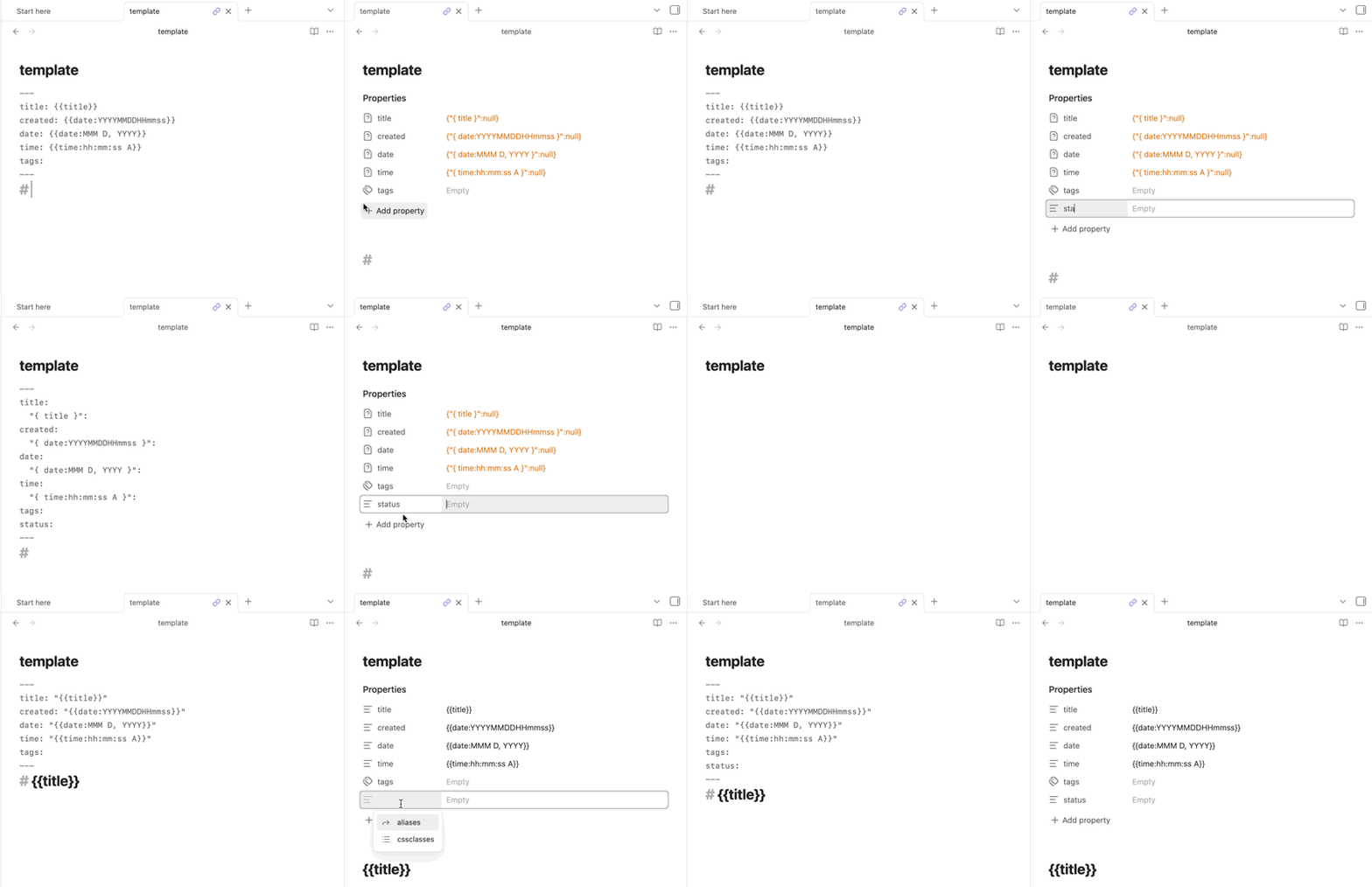
If you have unquoted template variables ({{time}}, {{date}}, and {{title}}) in the Properties and you do anything with the metadata editor (Properties in document), the template will be corrupted and won’t work property when applied to a note.
As Pch said, it’s best to only use Source mode when making or editing templates. You can also quote all of the template variables which lets you use the metadata editor without corruption.
I think this was the reason. I was unware about it. Thank you.
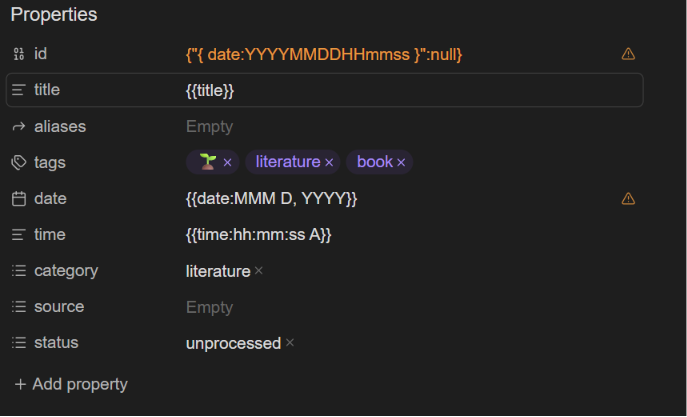
I don’t want to quote my id property because it will turn it into a string type property.

 …
…