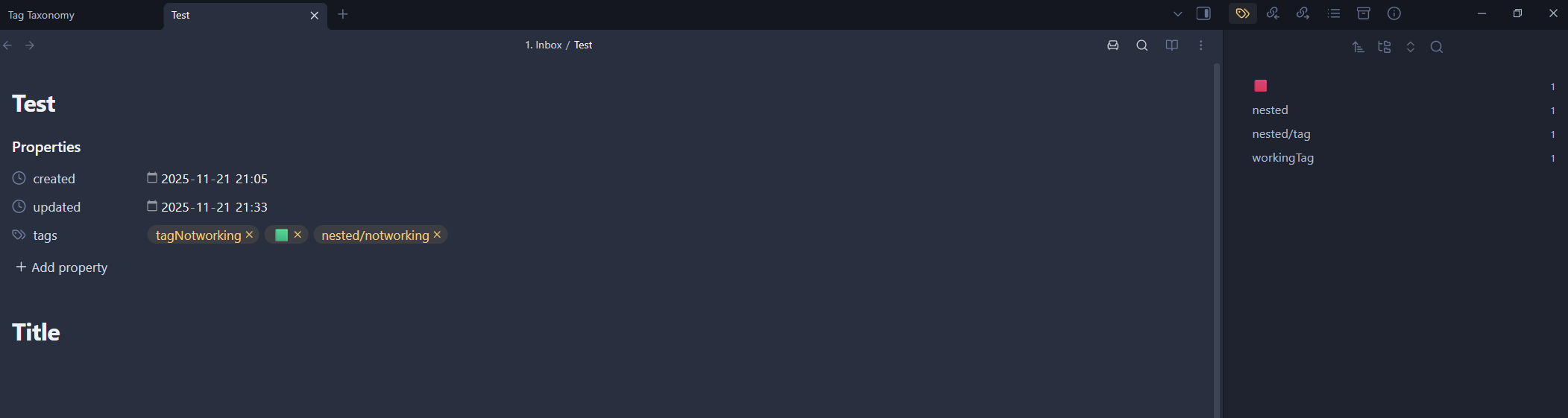
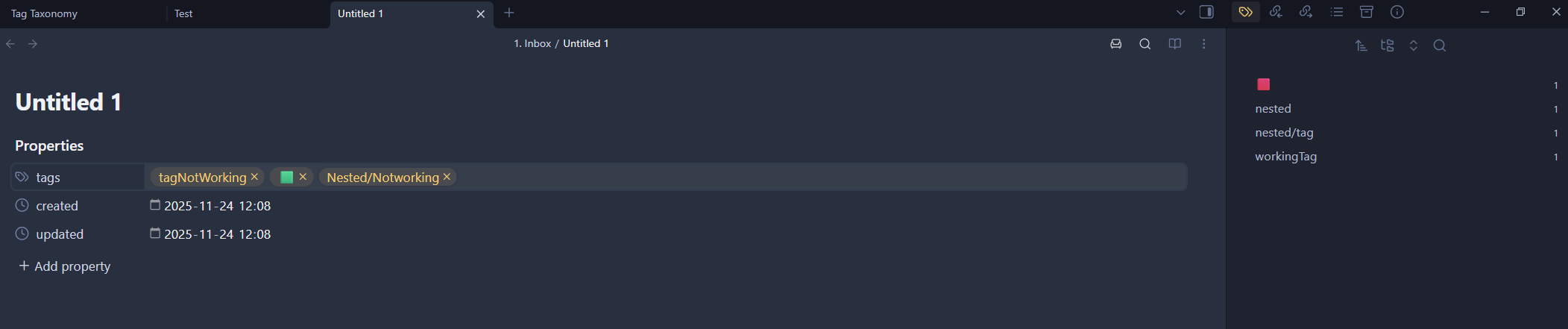
I’m trying to add all my tags to get them listed in the tags view. I’ve been using tags for testing for the last few weeks, and are now ready to populate my tags list. However, I can not get the tags to update in the tags view for certain documents. And I have no idea why there’s any difference. I’m syncing the vault between my laptop and PC, as well as my phone. But only my PC is active now. I’m syncing with google drive.
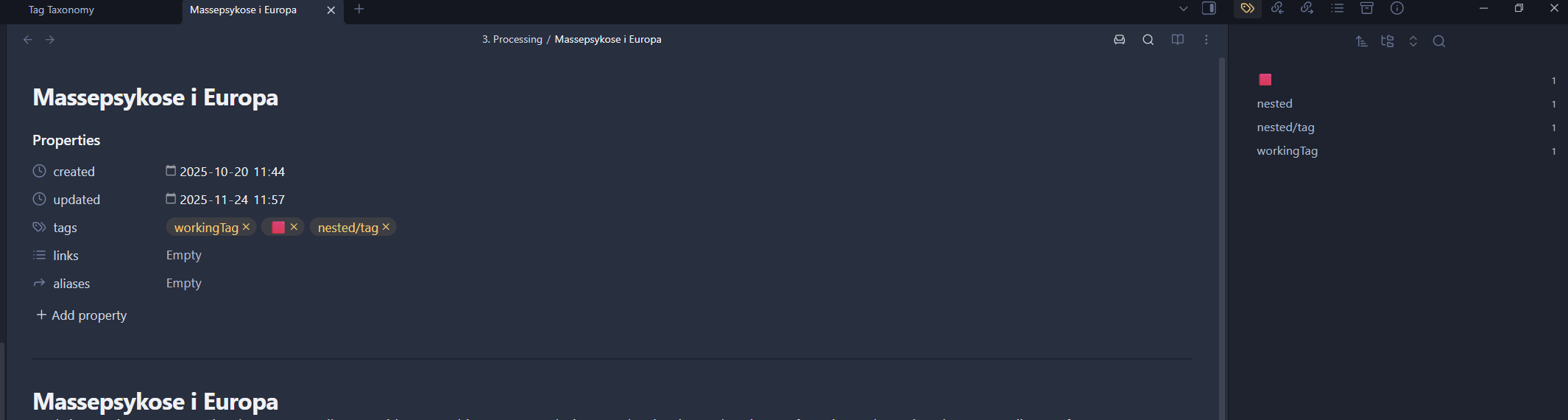
Working:
In this page that I added a while ago, the tags are added and updated in the Tags pane as expected.
I have several community plugins, and have activated some core plugins. But I’ve disabled all of the community plugins, but the result is the same. I’ve disabled quite a few of the core plugins, but no change.
What can cause this? I’ve never noticed this problem before.
I have not seen the issue you have. There is an option to rebuild Obsidian’s metadata cache. Don’t know for sure if metadata cache stores tags, but I think it might. Does rebuilding (see help reference below) make any difference?
I tried to rebuild the cache, but that did nothing. I’m on the newest Obsidian version 1.10.3. I have another template vault from Bryan Jenks, which is working as expected with tags. Meaning, it’s not the version at least.
Tried to change to the default theme, but that did nothing. I’m restarting between each attempt by the way.
I would really hate to start over. Yes, I can save the documents, but it’s still a lot of settings, plugins and stuff that needs to be redone
I created a totally new vault and copied all my documents to that vault. The vault was immediately populated with a lot of tags. No page has any problem adding tags to it. I copied the files with the file explorer. If there was a bad formatting in some of the documents, I guess those errors should persist in a new vault, right?
So, there’s probably a setting, a plugin or what ever that is causing this. Is there any comprehensive logging or dev mode one can activate to check what is going on behind the scene?
Haha. Of course. That’s it! I had excluded my Inbox and Resource folder. I had no idea that those tags would also be prevented for registering, as the description mentioned nothing about properties or tags.
To be fair, I forgot about the exclude folder function all together. It was one of the earlier settings I changed.