The issue:
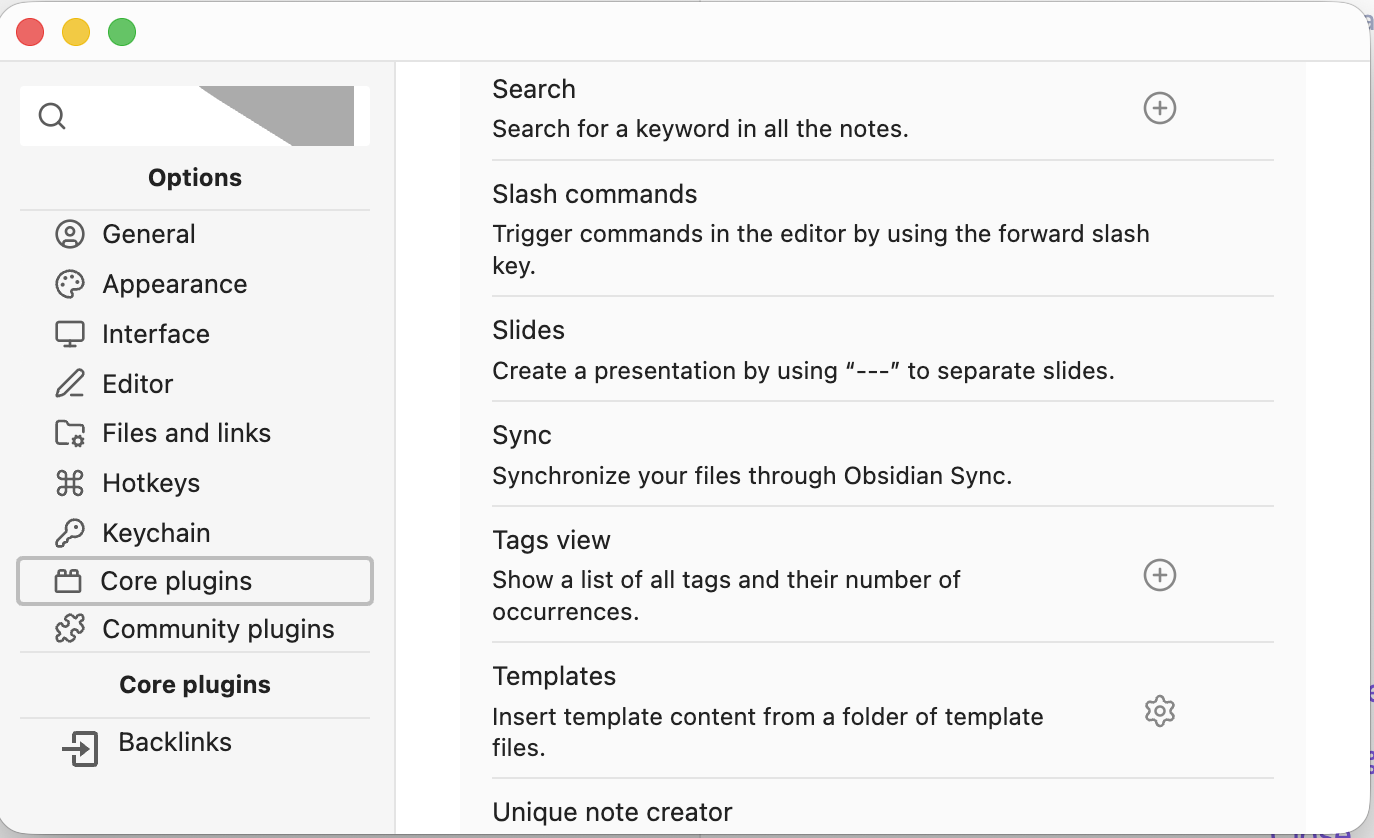
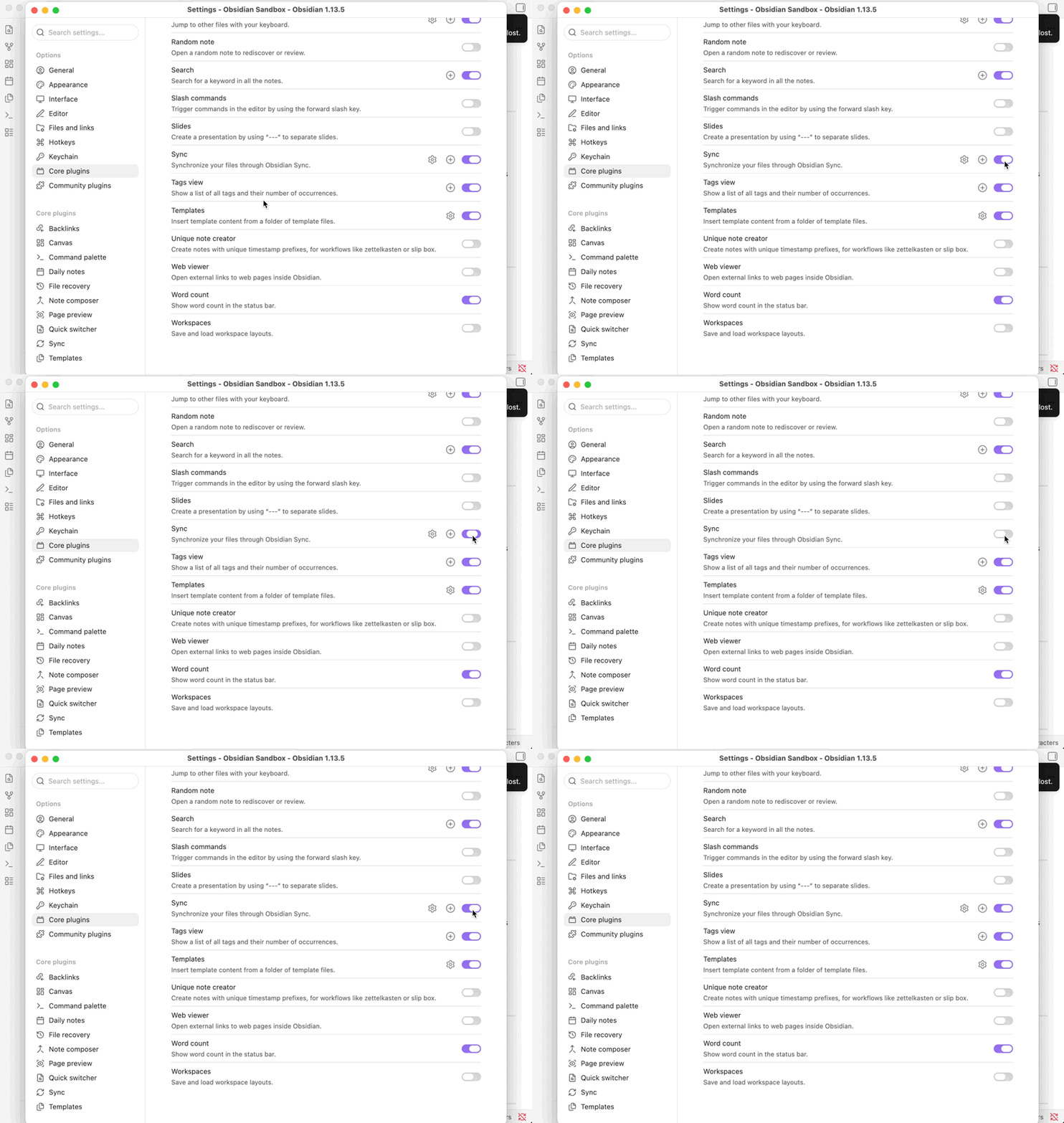
I’ve used free Obsidian for a couple of years now and just subscribed for the first time to Obsidian Sync. But in Settings > Core plugins > Sync, there is no Toggle to make Sync active.
I’m on macOS 26.6 and Obsidian 1.13.4.
What I’ve tried:
Followed the Sync setup Guide on Obsidian.md
Used two different AI’s to troubleshoot, none of its suggestions have worked, including:
Verfied that I’m logged in to my account, which shows my Sync status as Active.
Moved my vault away from Cloud drives with 3rd party syncing, as well as from the \Desktop and \Documents folders.
Re-installed Obsidian on my machine.
Searched the forum for similar posts (I hope I didn’t miss them, but I found nothing)
In spite of all this, in Settings > Core plugins > Sync, there is still no Toggle to make Sync active. I could find no contact info for Obsidian Sync to help me troubleshoot, so here I am hoping the forum can help!