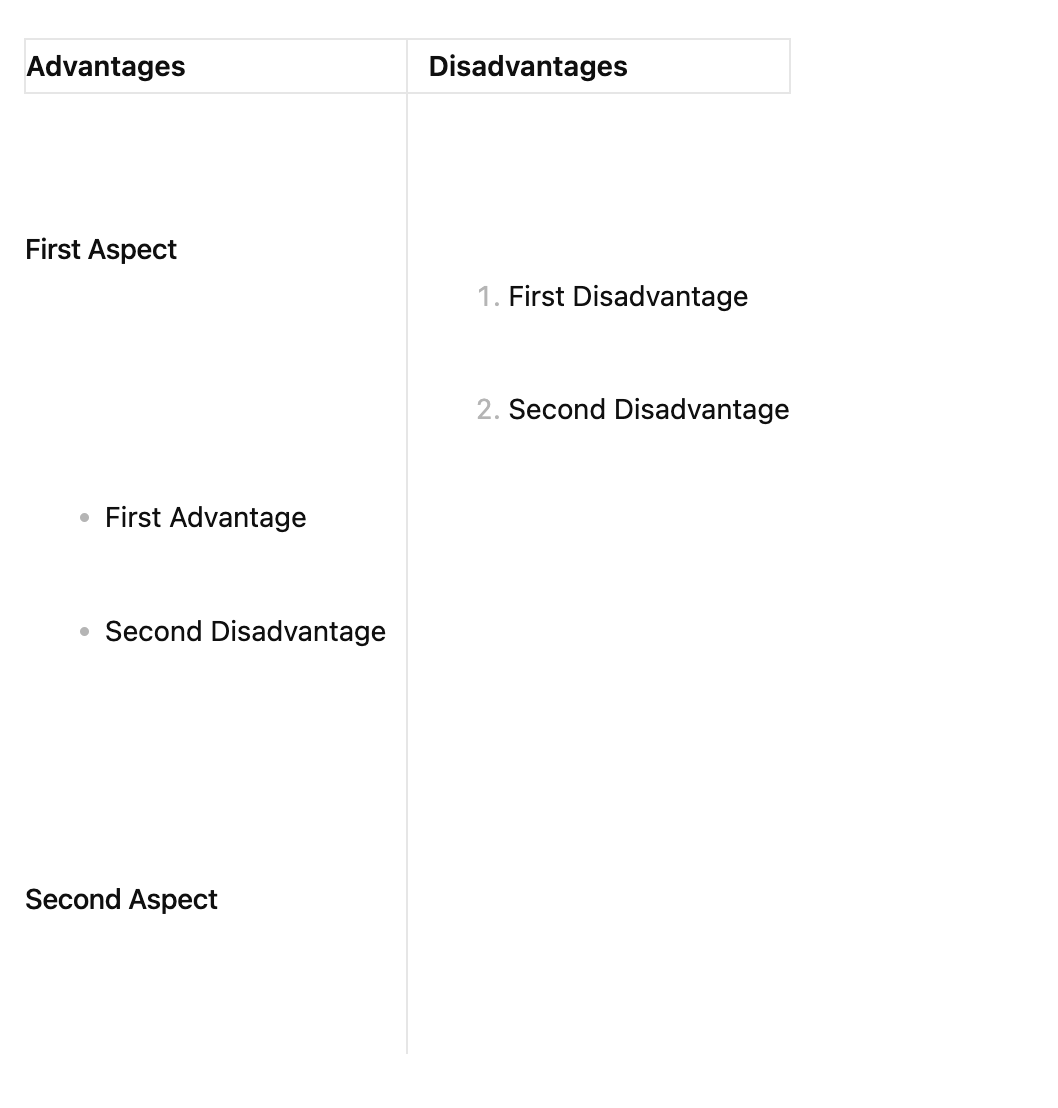
A lot of features “would be nice” to have but are hard to add, because markdown tables are fragile.
The best way to add checkmarks is Benjamins suggestion, 3 posts above. In other words, add emoji checkmarks. You can use Autokey or Espanso to add these emojis on desktop devices.
Multiple checkboxes per cell - You can now have as many checkboxes as you want in a single table cell
Smart targeting - Each checkbox toggles independently without affecting others
Clean syntax - Still uses standard markdown checkboxes ( and ) - no annotations needed
Works in all modes - Fully interactive in both Reading mode and Live Preview
The plugin now intelligently handles multiple checkboxes in the same cell - when you click one, it only toggles that specific checkbox and leaves the others unchanged. It uses smart context matching to ensure it updates the correct checkbox in the underlying markdown.
Best part: Your markdown files stay completely portable - they’re just normal markdown checkboxes that work perfectly in other editors too!
This enhancement finally enables the complex checkbox workflows many of us have been wanting in tables. No more need for emoji workarounds - you can now have proper, native checkbox functionality with multiple items per cell!
Tables in Obsidian, or the basic implemention of markdown of Obsidian in general, is very limited compared to others alternatives on the market like Notion, Standard Notes, Notesnook, etc…
Sure, tables are fragile. But from a commerical-ish product I expect them to internally test markdown rendering to smithereens. It’s actually really rather easy to write unit tests for a 1000 different scenarios, and keep them running while working on the tables feature. This ensures that every supported syntax around them, won’t break when extending or modifying it.
So yes, fragile, but not as in “guaranteed to break”. Rather as in “important to test well”.
+1. Add support for checkboxes in tables or adopt other Markdown flavors (using a flavor indicator in the header or footer for the renderer). I believe GitHub supports checkboxes in tables.