This is my extremely and stupidly complex workaround to display checkbox inside callouts that ressemple tables.
I used Modular CSS Layout snippets ( Getting Started - Modular CSS Layout (efemkay.github.io)) and created callout with no design and in columns.

Then the only think to do next is to mask that thing to your needs, i created my css snippets that override some of the features of Modular CSS Layout (if you know css, this is not that difficult to do). So i created a callout for each checkbox (and other content) and distributed in a specific way (each cell in the “table” is a callout, yeah crazy). Something like this:
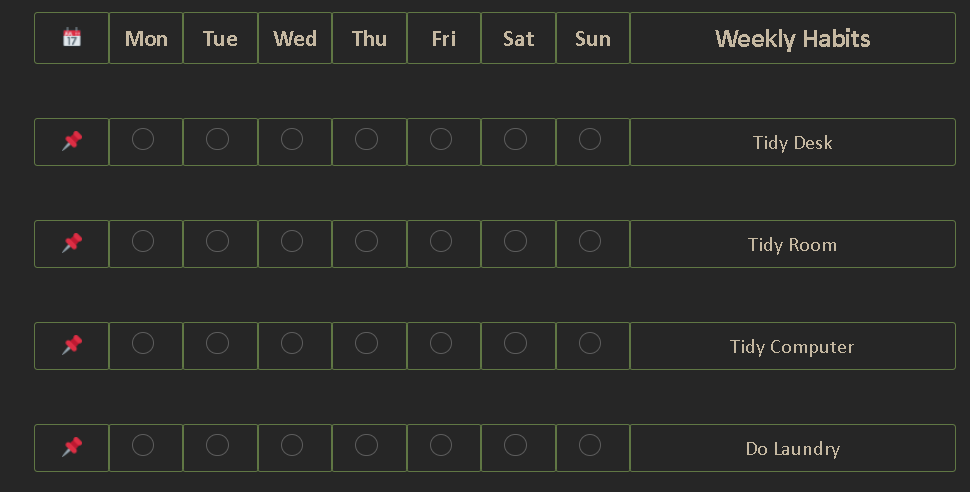
In display looks like a table, that is the result i wanted
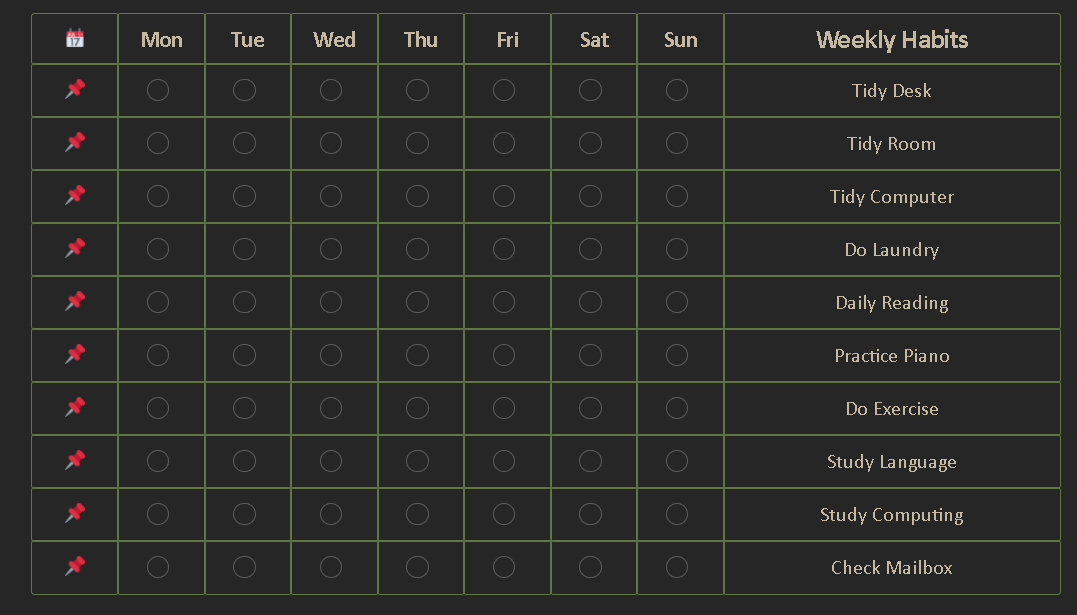
Now, the problem is still that this is not easy to create in the workflow, since it uses a los of code
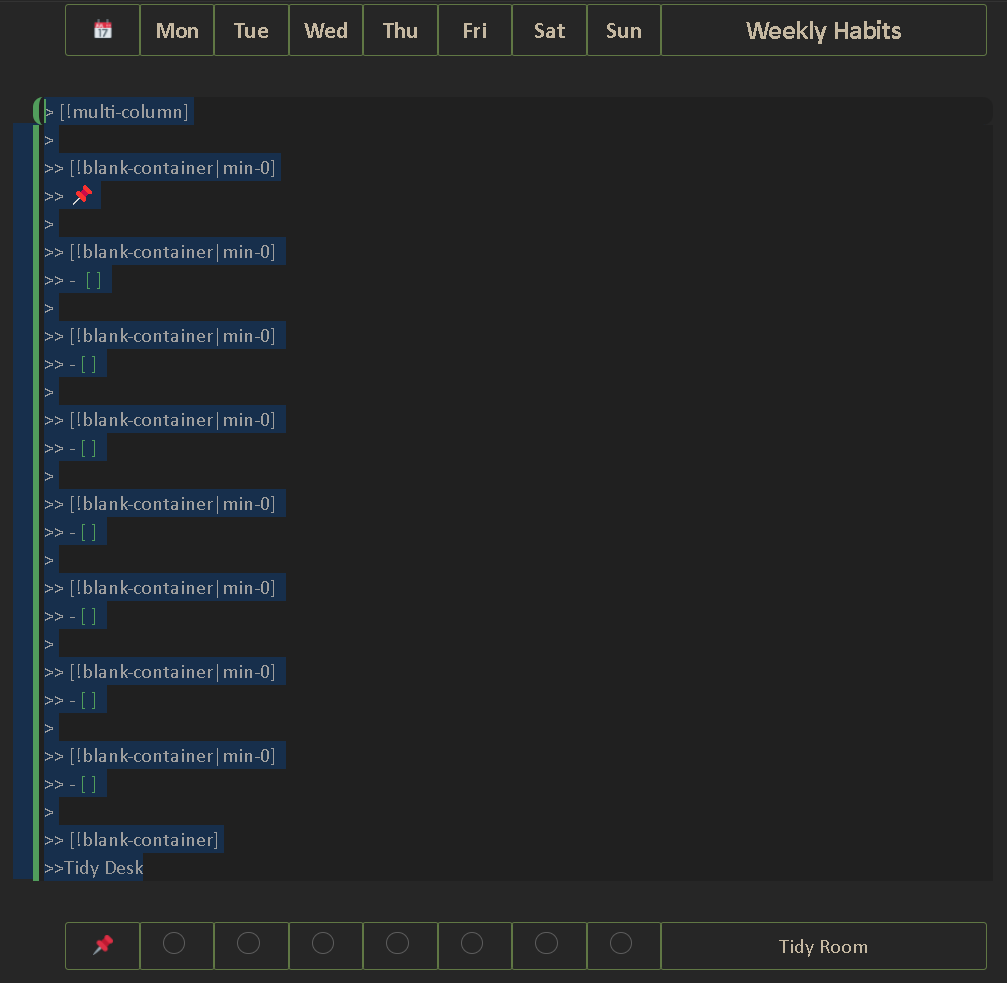
But for specific cases like using it in templates where you rarely change anything, this solution is a godsend.
This also has the advantage that don’t use any plugin, just css, so you can be sure that this is not going to broke in a new update if you don’t mess with the css (and also if you do not change your theme, but i rarely do that).
So that it is, it looks good in my weekly reviews, do you have ideas of other cases to apply this?