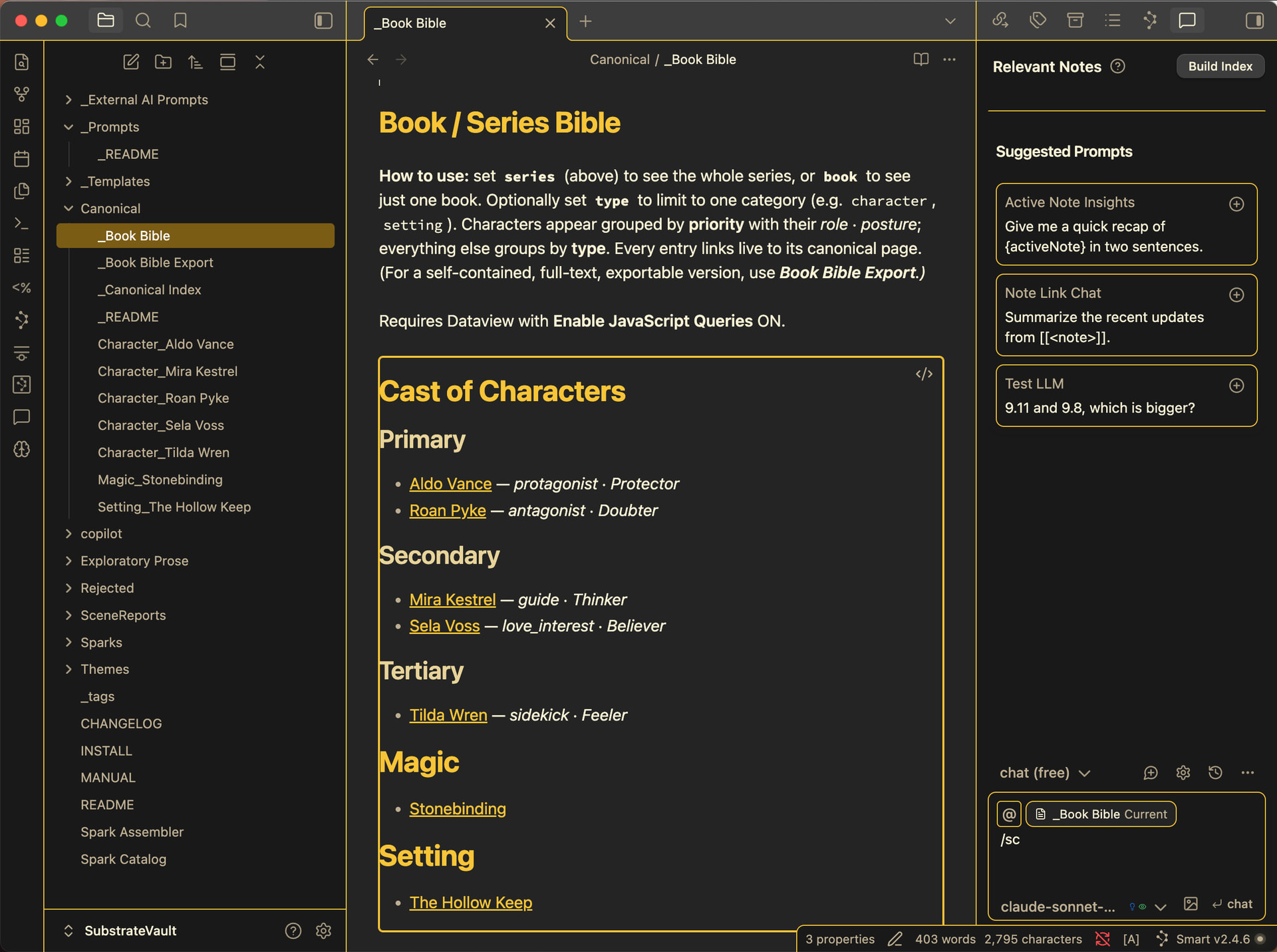
When I write fiction, my ideas never arrive all at once and definitely don’t arrive sorted. I have them in the shower, while I’m waling, waking up from a dream… Not to mention a single idea might be about a character and the magic system and some series-wide theme, all at once. So, trying to capture ideas and organize them doesn’t work well with a folder hierarchy.
My ideas accumulate over months until they reach a critical mass, when I’m feeling ready to start drafting prose I’ve got a big task in my way – organizing those ideas into some sort of useful format, getting rid of the out of date ideas, and making sure I don’t lose any of the good ones.
To try and solve all this, I built a capture vault that fits the way my creativity works (not one that tries to force me into its discipline or method) and that works on a different principle: stop filing, just accumulate ideas, and automate the pre-draft organizing.
I’m sharing it in case it’s useful to other novelists, worldbuilders, and GMs with a similar creative process.
The Loop
Capture every idea as a small tagged note (a “spark”). No folders to choose, no slowing down. Can even do it mobile on your phone.
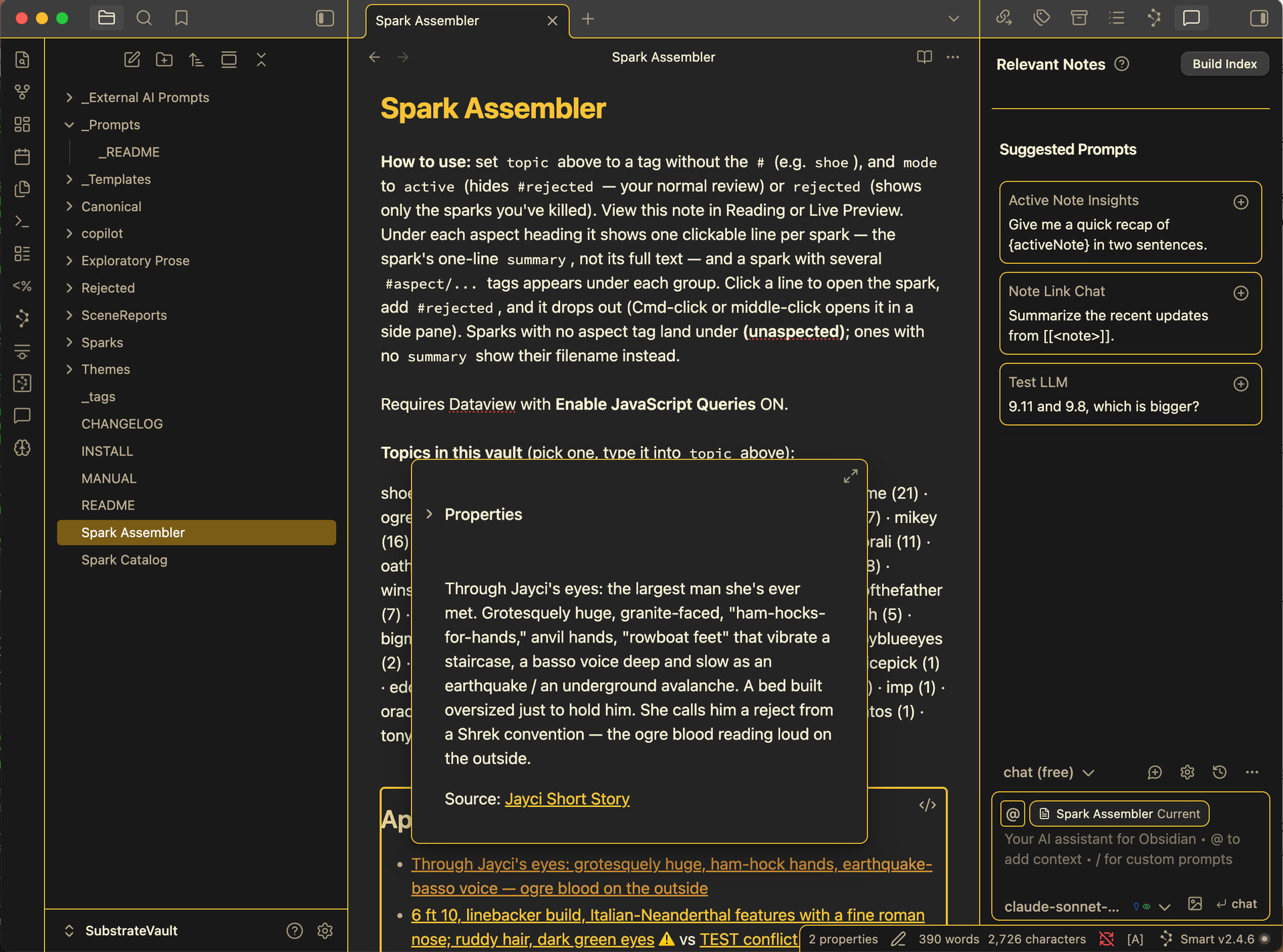
Synthesize — point an AI prompt at a tag (say a character named #gary) and it gathers the full text of every spark about Gary into one organized draft: grouped by topic, with contradictions flagged, and duplicates pointed out.
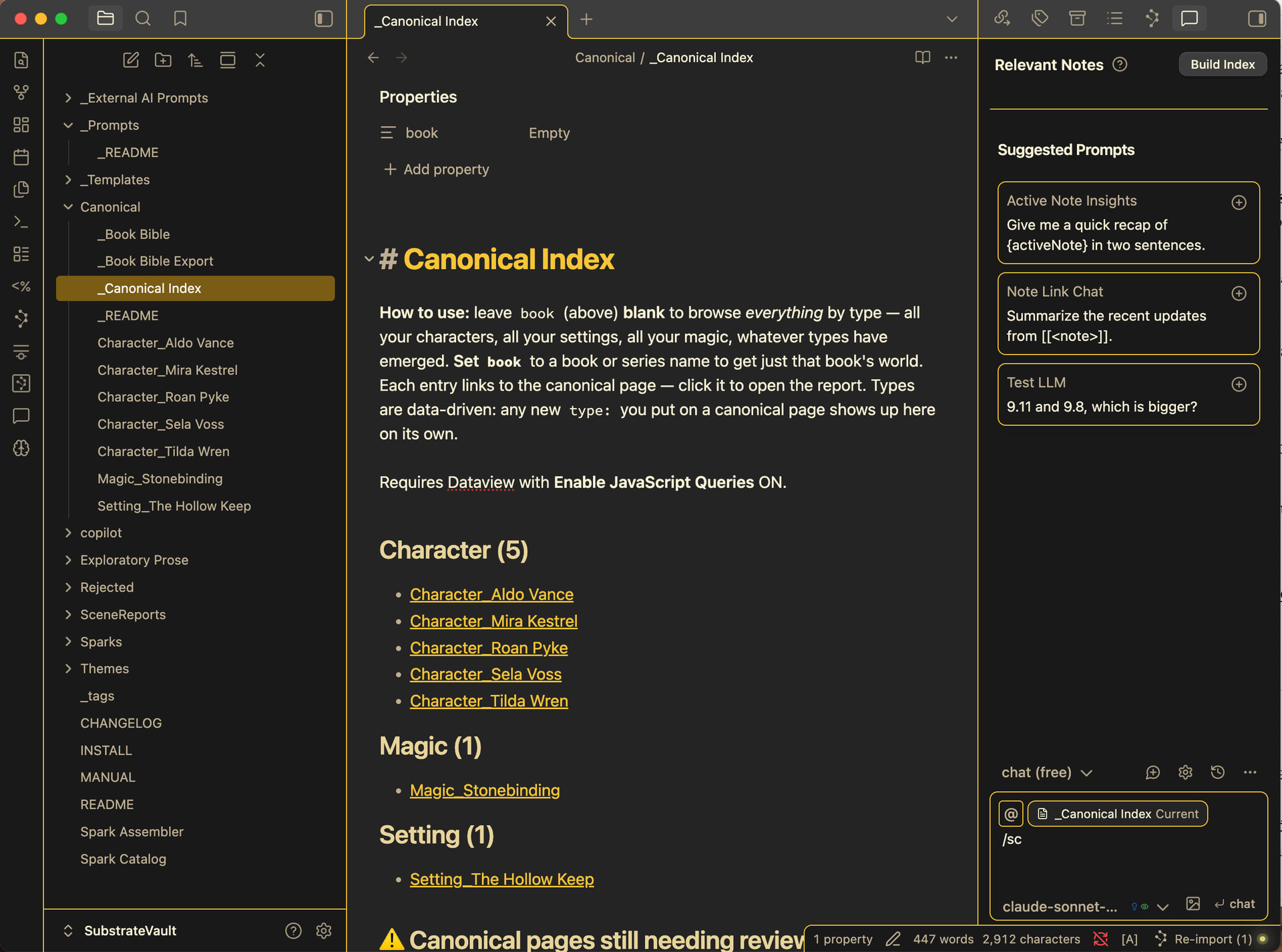
Converge — I edit that draft down to what’s actually true, just reviewing my notes and ideas that are already sorted (makes it so much easier). This is the one step I never automate: the act of deciding what stays and what goes grounds me in the settled truth of own world right before I draft and reduces continuity issues while I’m writing.
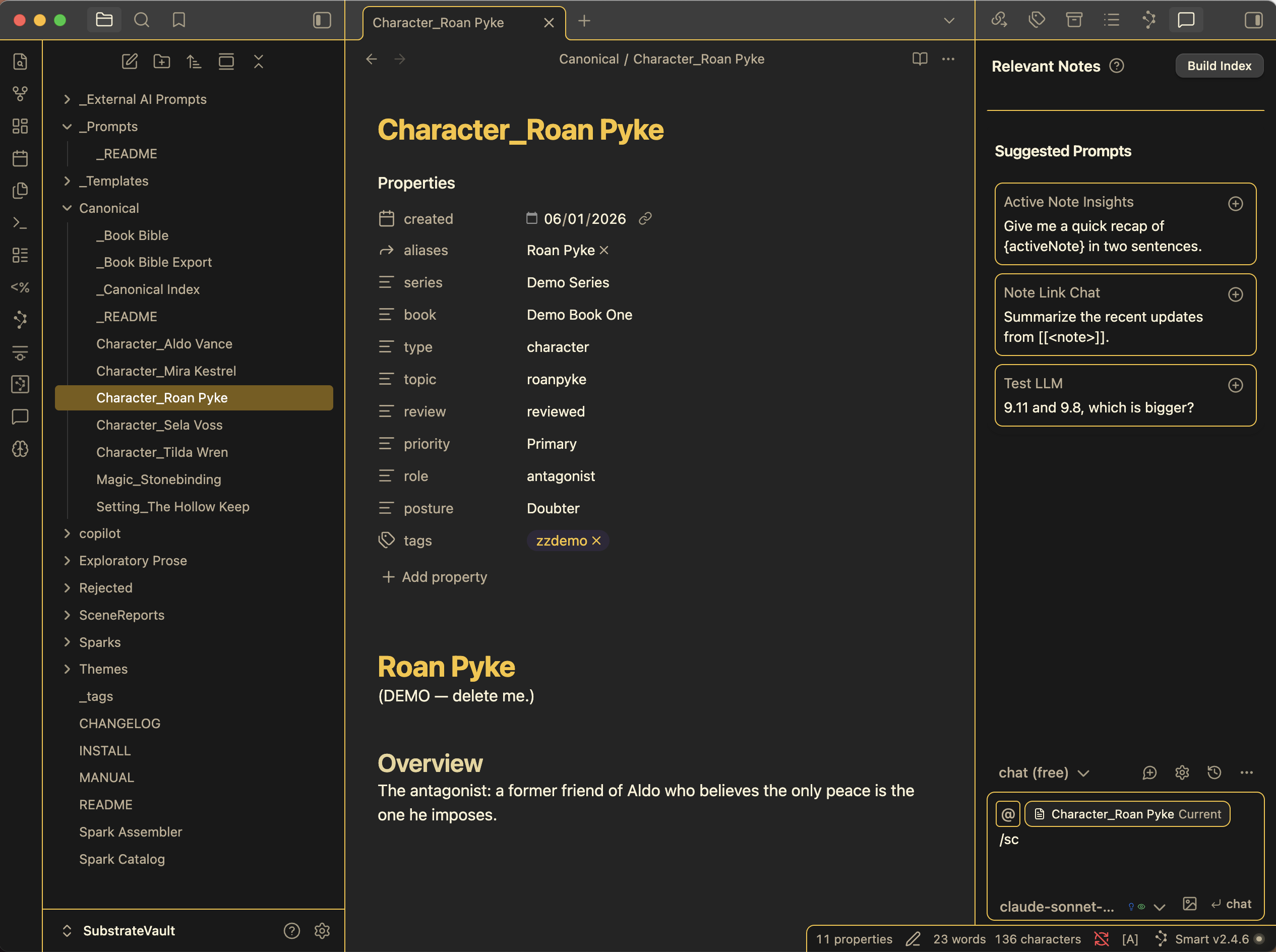
Write once I’ve reviewed all the ideas and made my creative decisions, I use Obsidian to auto-build scene cheat sheets. If a scene will have 3 characters in a special location, I have Obsidian generate summaries of the characters and highlights of the location. Then I keep these at my side when I head into a the first draft of the scene.
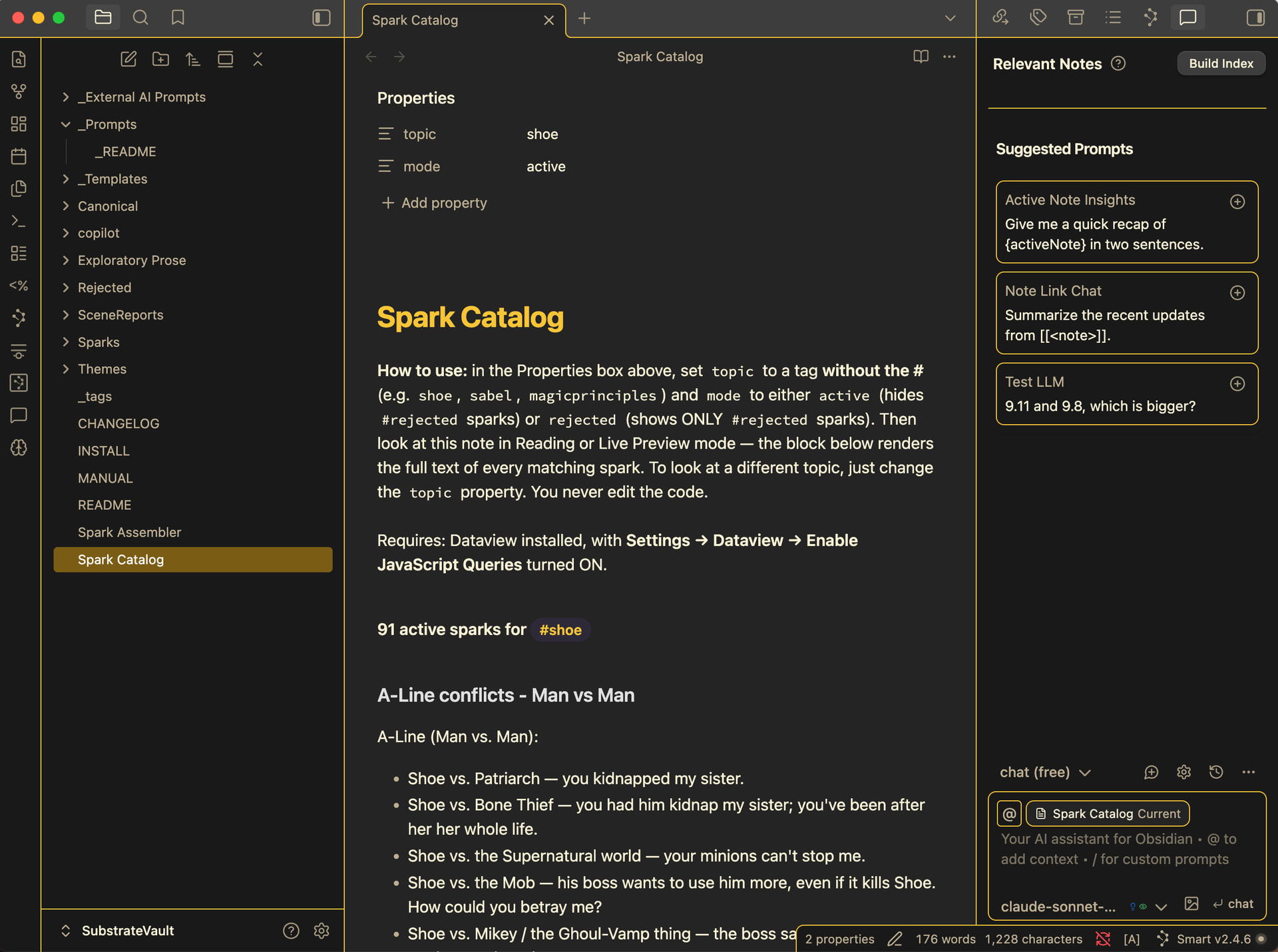
Bonuses — I also have the AI find themes in the sparks and the ask me if I want it to tag those sparks with themes as well. Then a theme note template shows me all the connected themes emerging from my sparks. Additionally, I sometimes write series or mix ideas for different books into the same idea pile, so there’s a way to view all the ideas belonging to a book or a series within the same universe – again organized for you by topic.
The Mechanism — Substrate use Copilot for Obsidian’s {#tag} placeholder, which behind the scenes injects the literal full text of every idea (spark) whose Properties tags include that tag. That’s what makes “give me everything about Gary” trustworthy rather than approximate. For it to work Copilot needs tags to live in Properties (not typed in the body). The vault also ships a two-minute smoke test so you can verify that Copilots gathering of you sparks is exhaustive on your own setup before trusting it with real notes. Probably better you confirm it works than take my word.
What You Need — Obsidian, Copilot by Logan Yang (API key — pennies — or a free local model), Dataview, Templater, Smart Connections, Auto Note Mover. All free except a little bit at whatever AI you point Copilot at.
What’s Included — a ready-to-open vault — spark/canonical pages/dashboard templates, a series of prompts for co-pilot or your preferred chat, a Corpus Reader, a rejected-idea workflow, and a plain-language manual.
It’s up on my GitHub Repo + a setup guide here: https: //github. com /F-S-Neal /substrate-method
This is just a workflow, not a plugin — so there’s nothing to compile, just notes, tags, prompts, and a method. It’s aimed squarely at fiction. I’m not claiming it’s a general PKM system. Feedback, breakage reports, and “here’s how I’d change it” are all welcome, of course.
— F. S. Neal