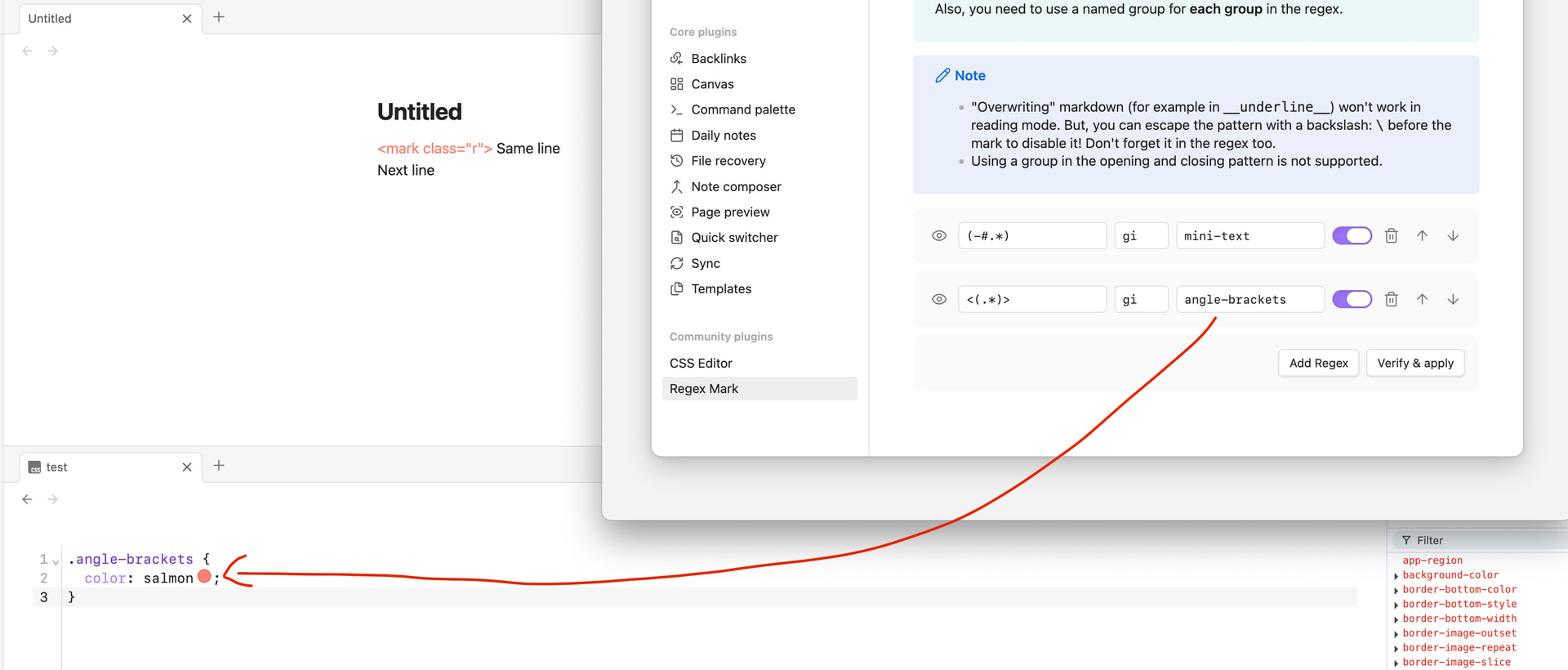
Problem: I’m trying to visually fade inline HTML tags in Obsidian Source mode so they are less visually intrusive while editing (i.e., present but de-emphasized compared to normal text). Example:
<mark class="r"> Same line
Next line
Tried: Using CSS I can fade .cm-tag, .cm-attribute, .cm-string, and the brackets.
However, the ‘=’ character between the attribute and value is not wrapped in any span (it appears as a plain text node), so it cannot be targeted by CSS.
If I instead try a parent selector like .cm-line:has(.cm-tag), the entire physical line fades — including normal text (Same line), which I do not want.
Constraints:
-
Only the contents of
<...>should be faded -
Text outside the tag on the same line must remain normal
-
The ‘=’ character must also be faded
-
Pure CSS selectors seem insufficient because CM6 does not tokenize ‘=’ character
Is there any supported way in Obsidian/CodeMirror 6 Source mode to target or decorate punctuation inside inline HTML tags?