.styled-scrollbars doesn't get added in Obsidian v1.9.13 (installer: v1.9.12) in macOS Sequoia 15.5 (24F74)

Hello there!

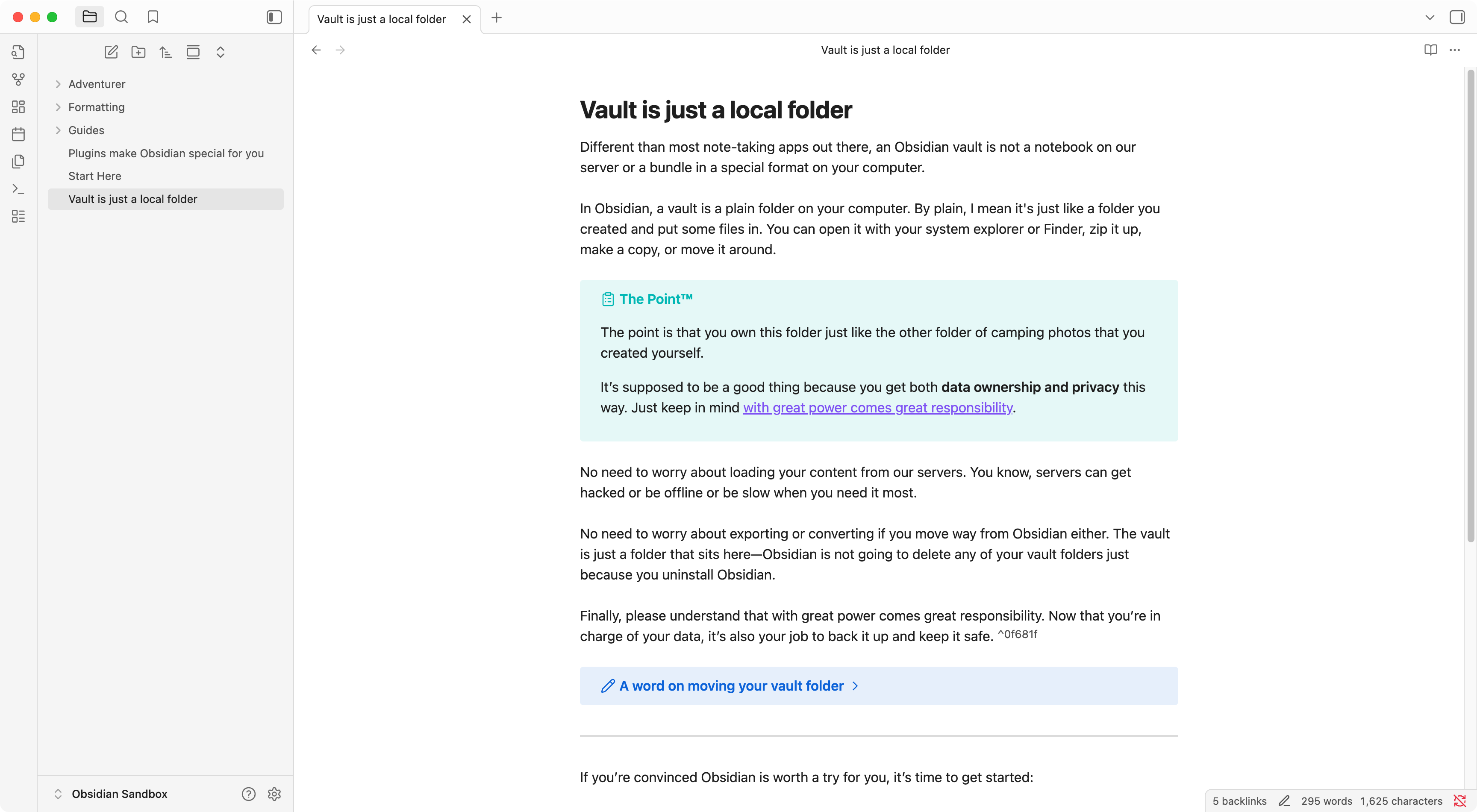
.styled-scrollbars doesn’t get added in Obsidian v1.9.13 (installer: v1.9.12) in macOS Sequoia 15.5 (24F74).

How it is now:
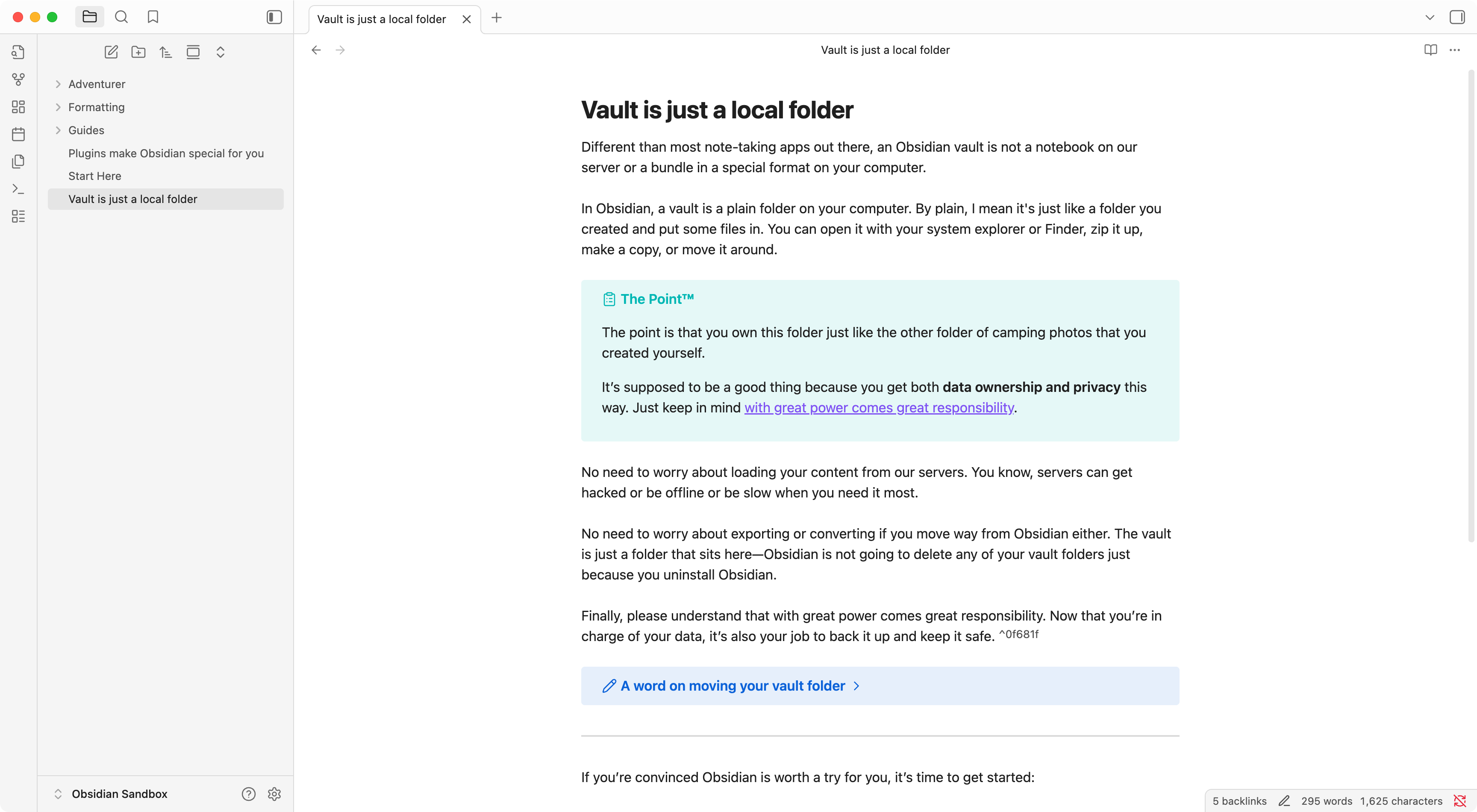
How it should be:

I manually added the styled-scrollbars class to the body.
Environment

SYSTEM INFO:
Obsidian version: v1.9.13
Installer version: v1.9.12
Operating system: Darwin Kernel Version 24.5.0: Tue Apr 22 19:54:25 PDT 2025; root:xnu-11417.121.6~2/RELEASE_ARM64_T6020 24.5.0
Login status: logged in
Language: en
Catalyst license: insider
Insider build toggle: on
Live preview: on
Base theme: adapt to system
Community theme: none
Snippets enabled: 0
Restricted mode: on

RECOMMENDATIONS:
none

Strangely I’ve been noticing this on one mac lately, in all vaults. The odd thing is that the scrollbar seems fine for a while and then gets locked into the state like your first screenshot. I can’t pinpoint the exact steps to trigger it.

I just updated the installer on that device and will see how it goes.


The default (in app.css) looks like this:

body.styled-scrollbars ::-webkit-scrollbar {
  background-color: var(--scrollbar-bg);
  width: var(--scrollbar-width);
  height: var(--scrollbar-height);
  -webkit-border-radius: var(--scrollbar-radius);
  background-color: transparent;
}
body.styled-scrollbars ::-webkit-scrollbar-track {
  background-color: transparent;
}
body.styled-scrollbars ::-webkit-scrollbar-thumb {
  background-color: var(--scrollbar-thumb-bg);
  -webkit-border-radius: var(--scrollbar-radius);
  background-clip: padding-box;
  border: 2px solid transparent;
  border-width: var(--scrollbar-border-width);
  min-height: 45px;
}
body.styled-scrollbars ::-webkit-scrollbar-thumb:active {
  -webkit-border-radius: var(--scrollbar-radius);
}
body.styled-scrollbars ::-webkit-scrollbar-thumb:hover,
body.styled-scrollbars ::-webkit-scrollbar-thumb:active {
  background-color: var(--scrollbar-active-thumb-bg);
}
body.styled-scrollbars ::-webkit-scrollbar-corner {
  background: transparent;
}

Are you thinking it’s not being consistently applied? How did you go about adding it back and forcing it to apply? Thanks!

(I was thinking of creating a snippet with all the .styled-scrollbars classes removed to try it out)