Use case or problem
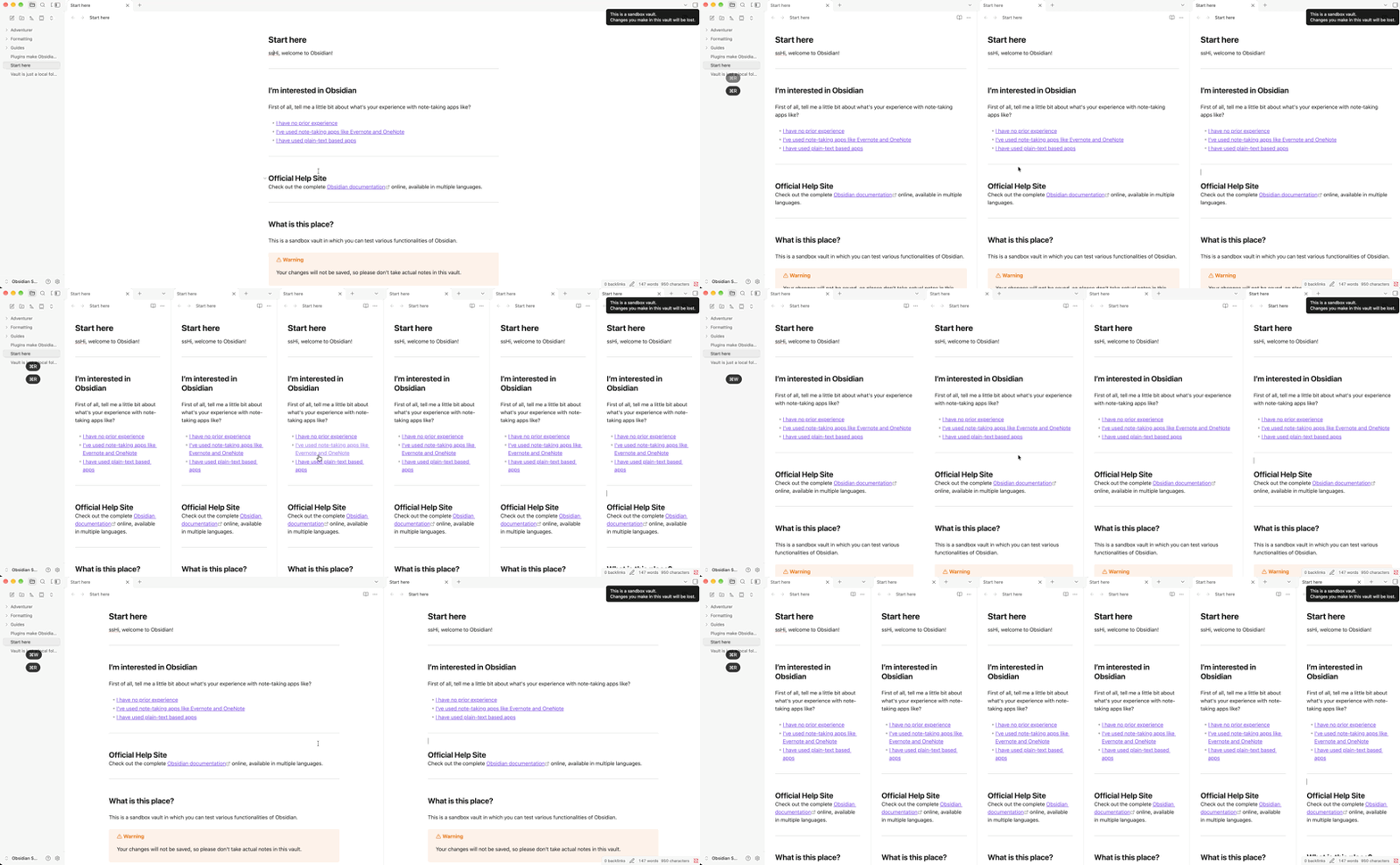
The “split right” command used to automatically resize the width of the old tab groups to make room for the new one. For example, starting with a single tab group and splitting once would result in two tab groups taking up exactly half of the screen’s width. Splitting again would result in three groups, each taking up a third of the screen. In general, tab groups resized proportionally to their original width, and closing a tab group returned the remaining groups to their original widths.
Now, split right subdivides the active tab group without touching the others, so splitting a single tab group twice results in one 1/2-width tab groups and two 1/4-width groups. But the old resizing behavior has been retained for CLOSING tab groups, so continuing the example above, closing one of our 1/4-width groups results in a 2/3-width group and a 1/3-width group.
As of now, I haven’t been able to find a setting governing this behavior, or a command to automatically equalize the widths of open tab groups. I just updated to 1.14.5, and I assume that’s what caused the change.
Proposed solution
My opinion is that the old default was more sane than the new one, and that the inconsistency between opening and closing behaviors is a design error. That said, it would be enough to have a setting governing this behavior (a toggle called “Make space for new tab groups”, for instance) or a command that automatically equalizes the widths of the tab groups open in your window.