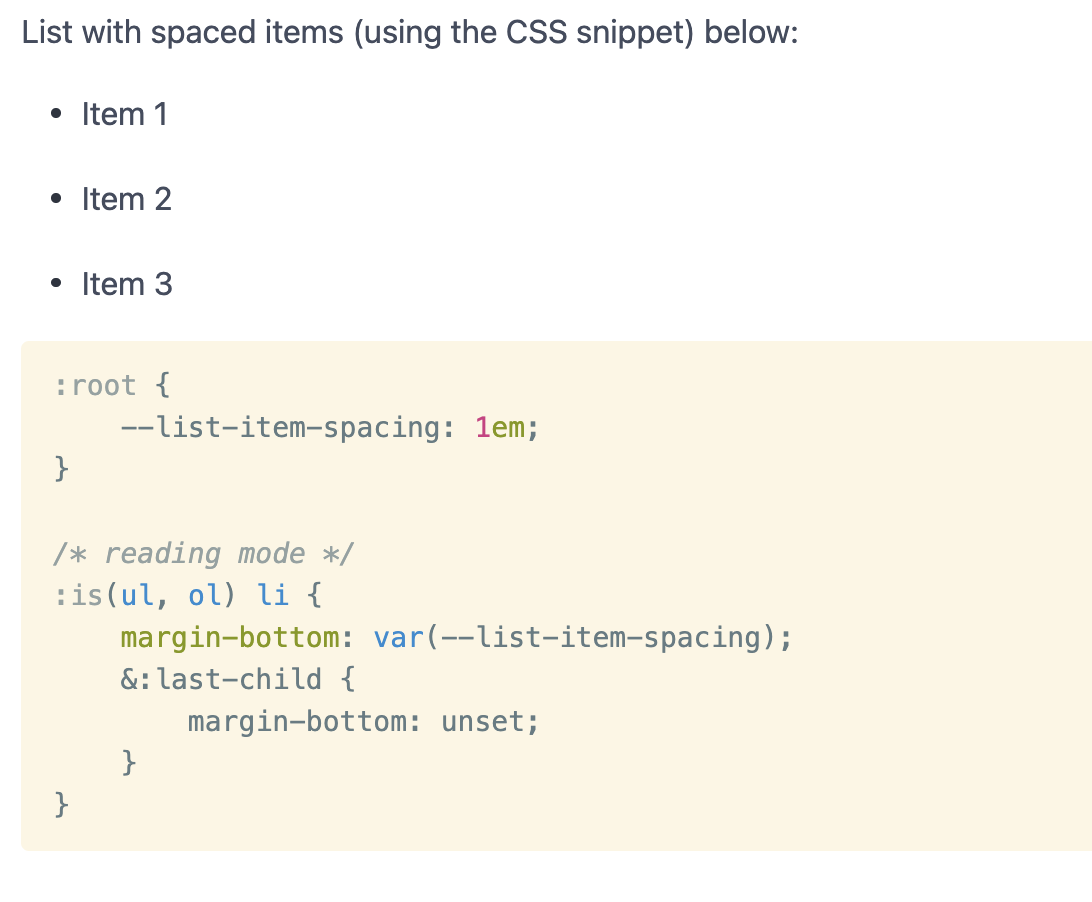
There is already an excellent post about increasing the space between list items using a CSS snippet, shown below.
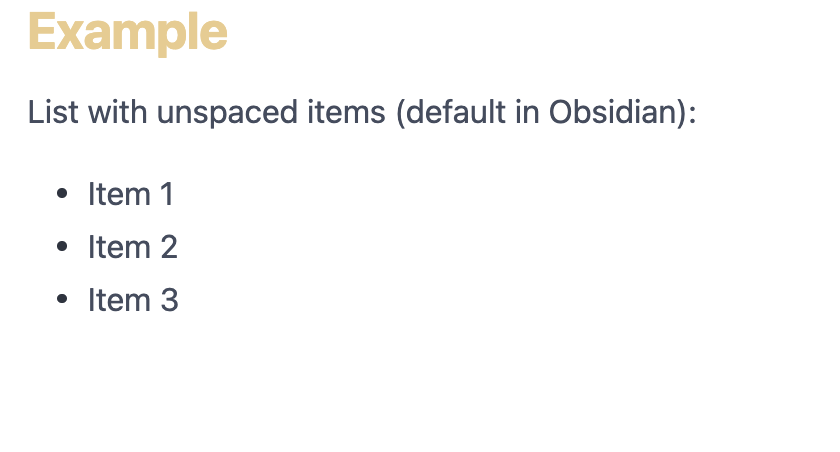
This affects every list in Obsidian, though, and sometimes having list items closer to each other is better.
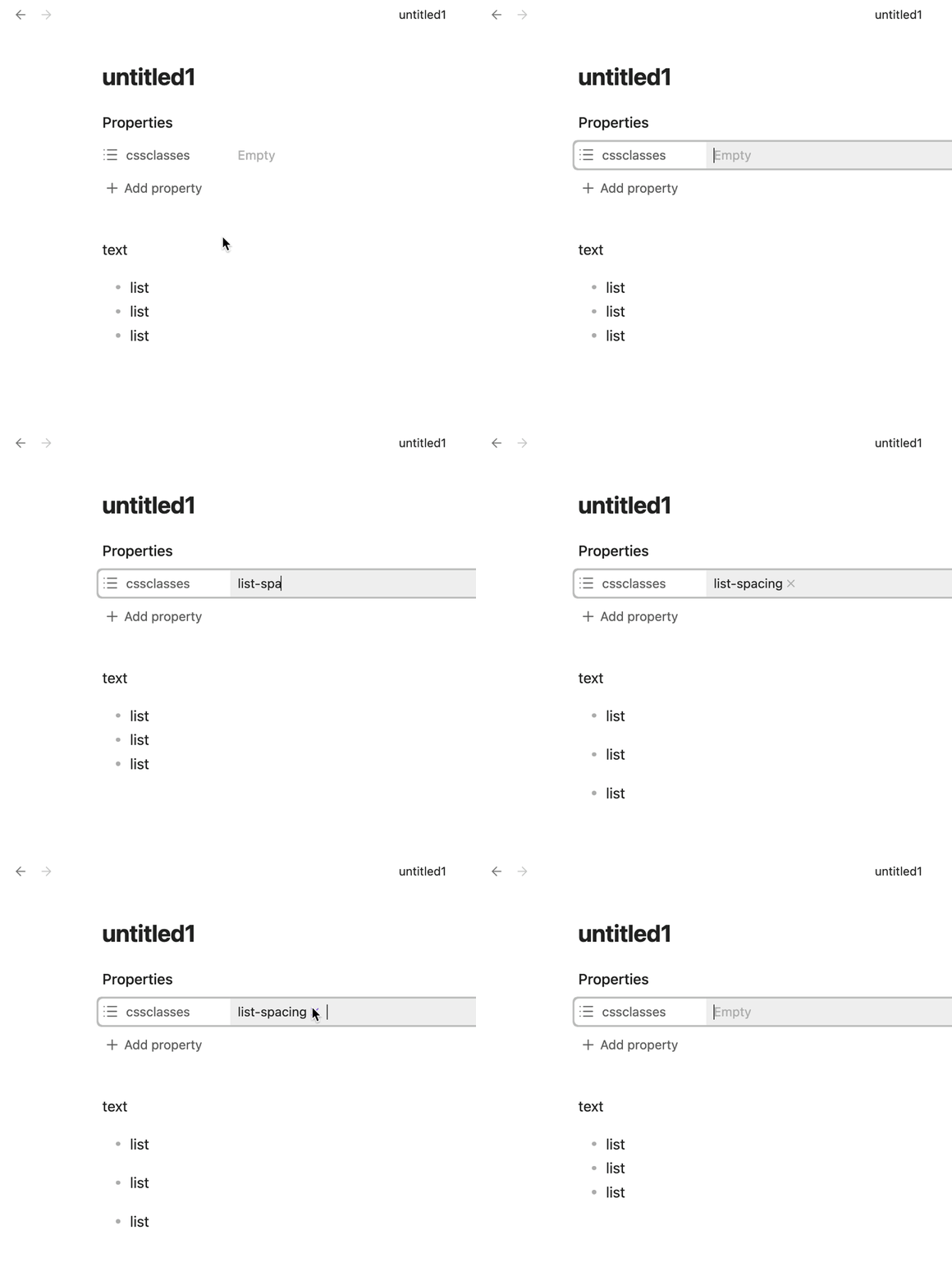
So I was wondering whether it’s possible to tweak this CSS code to be able to choose which is the case I want, either per note or per list. I know almost nothing about CSS, though, so coming here for help!
As an alternate approach: Markdown has a thing called “loose lists”, where if you put blank lines between list items it (typically) spaces them out more when rendered (by putting a paragraph in each one). Obsidian ignores this because it confused people, but this CSS snippet restores it:
/* Restore Markdown "loose list" styling.
Courtesy of @fireisgood https://discord.com/channels/686053708261228577/702656734631821413/1191537686754906203 */

/* 1. Margin for loose lists, list spacing of anything but 0 (probably from some other snippet or theme)
:root:root:root li > :is(p, .list-bullet) {
    margin-block: var(--p-spacing);
}
*/

/* 2. Margin for loose lists, list spacing of 0 */
:root body {
    --list-spacing: 0;
}

:root:root:root li > p {
    margin-block: var(--p-spacing);
}
Loose lists will work in at least some other Markdown apps without you needing to add CSS or anything.
Oh that’s great! Awesome, thank you, now I have a solution for all notes, note by note, or list by list! I should actually learn CSS one of these days…