Once you’ve done the above, delete everything above this line.
Steps to reproduce
iPhone 12 iOS 18.5 → Obsidian Current version: 1.9.12 (237) → Vault → left side bar open → Files → Journal → select Sep 15th, 2025 (line is highlighted) → select Change sort order icon → select File name (Z to A) → Journal files sort with most recent at top.
Unfortunately, this sort applies globally and other Directories in the left side bar have their sub-directories and sub-files incorrectly sort Z to A, rather than A to Z.
Did you follow the troubleshooting guide? [Y]
Expected result
Note: this is not using the plugin Journals Version: 2.1.10 By Sergii Kostyrko (installed and disabled)
Directory name Journal with sub files which are from Open today’s daily note should sort Z to A (this correctly actions).
Directories not named Journal with sub files should sort A to Z (this incorrectly actions).
Desktop and phone are buggy.
Actual result
Directories not named Journal with sub files should sort A to Z, but incorrectly sort Z to A like the Journal directory.
Environment
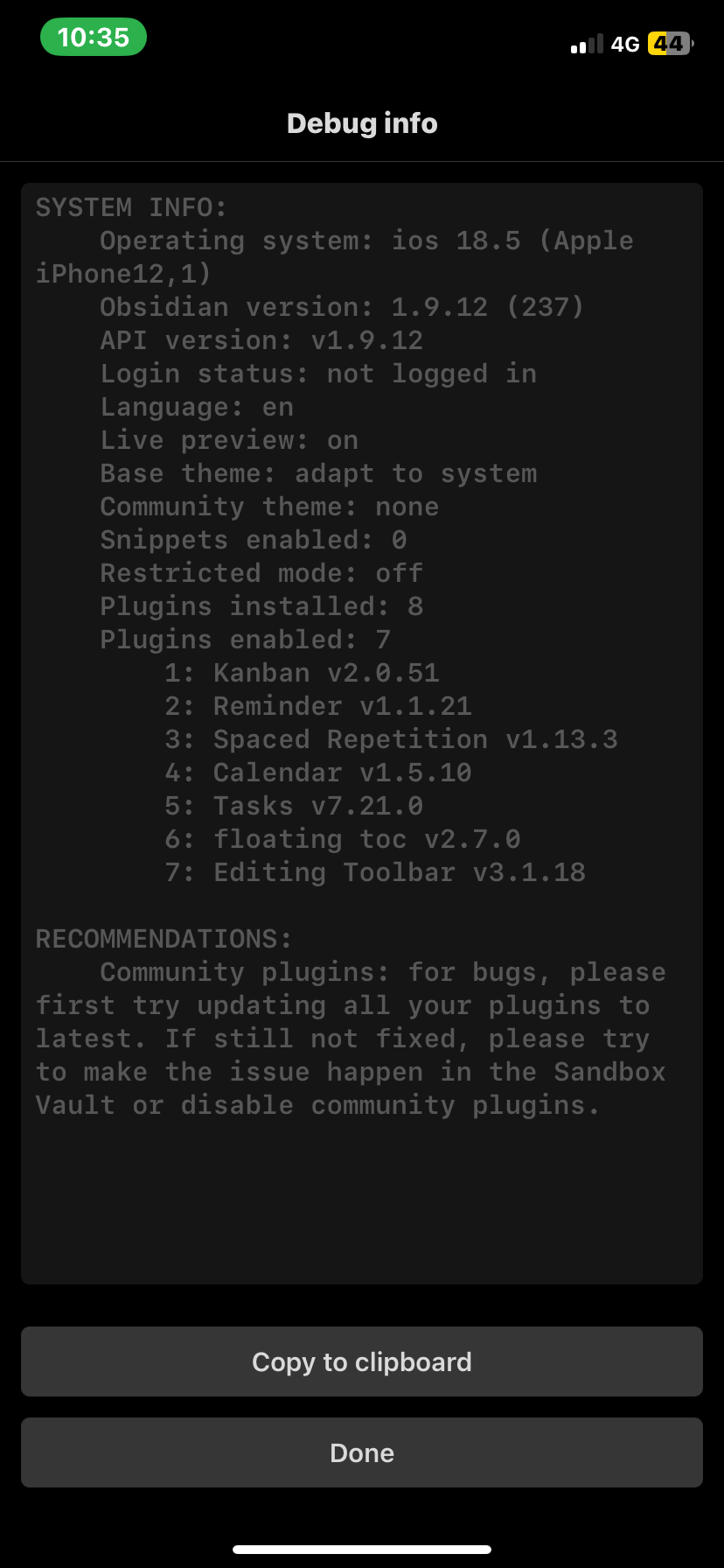
Additional information
Screenshot in my forum post.

