Snippet that automatically limits picture’s size

Hey guys. Here I share with you the snippet I use to limit the size of pictures in Live View. s a picture is worth a thousand words, I found very important to show them properly inside my notes. Because all pictures are not landscape, the snippet has a max-width and max-height that you can set according to your taste. Feel free to adapt the code for your own convenience.

.image-embed img {
	display: block;
	max-width: 250px;
	max-height: 250px;
	width: auto;
	height: auto;
	margin: 1em auto 1em auto !important;
}

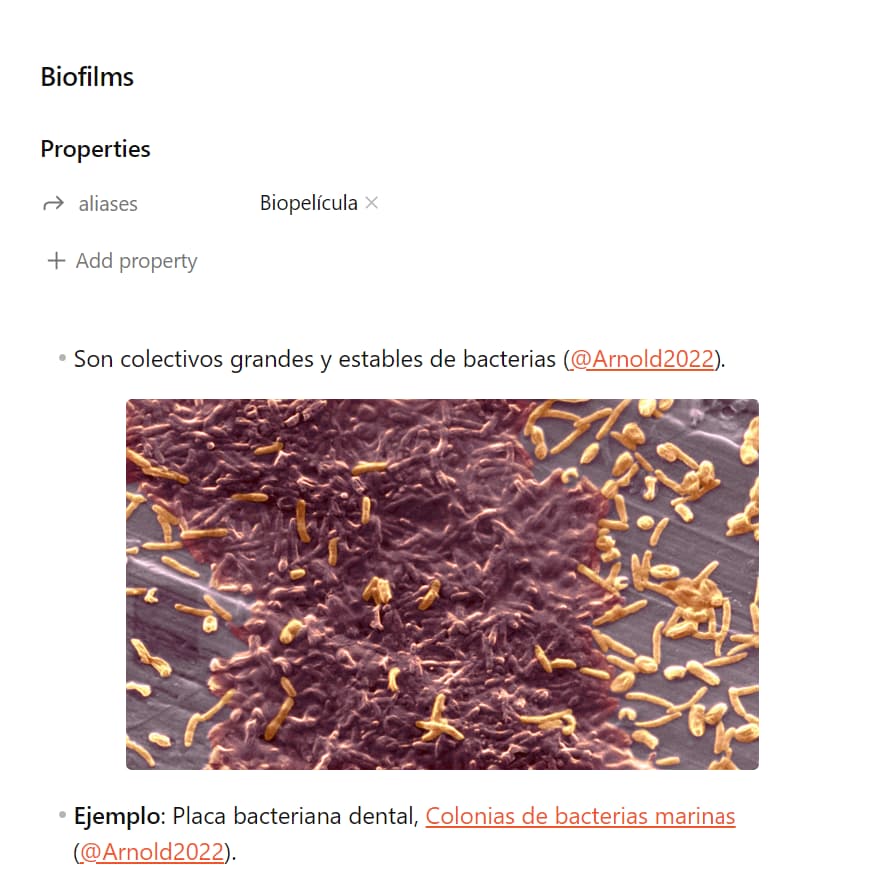
This is how it looks like:
2 Likes

This is a nice global solution, however there is a couple of alternatives that may be more flexible per scenario:

  1. A regular bidirectional link with size specification:
![[myimage.jpg | 250]]
  1. A table with size specifications (as described in Side-by-Side Images Feature request):
| | |
|-|-|
| ![[myimage1.jpg\|250]] | ![[myimage1.jpg\|250]] |

Note the screening \ characters before the size specification pipe |.

Also note that the suggested global snippet would conflict with these alternatives, so a choice has to be made.

2 Likes