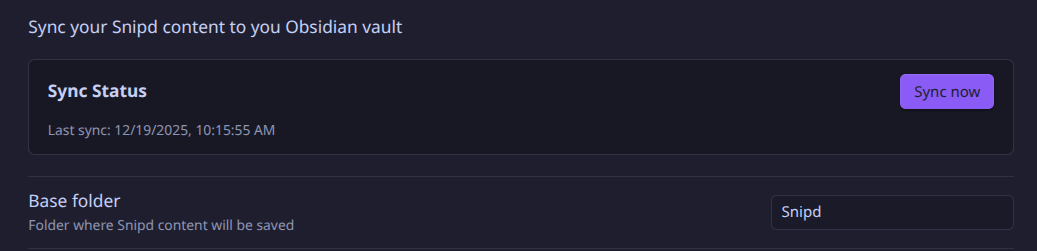
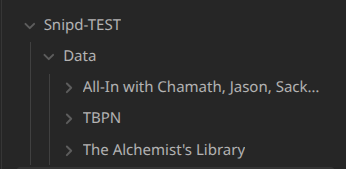
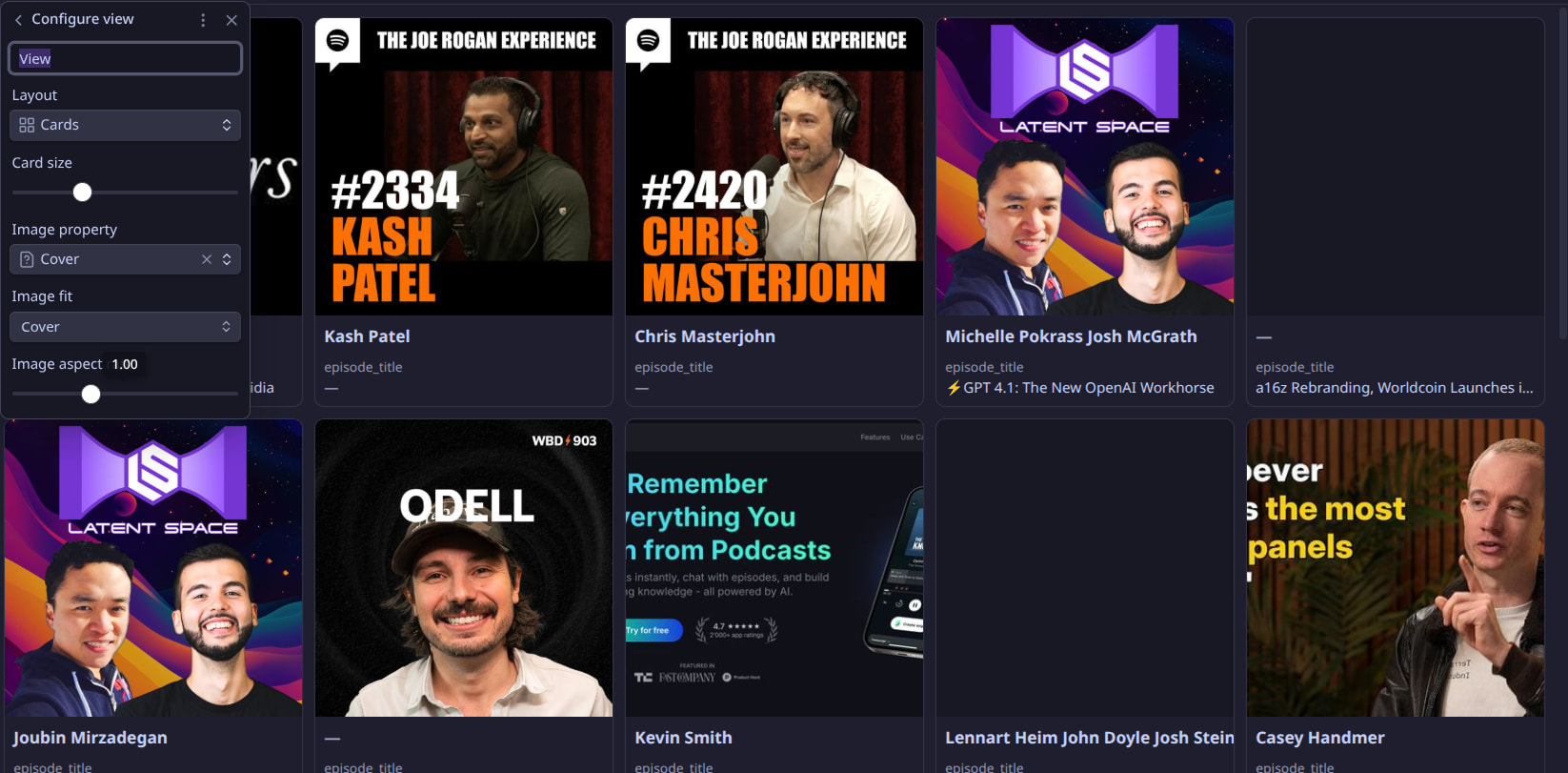
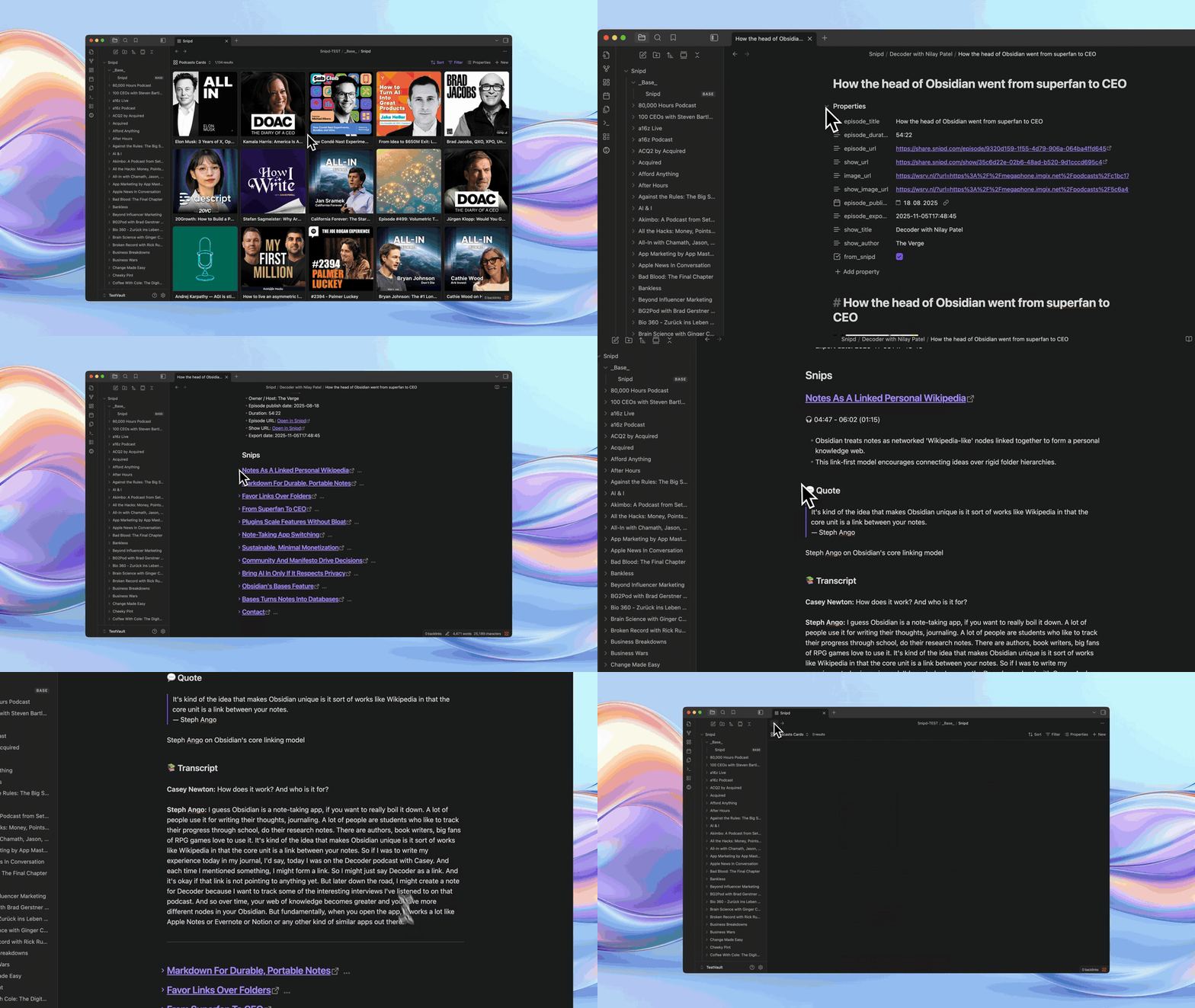
The plugin automatically syncs all of your podcast highlights to your Obsidian vault, including:
Your notes
AI-generated summary
Transcript
Link to the audio clip
Tags
Quote
Guests names
Mentioned books
Rich episode metadata
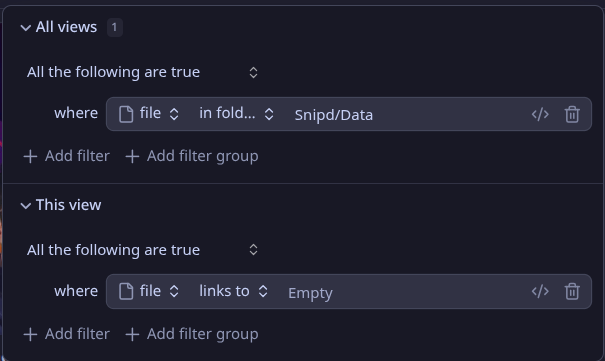
And best of all: All metadata is compatible with Obsidian Bases
Demo
What is Snipd?
Snipd is an AI-powered podcast app to highlight & take notes from podcasts, simply by tapping your headphones.
Many of our users have asked us for a native Obsidian plugin to automatically sync their highlights (instead of the manual Markdown export we had) and so we finally built one
How To Set It Up
The plugin is not yet available among the community plugins (hoping it will be reviewed soon ).
Therefore, you need to install it via the BRAT community plugin using the following repo url: https://github.com/snipd-app/snipd-obsidian
If you’d like more detailed instructions, we’ve prepared a step by step installation guide here.
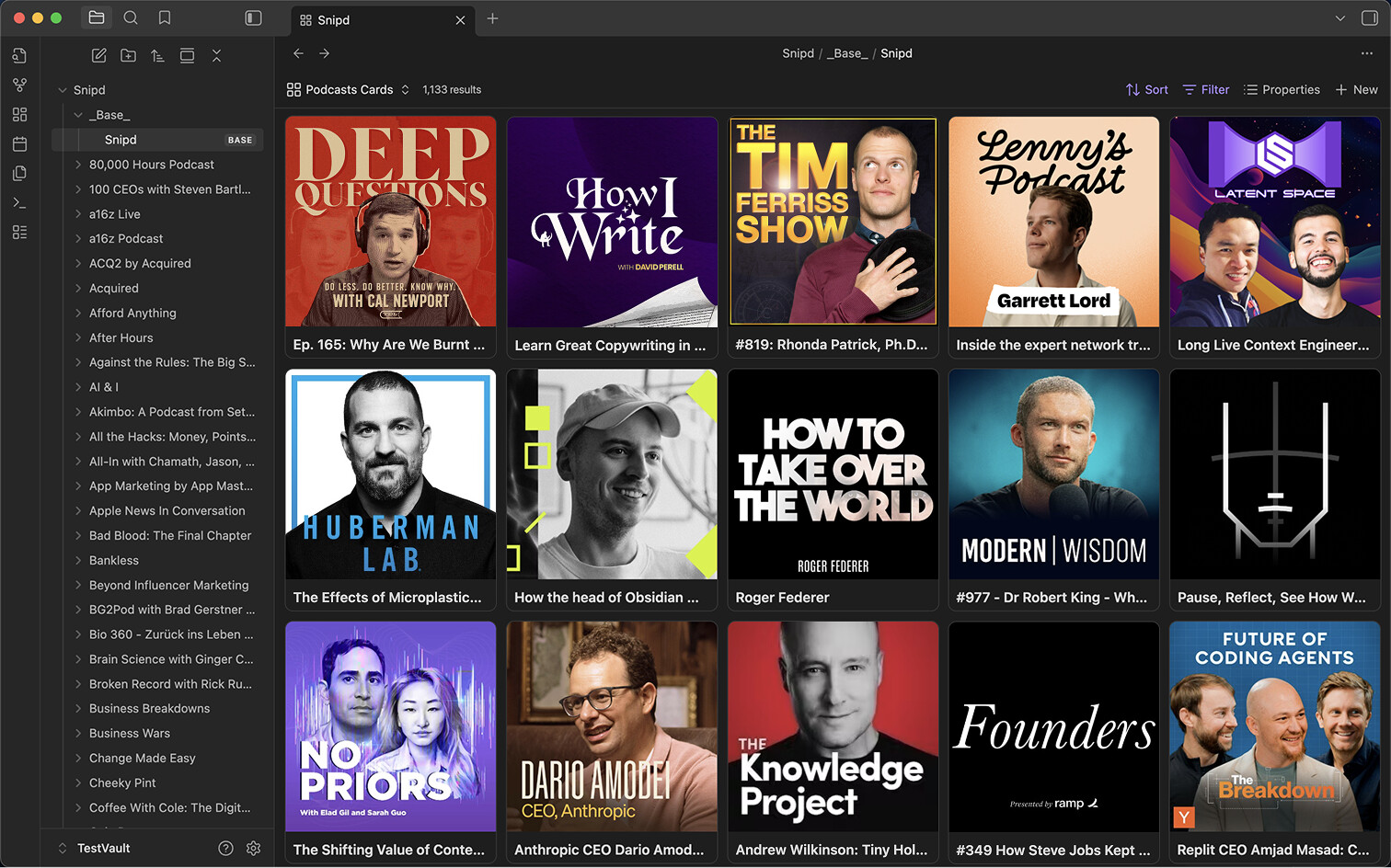
This is great and the card base looks gorgeous. I have not been able to customize the properties. Is it possible to do that? Has anyone managed to do it?
Nevermind. @KevinBen replied to the same request from someone else on Reddit. Apparently it is not possible to customize properties, but they are considering it.
Thanks a lot for the plugin! I’ve been wishing for it for a long time.
Yet, I am experiencing an annoying issue that made me disable it.
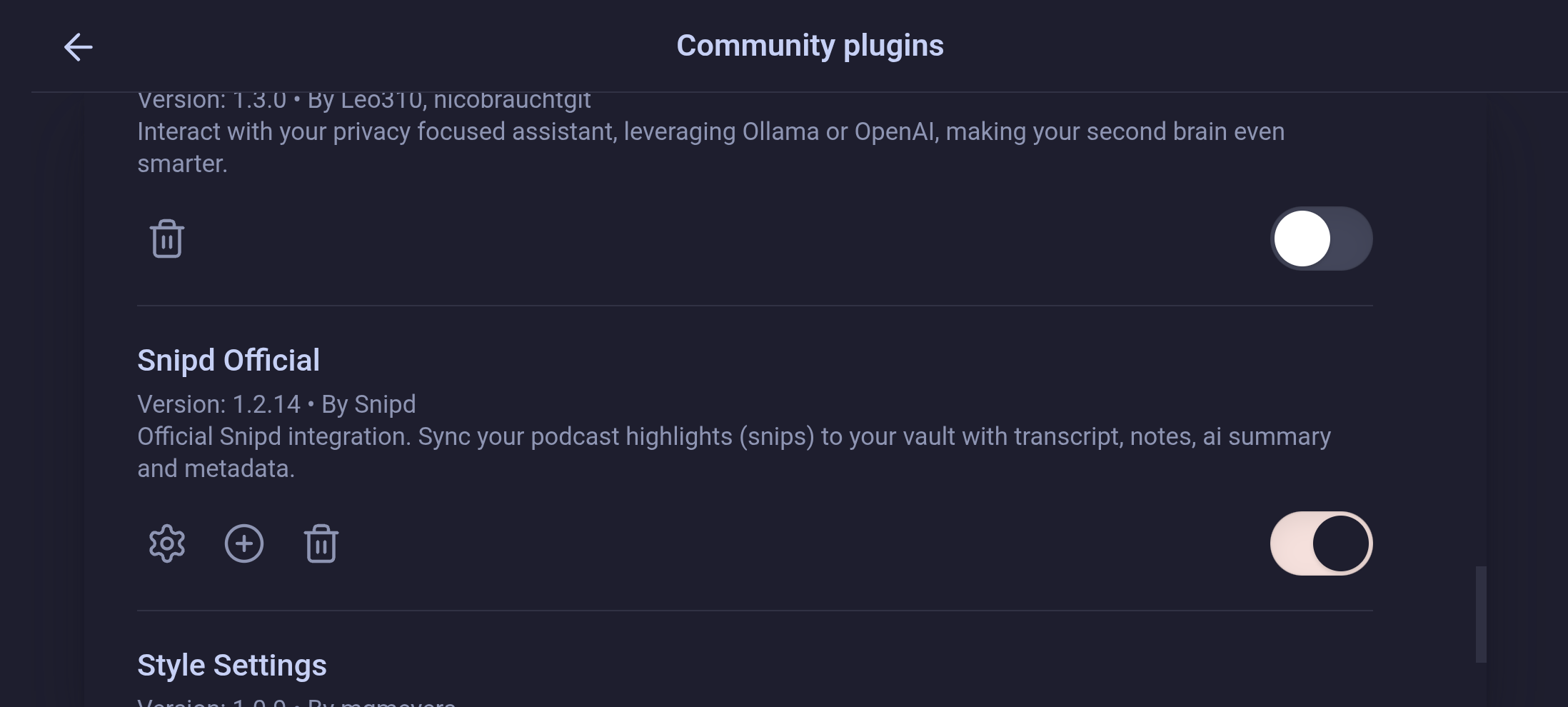
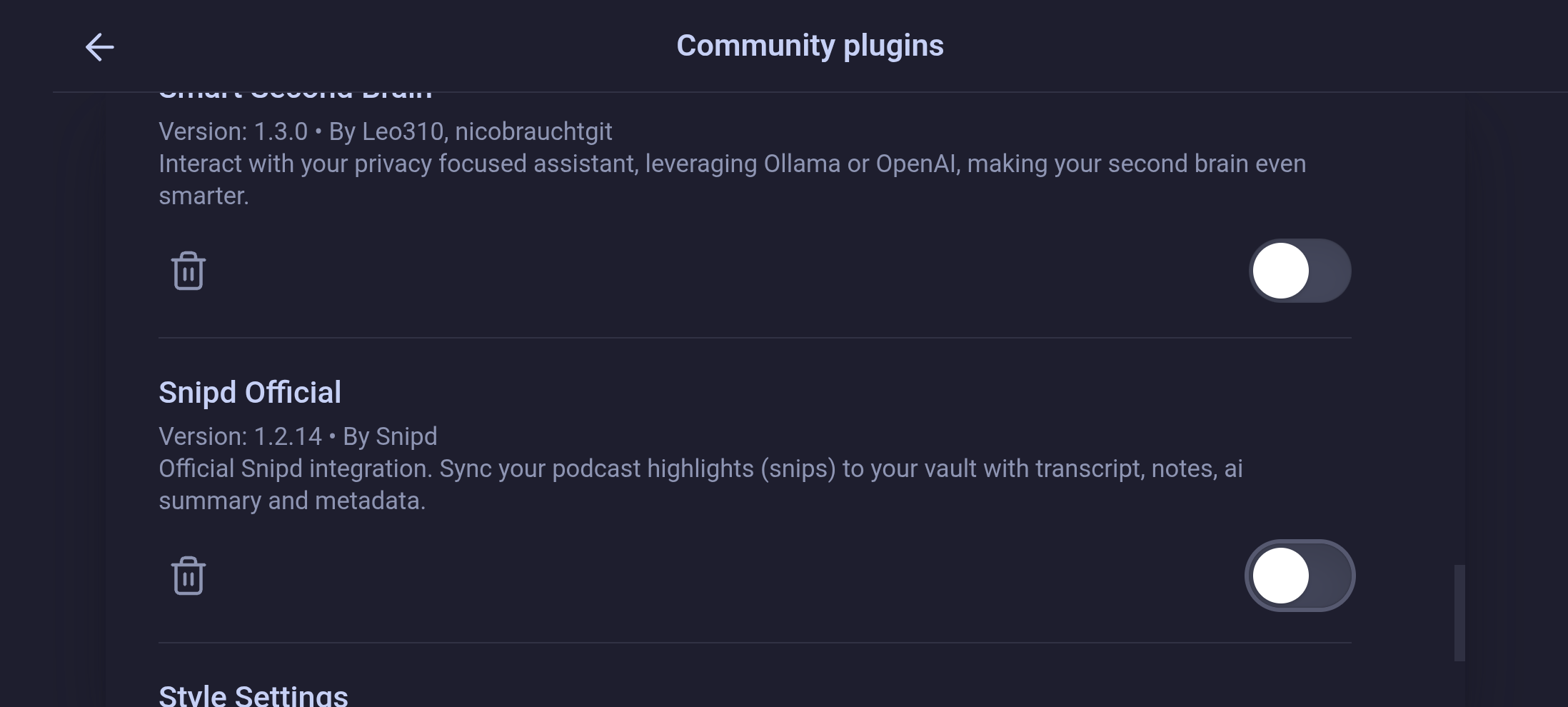
On Android (Samsung S22+), my settings panel is scaled as soon as I enable the Snipd plugin. As a consequence, I can’t access them in portrait mode anymore but only in landscape mode. I recorded a video showing the issue which I can’t attach here.
I have tested the default theme as well as disabling all plug-ins, in particular BRAT and Snipd Official. The change in scale happens immediately when I activate the plugin as you can see in the screenshots.
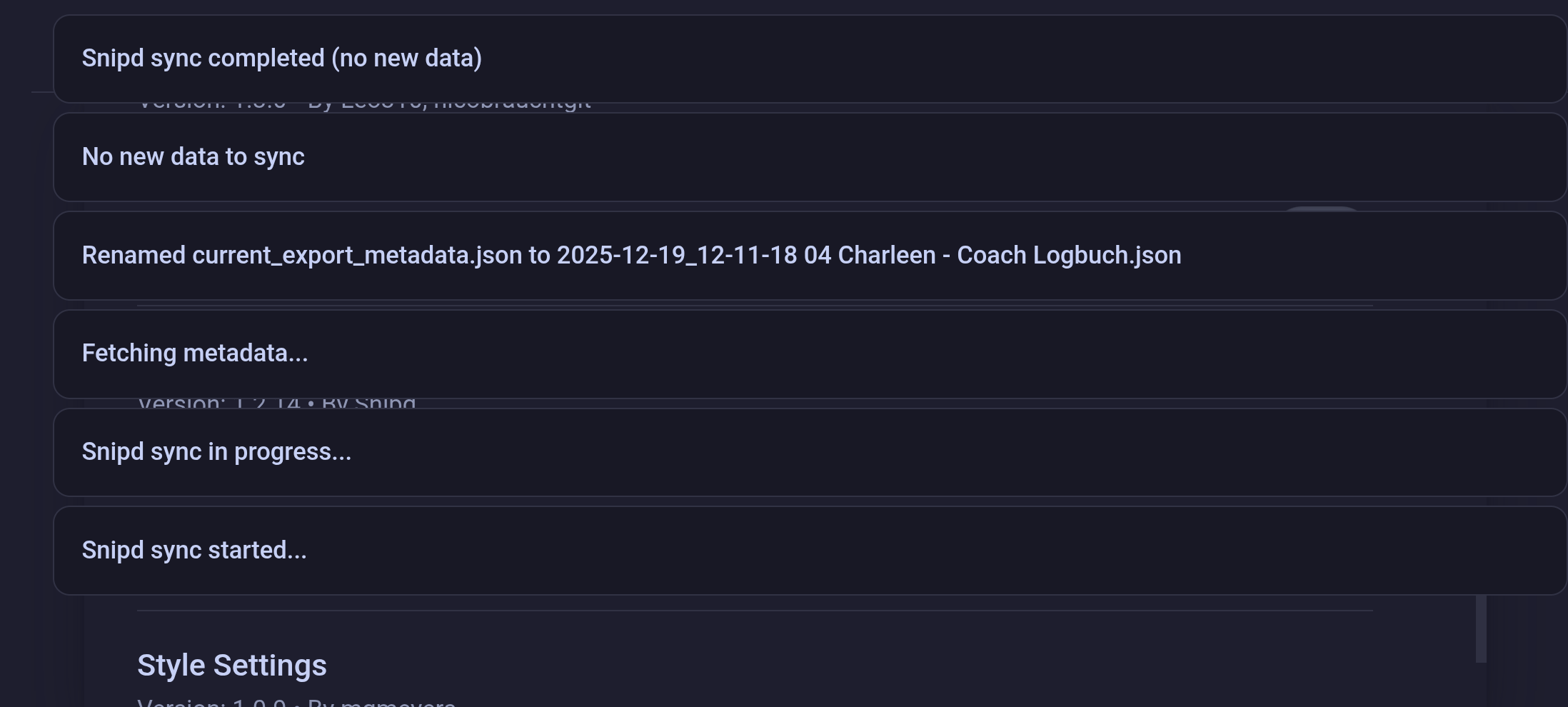
Could the issue be connected to the width of the sync notifications?
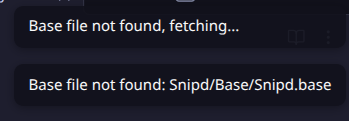
So stoked to see this! Alas, the plugin is not generating the the Snipd/base file. I’ve logged in, synced (both test and full), see Snipd folder with data/podcasts listed. When clicking the Snipd icon in the ribbon, I get the error below (obviously, because the base isn’t in the directory.)
I even ran the entire process in a new test vault.
I ran a bunch of Gemini queries to attempt rooting out the issue to no avail
I’ve now manually created a Snipd.base file since no tinkering would force the plugin to create it. This is just a hack and episode images are missing. Any ideas?
I can’t get the plug-in to sync any of my snips. When I do a test sync, I get the five “test” podcasts, but when I try to do a full sync, it just times out. This is an issue I’ve flagged both on GitHub and through Discord (weeks and months ago) and now here. I’m hoping to get some resolution, as, like many of the other commenters, I’ve been waiting a long time for this integration and can’t wait to get it working.

 ).
).