Disclaimer
Is this plugin open source? Yes — the client is Apache-2.0; the hosted server is proprietary.
Is this plugin completely free? No — a Free 50 MB plan is available; larger plans are paid.
Is this plugin vibe-coded beyond the author’s ability to comprehend how it works? No.
Community Directory:https://community.obsidian.md/plugins/smart-sync-global
Smart Sync — end-to-end encrypted sync for Obsidian, with LAN acceleration
Hi everyone, I’m the developer of Smart Sync. I wanted to share how I approached syncing Obsidian across devices, and I’d love to hear how you use it and what feedback you have.
The pain point first: I’d jot down a note on my phone, then sit down at my computer and open Obsidian — and still be waiting for it to sync over, with attachments being the slowest part. What I wanted was simple: make an edit and have it arrive near-instantly, no plaintext sitting in the cloud, and no self-hosted sync stack to babysit.
GitHub: https://github.com/adventurer2008/obsidian-smart-sync-release-global/
My approach has three parts:
-
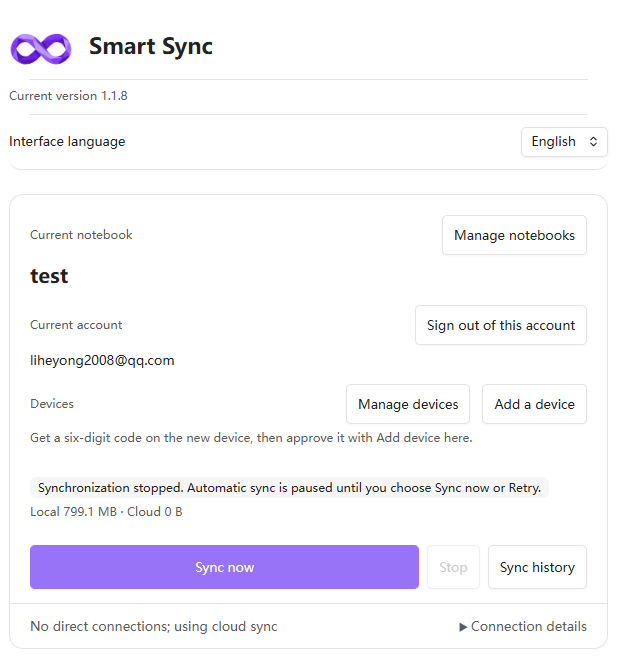
Encrypt before upload. Notes are encrypted on your device with AES-256-GCM before being sent to cloud storage — the cloud only ever holds ciphertext. Your login key and your encryption passphrase are two separate keys.
-
LAN acceleration. When your phone and computer are on the same Wi-Fi, they transfer directly over the local network instead of detouring through the cloud, which makes the first full sync and large attachments noticeably faster.
-
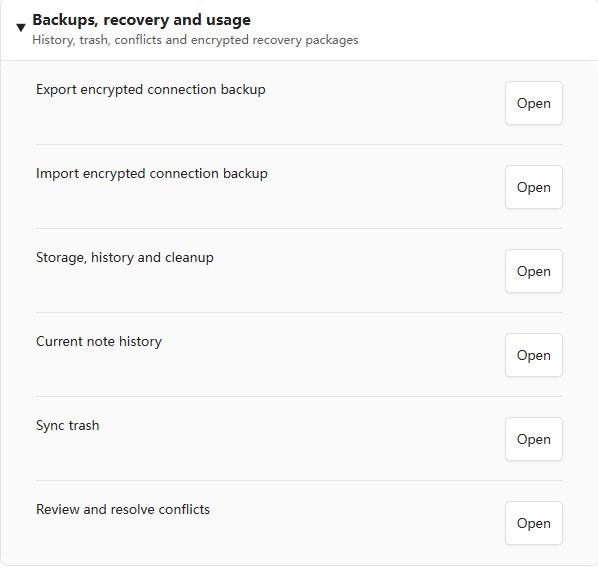
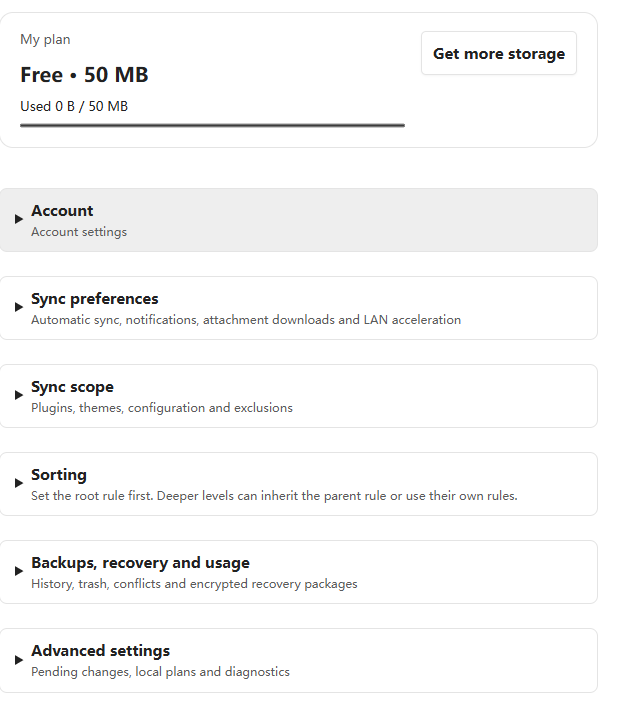
More than notes. Plugins, settings, themes, hotkeys and bookmarks can each be synced as well, with version history and a recycle bin. New devices join with a 6-digit pairing code.
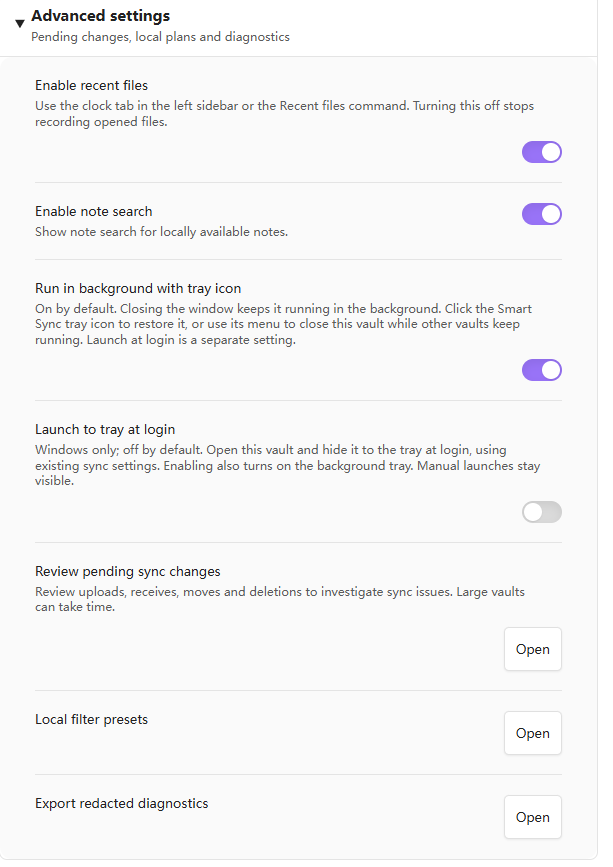
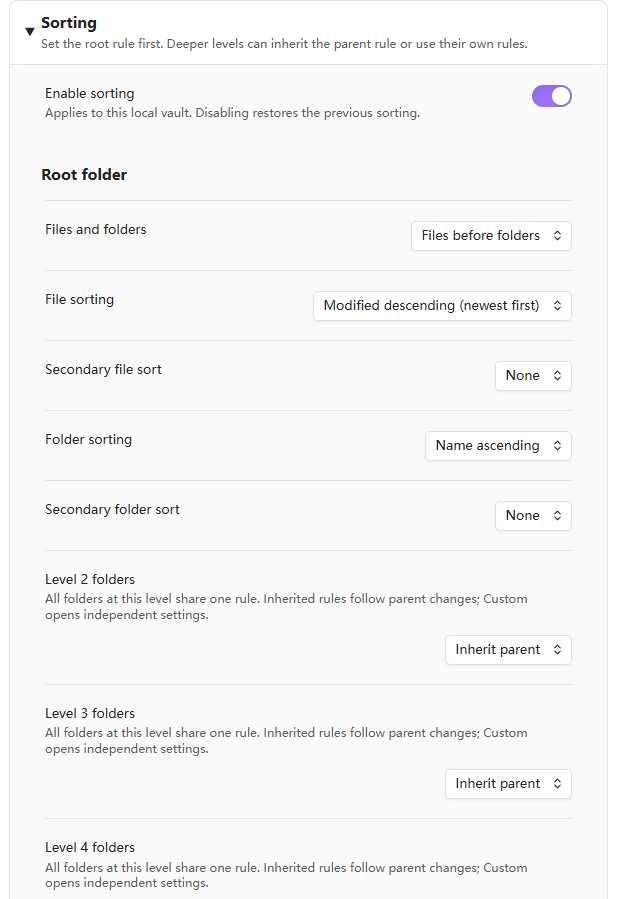
Extra features include: password encryption for an individual note, or even just part of a note’s content; folder sorting, with notes pinned to the top or bottom; a standalone search feature; optional launch at startup; and background running. Feedback is very welcome — it directly shapes what gets improved next.
Your data: stored on Cloudflare R2, end-to-end encrypted — the server stores ciphertext only. The app server runs on Oracle Cloud in the United States.
Pricing: the free plan gives you 50 MB — get one vault fully syncing first, then decide whether you need more space.
Install: it’s live in the official Community plugins directory — Settings → Community plugins → Browse, search “Smart Sync” (current version 1.1.8).
Website: https://smartsync.cc/
X: @smartsync_cc — https://x.com/smartsync_cc