Is this project open source? Yes
Is this project completely free? Yes
Is this project vibe-coded beyond the author’s ability to comprehend how it works? No
Community Directory: Smart Explorer
Hi everyone, I built Smart Explorer, an open-source Obsidian community plugin for browsing and organizing files from a side pane.
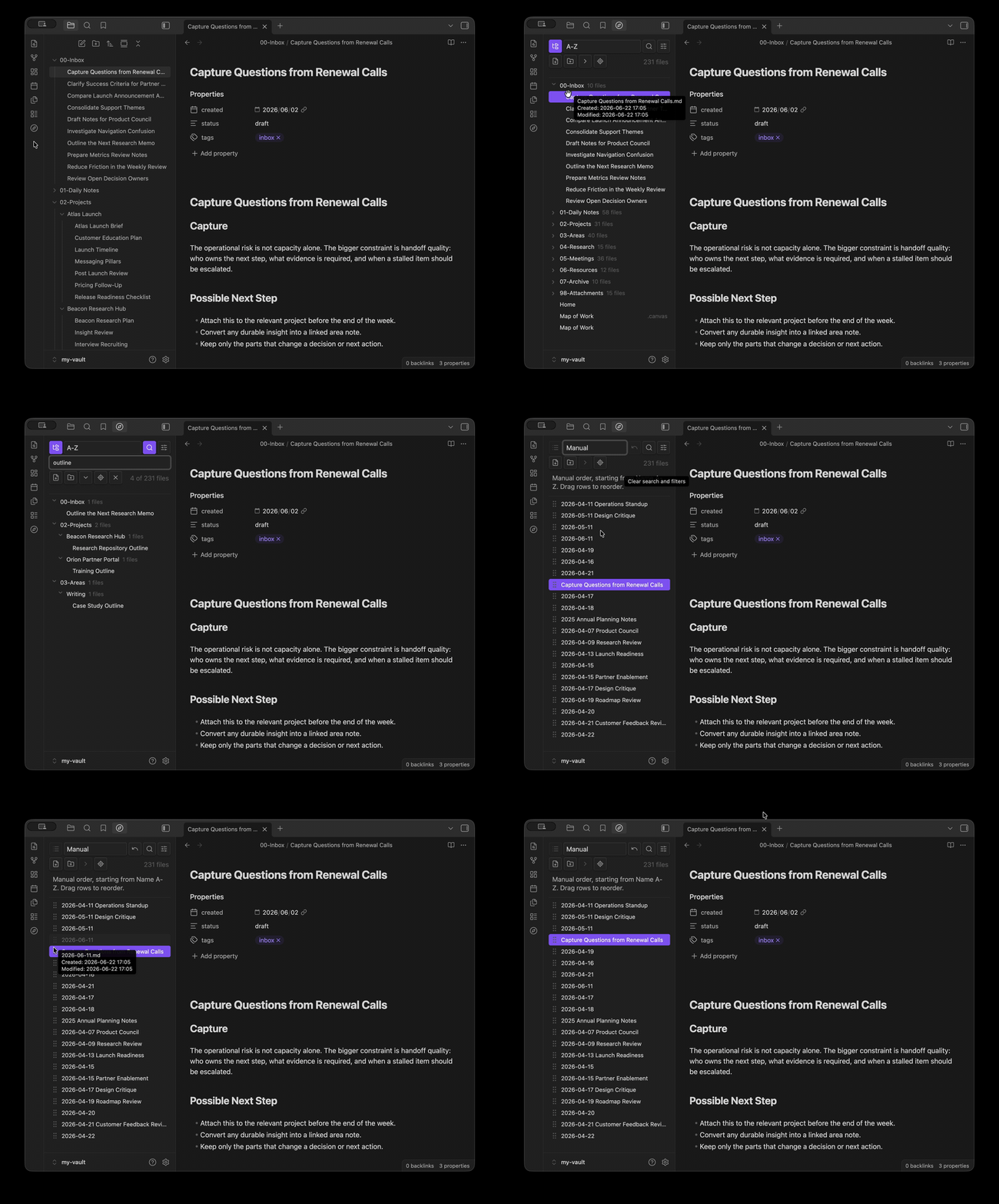
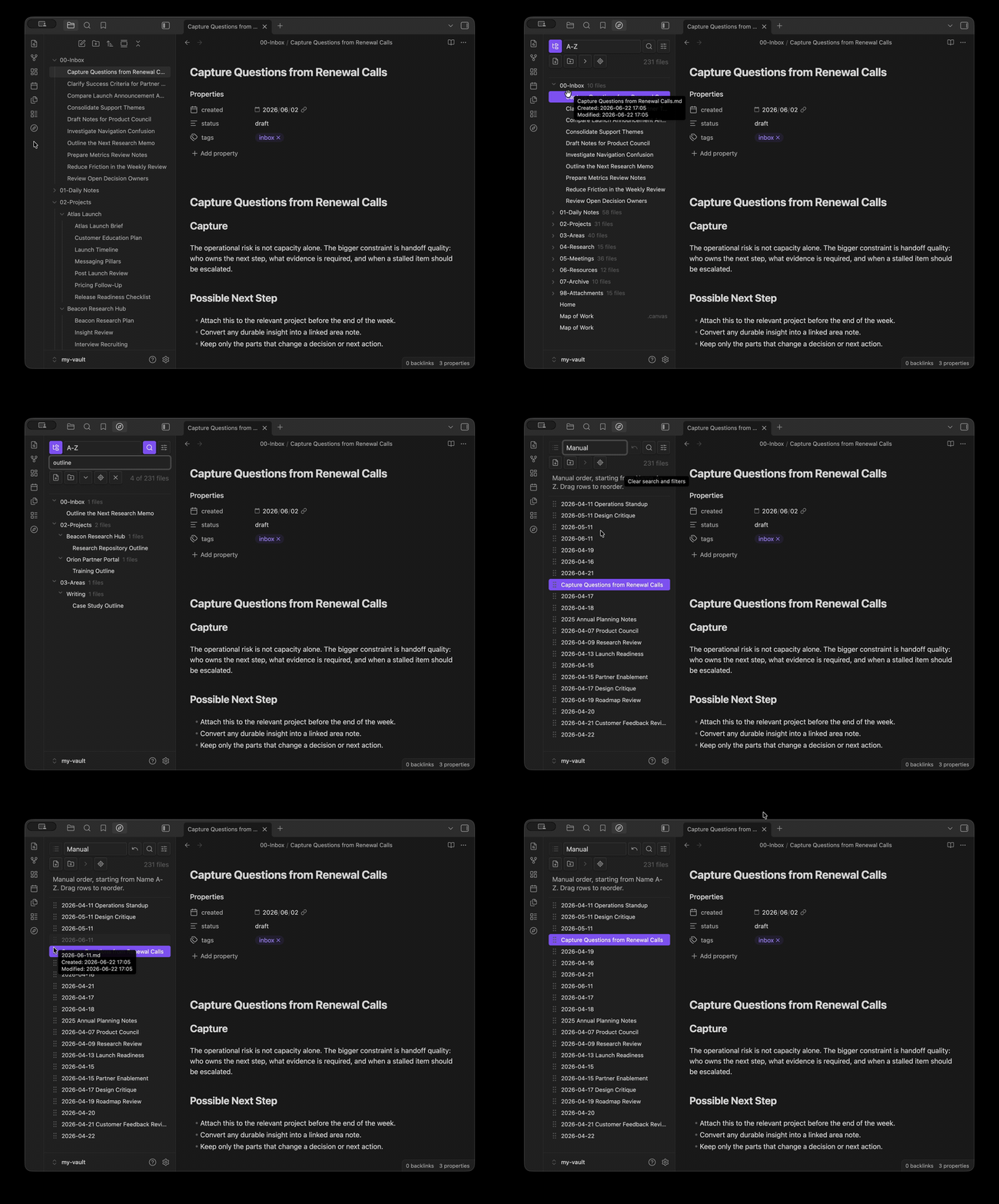
The specific workflow I wanted to improve is manual file ordering. In project folders, alphabetical order is often not the order I actually work in. I usually want a human priority order: overview first, then brief, research notes, checklists, and drafts.
Smart Explorer focuses on that kind of project file browsing:
Browse vault files in a side pane.
Filter files without leaving the current note workspace.
Preview files from the explorer.
Sort by common file properties.
Manually reorder files for project-specific priority.
Demo:
GitHub repository:
I would appreciate feedback from people with large project vaults or workflows where manual file order matters. I am especially interested in whether the manual sorting behavior matches how people organize active project folders.
I ended up narrowing the plugin quite a bit since the first version. It is now more focused on being a tree-first side-pane file explorer, with manual ordering as the main workflow, instead of trying to be a broader file preview panel.
The bigger changes in 0.5.0:
Tree view is now the default, with collapsed folders, folder counts, and root-level files shown beside top-level folders.
Manual sorting is simpler: switch to Manual, drag files directly, and use Undo if needed.
Manual mode now starts from the order you were already viewing, so it is closer to “what you see is what you drag.”
New note / new folder are available from the toolbar, context menus, and Command Palette.
Creating and renaming files/folders now happens inline, closer to Obsidian’s native file explorer behavior.
File and folder context menus now include the common actions I was missing from the official file explorer.
Mobile support is better: long-press menus and larger touch targets.
Preview was removed so the plugin can stay focused on browsing, filtering, and ordering files.
I would still be very interested in feedback from people who manually organize active project folders, especially around whether the drag ordering feels predictable in real vaults.