Use case or problem
I love the new bases feature, because I can almost use Obsidian without any additional plugins now.
There a several categories of notes I create, for example for a new meeting I want to take notes on.
For creating new meetings I dragged a base view in the sidebar which lets me create a new meeting note for the current day.
It has a filter like this one:
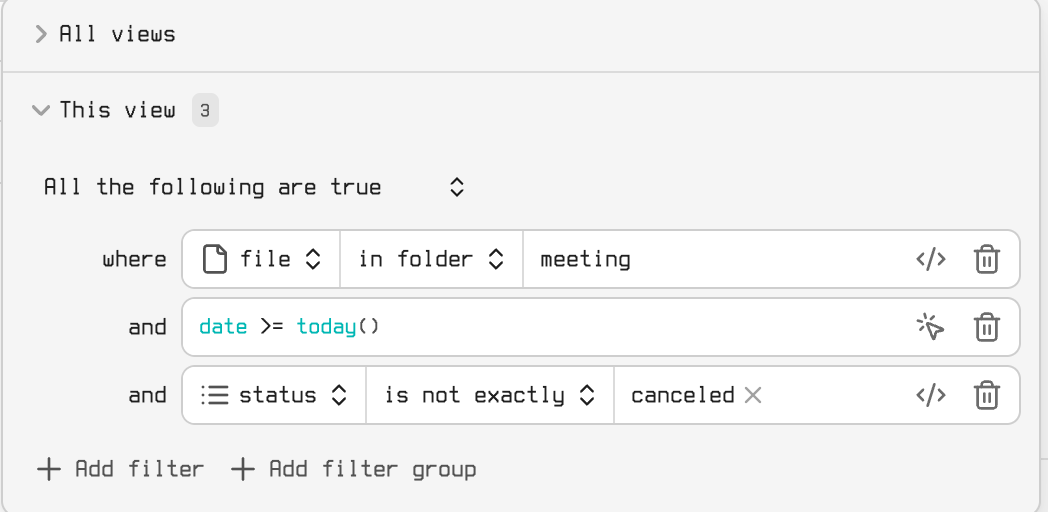
When I click on “New” in the sidebar the new note will be created in the correct folder and with the date of today, which is very convenient:
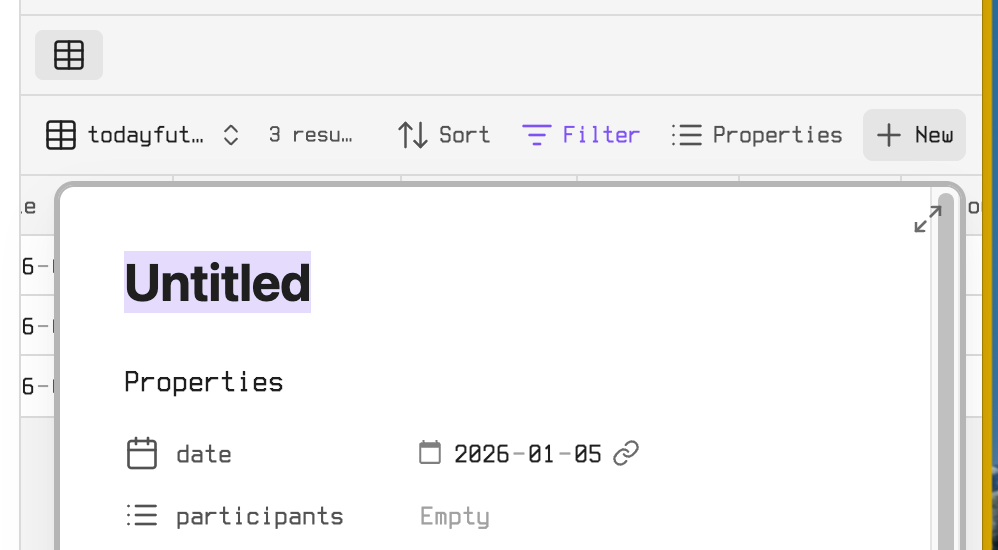
The problem is that in most cases it fills unnecessary space of the sidebar, because I have this view only to create a new entry.
In this example it might be useful to show all meetings for the current day. But most often I just want to create a specific base view note.
For example for a new note of a person I meet I have this “empty-create” view
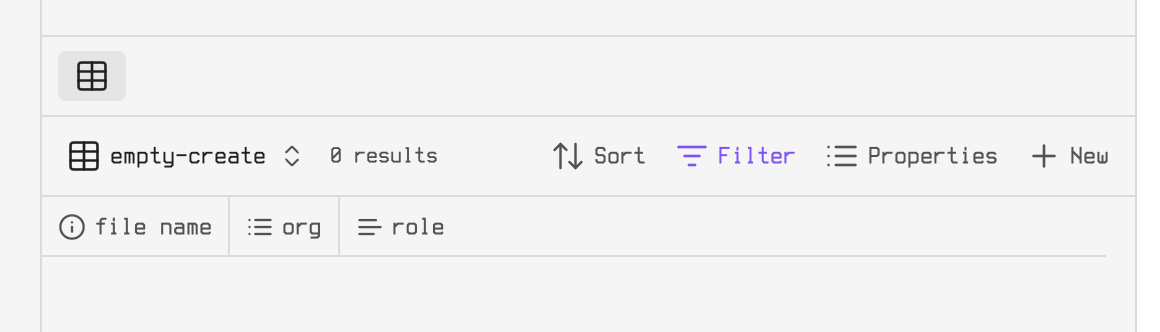
with a filter that will never have a result, but the “new” button makes it so that I can add a new person in the right folder from anywhere in my vault.
Proposed solution
Basically it would be awesome to add that “new” button somewhere without listing any corresponding base entries.
Introduce a way to make a shortcut to create a new note with a specific base view from the the sidebar.
I’d imagine something like this (just in better looking):
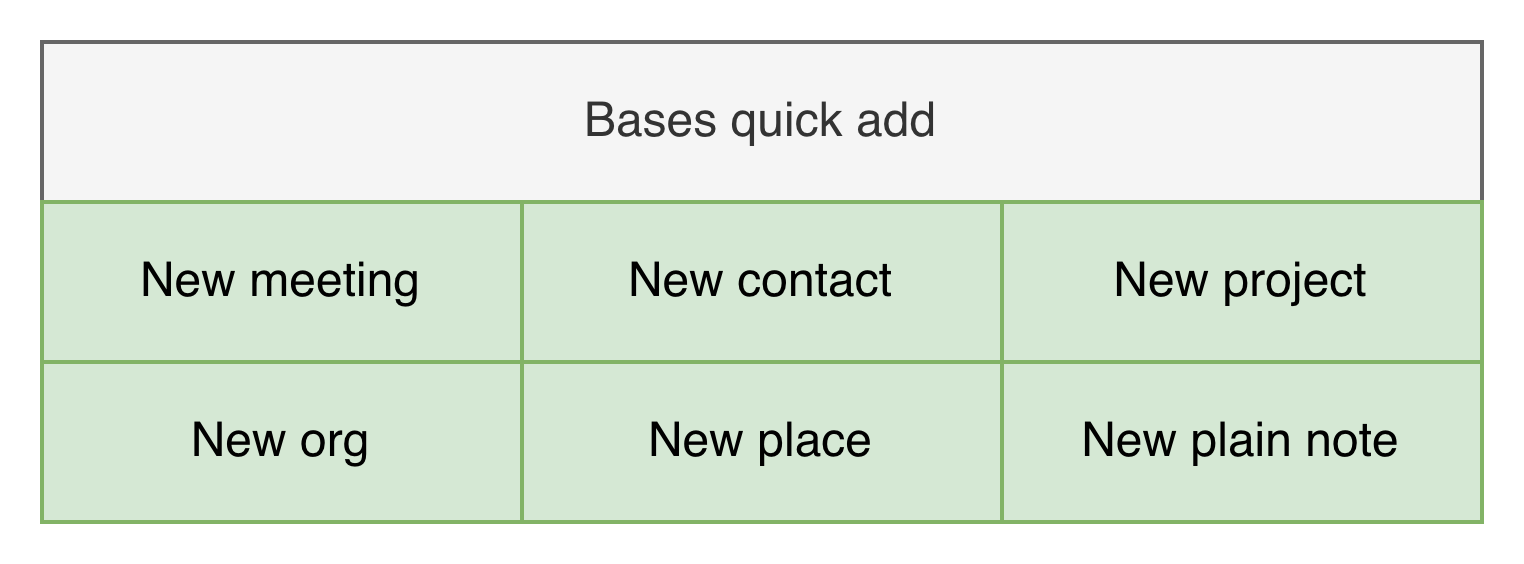
Each of the green buttons would have a view associated to them.
Practical example for what a button could do:
- Create a new meeting today
- creates a note in the folder “meetings” with the property date referencing the current date
- Create a worklog note for customer “Contoso”
- creates a note in the folder “worklogs” with the property org = Contoso (something that you might do multiple times each week)
Current workaround
- Prep
- have an existing base view
- drag the view in the sidebar (which will also show all entries for the filter, which is unintended in this case)
- Actual steps
- Click the new button in the sidebar (< this saves time already)
or
- Prep
- have an existing base view
- Actual steps
- Click on the right base
- Select the right view
- Click on the new button
- (too many steps for a reoccurring task imo)