The troubleshooting guide is there to check on your end if a community theme, plugin, or CSS snippet is causing the issue(s) before submitting a report.
I would:
switch to the default theme (Settings > Appearance)
go to Settings > Community plugins > Restricted mode and tap Turn on and reload
disable CSS snippets if you have any (Settings > Appearance)
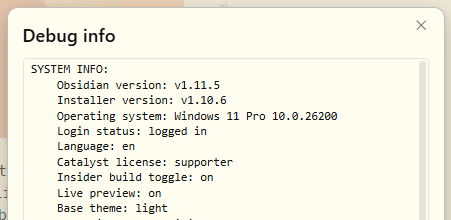
Also, type cmd/ctrl + p → Show debug info and paste that in here. It looks like this:
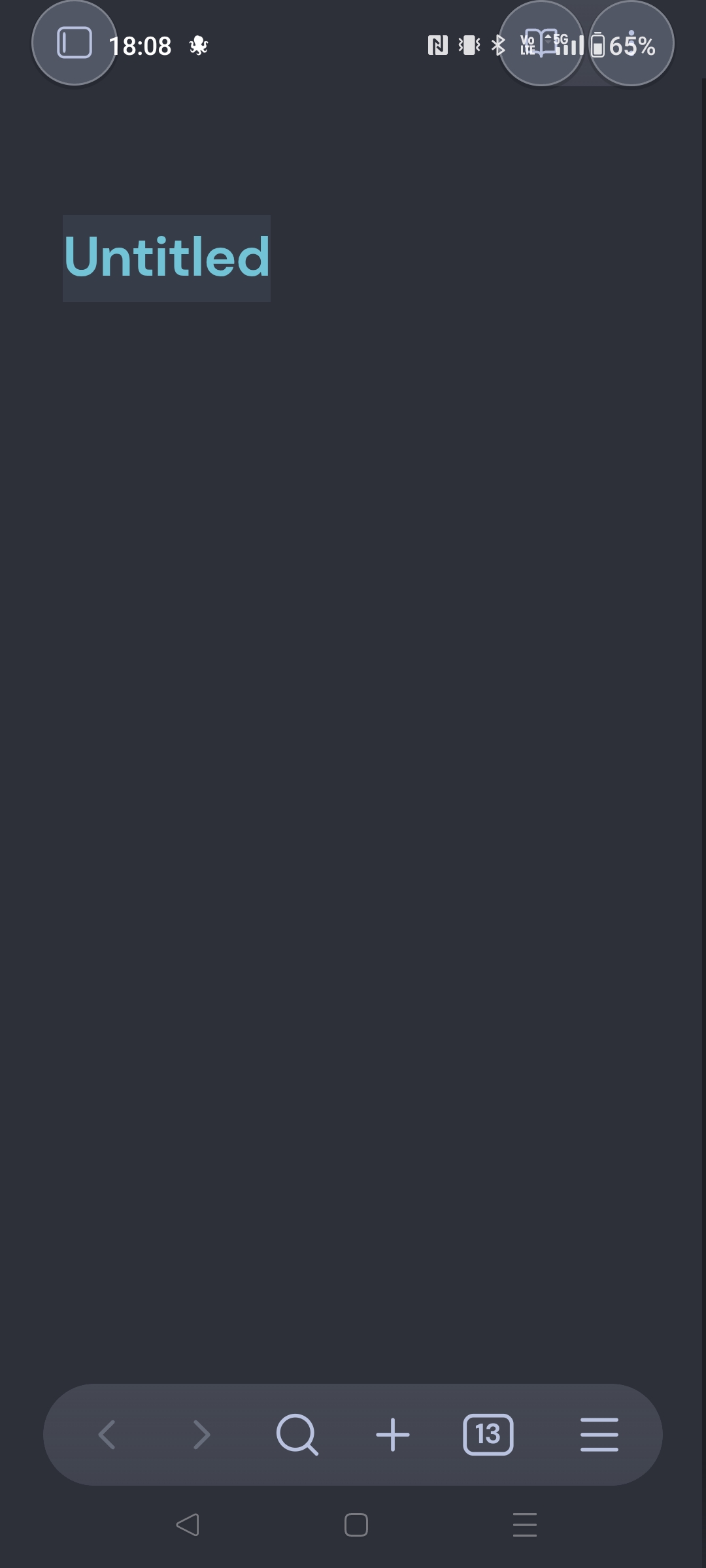
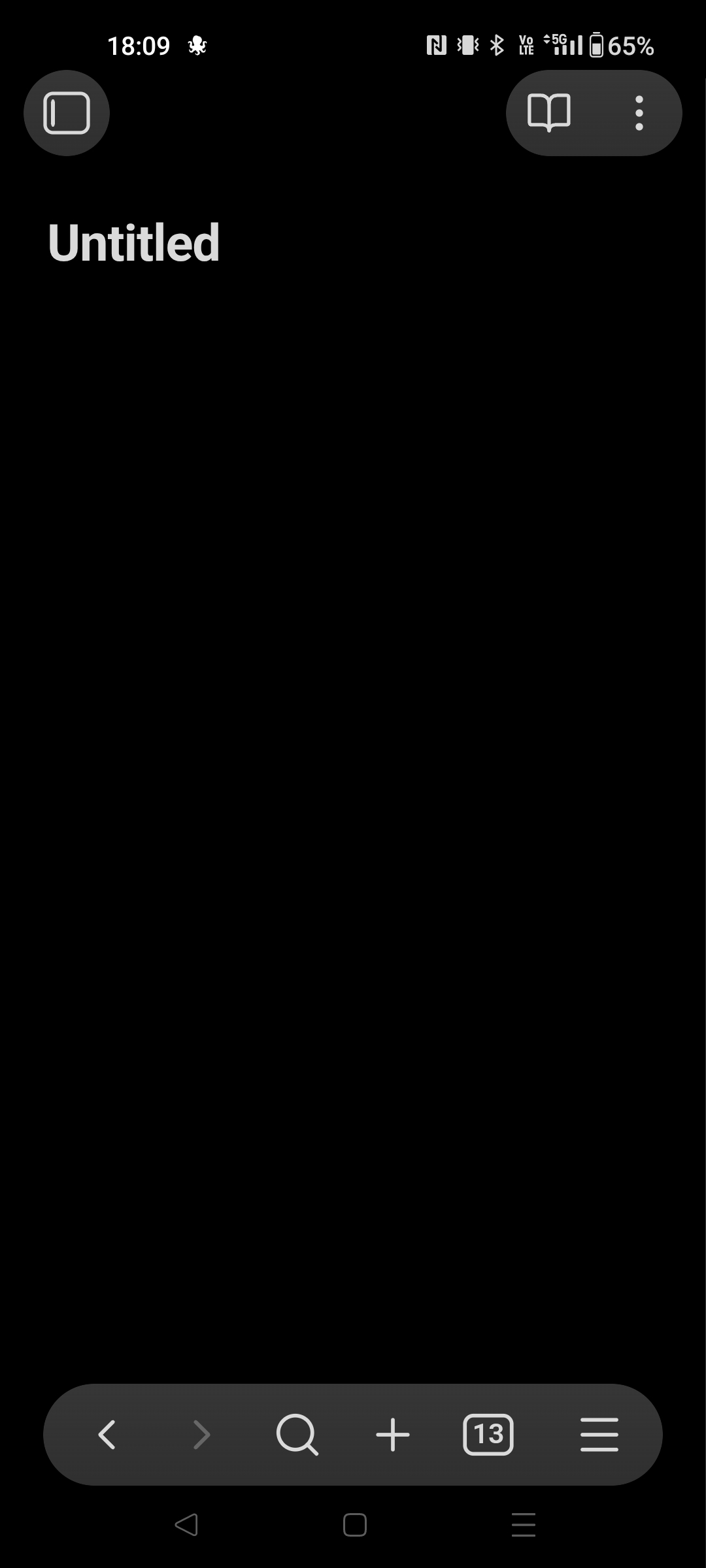
I came here to report/look for the same bug, but apparently it was indeed some issue with the theme I used (LYT Mode by Nick Milo).
But since I already spent the time writing this message, I will paste the debug info
—
SYSTEM INFO:
Operating system: android 13 (OnePlus IN2013)

Webview version: 143.0.7499.192

Obsidian version: 1.11.4 (277)

API version: v1.11.4

Login status: logged in

Language: en

Catalyst license: none

Live preview: on

Base theme: dark

Community theme: none

Snippets enabled: 0

Restricted mode: off

Plugins installed: 12

Plugins enabled: 8

	1: Advanced Tables v0.22.1

	2: Dataview v0.5.67

	3: Excalidraw v2.8.1

	4: Reading Time v1.1.2

	5: Tag Wrangler v0.6.1

	6: Kanban v2.0.51

	7: Auto Note Mover v1.2.0

	8: Paste image rename v1.6.1
RECOMMENDATIONS:
Community plugins: for bugs, please first try updating all your plugins to latest. If still not fixed, please try to make the issue happen in the Sandbox Vault or disable community plugins.