Sidebar explorer style(toggle icon to the right)

Hello

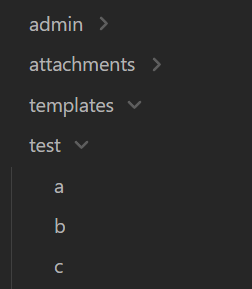
Has anyone customized the style of the sidebar (Explorer), or is there a plugin available for this?

I’d like to move the toggle icon to the right. From what I’ve researched, it seems that a lot of CSS changes are required. Another issue is that the padding values are set inline rather than through CSS classes.

I’ll attach an image showing the desired sidebar style.

This CSS snippet does it in the default theme:

.nav-folder-title > .collapse-icon {
	right: 1ch;
}

Adjust the distance to taste.

Or if you prefer the icons directly next to the folder name:

.nav-folder-title.mod-collapsible {
	display: inline-flex;
}
	
.nav-folder-title.mod-collapsible > .collapse-icon {
	right: -2ch;
}

1 Like

Nice one. However, that’s not everything — there’s still a gap on the left where the icon used to be.

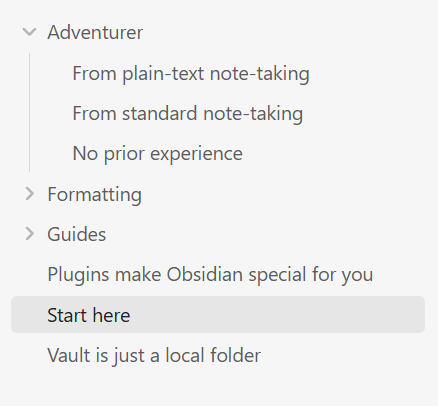
The default theme has guidelines in that gap:

This removes the guidelines and the gap:

.nav-folder-title > .collapse-icon {
	right: 1ch;
}

.nav-folder-title-content, .nav-file-title-content {
	margin-inline-start: -24px;
}

.nav-folder-children {
	border-left: none;
}

If you’re looking to do something else with the guidelines, let folks know so they can help you write the CSS.

You mentioned:

From what I’ve researched, […]

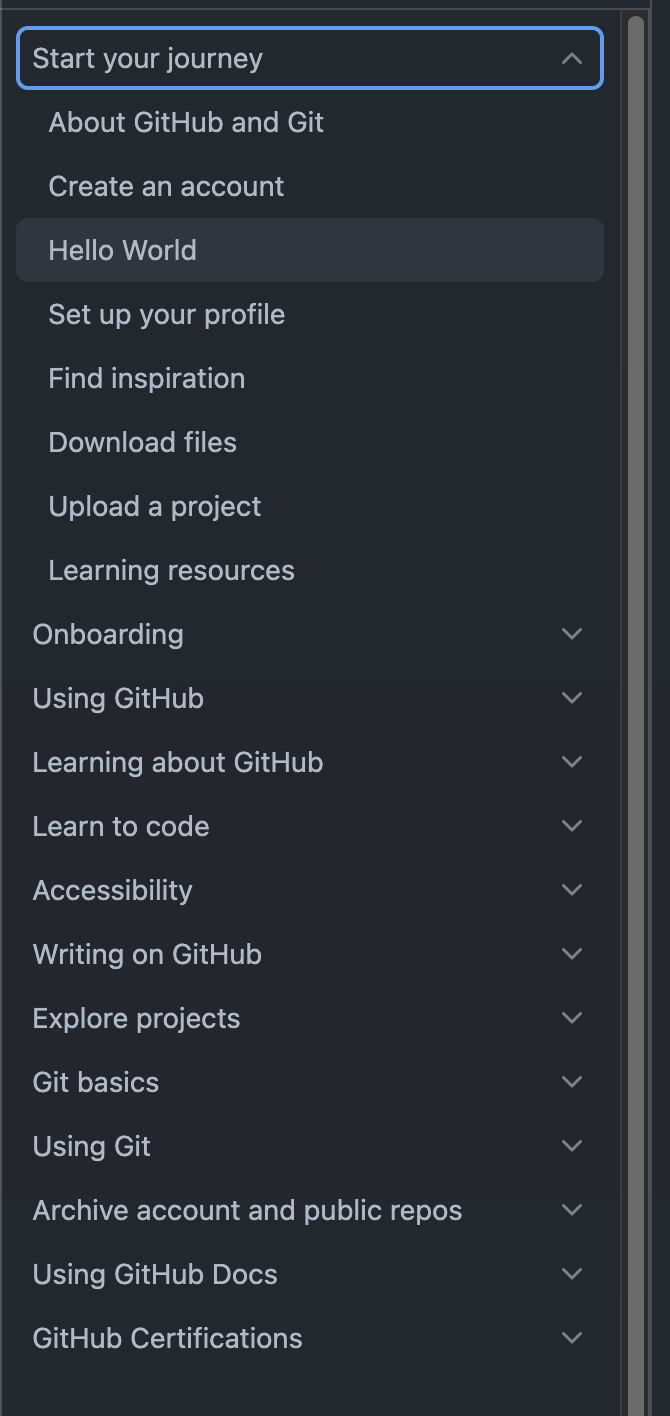
I’m wondering if that means you asked a GPT or did an online search. It might help you to also know you can press Ctrl + Shift + I / Cmd + Opt + I in Obsidian to open DevTools and look around for the things you’re interested in changing.
1 Like

This is nice.

I’m not sure what do you mean by ‘Default theme guidelines’. Give me a link, please

They’re in the screencap.

“Default theme” refers to the theme that Obsidian comes with, as opposed to a community theme.

“Guidelines” here refers to the light gray line under the collapse icon.

In the default theme, those lines extend down from folders to help see which files are in the folder and how far nested they are.

1 Like

This topic was automatically closed 7 days after the last reply. New replies are no longer allowed.