This plugin enables you to shrink pinned tabs in Obsidian UI. You can also show or hide the tab title in the plugin settings.
Obsidian plugin to shrink pinned tabs in order to save screen space
This plugin is inspired by a snippet from woofy31 on Obsidian’s forum .
2 Likes
Thank you for putting my snippet into a plugin for all the plugin lovers out there, really appreciate it!
As an idea, you could also put in additional settings, like letting the user decide the shrunk tab width in pixels (some of us use various icons in titles, which can lead to undesired appearance, others want to use very small shrunk tab widths)
2 Likes
Nice idea. I will add it soon.
@woofy31 I added the setting in the last release.
1 Like
Hi there.
I released a new version of my plugin : Release 1.1.0 · nicosomb/obsidian-shrink-pinned-tabs · GitHub
Changelog:
Choose clickable, non-clickable or hidden pin icons (#5 ). Use the tab context menu to unpin when the icon is non-clickable or hidden.
Show pinned tab titles always, only on active tabs, or never. Existing title preferences are preserved.
Toggle compact tabs from settings or the command palette, and reset the width to 60 px.
Apply settings to detached windows. Mobile, stacked tabs and sidebar tabs keep their native appearance.
1.2.0 is available Shrink pinned tabs - Obsidian Plugin
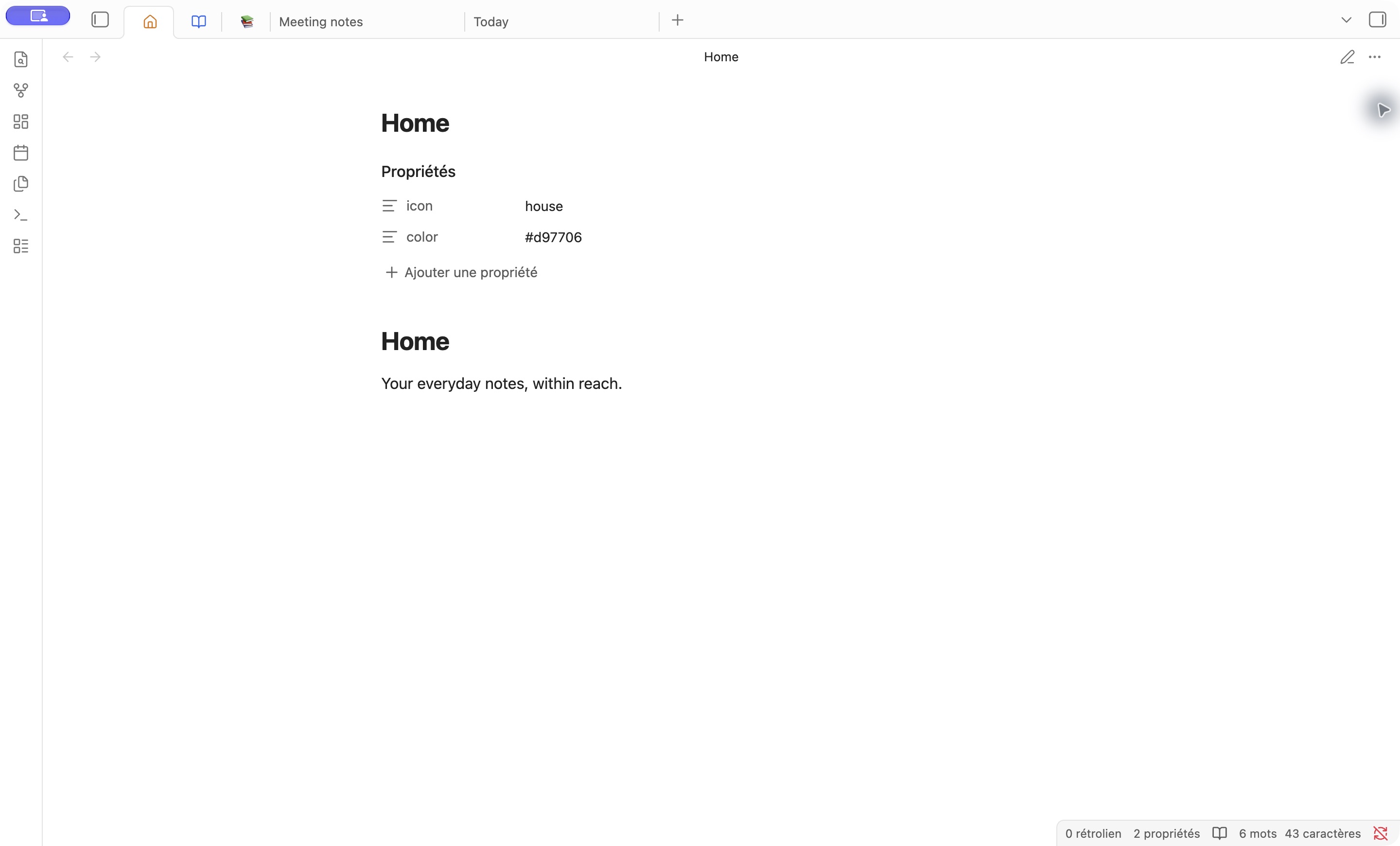
Enable Use note icons and colors to customize pinned tabs using note properties. This option is off by default.
---
icon: house
color: '#d97706'
---
Use an Obsidian Lucide icon name or an emoji.
Apply a CSS color to the tab title and monochrome icon.
Update all pinned views of the same note immediately, while keeping same-name notes in different folders distinct.
Restore the native appearance when properties are removed or invalid. The plugin does not modify your notes.