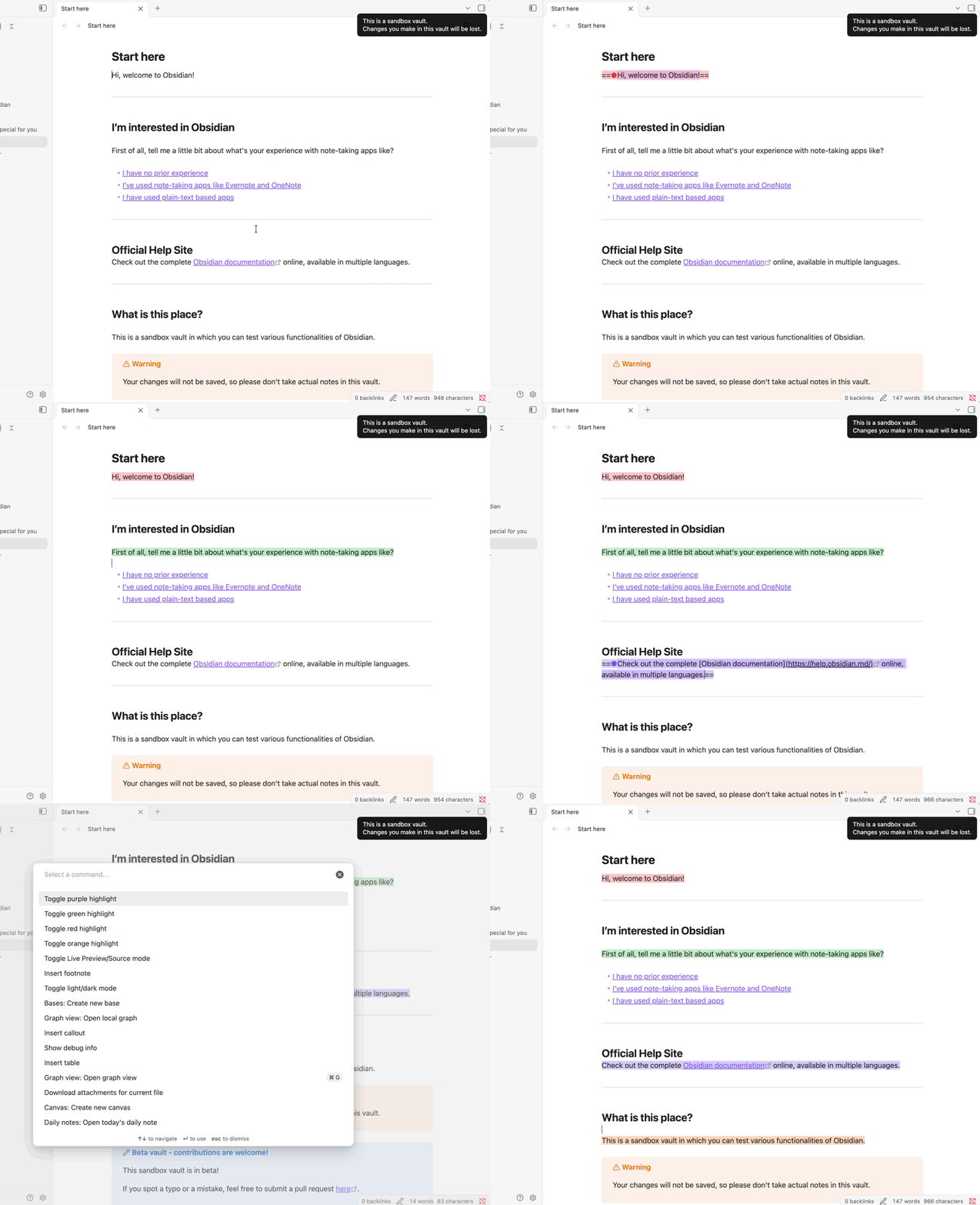
Currently, the color emoji introduced in v1.14 is only available when I create a == , select the color, and then type the text.
Or, if I type == at the beginning of a phrase, I can select the color, but I then have to add the closing == at the end.
If I select text and then highlight it, the color emoji doesn’t appear
Proposed solution
If the selected text is highlighted, an emoji color picker should appear.
Current workaround (optional)
Currently, I select the text, right-click to open the Format menu, then open the Highlight submenu, and then choose the color. SO MANY AND IMPRACTICAL CLICKS.
I’d like to be able to change the color of existing default highlights using the same color picker that’s available for explicitly colored highlights.
Current behavior
In Obsidian 1.14, the color picker appears when clicking the colored circle of a highlight that already has an explicitly assigned color.
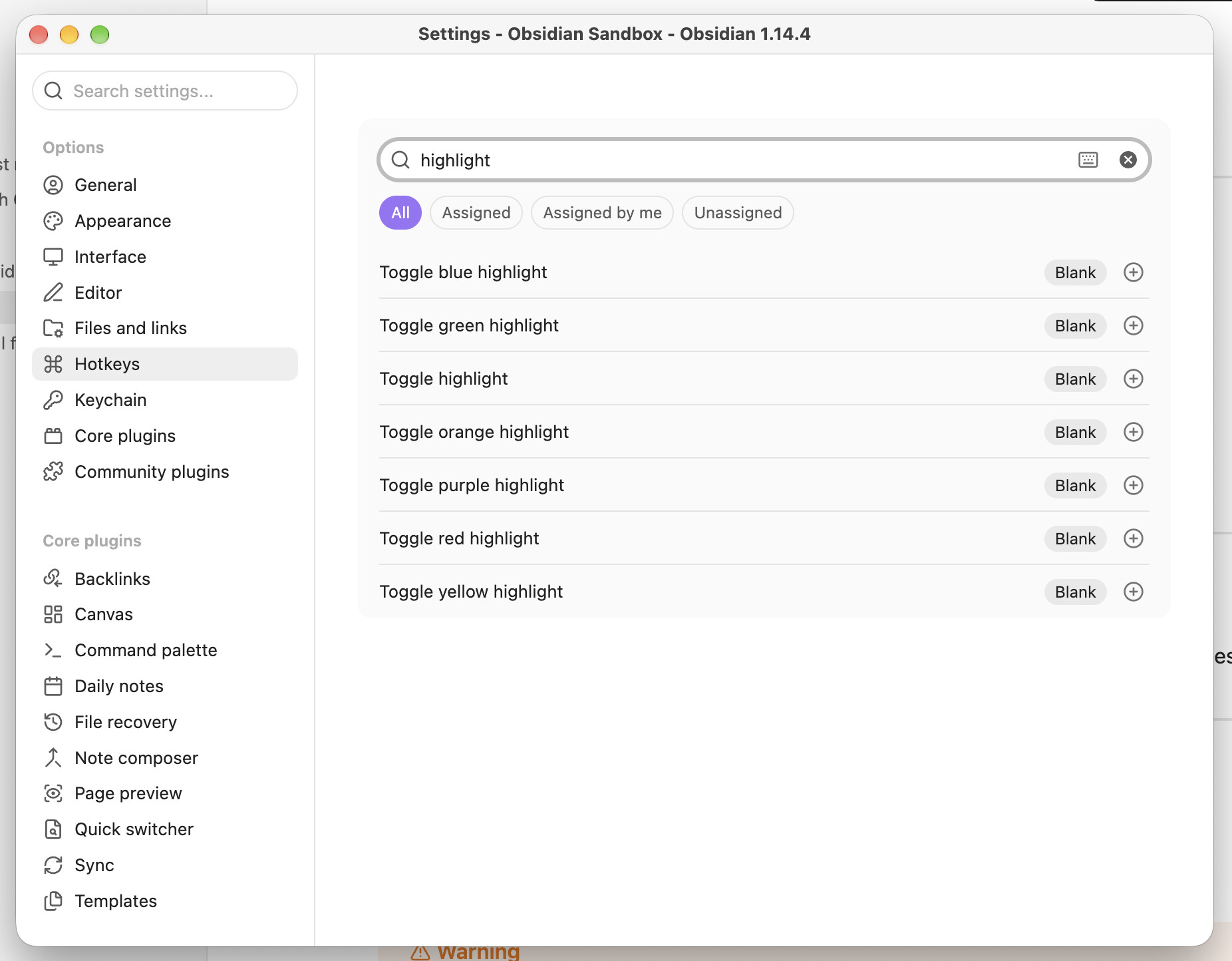
However, default highlights (==highlighted text==) don’t have this circle, so the color picker isn’t accessible in the same way. Changing their color requires using a command, hotkey, or context menu instead.
Why this matters
My usual workflow is to select text and apply the default highlight using a keyboard shortcut. Later, I may want to assign different colors based on the meaning or importance of certain passages.
I also have many existing highlights across my notes that I’d like to recolor.
For me, one of the biggest benefits of introducing multiple highlight colors is being able to easily organize and differentiate text I’ve already highlighted.
Having to use a different interaction for default highlights feels unintuitive and makes the feature less convenient, especially when working with existing notes.
Suggested improvement
Make the color picker accessible for default highlights as well, allowing users to click an existing highlight and choose a color directly, without needing a separate command or manually editing the Markdown syntax.
Ideally, changing the color of a highlight would work consistently, regardless of whether it currently uses the default color or an explicitly assigned one.
I think the cases are similar but not identical. He wants to see the color picker when selecting text that has already been highlighted, whereas I want to see the color picker when highlighting previously unhighlighted text. So my title is more suitable for those who want to improve the overall smoothness of this new feature.
Thanks for taking the time, anyway.
I see. Hm. But, including highlighting, folks often select a section of text to set it as: bold, italic, a block quote, a callout, inline code, a fenced code block, a comment, etc.
So if I’m going for any of those excluding highlighting, I don’t want to see the color picker automatically pop up when simply selecting some text.
I’m inclined to leave the topic as is, but if you’d like another mod to have a look, flag it as “something else” and add the reason. Thanks!