I added a Toggle Readable line length plugin to be a targeted solution to this problem. It works the same way as some of the other plugins mentioned above, but doesn’t do anything except add this toggle (command and hotkey).
2 Likes
Thank you so much. Works perfectly.
1 Like
Made this account specifically to ask for this feature. There are so many useful settings we can bind to hotkeys, but this one is missing.
Use case or problem
Enabling or disabling the “Readable Line Length”-setting via a hotkey
Proposed solution
Add option to set a hotkey for the “Readable Line Length”-setting
Current workaround (optional)
Set it via the settings → editor → display → “Readable Line Length”-toggle
1 Like
Use case or problem
I want to be able to toggle the Readable line length feature without using a mouse/pointer from the command palette or using a custom keyboard shortcut.
Proposed solution
Add Readable line length as a command in the command palette (Ctrl+P).
Current workaround (optional)
None
Related feature requests (optional)
None
1 Like
There are some options:
Create a CSS snippet to define a width and set it to a hotkey using:
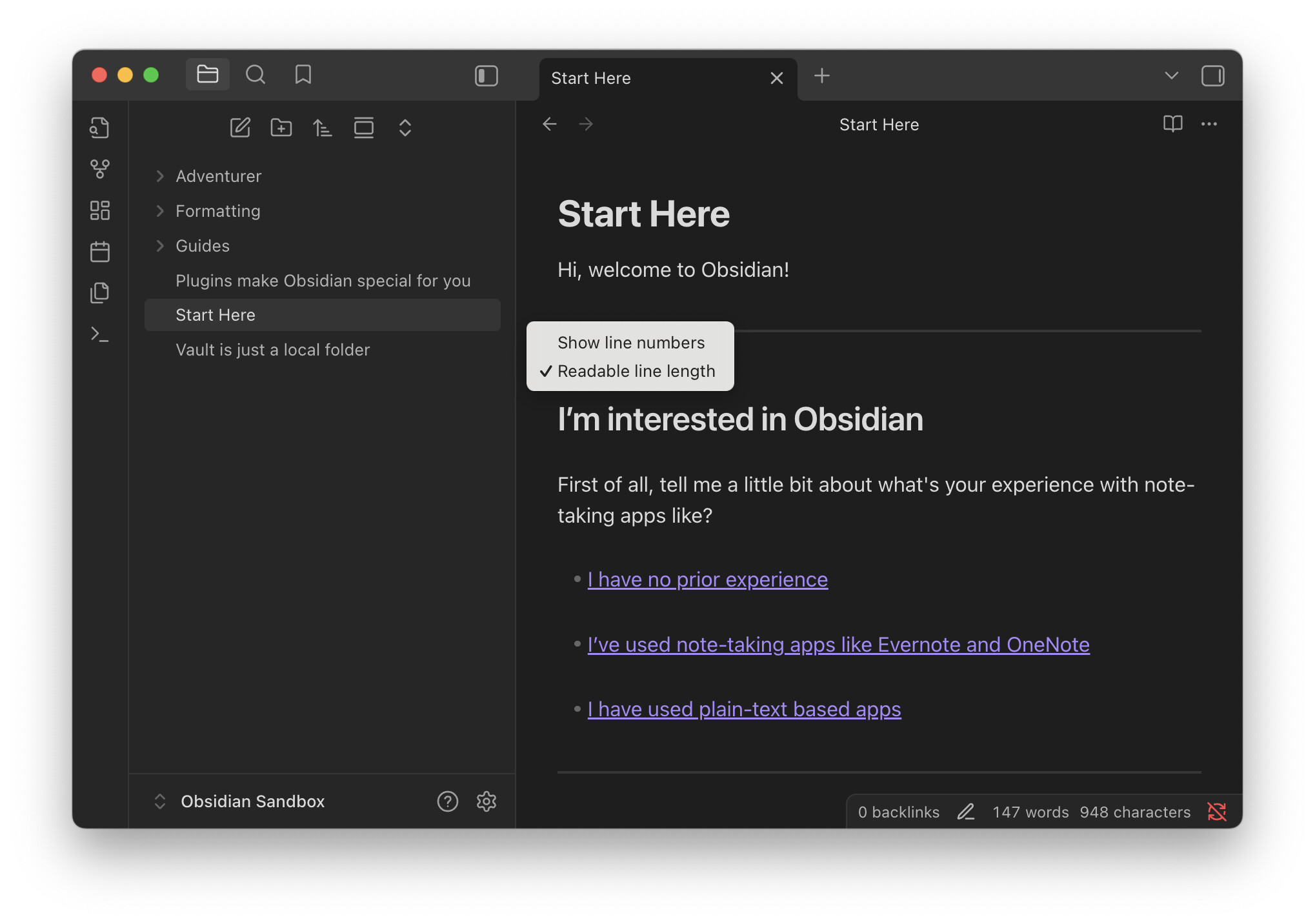
a command will be added 1.9.8. No ETAs
This topic was automatically closed 28 days after the last reply. New replies are no longer allowed.