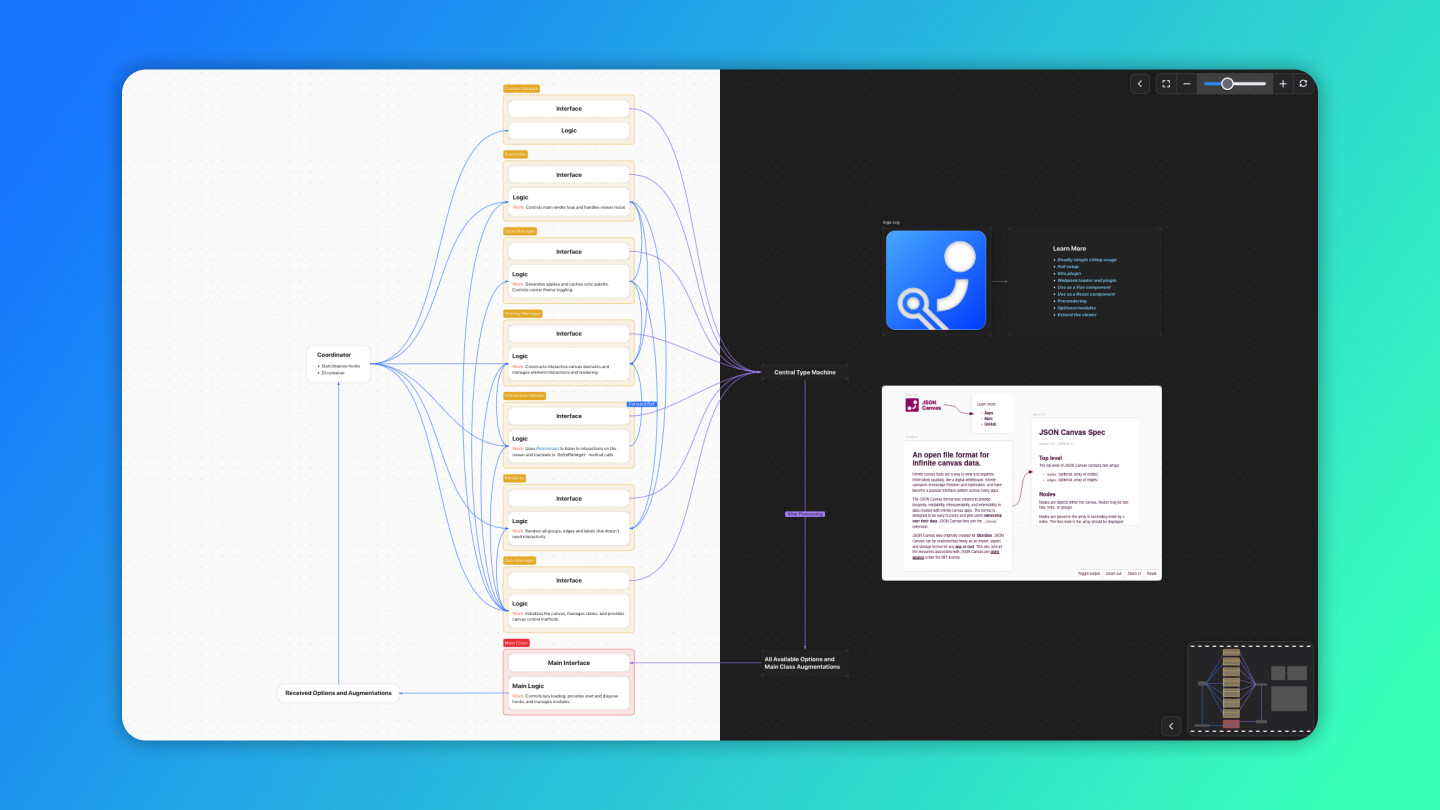
Have you ever wished you could share your .canvas files beyond the app? Embed them in blogs or documentation sites without losing interactivity? I built a library for this:
JSON Canvas Viewer
An embeddable, highly customizable, and, framework-agnostic library to render Obsidian Canvas files anywhere on the web.
Tip: Obsidian Canvas is also called JSON Canvas.
An interactive demo is right here:
https://hesprs.github.io/json-canvas-viewer
Sorry to include a link here, but I think it is necessary since you may not be able to find this project elsewhere. It’s a pure development showcase without any commercial purpose.
You can also find everything in the page above - including GitHub repo, documentation, npm page, and more about JSON Canvas.
 Motivation Behind It
Obsidian’s Canvas is brilliant—but trapped in the app. When I wanted to showcase my canvases on my website, I hit a wall. Existing solutions were either buggy, uncompleted, or locked to specific frameworks. So I built JSON Canvas Viewer to solve this.
 Features & Advantages
- TypeScript native
- Can display 100% of canvas features described in the official spec
- Responsive design with robust mobile and touchpad support
- Supports lazy loading / prerendering
- Out-of-the-box extensibility and tree-shaking, four optional modules are available
- Truly universal: it provides Vite plugin, React Component, Vue Component, and Vanilla JS class
- A
chimp versionspecially designed for fast trial is available - Included in JSON Canvas official website (see
Apps and tools - Libraries - TypeScript viewer library)
Try it in 5 seconds (chimp version):
<!DOCTYPE html>
<html lang="en">
<head>
	<meta charset="UTF-8" />
	<meta name="viewport" content="width=device-width, initial-scale=1.0"/>
	<title>🐒 Canvas Viewer</title>
	<style>
		body,
		html {
			margin: 0;
			padding: 0;
			width: 100%;
			height: 100%;
		}
	</style>
</head>
<body></body>
<script type="module">
import { JSONCanvasViewer, parser, loadCanvas } from 'https://unpkg.com/json-canvas-viewer/dist/chimp.js';
new JSONCanvasViewer({
    container: document.body, // The element to attach the viewer to
    canvas: loadCanvas('path/to/your.canvas'),  // remember to prepare your canvas
    markdownParser: parser,
});
</script>
</html>
You Can:
 Star the repo:
 json-canvas-viewer
 Try it with your complex canvases and report issues.
 Suggest features - like supporting
 Advanced Canvas (from Developer-Mike) features.
 Contribute to it if you have passion!
 Finding a Reposter!