Minor, and happy to move this to a FR if need be, but the Settings > Appearance > Font Size description is wrong on mobile:
Font size in pixels that affects editing and reading views.
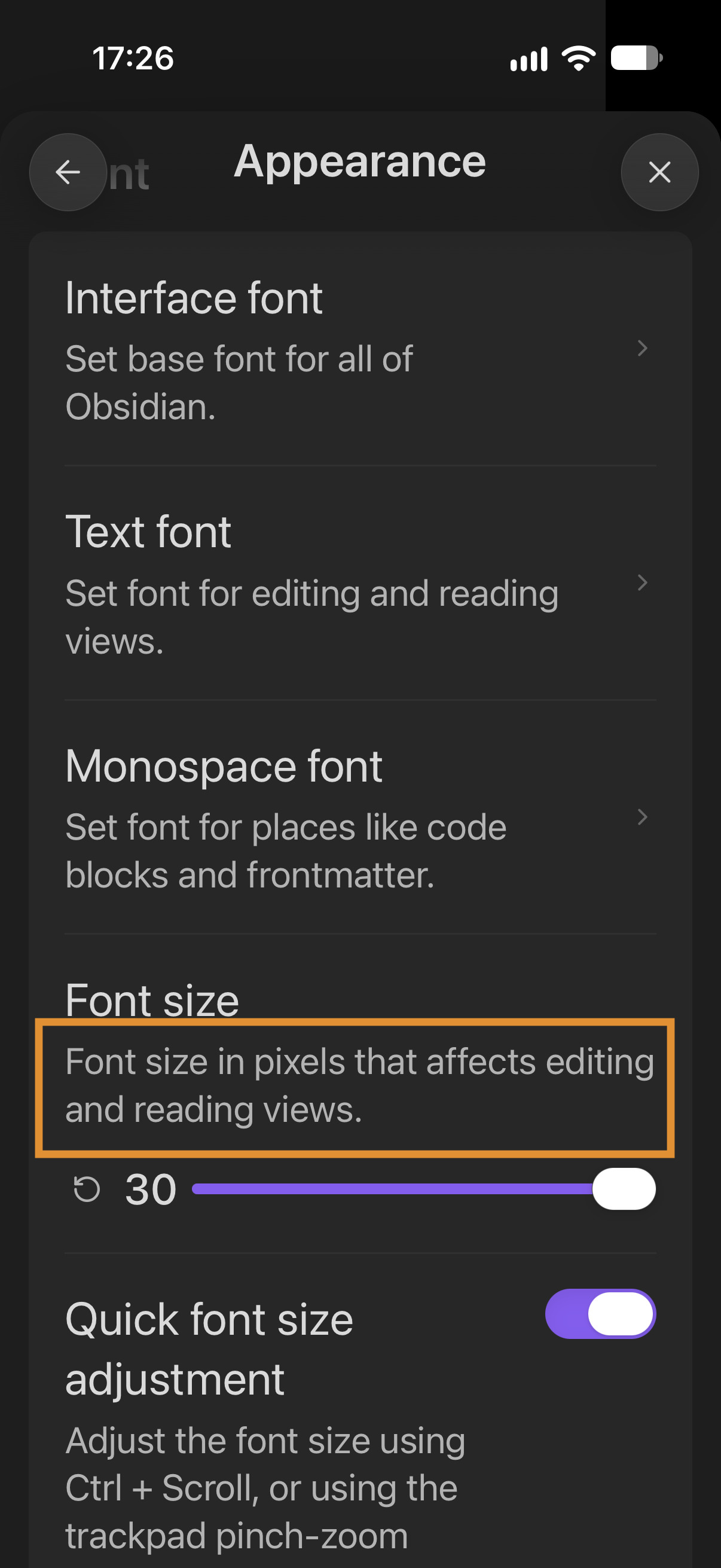
This slider scales the body font size as well as the UI font size on mobile devices.
Steps to reproduce
- Open Settings > Appearance and scroll down to Font size.
- Adjust the font size using the slider.
Did you read and follow the Troubleshooting Guide ? Yes
Expected result
Only the body text (editor and reading view) font size changes, I guess(?), based on the description. As far as I can remember, this slider has always adjusted the UI as well as the body text on mobile.
Actual result
The note body text and UI font size changes.
Environment
SYSTEM INFO:
Obsidian version: 1.14.2 (381)
API version: 1.14.2
Operating system: iOS 27.0 (Apple iPhone18,1)
Login status: logged in
Language: en
Catalyst license: supporter
Live preview: on
Base theme: dark
Community theme: none
Snippets enabled: 0
Restricted mode: on

RECOMMENDATIONS:
none