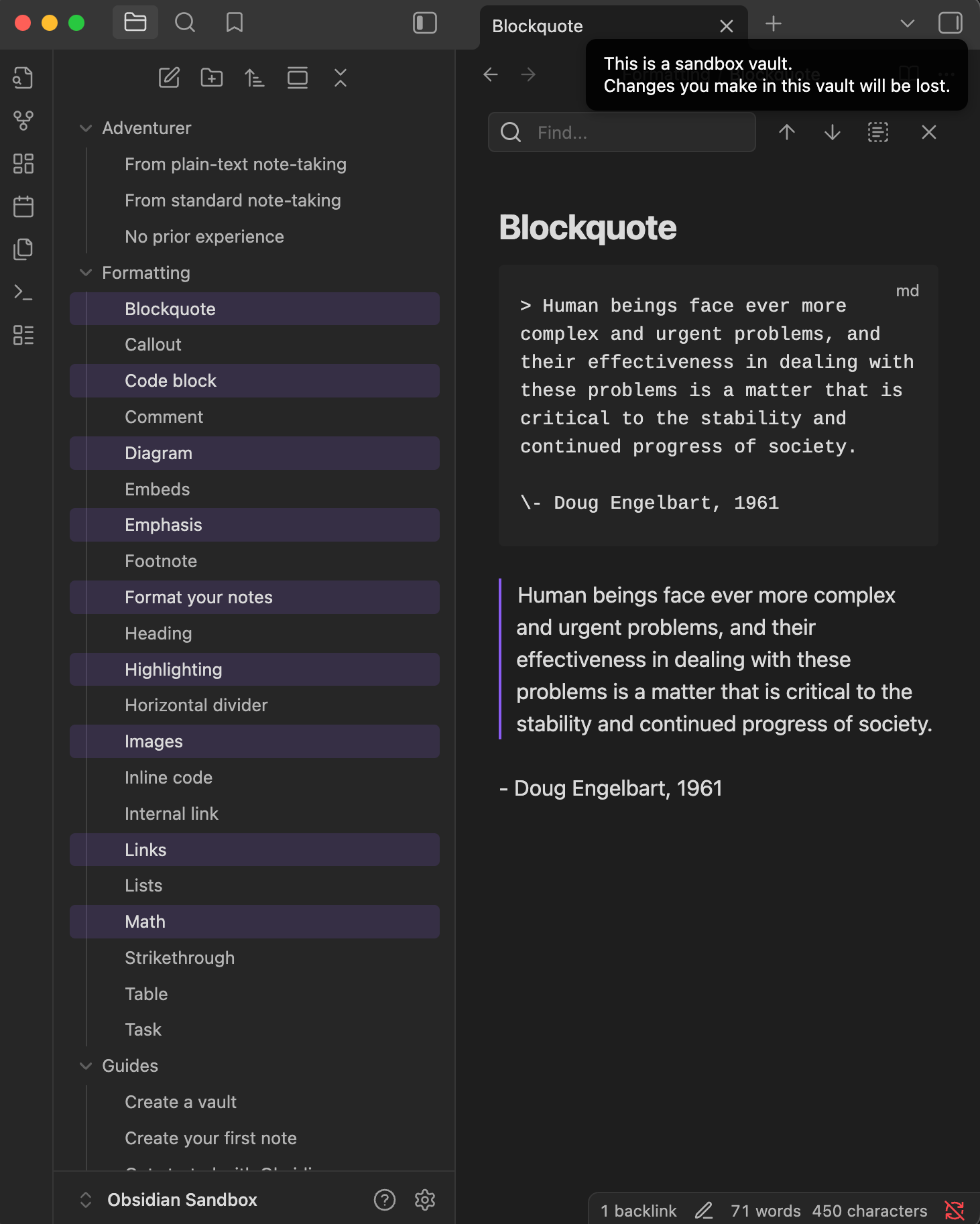
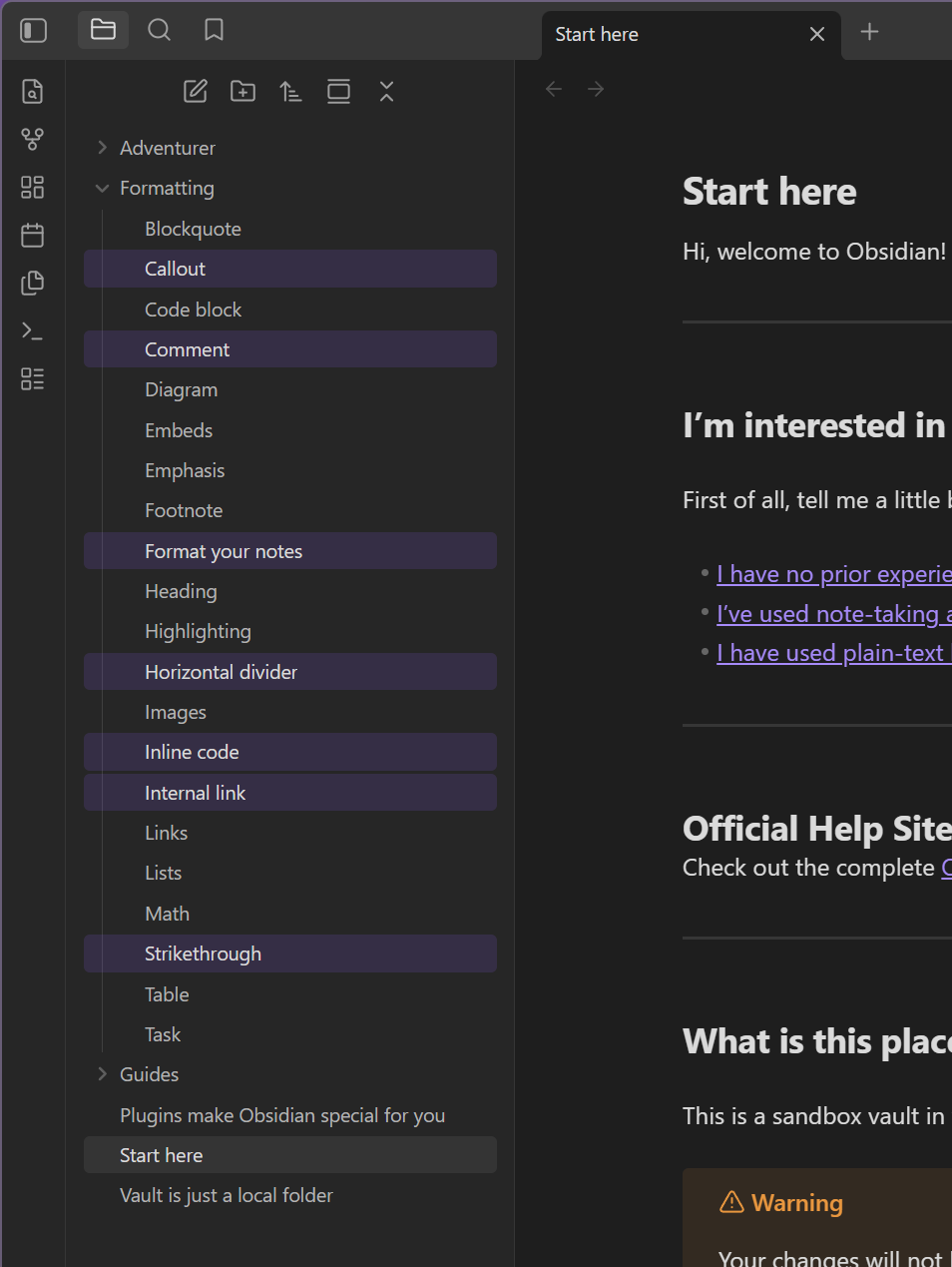
I’m trying to select multiple files (notes) for moving to a different folder. A previous thread suggested using the Alt key to select the files. That doesn’t work, at least as of now.
Using Shift selects a continuous range of notes in the File list, but using Crtl, a standard way to select a discontinuous range, doesn’t work.
The question: Is there a way to select a discontinuous range in the files list?
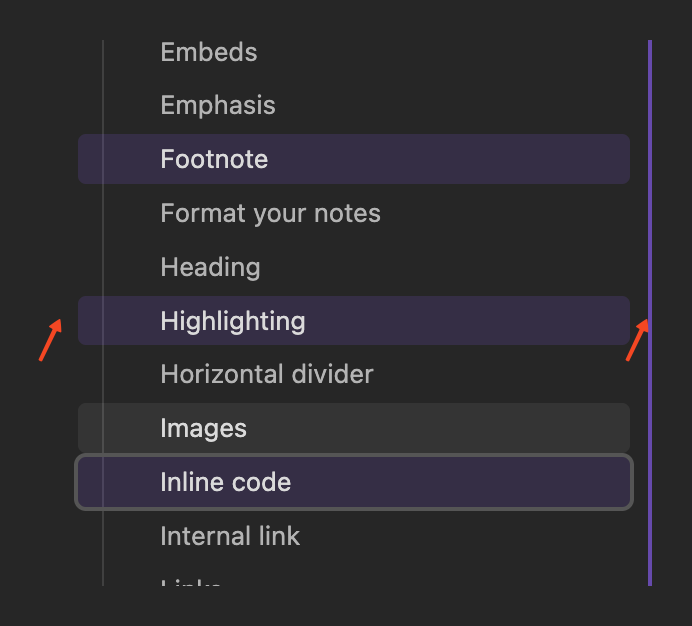
Shift can be used to select continuous ranges and cmd/control is used to open in new tab. Currently esc doesn’t do deselection but you can left click slightly next to items to deselect everything:
I’m by no means a pro with this application, but when I need to do something like that, I do it in the File Explorer on my computer. Generally any time I’m moving Notes or Files around and/or creating folders, I almost always do it in the File Explorer on my computer.