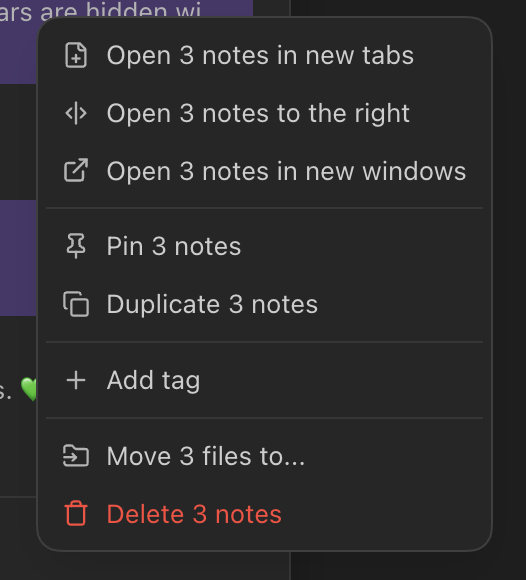
Notebook Navigator adds this.
- Enter your search query at the top of the plugin pane.
- Ctrl/Cmd-click to select multiple files.
- (Optional) Press Ctrl/Cmd-A to select all files.
You can then drag and drop the selected files somewhere or right-click to open the context menu: