What I’m trying to do
Hide (or even disable) the search box in folder tree.
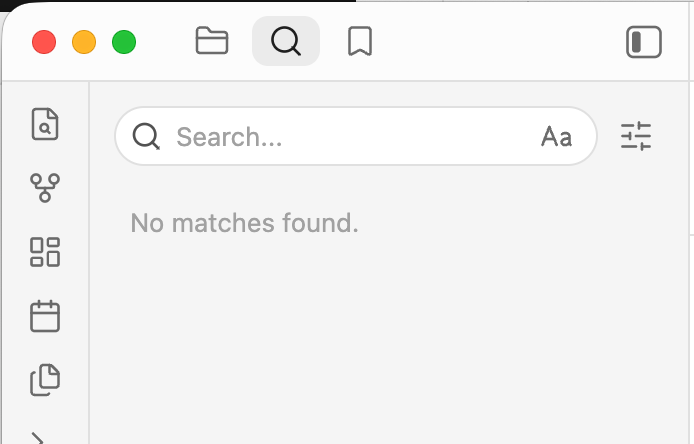
To be clear, there are two search boxes:
A: This one appears when you hig Ctrl+F while in the folder tree. This is evil and sort of pointless… I don’t really have any use for it.
Most of the time it works like this:
- I’m looking for something and a folder names comes up. This search only looks for file and folder names. … OK
- I click on the folder that was found, but now I don’t see the other files inside it.
- I ‘x-out’ of the search, now the folder is gone from my focus and have to go scrolling looking for it again.
- POINTLESS and FRUSTRATING
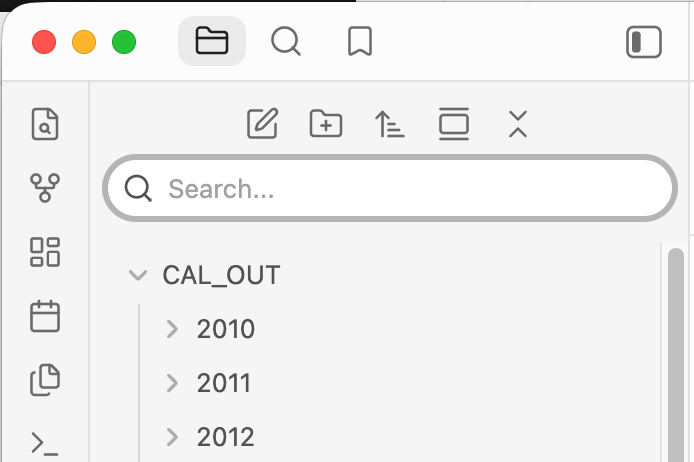
B: This one is different. This one can stay. It’s not perfect, but…
Things I have tried
Hit Ctrl+F again, look into the menu…