Use case or problem
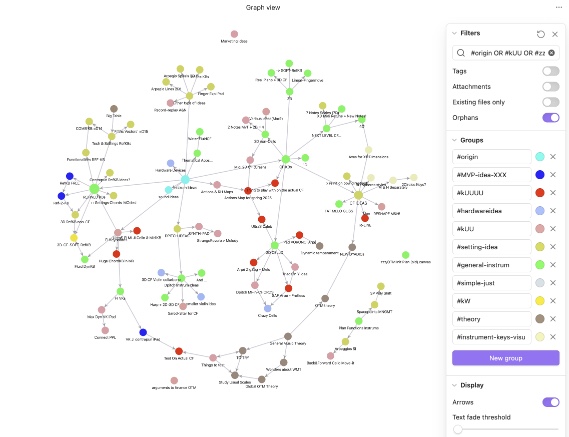
When using the graph view on iPhone or iPad, every time I tap a note to read it, and then return to the graph view, the whole graph view animation restarts. Not only is this slow and a bit frustrating, but they graphically repositioned either up or down or right or left every single time (which wouldn’t be a big deal if this would only happen from time to time), and, it also messes up the temporary graph view layout i had made manually. The random positioning algorithm often puts nodes in odd spots—sometimes stuck behind arrows or barriers of arrows—which means I have to manually rearrange them again. I don’t mind reorganizing my graph view once in a while, but having to do it every single time is tedious.
(On Mac, this doesn’t happen because I keep the graph view pinned in a separate window—honestly, my favorite way to use Obsidian!  )
)
Proposed solution
Have obsidian Graph view remember the older position of notes, after I organized them a bit better!
(if you look at my screenshots, this is a view of after I move a bit one or two group of notes in better positions, as often they are a bit flipped around as first… It’s just annoying to do that every single time on the iPhone (as there is no multiple windows there)
Related feature requests (optional)
(No-arrow option when connecting notes, to keep the graph view organized)