Hi, I’ve been using the official Obsidian Web Clipper on Safari, but I’m running into an inconsistent issue when trying to save files.
The Issue:
On some websites, clicking “Save” works perfectly and the Markdown file is downloaded as expected. However, on other sites, Safari fails to trigger a download and instead redirects the current tab to a Data URI starting with:
data:text/markdown;charset=utf-8;…
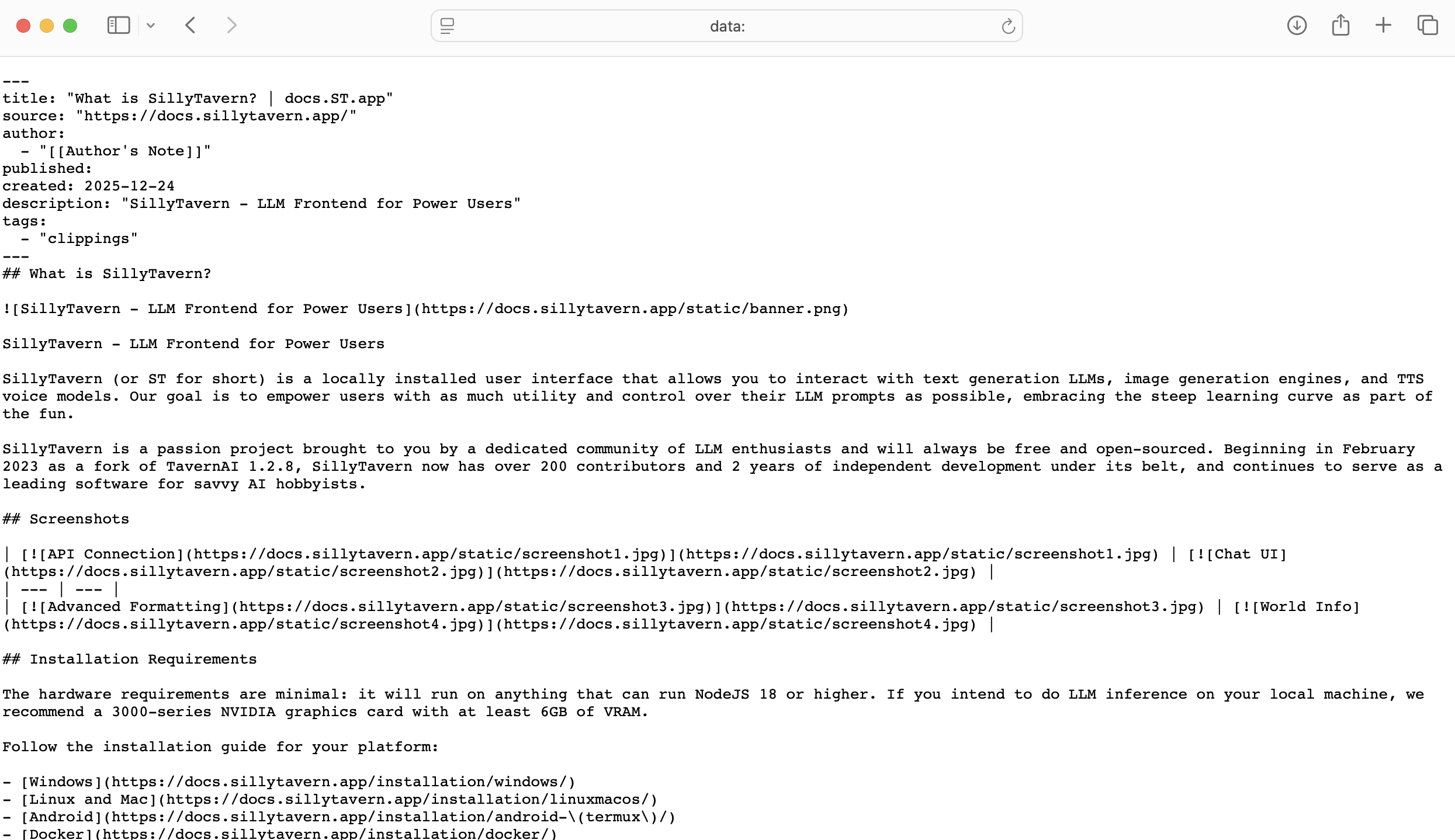
The browser then displays the raw Markdown content as a plain text page rather than saving it to my downloads folder.
It’s strange because it works flawlessly on the Obsidian Help site and Godot documentation, but fails on others (like Microsoft Docs).
Is this just a Safari limitation, or is there a way to fix this?