First, search the help docs and this forum. Maybe your question has been answered! The debugging steps can help, too. Still stuck? Delete this line and proceed.
What I’m trying to do
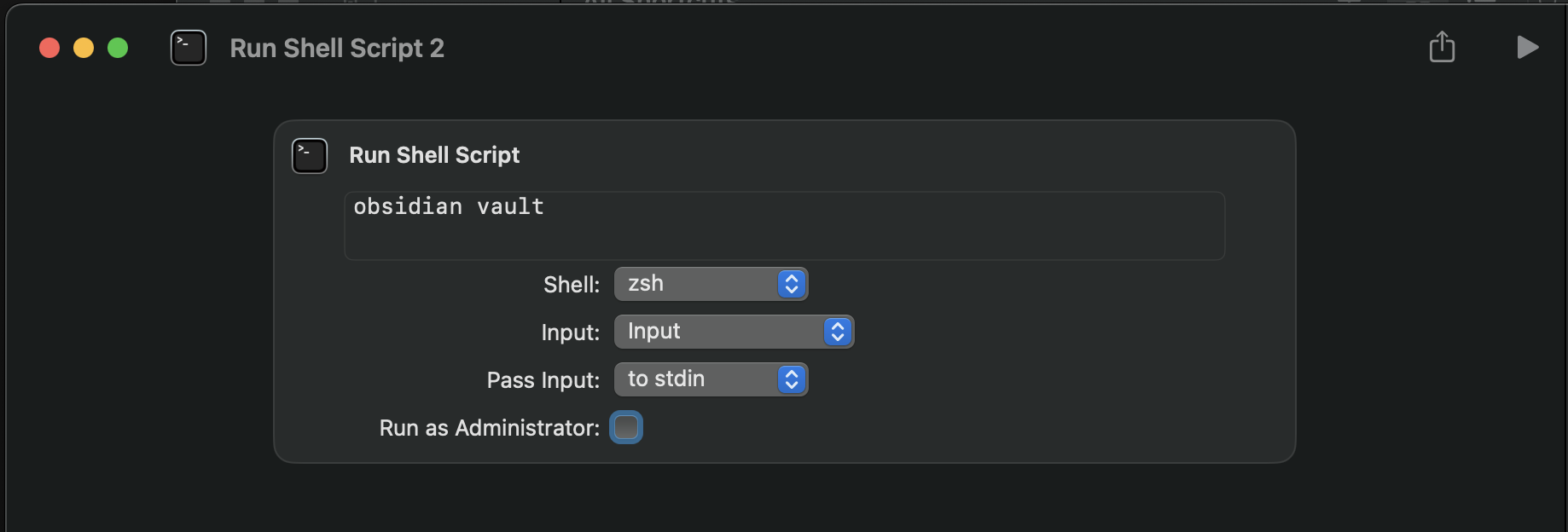
I am trying to run Obsidian CLI commands from the “Run Shell Script” action of a Shortcut, in Mac OS.
Things I have tried
I have created a shortcut with a single action, a “Run Shell Script” block, with the contents:
/Applications/Obsidian.app/Contents/MacOS/obsidian vault
I run the script, and a second instance of Obsidian launches. The second instance of Obsidian is not logged in to my Sync account, and does not know about my local vault. The result is that the CLI command does not successfully run.

 )
) :
: