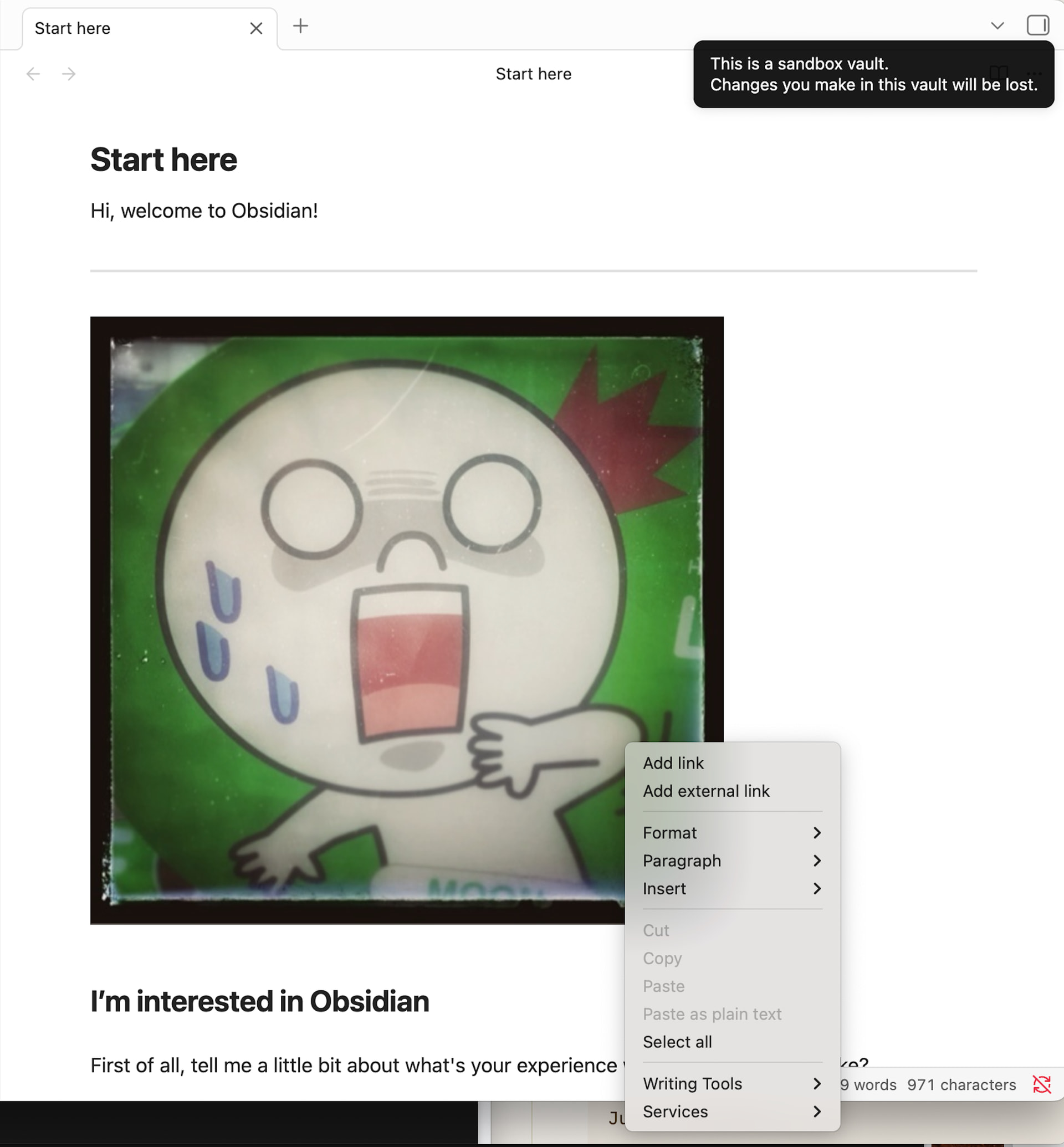
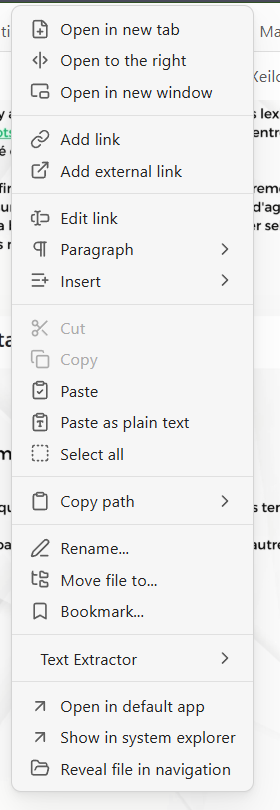
Steps to reproduce
Right Click on an image.
Did you follow the troubleshooting guide? [Y/N]
Y
Expected result
Open image contextual menu.
Actual result
Opens text contextual menu.
Environment
SYSTEM INFO:
Obsidian version: v1.11.5
Installer version: v1.11.5
Operating system: Windows 11 Home 10.0.26200
Login status: logged in
Language: en
Catalyst license: none
Insider build toggle: off
Live preview: on
Base theme: adapt to system
Community theme: none
Snippets enabled: 0
Restricted mode: off
Plugins installed: 3
Plugins enabled: 3
1: Omnisearch v1.28.0
2: Text Extractor v0.7.0
3: Image Toolkit v1.4.3
RECOMMENDATIONS:
Community plugins: for bugs, please first try updating all your plugins to latest. If still not fixed, please try to make the issue happen in the Sandbox Vault or disable community plugins.
Additional info
Here is what I get when I click on those images. This is not the full image menu.
It is completely random: some image will display the menu, some not, even if they are of the exact same type.