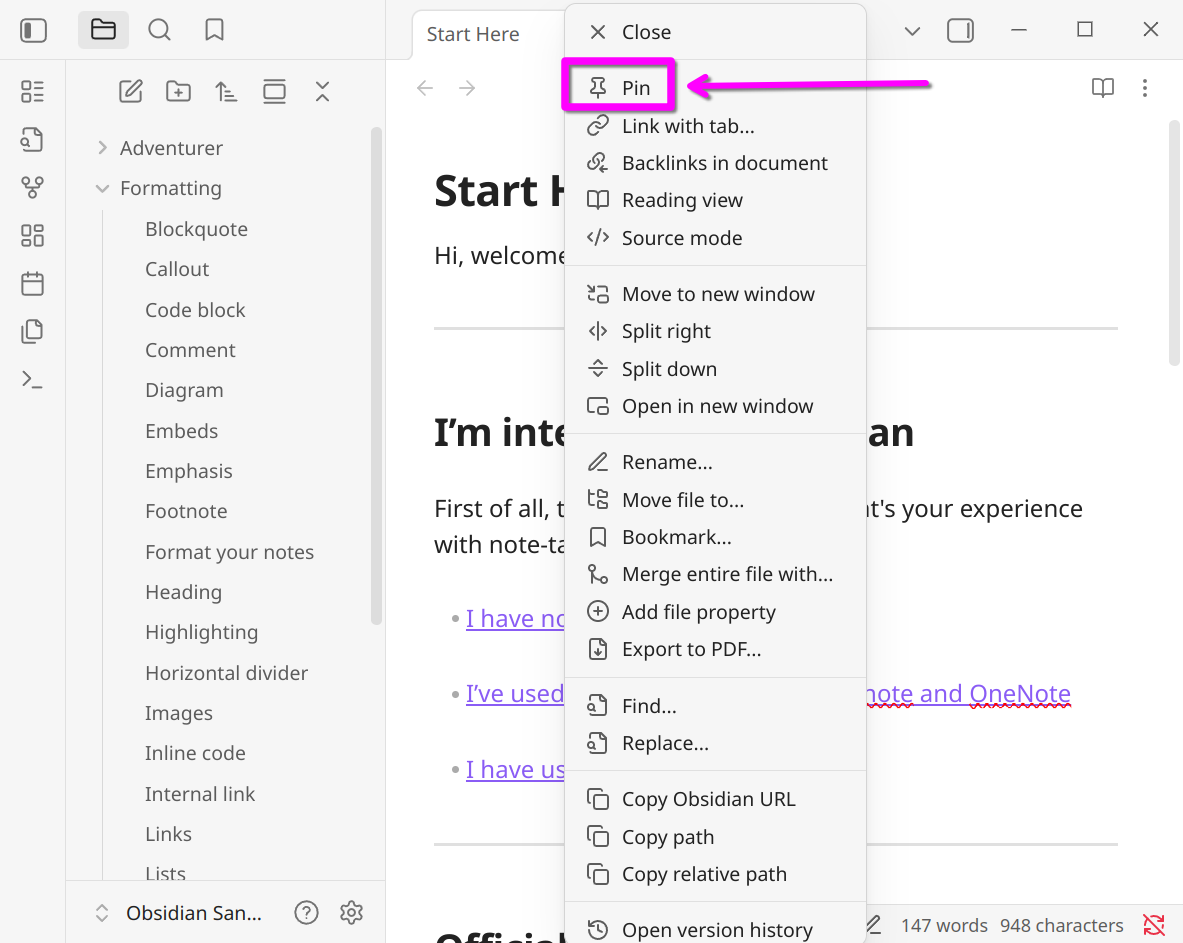
Use case or problem
In previous versions of Obsidian, there was a “Pin tab” option available when right-clicking on a tab.
This was very useful for keeping important notes accessible and protected against accidental closure.
After updating to Obsidian 1.9, this option seems to have been removed. The current “Lock tab” feature is not the same — it prevents navigation but doesn’t provide the same persistence as “Pin tab.”
For users who relied on pinned tabs for workflow efficiency, this feels like a regression.
Proposed solution
Please restore the “Pin tab” option to the tab context menu.
Ideally, it should work as it did before — allowing users to mark specific tabs as pinned so they cannot be closed accidentally and remain easy to identify.
If “Pin tab” was intentionally replaced by “Lock tab,” then it would be helpful to clarify the difference or merge the functionality so that both persistence and navigation protection are preserved.
Current workaround (optional)
- Using Lock tab, but this does not fully replace the old pinning functionality.
- Community plugins (e.g., Pin Enhancer or Always Pinned Tab) can partially replicate the behavior, but relying on plugins for a previously core feature isn’t ideal