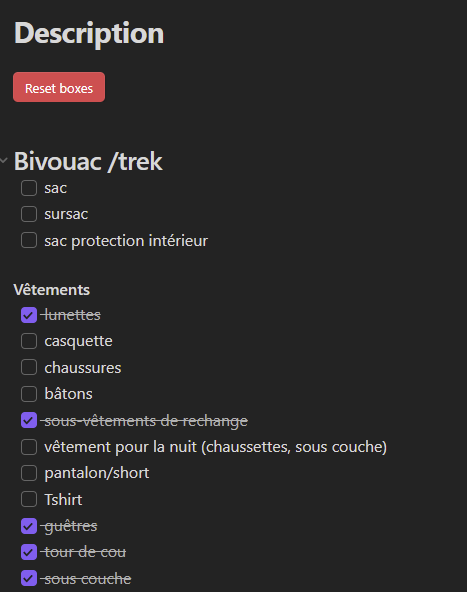
Here is a simple trick I made that could interest other people. I have a list of equipment to take with me when going outdoor. It’s basically a list of checkboxes. But it’s was a bit annoying to uncheck everything manually each time I was doing an outdoor activity.
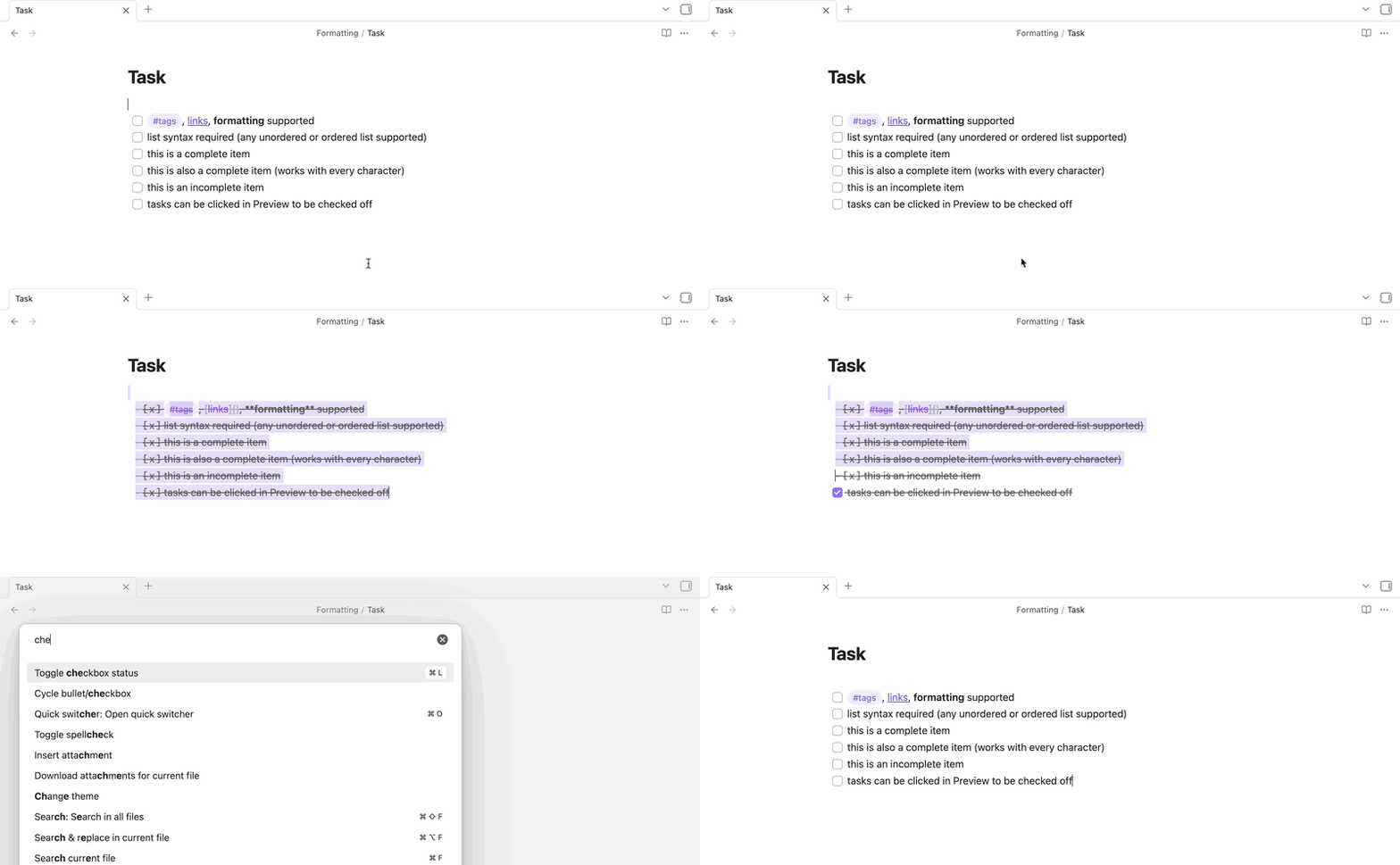
Except the Toggle checkbox status hotkey only works when you are in editing mode, not when you are toggled over into reading mode. I used Meta Bind plus the Checklist Reset plugin to put together a button that activates the command it adds and with a single click, while still in reading mode, it clears the list without needing to switch modes, highlight text, or perform a series of keystrokes. One click and the list is reset.