I looked around a lot, asked a lot (here, on the Linux Mint forum, elsewhere), and nothing I found helped me. So I asked a friend for help, and she wrote a regex script for me. I’m sharing it here – and hope it won’t be deleted, because it’s a workaround, outside of Obsidian, because that seemed to be the easier route, and because it (as far as I know) only works in Linux.
My issue: I collect a lot of recipes from all sorts of places. I (read: my aging eyes) prefer to read “real” fractions, like 1/3, instead of their unicode counterparts, like ⅓. After some accidental “overdoses” of some ingredients, I’ve also come to prefer Tbsp and tsp, in these versions, to avoid confusion.
Wanted solution: a method to unify these units across my whole vault, or rather across several folders. (I’m not going into ALL the other alternatives I tried, within Obsidian. Suffice it to say, I spent a full weekend on this.)
My friend made this script below for me. I saved it as “fix.sh” inside my nemo scripts folder, so I can easily access it via right-click from within nemo. (I also made it executable.) Since my friend is careful, she wrote it in a way that creates a backup of all the files that get changed. Though, everything I’ve unified so far worked out, without any problem.
I believe it would be easy to adjust this script to whatever you need.
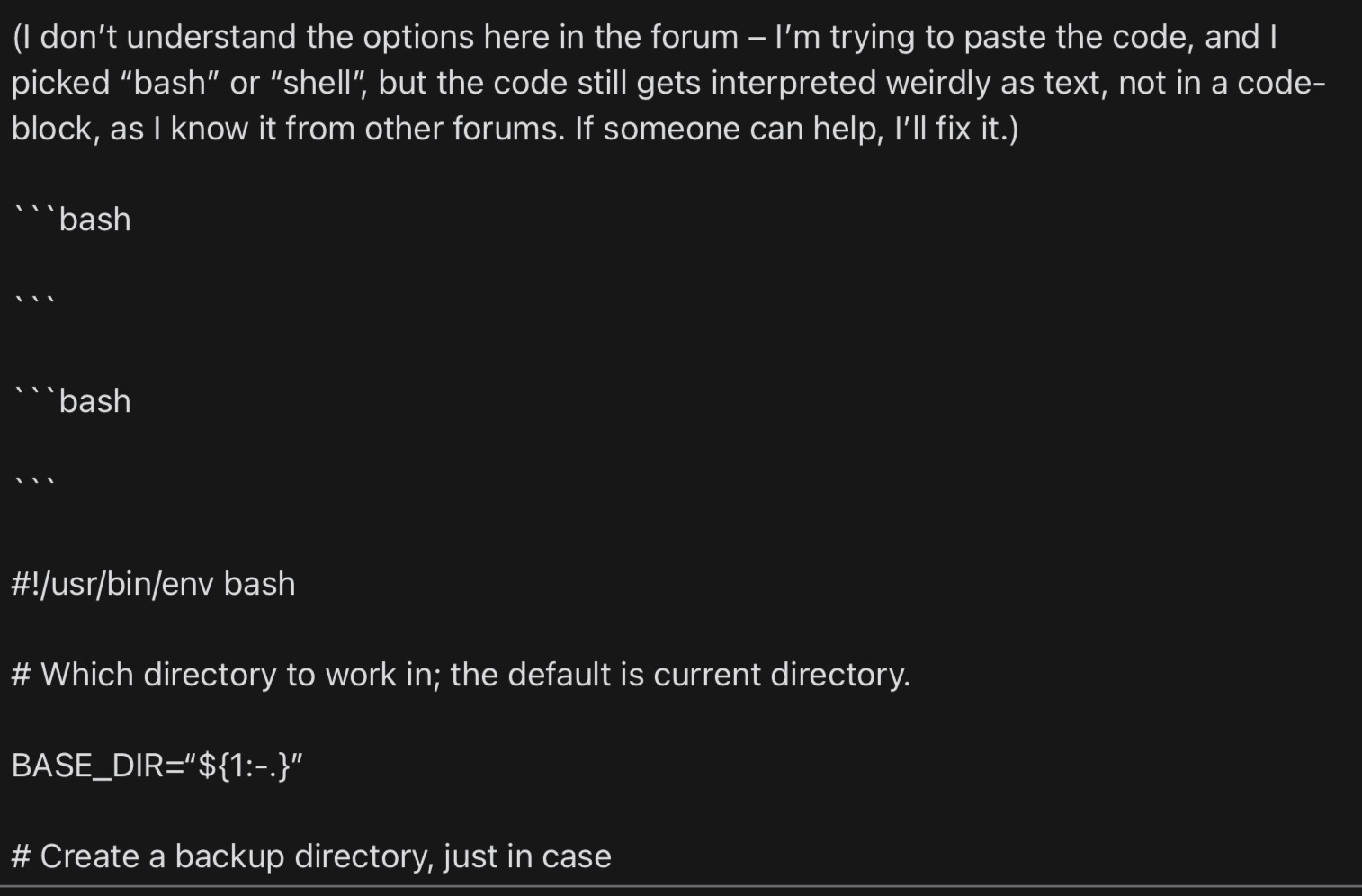
(I don’t understand the options here in the forum – I’m trying to paste the code, and I picked “bash” or “shell”, but the code still gets interpreted weirdly as text, not in a code-block, as I know it from other forums. If someone can help, I’ll fix it.)
#!/usr/bin/env bash

# Which directory to work in; the default is current directory.

BASE_DIR=“${1:-.}”

# Create a backup directory, just in case

BACKUP_DIR=“$BASE_DIR/md_backups\_$(date +%Y%m%d\_%H%M%S)”
mkdir -p “$BACKUP_DIR”

# Find all .md files

find “$BASE_DIR” -type f -name ‘\*.md’ | while read -r file; do
echo “Processing: $file”

# Backup the originals

rel_path=“${file#$BASE_DIR/}”
mkdir -p “$BACKUP_DIR/$(dirname “$rel_path”)”
cp “$file” “$BACKUP_DIR/$rel_path”

# Substitute in-place, using sed

sed -i
-e ‘s/\[Tt\]ablespoons?/Tbsp/g’
-e ‘s/\[Tt\]easpoons?/tsp/g’
-e ‘s/TBSP?/Tbsp/g’

-e ‘s/1 ½/1.5/g’
-e ‘s/1½/1.5/g’
-e ‘s/½/1/2/g’
-e ‘s/⅓/1/3/g’
-e ‘s/⅔/2/3/g’
-e ‘s/¼/1/4/g’
-e ‘s/¾/3/4/g’
-e ‘s/⅕/1/5/g’
-e ‘s/⅖/2/5/g’
-e ‘s/⅗/3/5/g’
-e ‘s/⅘/4/5/g’
-e ‘s/⅙/1/6/g’
-e ‘s/⅚/5/6/g’
-e ‘s/⅛/1/8/g’
-e ‘s/⅜/3/8/g’
-e ‘s/⅝/5/8/g’
-e ‘s/⅞/7/8/g’
“$file”
done

 I can see something!