Steps to reproduce
Type a Telephone URL using ‘+’ for the international access code into any MarkDown File e.g.:
tel:+49-123-4567890
Did you follow the troubleshooting guide? [Y/N]
Y
Expected result
The phone number should be highlighted and
when you click it, the standard Telephone App on your device should open using this Number.
Actual result
You cannot click it, because it doesn’t seem to be recognized as a Phone Number URL.
Environment
SYSTEM INFO:
Obsidian version: v1.3.5
Installer version: v1.1.9
Operating system: Windows 10 Enterprise 10.0.19045
Login status: not logged in
Insider build toggle: off
Live preview: on
Legacy editor: off
Base theme: dark
Community theme: none
Snippets enabled: 0
Restricted mode: on
RECOMMENDATIONS:
none
Additional information
Type the same Telephone URL using e.g. Prefix 00 instead of the international access code ‘+’ e.g.:
tel:0049-123-4567890
Now it is highlighted and when you click it,
the standard Telephone App on your device should open.
When you add the ‘+’ sign anywhere else in the Number, it is recognized again,
but it is no longer a valid phone Number.
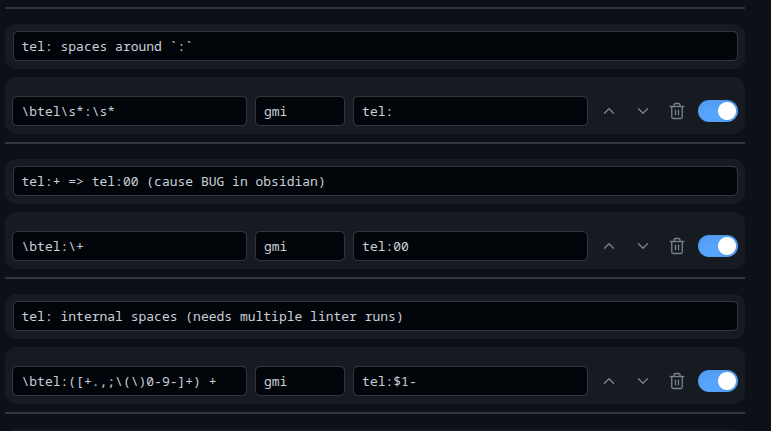
This is very unfortunate, as I would have to rewrite all of my telephone numbers for a specific country code prefix like e.g. 00 in the first example, which breaks it for all other countries.
Please update the regular Expression for URLs and allow phone numbers to start with a ‘+’ Sign