In Obsidian, tags ( tags ) are a special type of property.
If you have no questions about tags, you can skip this article, as it explains the minor details about tags. But if you’re curious — what’s the difference between tags and other properties? This article might answer your question.
Tags are default properties
Tags ( tags ) are pre-defined property names, so you can directly input tags in the properties area and start adding tag properties. And it has its own unique icon:
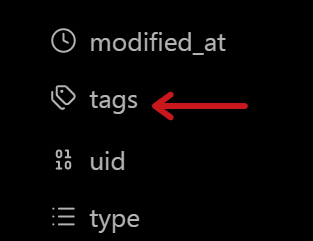
Because it’s a default property, you cannot modify its property name and property type.
Besides
tags,aliasesandcssclassesare also default properties.
Tags are list type
Like other list type properties, it can have multiple values.
Tags have exclusive features
For example, in Obsidian, you can use the command palette to open Tags View, to see all created tags in your vault and their usage counts:

In search, you can also use the tag: syntax to quickly filter results.
Additionally, some plugins take advantage of tags’ special properties to provide extra functionality.
For example, Notebook Navigator can display tags in the file list:

Grid Explorer can use tags to quickly search for results:

Note tags = tag property + inline tags
Here we need to introduce another concept: inline tags — which are the traditional #tags format:
Using # followed by a single word or phrase in the body text.
In fact, what we’ve been discussing so far are “tag properties” (the tags in the properties area).
And complete note tags consist of both tag properties and inline tags.
In some special cases, they have subtle differences (for example, in Bases you can choose to filter complete tags or just tag properties), but in most cases, they are both considered “note tags”.
Tag format
Additionally, for tags, they are not case-sensitive.
tags, Tags, and tAgS are all treated as the same tag.
Furthermore, tags do not support spaces. #bad apple is invalid — it will only recognize the #bad part.
Even in the properties area, you cannot input space-separated phrases.
Correspondingly, you can connect them with hyphens or underscores:
#bad-apple and #bad_apple are both valid.
Or, you can write it as BadApple.
For your own sake, please try to use a consistent format to avoid confusion when organizing later.

 (a little)