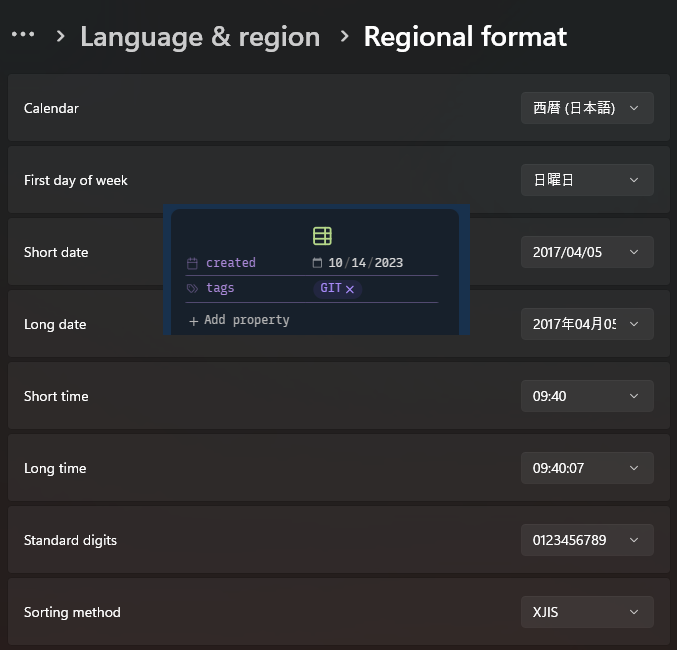
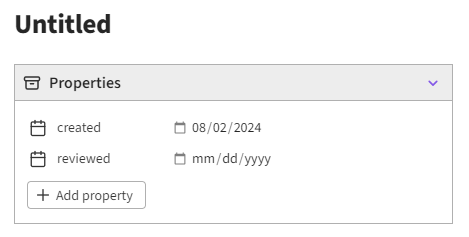
Platform: WINDOWS. I have one system set to system local English, short date format YYYY-MM-DD and one system set to local Japanese, short date format YYYY-MM-DD. On my English local system when I create a property called “created” and enter the date 2023-10-14 it shows up correctly in the property viewer. On my system with Japanese local, short date format YYYY-MM-DD the created property value the same, it appears as MM-DD-YYYY.
I’m having the same problem, when I use English, on windows 11. If I change system language to Swedish it works ok.
Swedish System Language with Swedish Region Settings show correctly:
But with English System language and Swedish region setting it show “10/14/2023 08:05”
The regional settings/format should stay fixed (even if you switch languages) and can be customized the way you want.
To check your settings are correct, you can look at how the date is displayed on window taskbar. It should look the way you set up “short date” in regional format. After that, obsidian (and chrome) will follow (a restart of Obsidian might be needed).
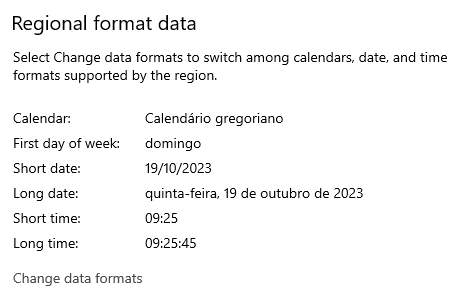
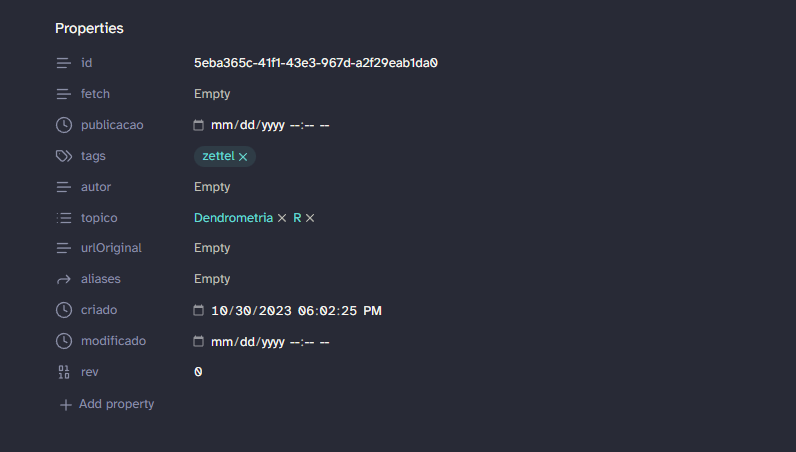
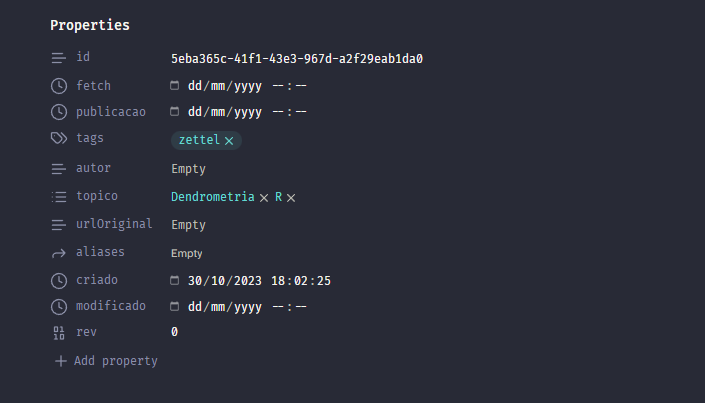
I’m having the same problem. I use my system (Windows 10) in English, but my localization is in Brazilian Portuguese. Obsidian does not recognize the Windows localization settings and serves me the dates in en-US format.
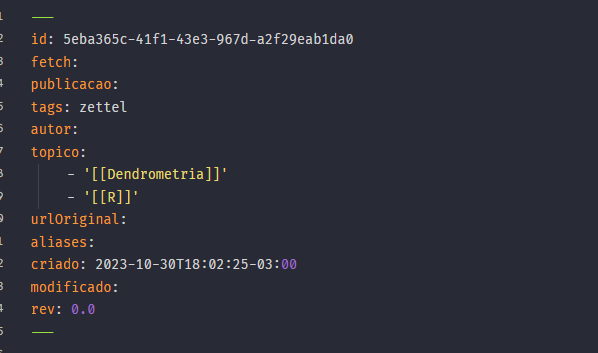
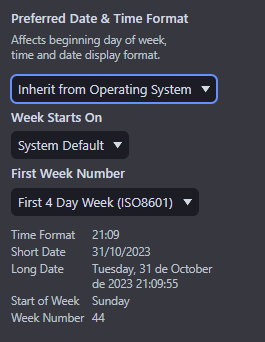
The screenshots below show my localization settings and how Obsidian shows the dates. Also, other software like Office and Firefox renders dates correctly.
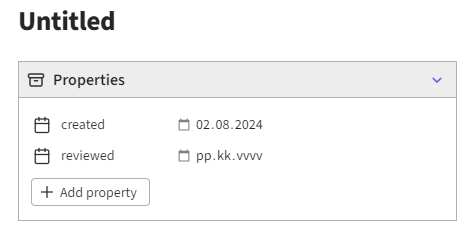
Any update on this? In windows 10 the format follows Windows display language setting, not regional format settings like it should:
Laguage set to Finnish
Laguage set to English (US)