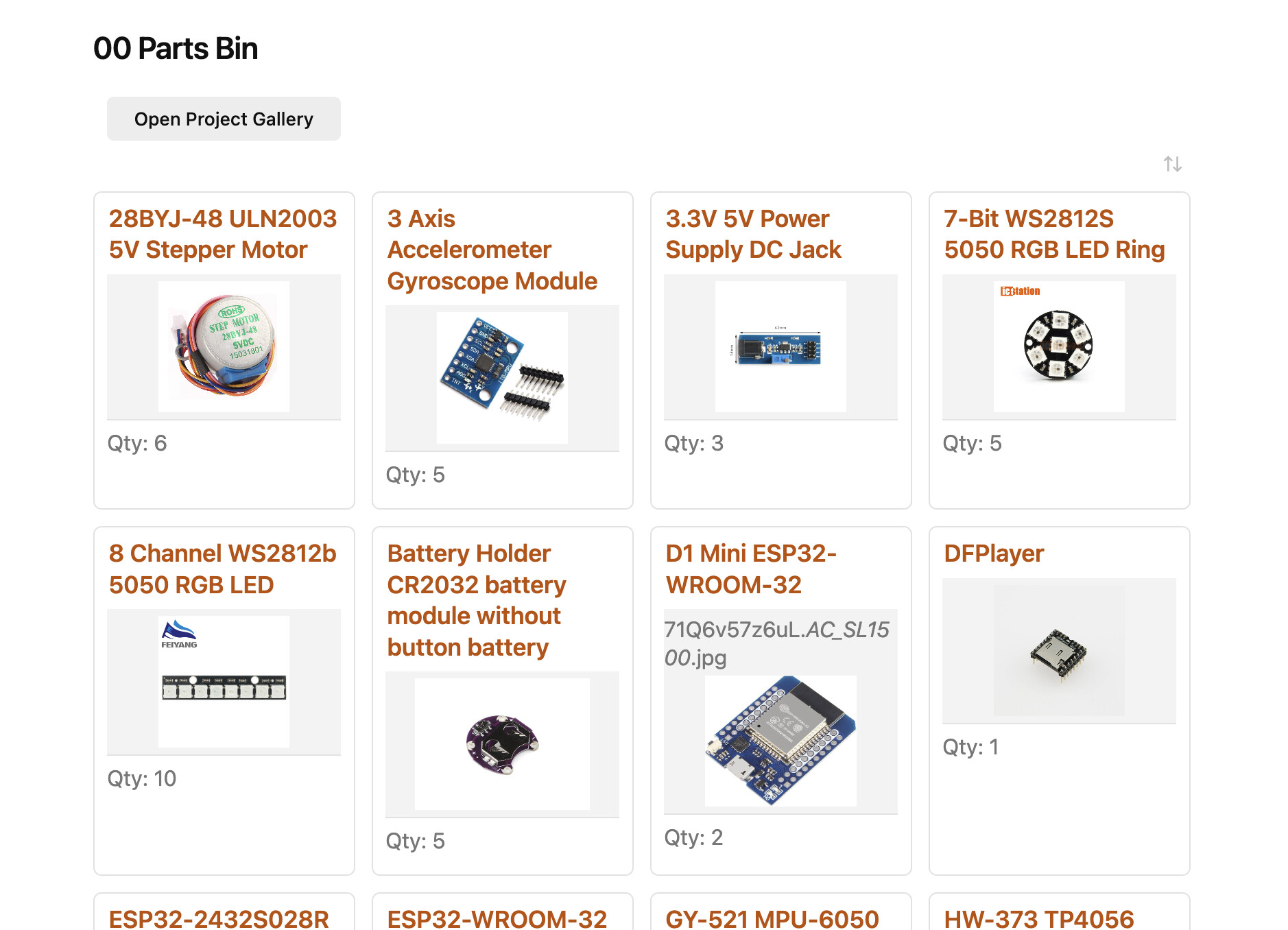
I have a bit of time during the holiday break and took some time to get more organized. I started creating a project notebook with a related parts bin tracker. I started out with Notion last week and got a pretty good build out. Then I started adding content, I quickly maxed out my storage. So now I discovered Obsidian. The only reason I heard of Notion was that a vendor that I worked with used it for documentation on their site.
So, I have a week’s experience with Notion, and a week with Obsidian. So far I love Obsidian (local storage and customization)!
I am looking for some best practices and guidance, I don’t want to get to far and find out I did it wrong. I want to get the framework right, then build in functionality for adding and presenting info.
I currently have three sections?
Idea Notebook
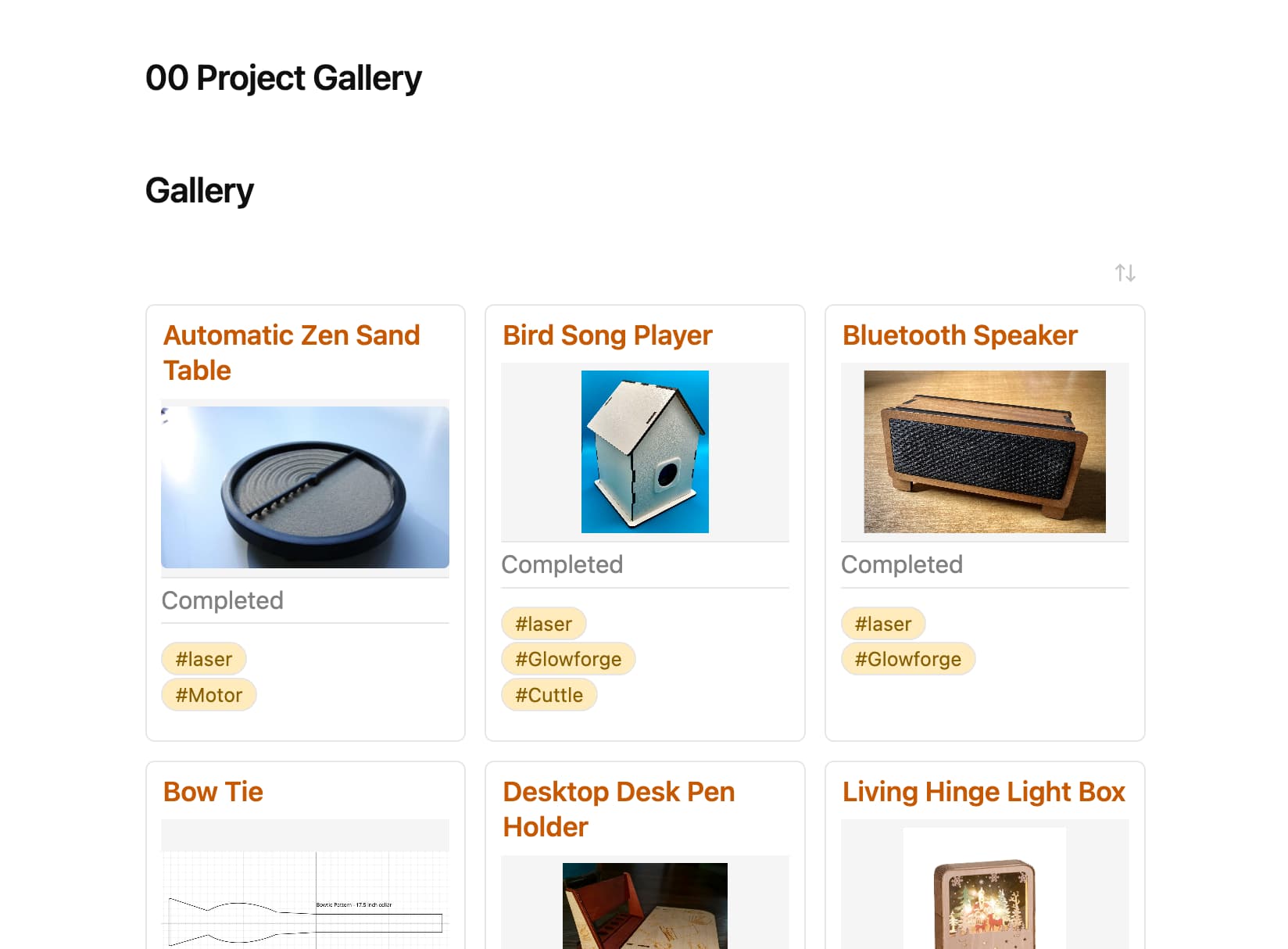
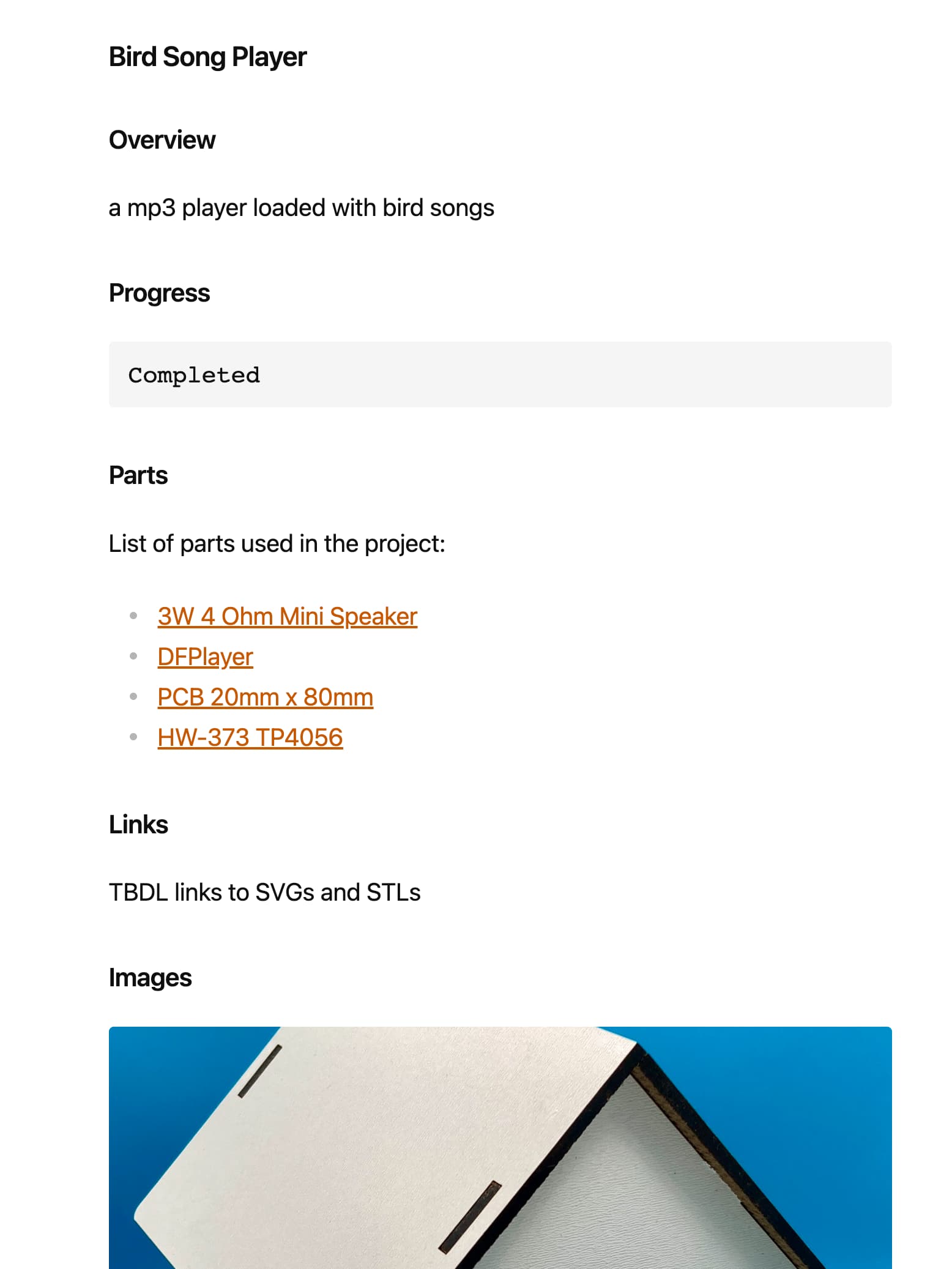
Project Gallery
Parts Bin
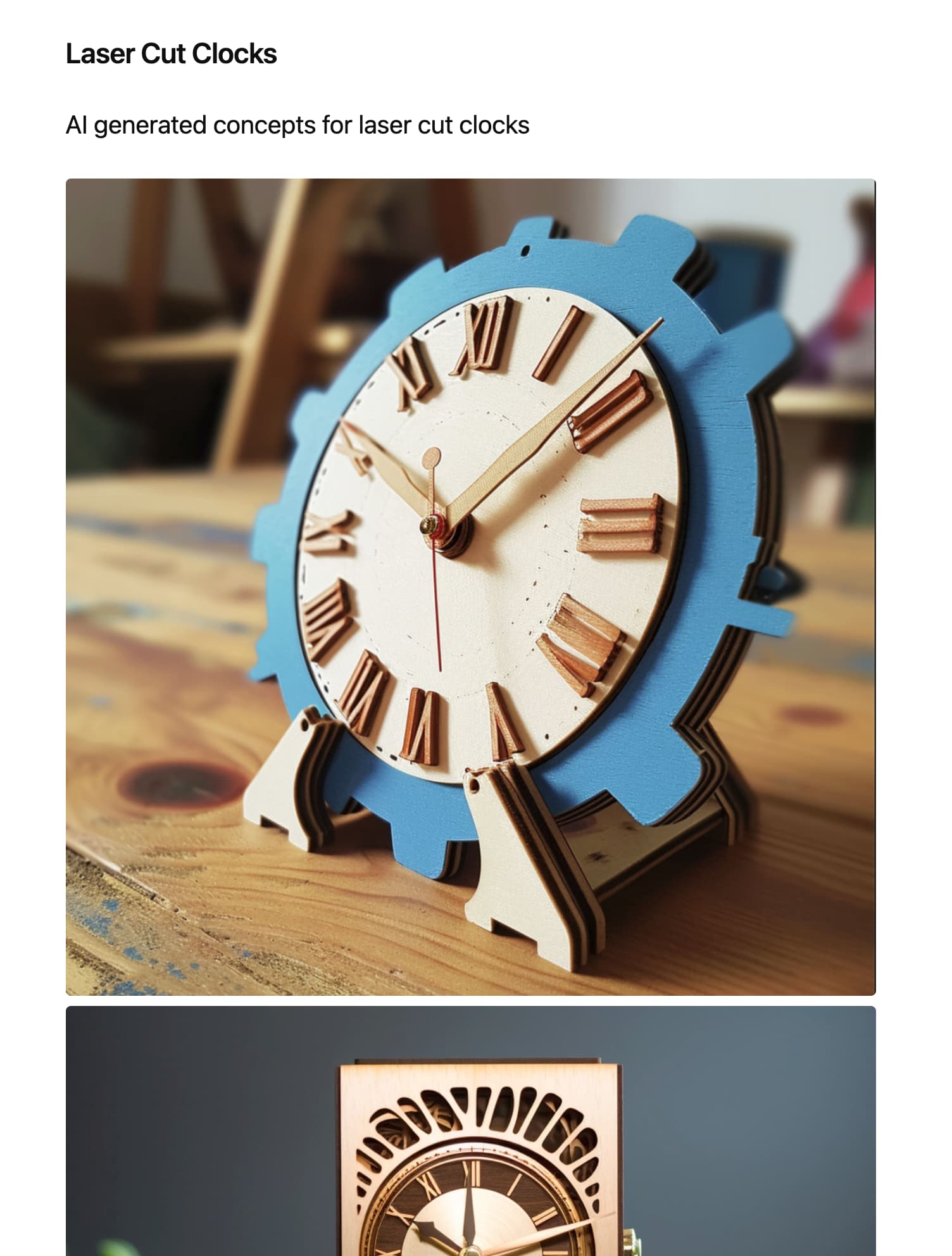
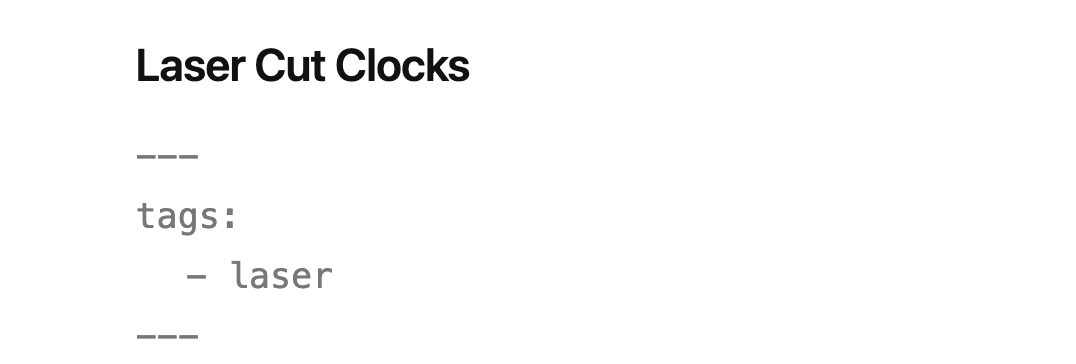
The Idea Notebook is a collection of web clippings and photo inspirations.
One of the reason I started this was to track electronic parts. I would order them from overseas, which would take sometimes over 30 days and I would forget why I ordered the part. This way I can create a note for the new part and link it to a project.
I don’t know if I should use a data view or just a link.
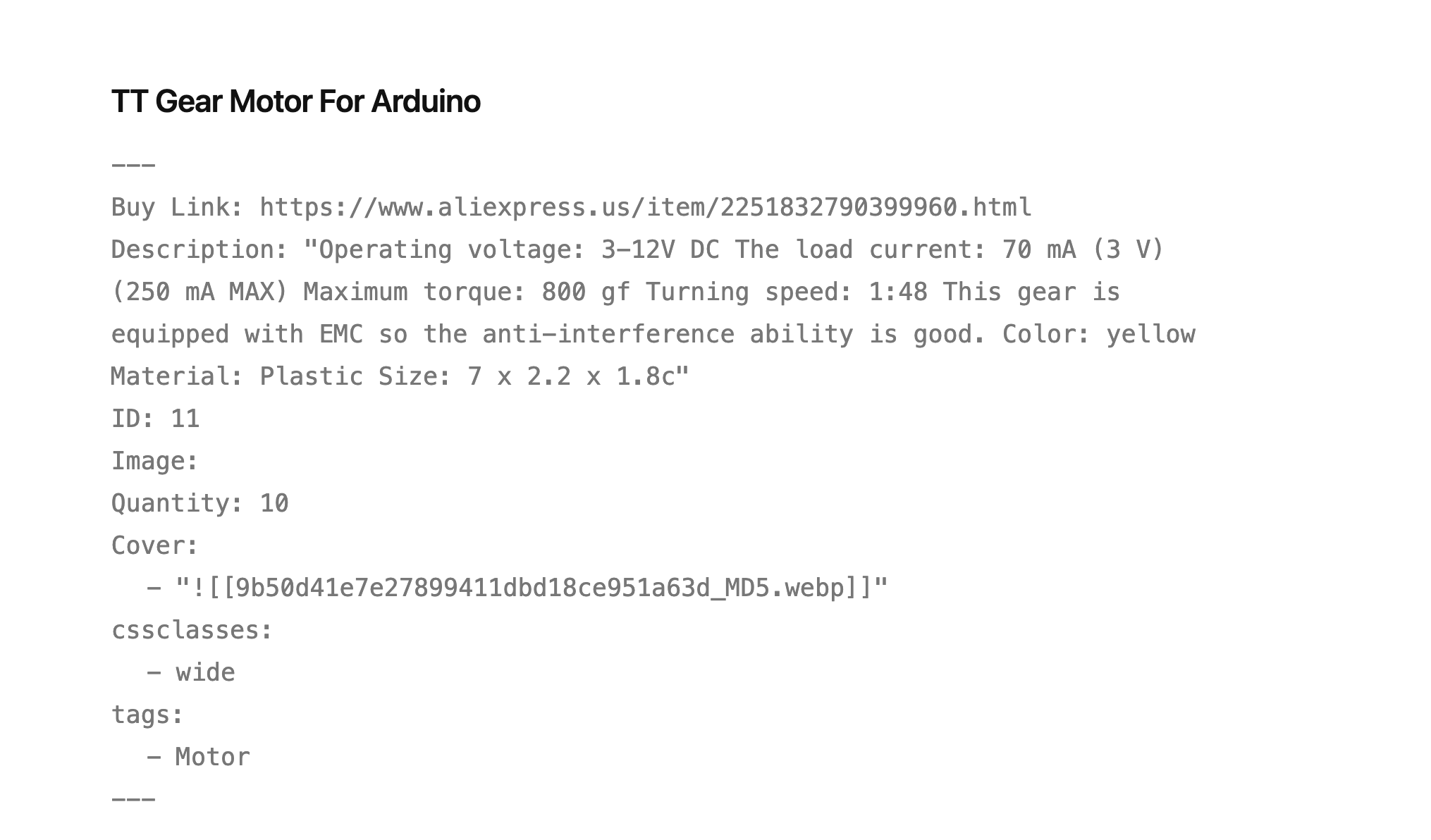
---
Buy Link: https://www.aliexpress.us/item/2251832790399960.html
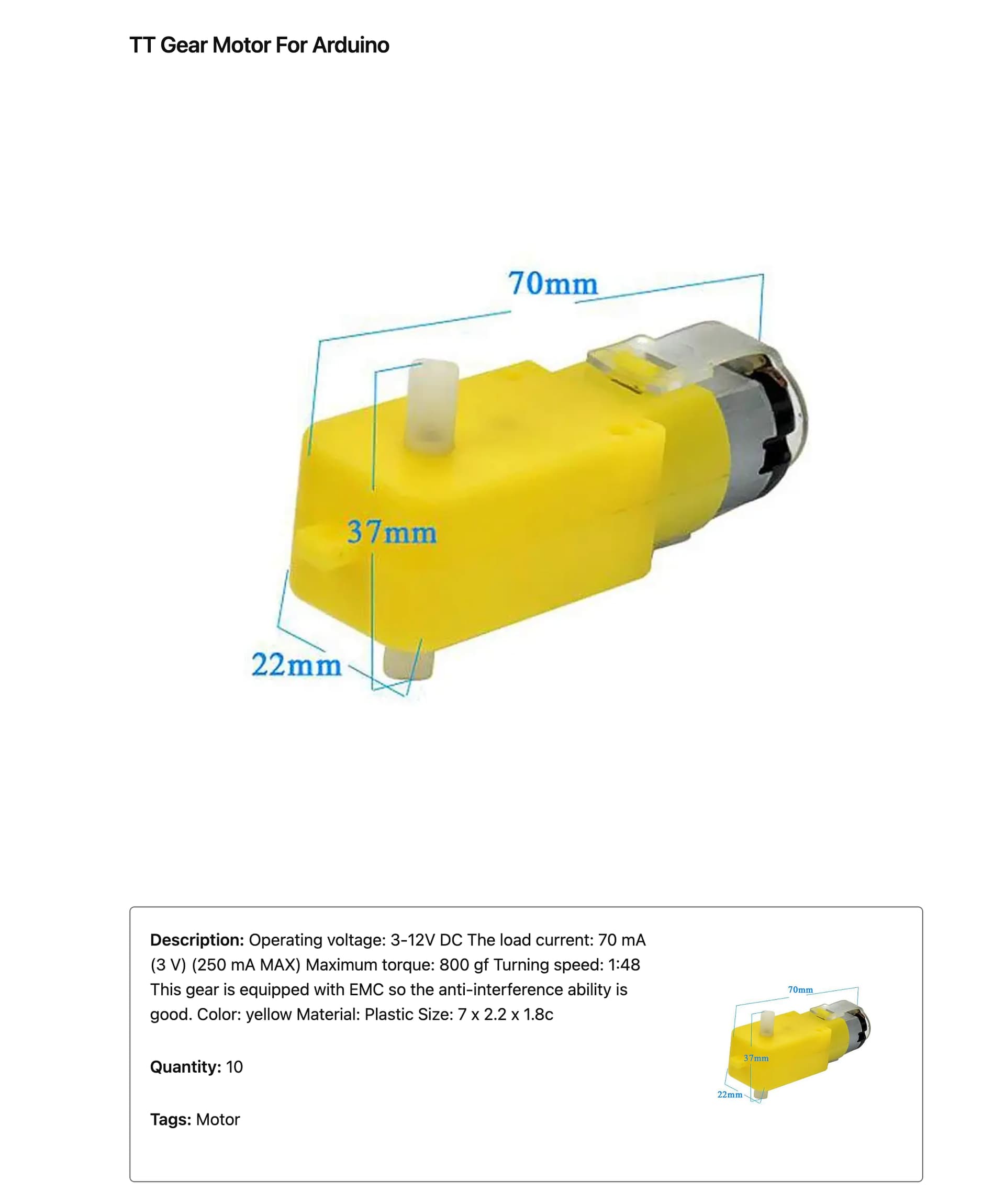
Description: "Operating voltage: 3-12V DC The load current: 70 mA (3 V) (250 mA MAX) Maximum torque: 800 gf Turning speed: 1:48 This gear is equipped with EMC so the anti-interference ability is good. Color: yellow Material: Plastic Size: 7 x 2.2 x 1.8c"
Quantity: 10
Cover:
  - "![[9b50d41e7e27899411dbd18ce951a63d_MD5.webp]]"
cssclasses:
  - wide
tags:
  - Motor
---
var col1 = '';
var col2 = '';
let page = dv.current();
let coverString = String(page.Cover);
// Extract the attachment path
const attachmentReference = coverString.match(/\[\[([^|]+)\|/);
// Get the first item from the attachment path
let firstItem = attachmentReference ? attachmentReference[1] : null;
// dv puts a span around everything, so return the hole block
// First Column
col1 += '\n <div class="parts-info">';
col1 += '\n\n **Description:** ' + page.Description;
col1 += '\n\n **Quantity:** ' + page.Quantity;
col1 += '\n\n **Tags:** ' + page.tags;
col1 += '\n </div>';
// Second Column
col2 += '\n <div class="parts-cover">';
col2 += dv.span(``).outerHTML;
col2 += '\n </div>';
dv.el("span", '\n <div class="parts-header">' + col1 + col2 + '\n </div>');