First, search the help docs and this forum. Maybe your question has been answered! The debugging steps can help, too. Still stuck? Delete this line and proceed.
What I’m trying to do
Since the last update i have problems with images. I cannot see the </> sign only the zoom button. Also it is super hard do get into the line code. It works with the enter method but not with the mouse. Also whenever i click onto an image the zoom doesnt work. Its simply not appearing in fullscreen. I also found out that the zoom is only working in reading mode but not in the editing mode. I is also not possible to grab that little corner to resize the images because than it jumps into the zoom mode that isnt working.
Things I have tried
I disabled all plugins and tried the same things without success. In the pictures all plugins are disabled and there are no css snippets working. What worked is creating a new vault. I put a Screenshot in there and it seems to work… really strange
Did anyone experience sth similar and is there a solution?
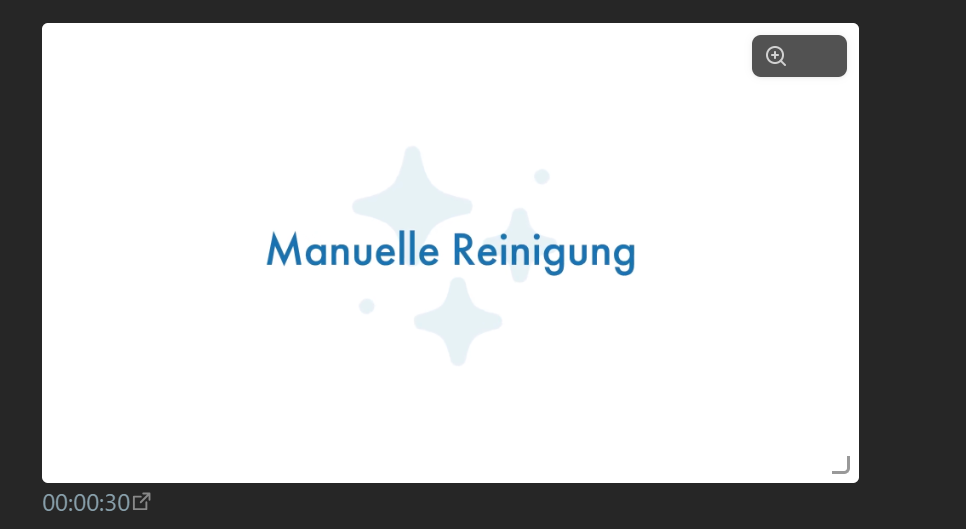
This is how it looks when i click onto an image to make it zoom
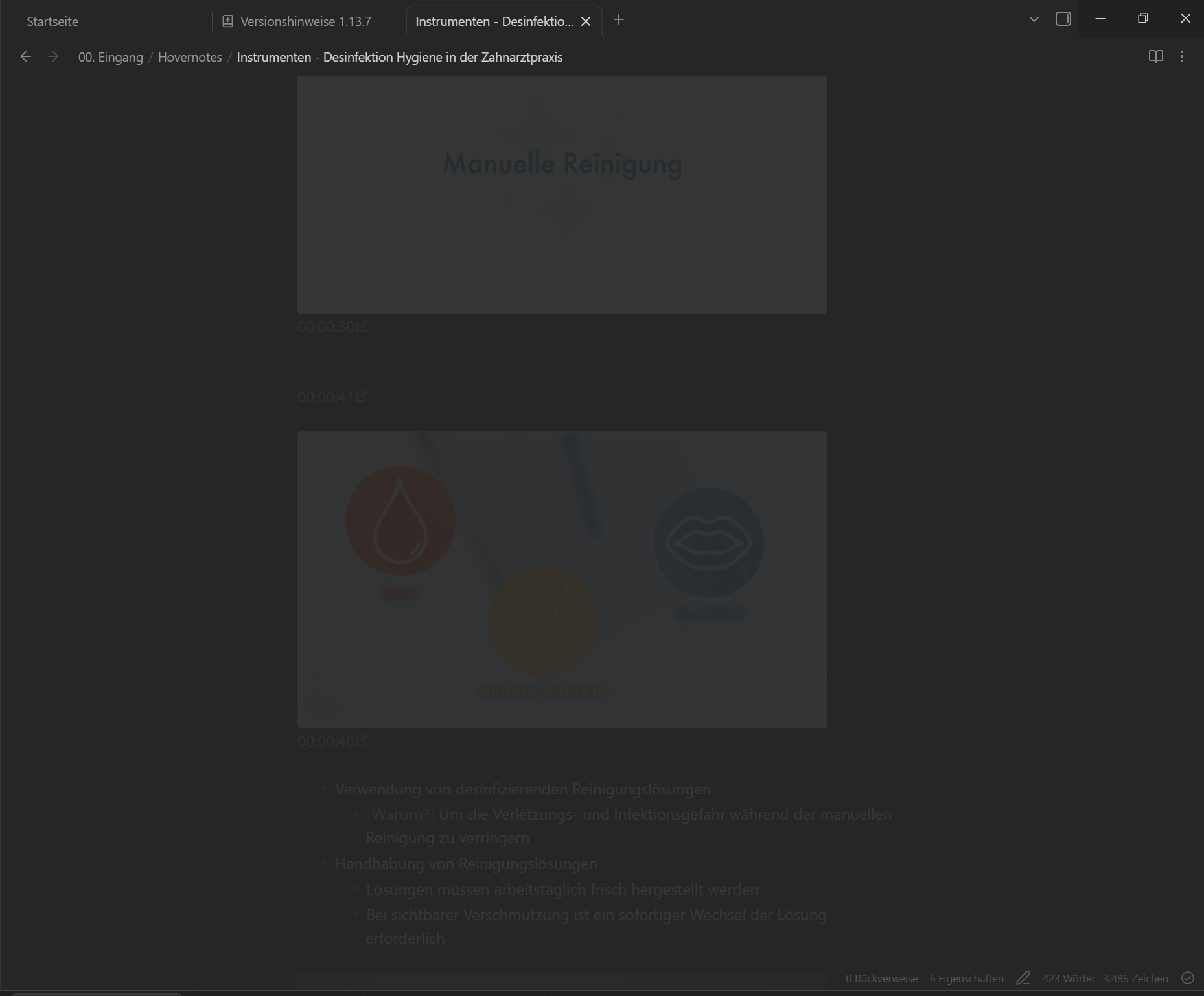
Cant grab that resizing icon in the lower corner