Hello everyone!
I recently signed up for Obsidian Sync and I’m really enjoying the experience — I consider this way of syncing to be superior to what I used to do with iCloud.
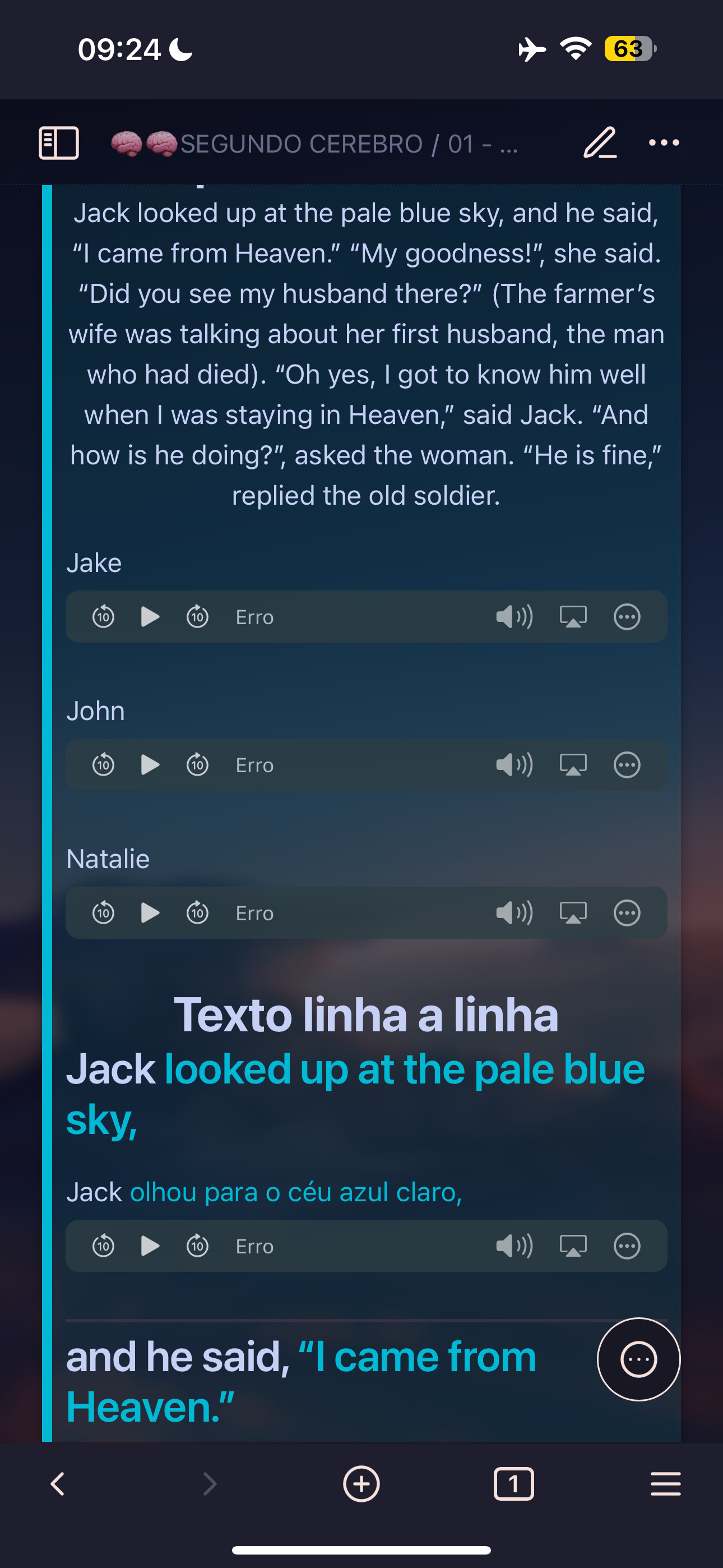
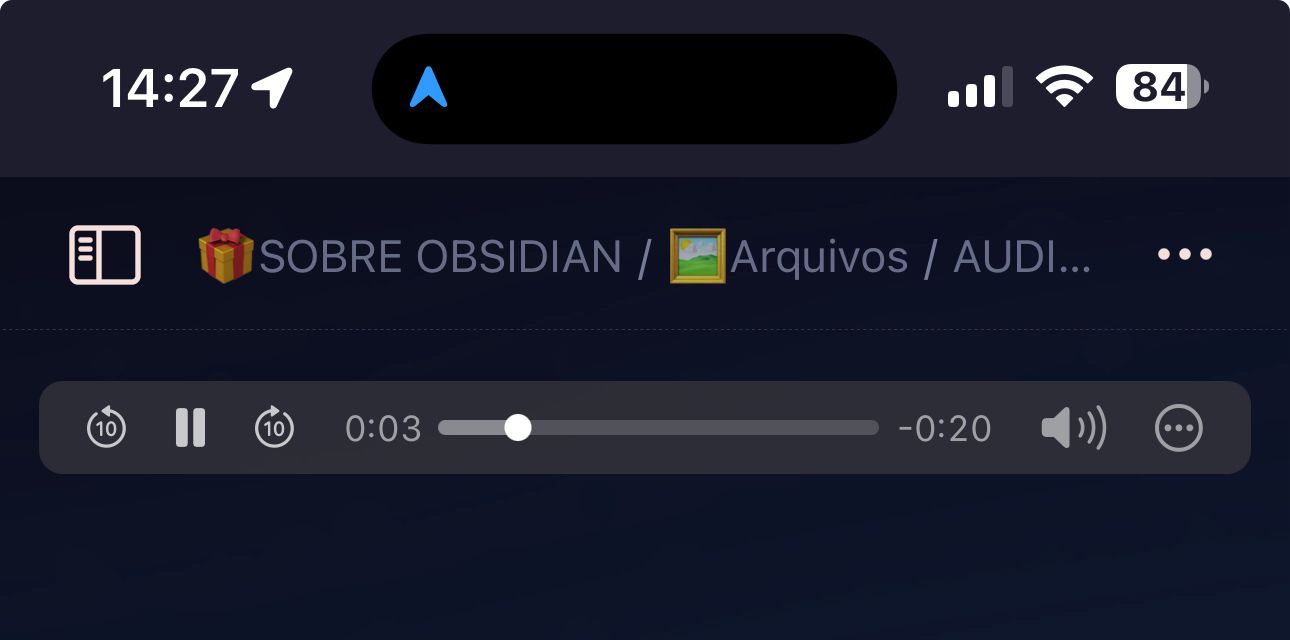
However, I’m facing a problem that has been frustrating me: audio files (.mp3/.m4a) are not playing in the mobile apps, both on the iPhone (iOS) and on an Android device.
Interestingly, the same audios work perfectly on the Desktop (Windows).
I’ve tried several solutions:
• Reinstalling the mobile apps;
• Checking the format and size of the files;
• Using different native players within Obsidian;
• Checking permissions on the devices;
• And I’ve also tested with and without plugins activated.
Unfortunately, nothing has worked so far.
My wish is to be able to listen to these audios on my phone, as part of my workflow with notes and studies — which is essential for me.
Has anyone experienced this or know how to solve it?
I appreciate any advice!