I am using Syncthing to sync a folder with Markdown files on my Mac to my iPad and my Google Pixel 9a (GrapheneOS).
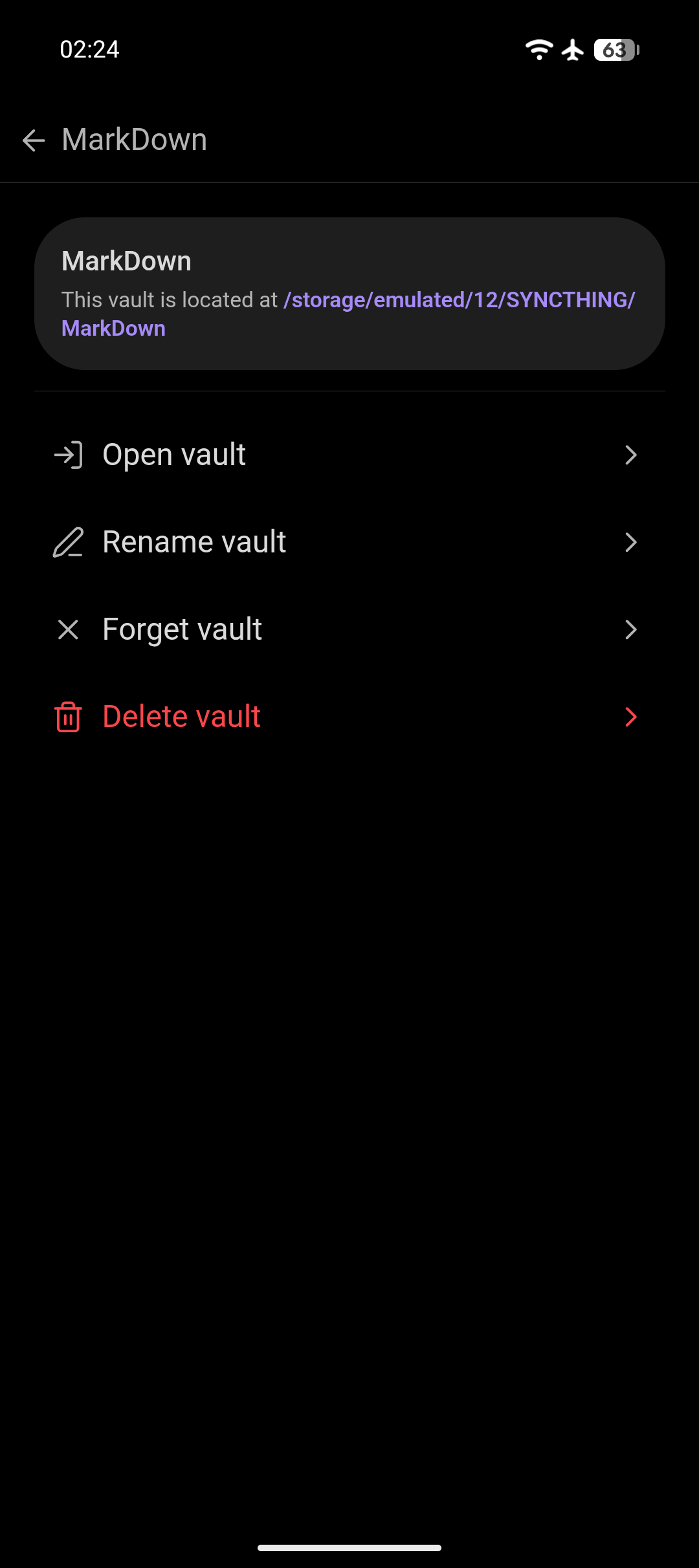
On the Pixel, the sync location is: /storage/emulated/12/SYNCTHING/MarkDown
I use the original folder with macOS-Obsidian and, after syncing, also with Obsidian on my iPad. So far, that works perfect.
I now also added Syncthing on my Pixel and am syncing successfully.
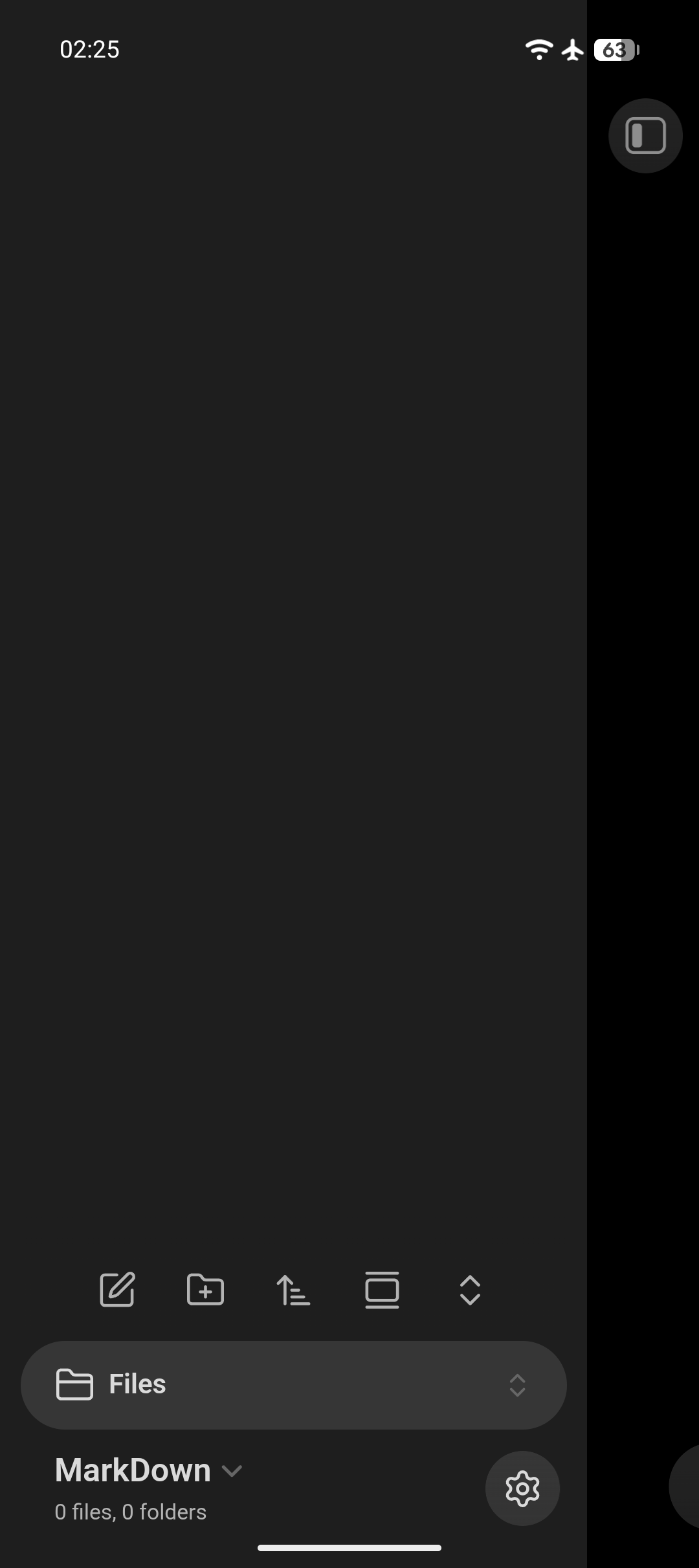
But … when trying to open this folder with Obsidian on my Pixel, it always shows a new and empty Vault. I cannot see the files within the above folder.
Things I have tried
I searchedfor this in the forum and help docs, but only found topics about other problems - mostly that it once was required to first create a new Vault before adding a second (new or existing) Vault.
But this is not my problem - but yes, I even tried to first create a new Vault in the App storage before trying to open the above existing vault.
None of my tries changed anything.
I also tried to create the Vault first (new and empty) and only then sync into it’s directory, that also did not help.
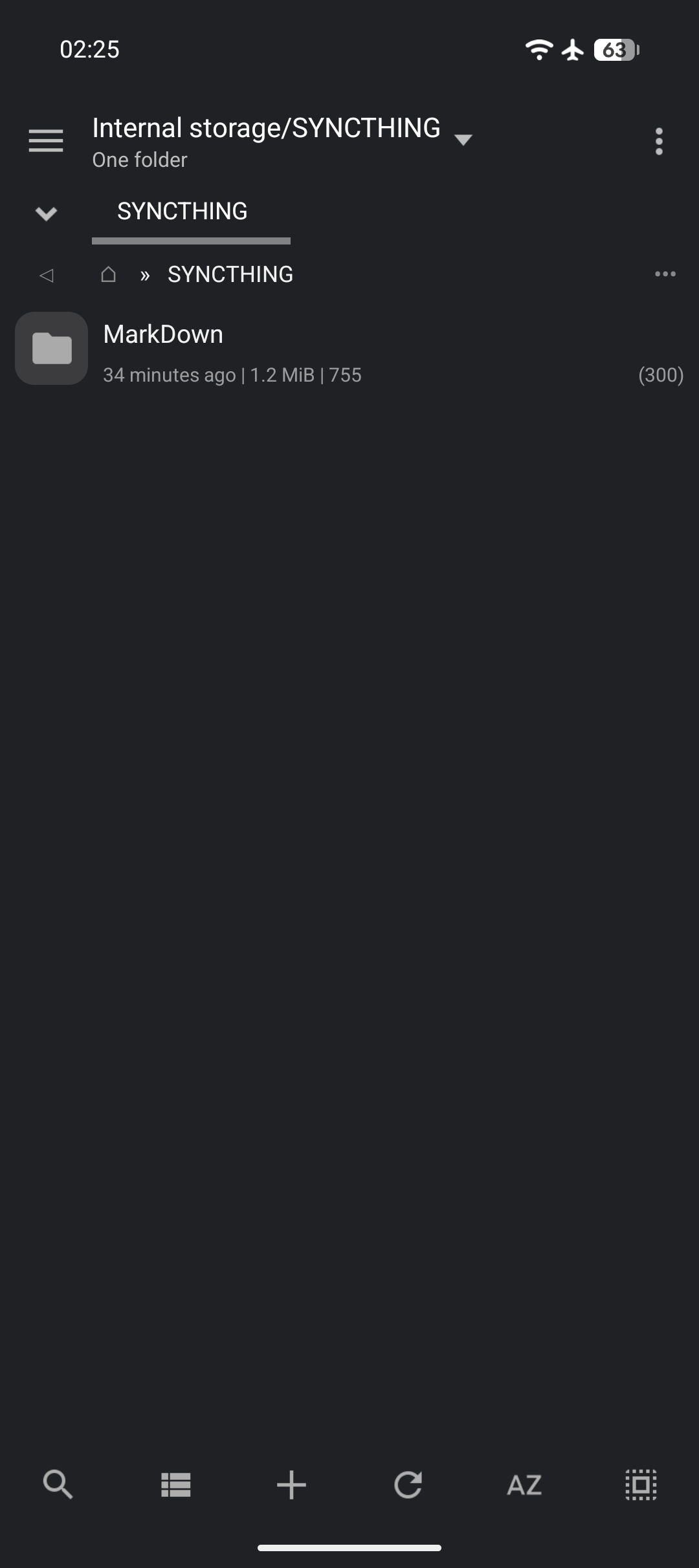
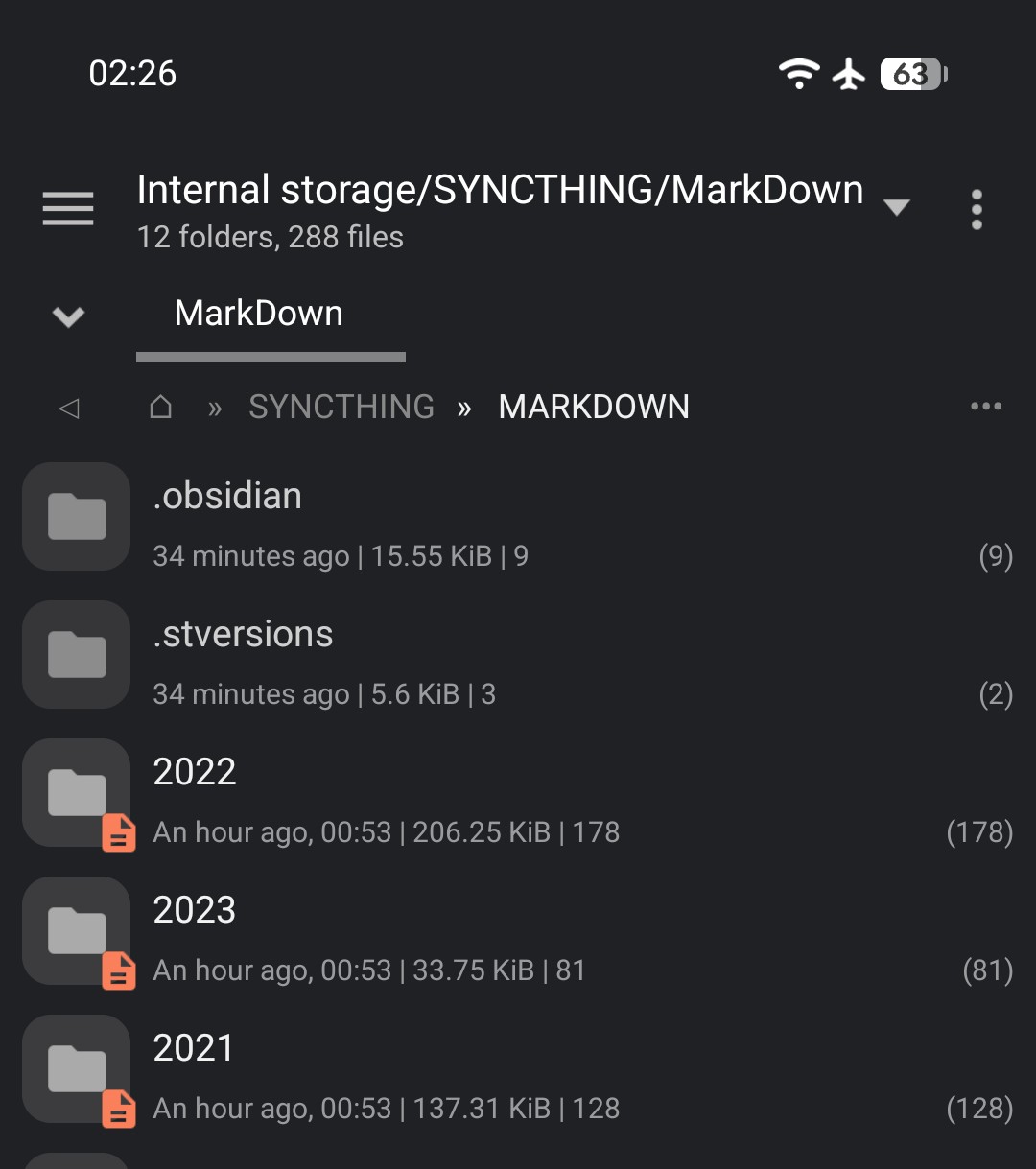
I also checked with Mixplorer that the files are synced correctly, incl. the .obsidian directory.
I created the directory SYNCTHING in the root of the internal storage, then used Obsidian to create a new Vault names MarkDown in it.
I created a test note and then checked this folder with the Folders app: .obsidian and Test.md could be seen!
But then, when I added a MarkDown note manually, from outside of Obsidian - again visible as external.md in the Folders app - but for Obsidian, this file does not exist!
I also created a new sub-folder and this also can be see in the Folders app, but not for Obsidian!
It seems like Obsidian on Android can only see files and folder created with it, like from an internal database.