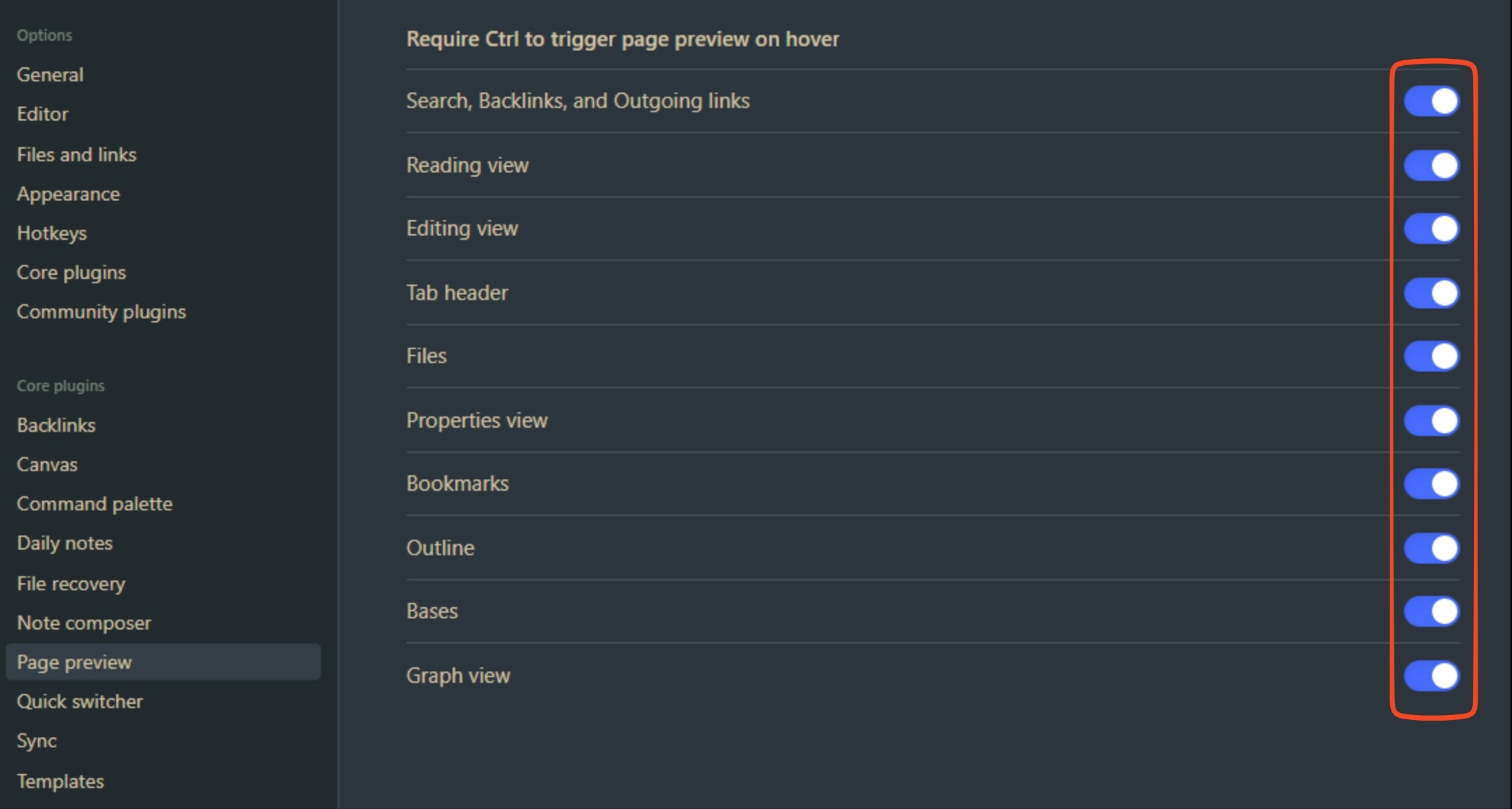
Please help, I am trying to do make it so I can preview pages without having to hold down control. Seemingly, this is an easy thing to resolve because the documentation says you can toggle the option in settings.
or so I thought… because there is an option but not toggle. I just want to know if this is a me issue or if it’s just a general bug of the current version. Thanks!
Things I have tried
I have restarted obsidian and my computer, it does not work on the sandbox either
Can you describe exactly what you are trying to do? Page preview should work as expected.
My debug info
SYSTEM INFO:
	Obsidian version: v1.10.6
	Installer version: v1.9.14
	Operating system: Darwin Kernel Version 24.5.0: Tue Apr 22 19:54:26 PDT 2025; root:xnu-11417.121.6~2/RELEASE_ARM64_T8112 24.5.0
	Login status: not logged in
	Language: en
	Insider build toggle: off
	Live preview: on
	Base theme: adapt to system
	Community theme: none
	Snippets enabled: 0
	Restricted mode: off
	Plugins installed: 0
	Plugins enabled: 0

RECOMMENDATIONS:
	none
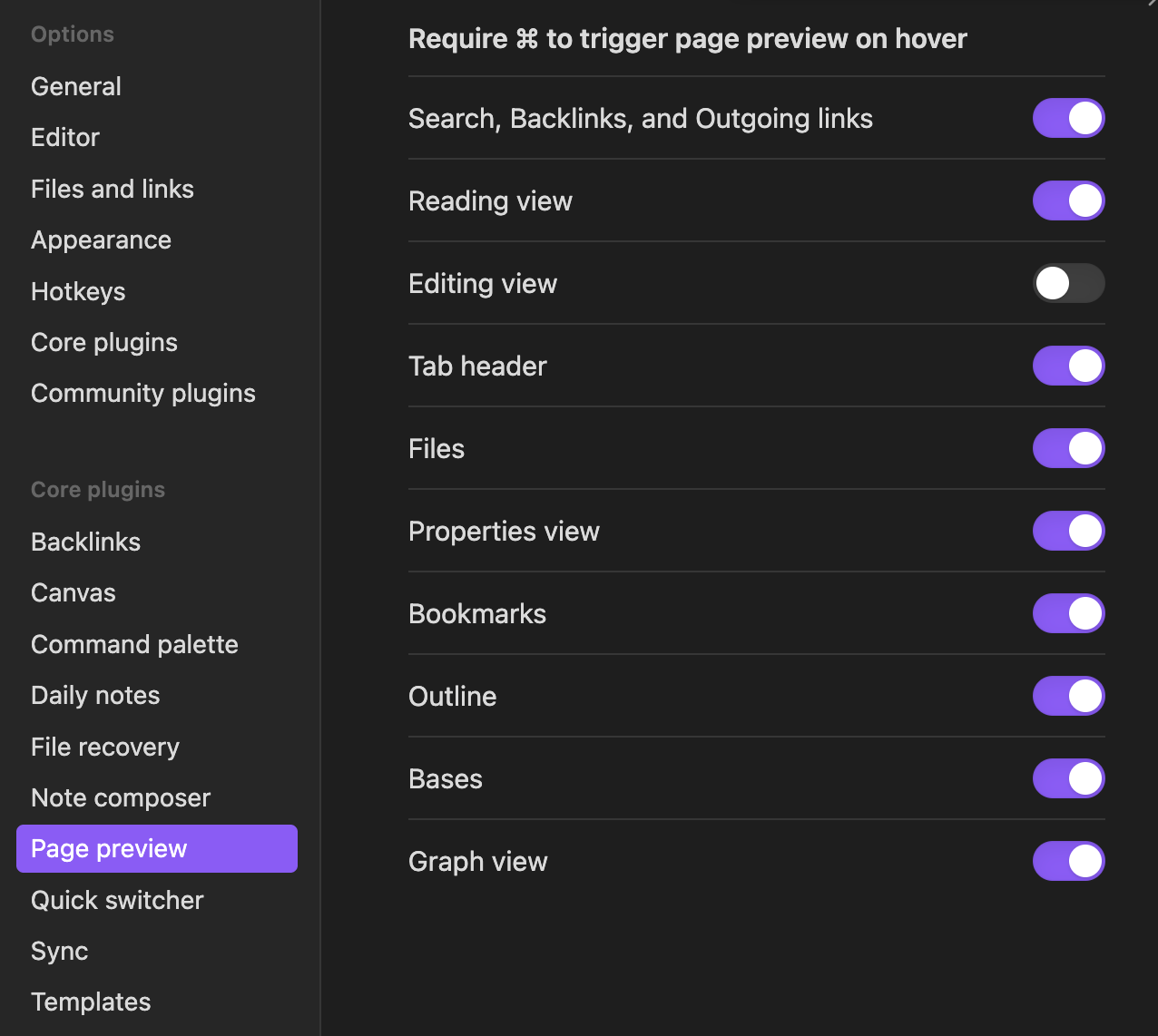
I tested page preview in files and editing view and hovering without pressing ⌘ works. It doesn’t work for external links as expected.
Thanks for the response. I am just trying to make it so I can preview hyperlinks to notes when I am hovering my mouse without holding down ctrl (am on windows).
There seems to be an option to do so but there is no toggle as shown in the picture. How did you get it to preview files? I am sure it is not like that by default. Thank you again
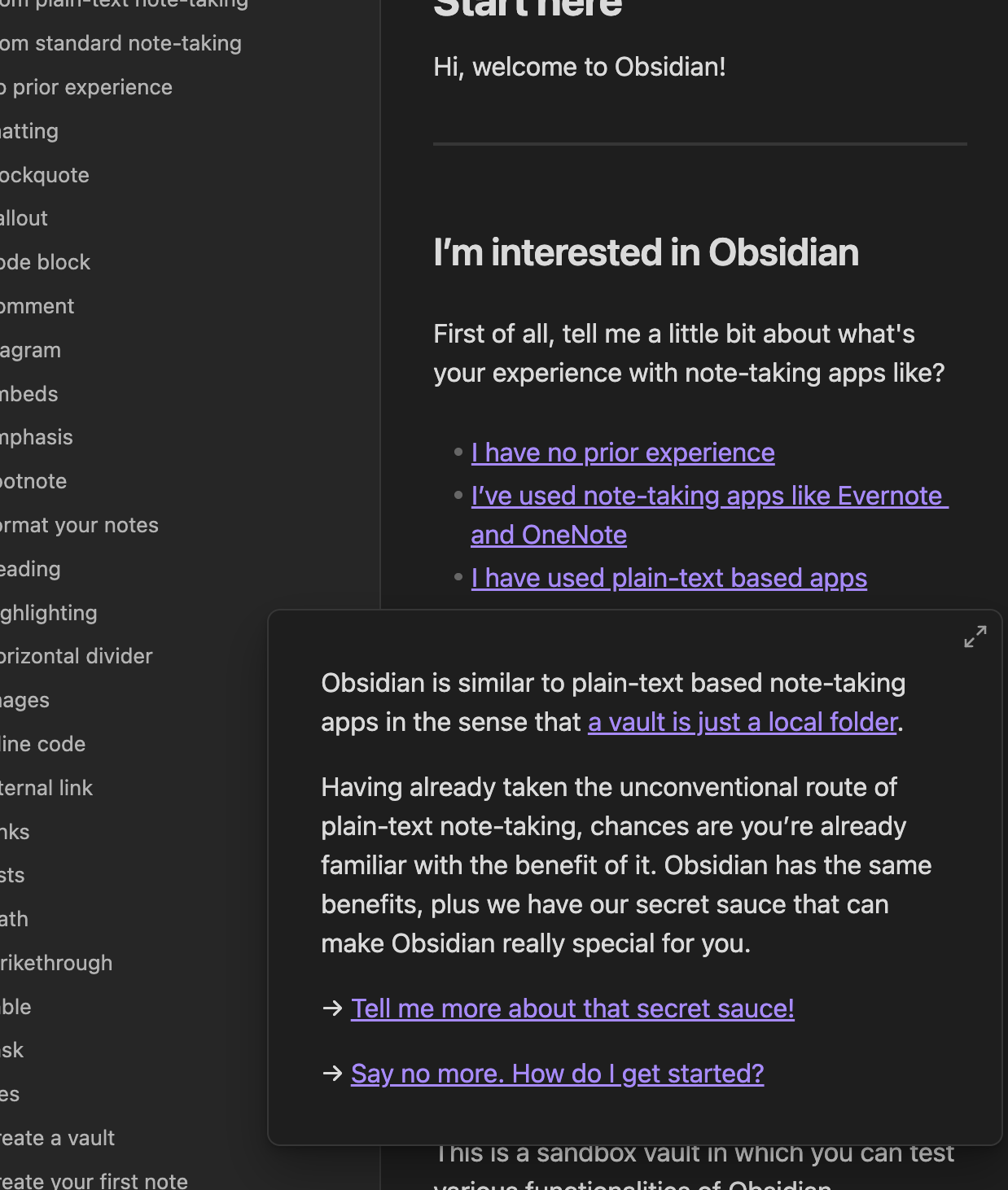
Have you tried hovering internal links in sandbox vault? For example in the screenshot I hovered [[From plain-text note-taking|I have used plain-text based apps]].
Yes, that worked thanks! I just didn’t know that disabling editing view removed the ctrl requirement. I think what happened is that I thought the toggles where for disabling preview page on a specific thing, but it was for removing ctrl requirement individually hahaha. Thanks a lot for your time, you were very helpful.