Disclaimer
Is this plugin open source? Yes
Is this plugin completely free? Yes
Is this plugin vibe-coded beyond the author’s ability to comprehend how it works? No
Community Directory: Tab Candy
Remember Beautitab? I loved Beautitab. I recently went to see about contributing to the project and read notes about it no longer being maintained, which happens. What developer isn’t spinning 20 different projects on top of what’s going on in real life? Well, I forked it. I rebuilt it from the ground up. Gave it a new name, a new feel. It works on desktop and mobile. It’s Obsidian native, working through the updated APIs rather than relying on node fs/path. It’s snappy. It’s clean. It’s fun! It’s bringing the vibe of Beautitab to a new generation of Obsidian. I hope you enjoy it.
In the near future, I will be sharing a roadmap with some planned development. I want to turn tabs into a composable dashboard, where you can see tasks and dataview tables at a glance. I want to make adding lists of quotes as easy as feeding Tab Candy a yaml doc. And I want to boost the search provider list. But one thing at a time. Here’s Tab Candy →
Introducing Tab Candy
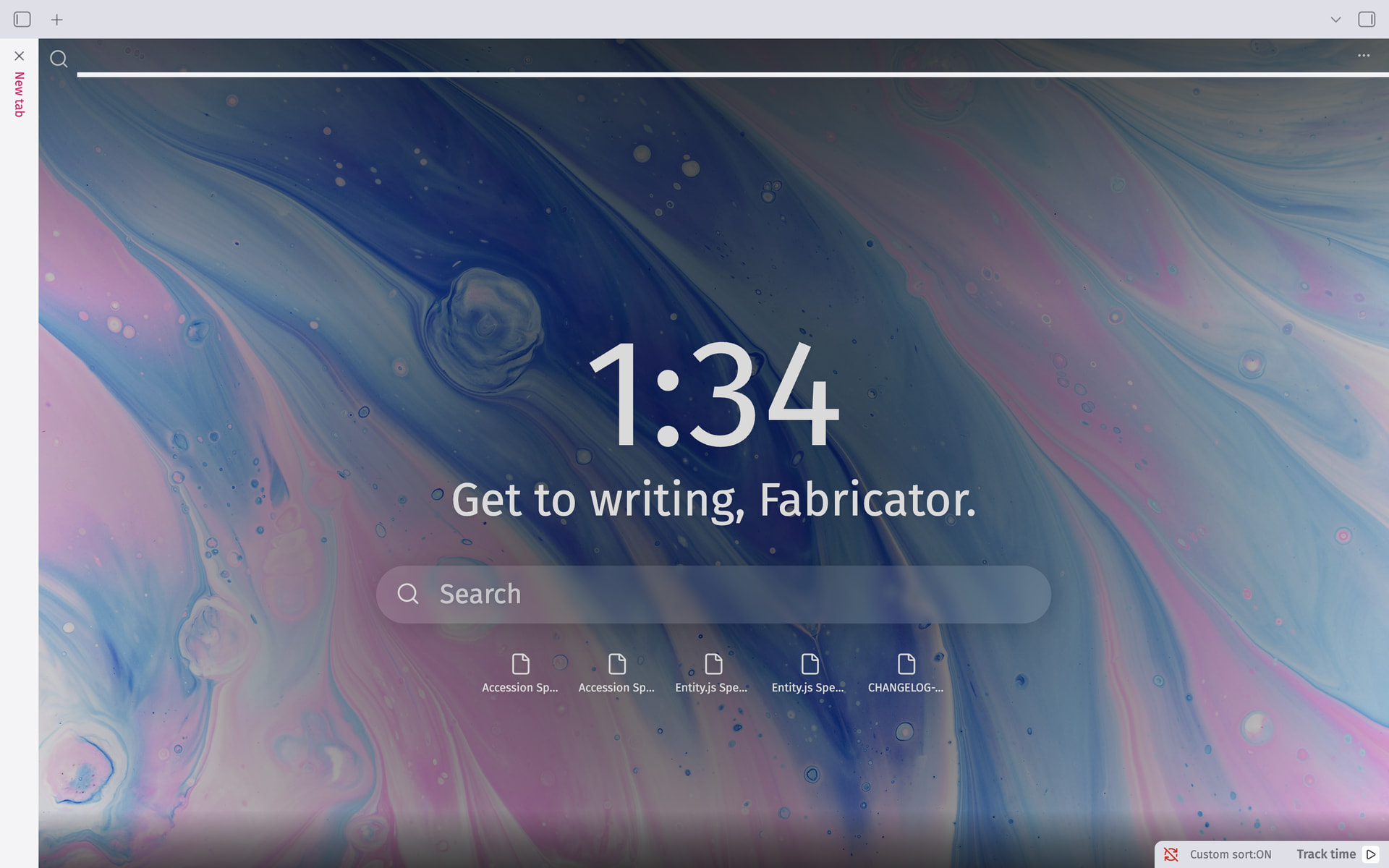
What is this?
Tab Candy turns Obsidian’s blank new-tab screen into something worth looking at: a background image, the time, a greeting, quick search, your recent files, your bookmarks, and a quote, all in one customizable view.
It’s an evolution of Beautitab—not a continuation of it. Beautitab fell into disrepair, as unmaintained projects tend to. Tab Candy started as a fork, but the codebase underneath it has since been rebuilt from the ground up: modernized against the current Obsidian API, made to work properly on both desktop and mobile, backed by an actual automated test suite, and given a CI pipeline that gates every change. What you’re looking at today shares Beautitab’s spirit and its original idea, but very little of its original code.
A word of thanks. None of this exists without Andrew McGivery’s original work on Beautitab — the concept, the settings-first design philosophy, the whole idea of what a “pretty new tab” could be for Obsidian. Building something fun enough that someone else wants to keep it alive for years afterward is its own kind of success. Thank you for making Tab Candy possible in the first place.

Features
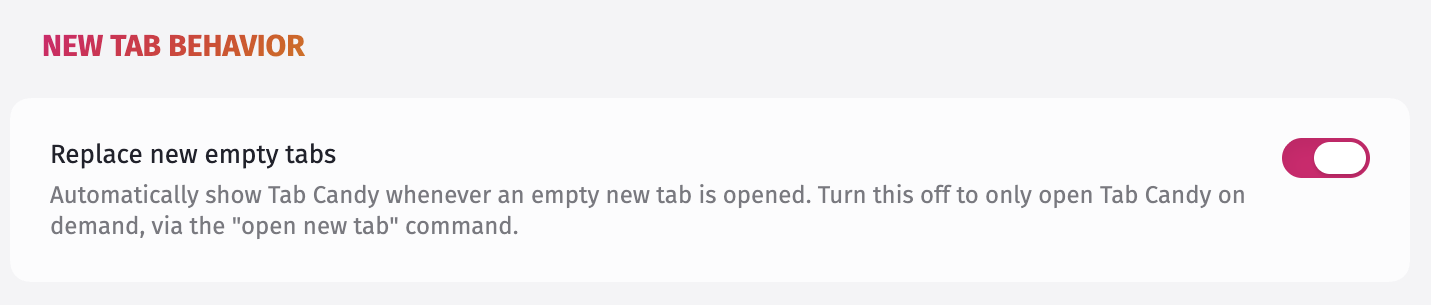
Open automatically on new tabs
By default, opening a new empty tab in Obsidian shows Tab Candy automatically. If you’d rather trigger it manually instead, that’s a setting too — either way, the Open new tab command in the command palette always works.
Background
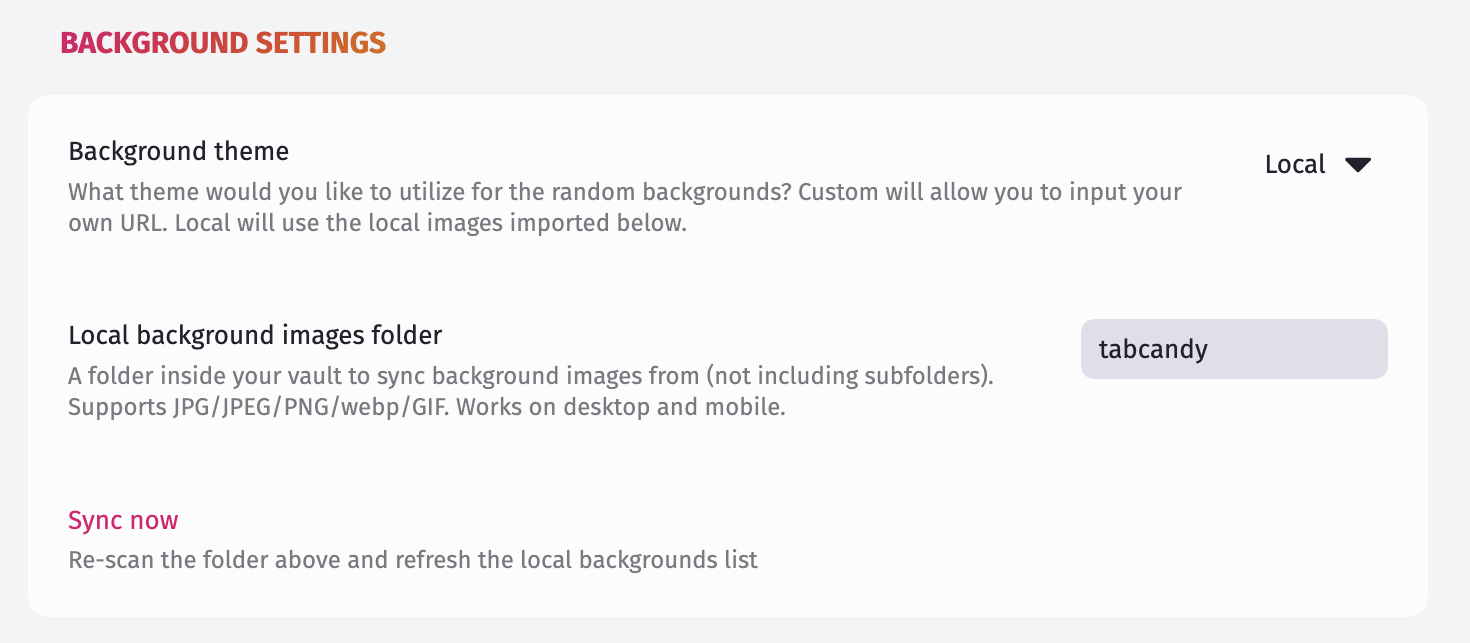
A background image fills the screen behind everything else. It stays the same for the rest of the day (or until Obsidian restarts), and you can choose where it comes from:
-
Local— a folder in your vault, synced automatically; add individual images one at a time if you’d rather not sync a whole folder.
-
Custom— a single image URL you provide yourself.
-
Transparent / Transparent with shadows— let your current Obsidian theme’s own background show through instead.
Search
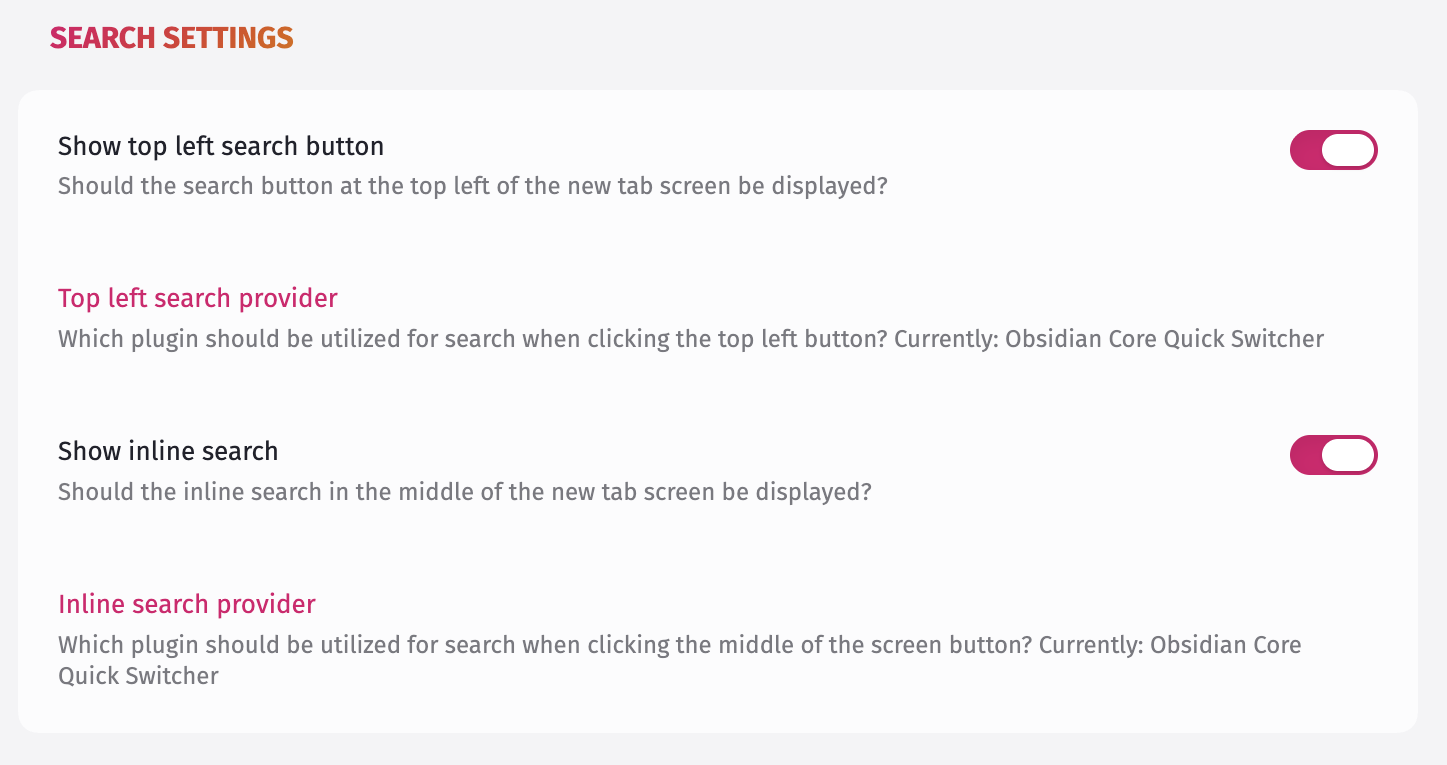
Two independent search entry points — a small icon in the top-left corner, and a larger inline search box in the center of the screen. Each can be shown or hidden on its own, and each can be configured to trigger a different command: Obsidian’s built-in Quick Switcher by default, or a command from any other plugin you have enabled.
Want a specific plugin supported as a search provider that isn’t showing up? Open an issue or start a discussion.
Time & greeting
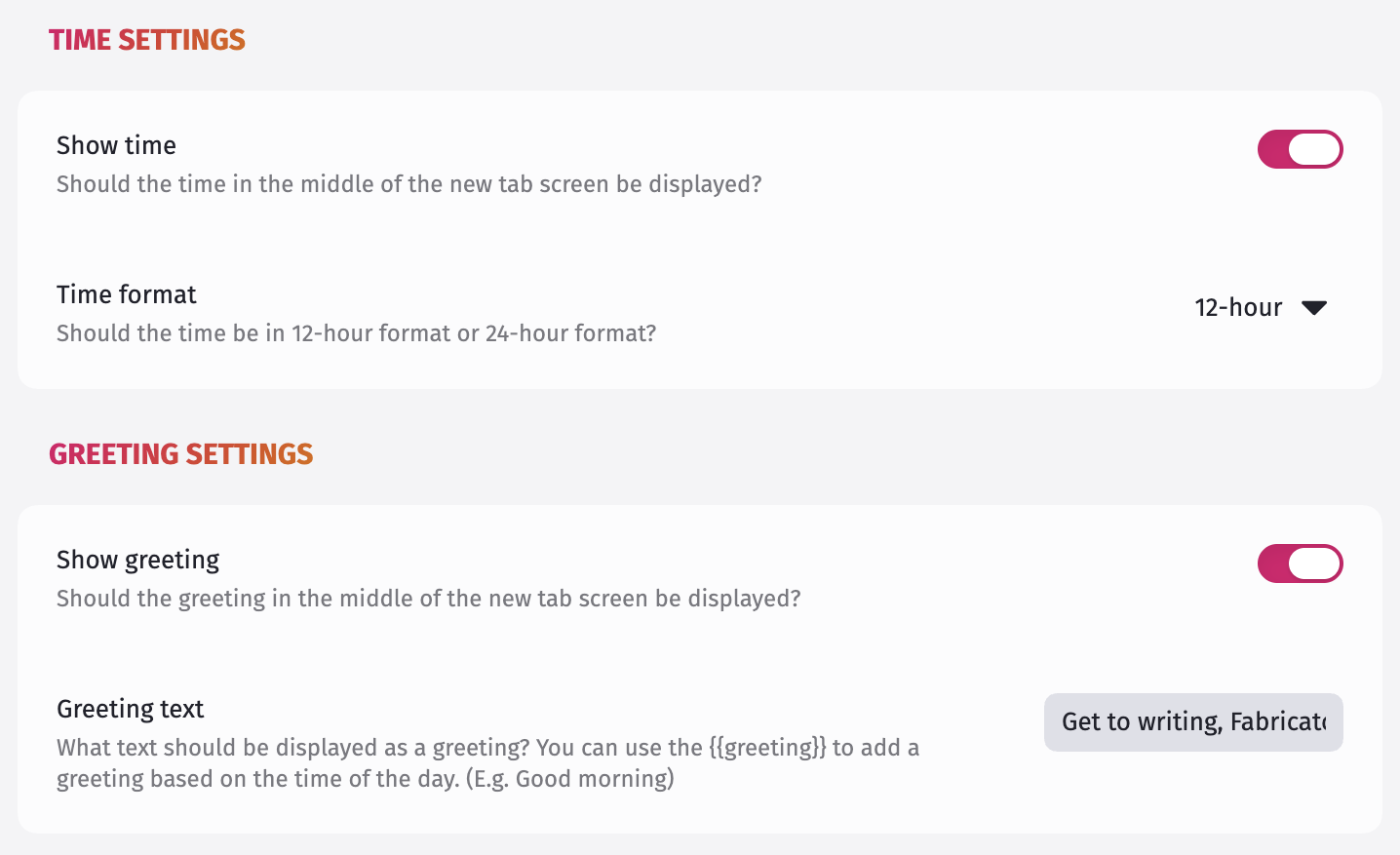
The current time (12-hour or 24-hour) and a customizable greeting, shown front and center. Either can be hidden independently.
Recent files
Your 5 most recently edited files, one click away.

Bookmarks
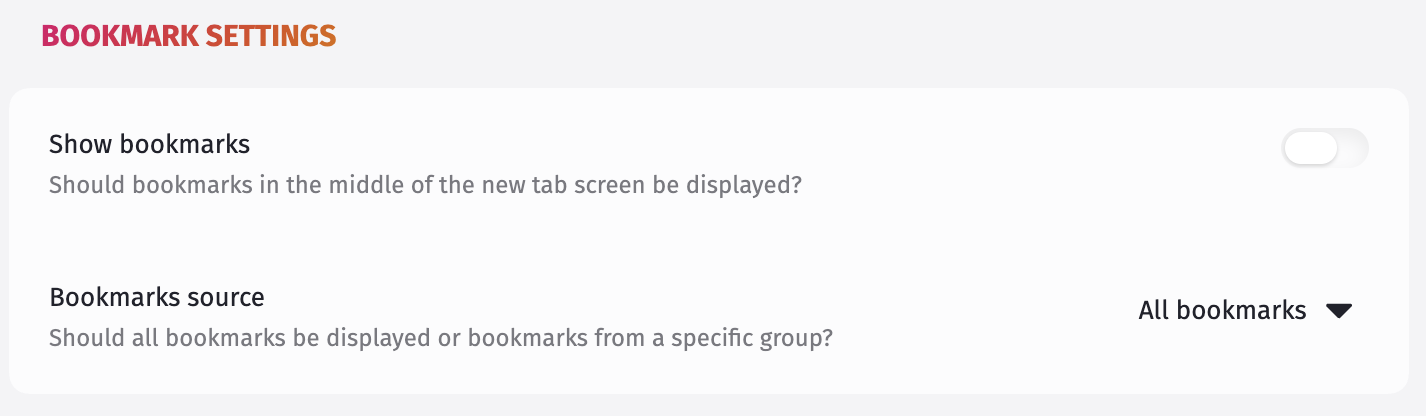
5 bookmarks, pulled either from your entire Bookmarks list or from one specific bookmark group you choose.
Quote
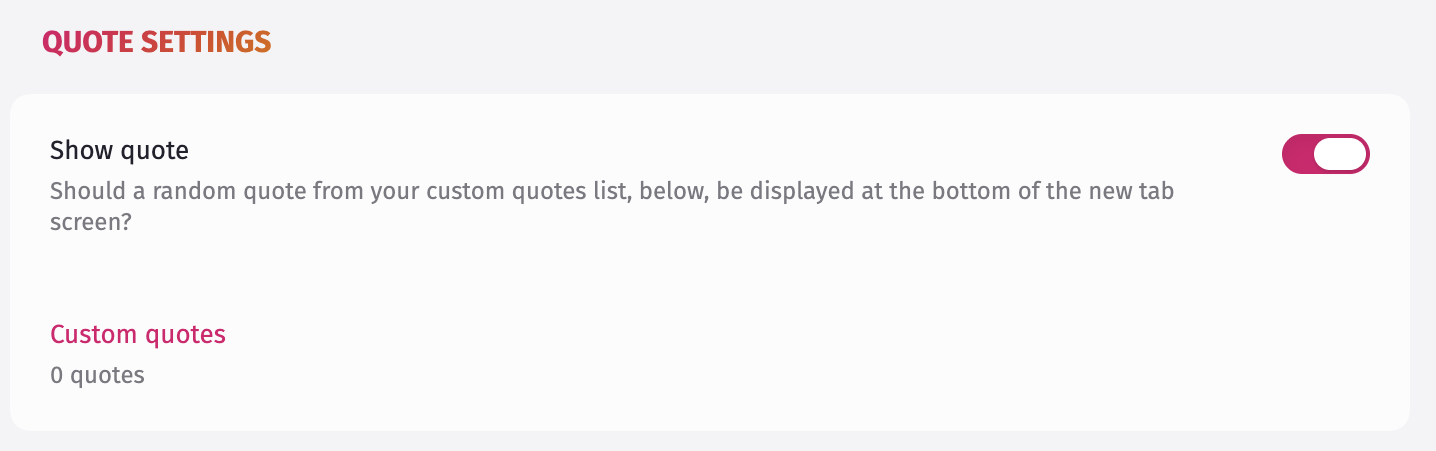
A quote at the bottom of the screen, picked at random from your own list of custom quotes.
Reporting issues
Found a bug? Open an issue and include as much detail as you can — what you expected, what happened instead, and a screenshot if it’s visual. The more context, the faster it gets fixed.
Contributing
Tab Candy has a real test suite (Vitest, run against mocked Obsidian internals) and a CI pipeline that runs typecheck, lint, tests, and a coverage floor on every pull request. If you’re looking to contribute code, that’s the bar a PR needs to clear.
pnpm install
pnpm test # run the test suite
pnpm lint # run the linter
pnpm build # production build → dist/
Requires Node 24 or newer, and pnpm (version pinned in `package.json`).
Credits
- Originally inspired by the Chrome extension Momentum.
- Built on the foundation laid by Beautitab— see the note up top.
Support
If Tab Candy’s made your new tab screen a little nicer to look at, you can buy me a brew.