Loving the plug in so far! However, I am not sure if anyone else has mentioned this or there is already a solution.
In a variety of places you can see a formatting such as 01-09 or 02-13 etc.. You can view in spots such Plotlines, Timeline, Manuscript and the sidebar directory based on the scene created.
It’s defaulted to display the numbers for ‘act’ and ‘sequence’. I’ve been looking for a setting or way to adjust this. I’ve explored the program and yet to find it. Only place I’ve seen it different is under Board-Kanban where it displays it as act-chapter-sequence
Personally, for the Plotlines I’d like to focus on Chapter and Scene more than either Act or Sequence so for me the numbers there are rather annoying since they cannot be customized to the number i’d prefer to see or toggled on/off. Other places, I may prefer to see Act-Chapter-Scene#.
The only place I could make a change is on the scene file directly my adjusted the header. However, it still auto defaults to act-sequence and I manually have to change each time.
If a solution doesn’t already exist, my suggestion would be to allow customization of the order and visibility (either a single default setting, or ability to change setting per View) for the visible ##–## throughout the plug in.
Thanks for letting me know. The Obsidian community automatic plugin scanner had me fix some stuff and to do it I needed to raise the version. I think I’ve managed to solve it in v 1.10.26.
I’ll admit, however, that I am not quite getting it, and I’ve hesitated writing a note for fear of asking too much, or showing my ignorance and stupidity. I am an old school writer and prefer to write an outline as an outline:
Chapter One
-Scene One
–Synopsis
-Scene Two
–Synopsis
etc.
Further, after creating that outline, I’d dearly love to see it in the file manager sidebar as I’m writing.
Just use what you find suits you. There are even ways of hiding stuff in the Codex if that looks too overwhelming. The main idea with StoryLine was to connect all steps of the writing process so you wont have to type in the same stuff in several places. For me (I’m a childrens book author and illustrator) I mainly use Corkboard for initial ideas and then Kanban board for scene planning. Double click on a scene card and that scene opens in a new window for writing. Other people love the plotgrid or plotlines. There is a function to auto sync your existing scenes to the plotgrid and then you can manually write in cells. There is no right way of doing things. Once you feel a need for more you can try the other stuff.
There is a navigator panel on the left side that lets you quickly navigate between scenes and sort the order in different ways.
There is a sample project you can download from my github so can get a feel for how it works.
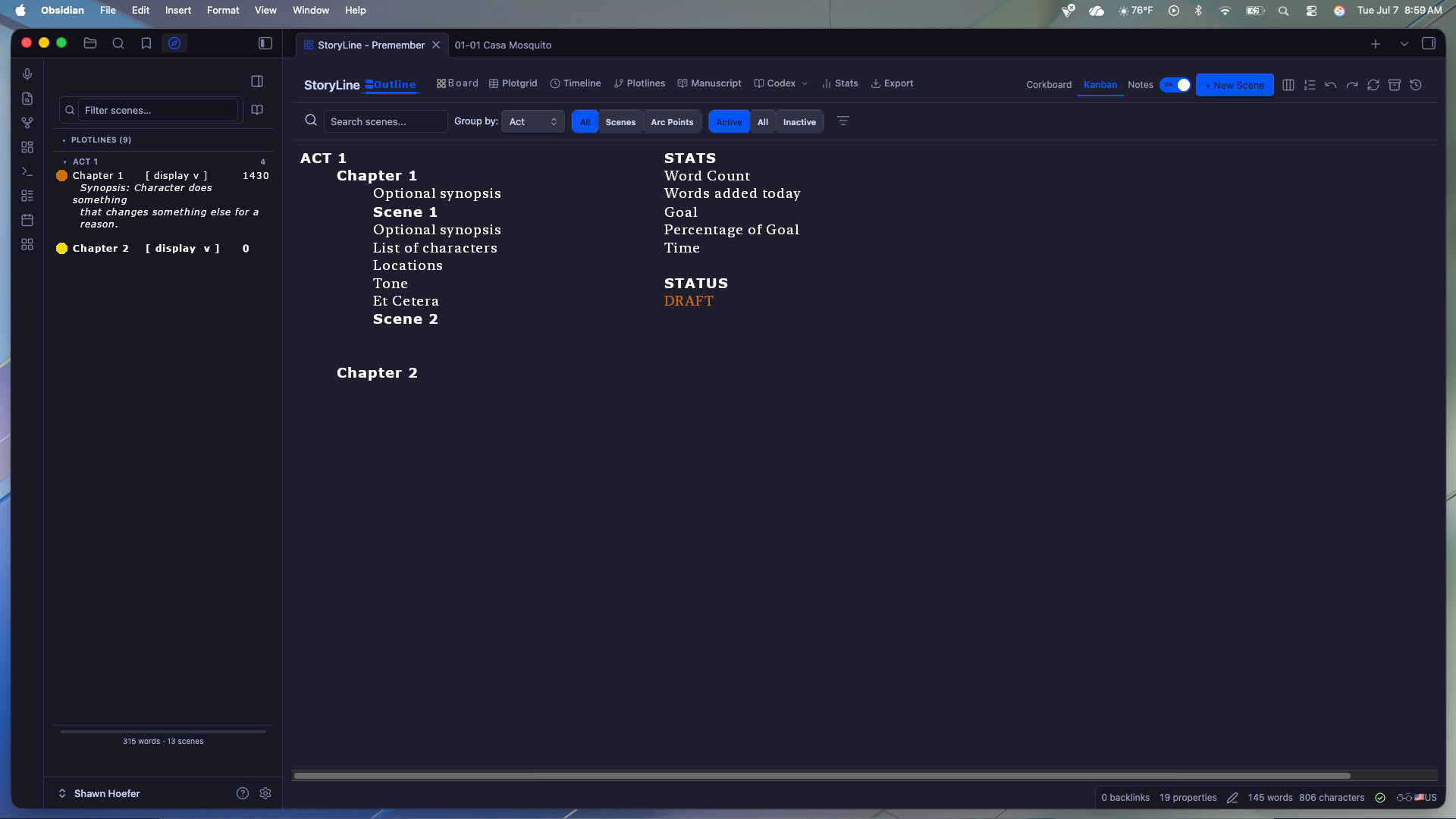
I’ve rather figured out a way forward by using the board to start and then switching to timeline to finish, and this helps, but I realized that perhaps I hadn’t been clear. Please pardon the crude mockup, but this is kind of what I was thinking of. I know you’re building this beauty on your own, and I’d hate to suggest anything that might slow you down, but… Would something like this be possible?
First of all, the StoryLine is absolutely amazing and the workflow it promotes helped me a lot. However I would like to ask about one issue with Timeline. Whenever I reorder Scenes by drag and drop, the view scrolls to the top. On 100+ scenes this is becoming a major problem. Is anyone else experiencing this? Is this a bug? Thank you very much. Sorry if this is not the place to post this.
I just started using StoryLine today, migrating from a word-document workflow. In regards to that, I have a question. I split my existing document into chapters (roughly 200k words across 42 chapters).
The issue comes in when I look at the Stats screen, the Progress Breakdown correctly shows all 42 chapters, but in the Echo Finder, only the first 10 chapters/scenes are displayed. I would like to look at the results for all documents instead of this limited set.
The most used words in Prose Analysis also seem to not be taking all chapters into account, since there are quite a few character names in there that I definitely used more often than it claims (confirmed by searching through my original doc).
Am I simply overlooking something (like a setting or different view) or is this not supported?
I have tested again on the new version, did clean install of Obsidian too. Both reordering scenes in timeline and creating a new scene scrolls the view to the top. I am on Windows 10 if that helps.
As a long time user of Scrivener (15+ years), I loved the program but love obsidian more and was (like so many others) trying cobbling together to use Obsidian for writing. Instead I found Storyline! This is just astounding, and checks every box I need plus some. I will absolutely be moving all my writing over to Storyline, which is a lot. Thank you so much!!!
My first comment is a question: I’m not sure I’m clear about projects. Is storyline basically a stand alone vault that can be used for multiple books/projects? That is, if I want to write a completely different story, do I create a new vault and install storyline, or do I create a new project in my storyline vault? My impression is the latter but I want to check.
My second is about character age. I write stories that tend to range over years and decades, so that’s a variable. Currently I use that field to mark their age at the START of the story, but it does get a little confusing when they aren’t 25 but 47 in the scene. As well, in one story I have a family with 10 children, and tracking their relative ages is a hell of a spreadsheet. Not sure how you could incorporate this, honestly, but wanted to put it on your radar as something that would be a great feature/function.
Thank you so much for your hard work. Truly a hero of the people!