StoryLine — Obsidian Plugin for Writers
By Jan Sandström
StoryLine transforms your Obsidian vault into a complete book planning and writing tool. Organize scenes, build characters, manage locations, track plotlines, and monitor your progress — all inside Obsidian.
Now available in the official community plugin repo.
Quick Start
-
Install the plugin and enable it in Obsidian settings.
-
Click the StoryLine ribbon icon in the left sidebar to open the plugin.
-
You’ll be prompted to create your first project — give it a name and start writing.
Views
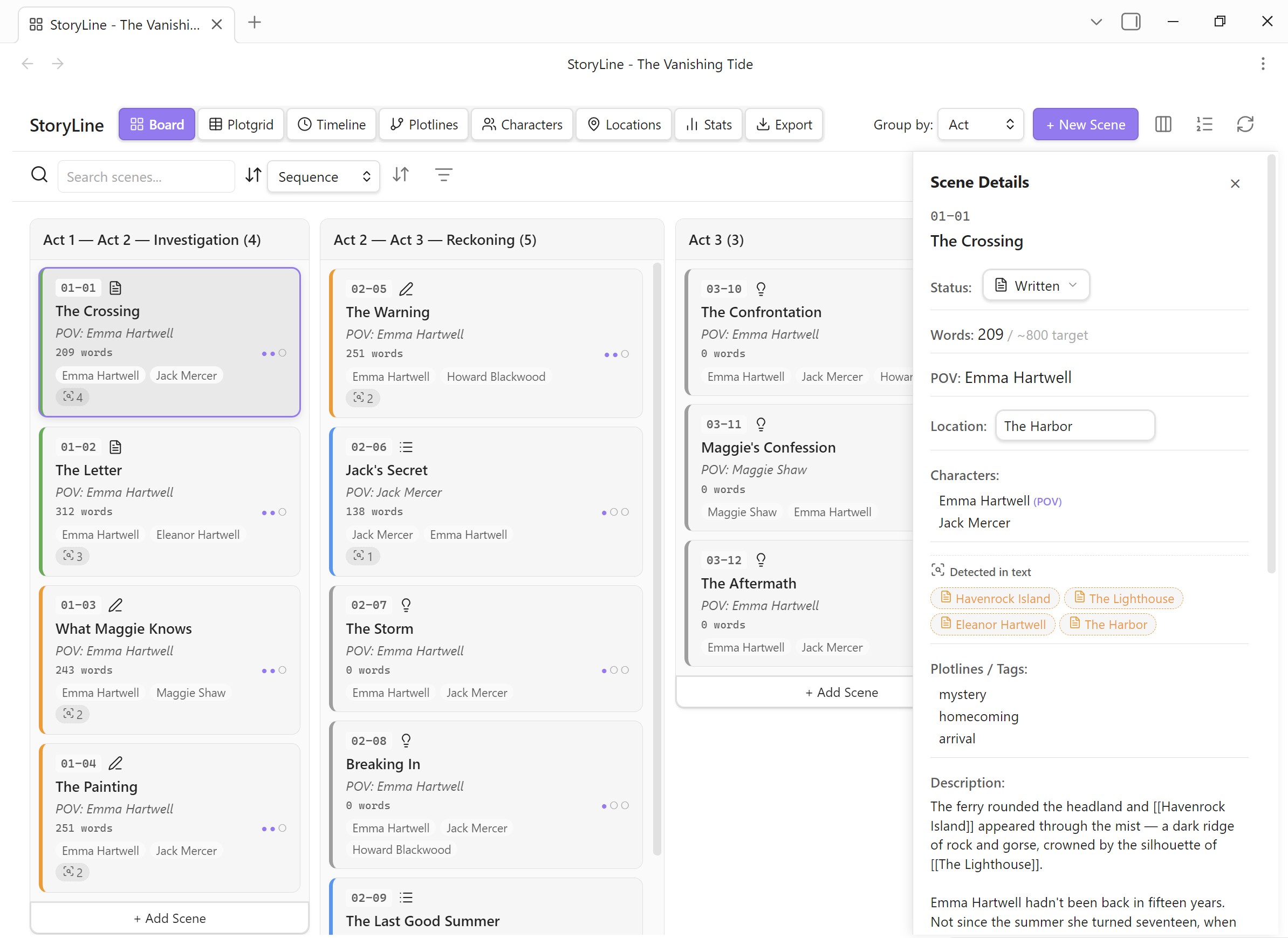
Board View
Kanban-style scene cards organized by act, chapter, or status. Drag & drop scenes between columns. Color-coded by status, POV, emotion, or tag. Multi-select for bulk edits.
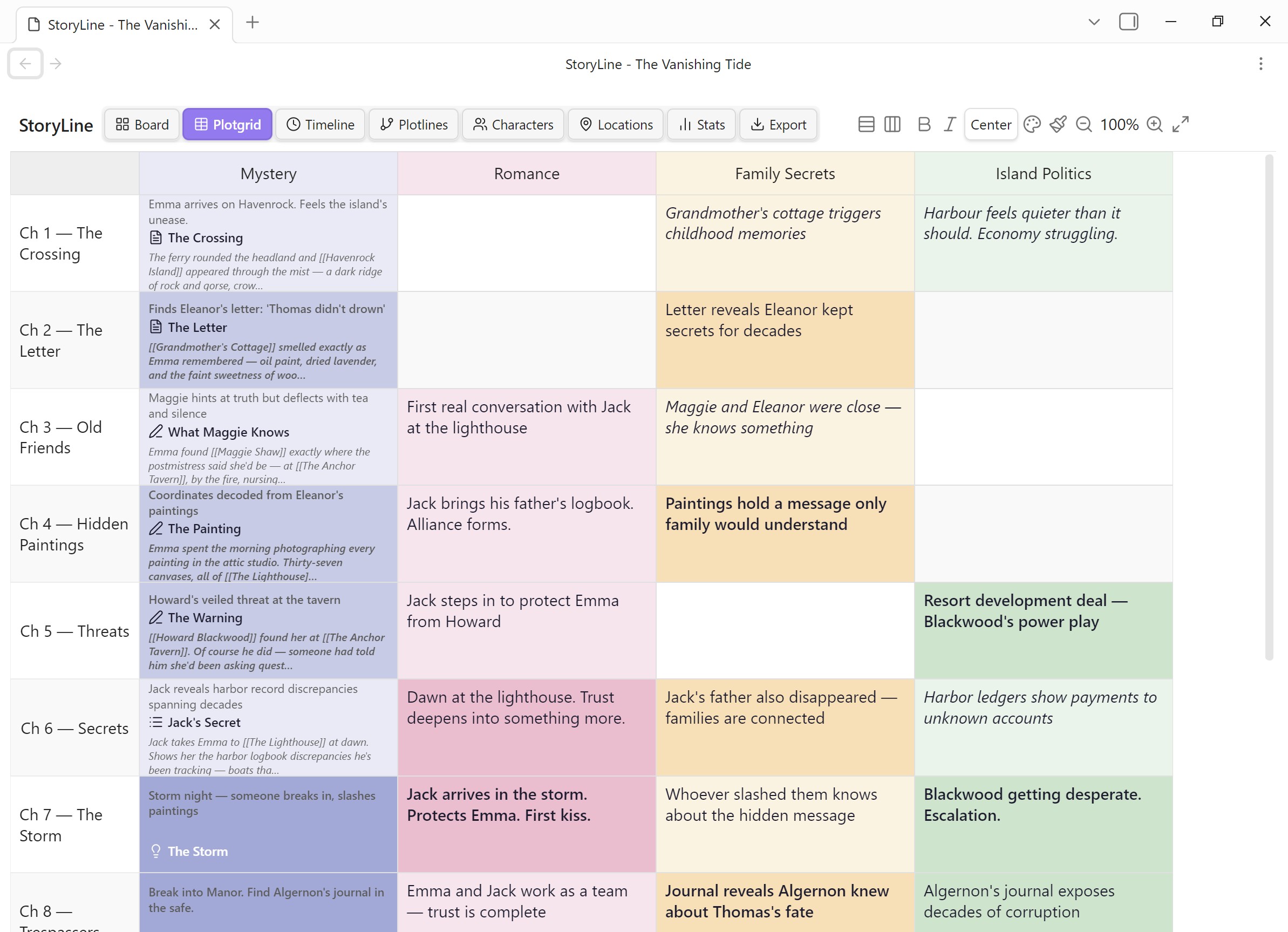
Plotgrid View
Spreadsheet-style grid for mapping scenes against plotlines, themes, or story threads. Each cell can hold free text, formatting, colors, and linked scene cards. Double-click any cell to edit. Sticky headers keep row and column labels visible while scrolling.
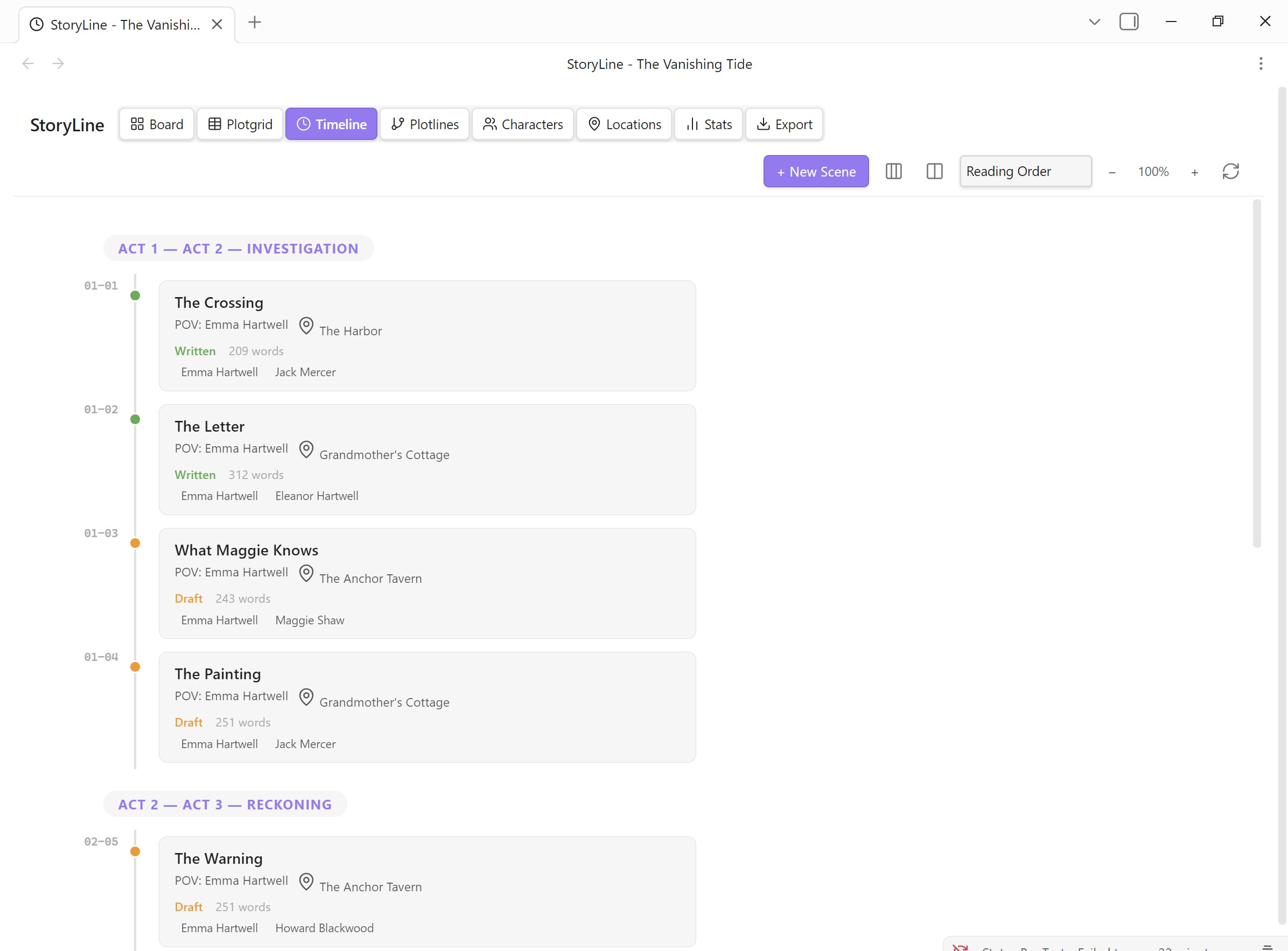
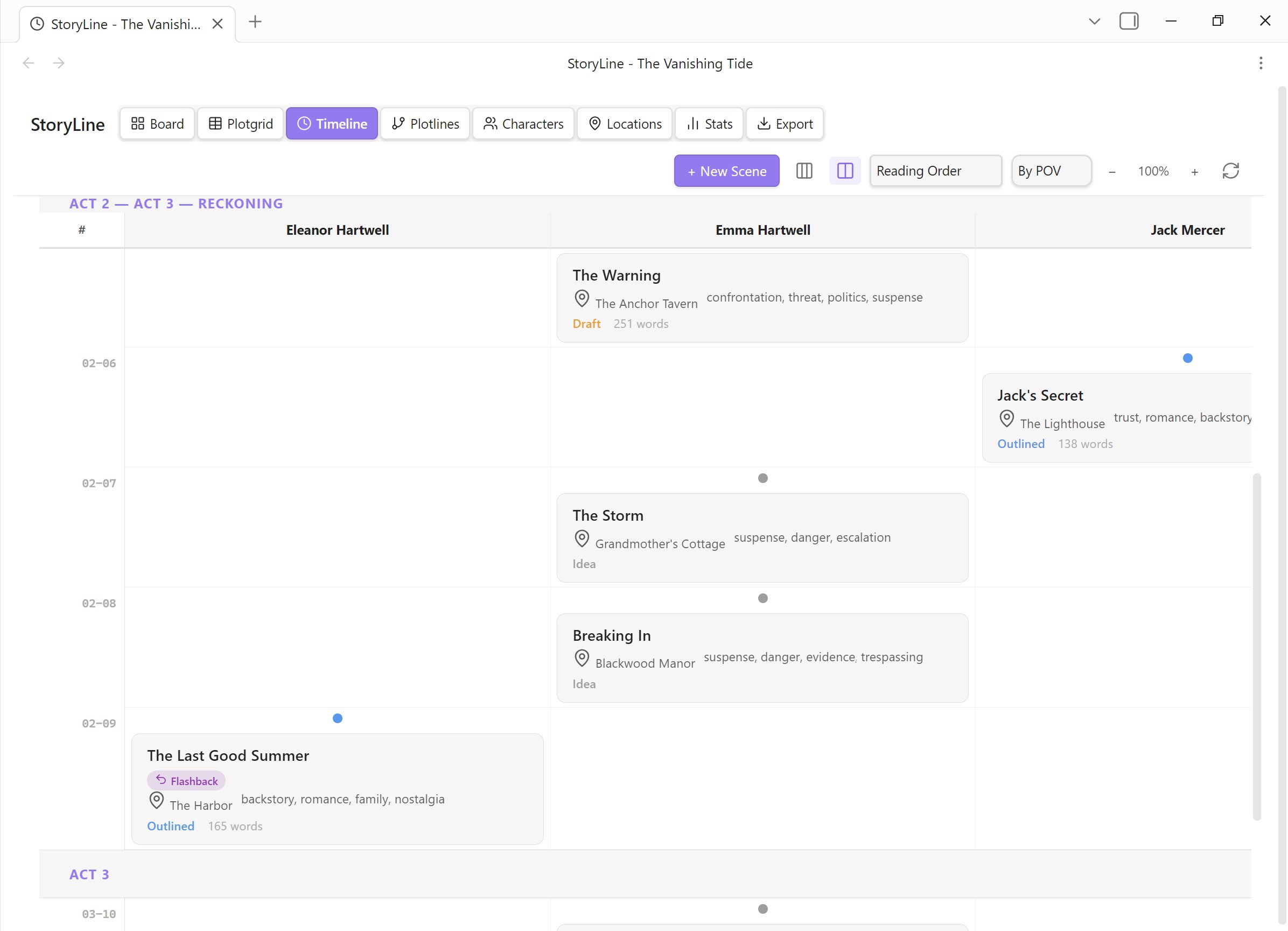
Timeline View
Chronological scene timeline with visual markers for intensity, status, and duration. Supports swimlane grouping by act, chapter, POV, or location.
Plotlines View
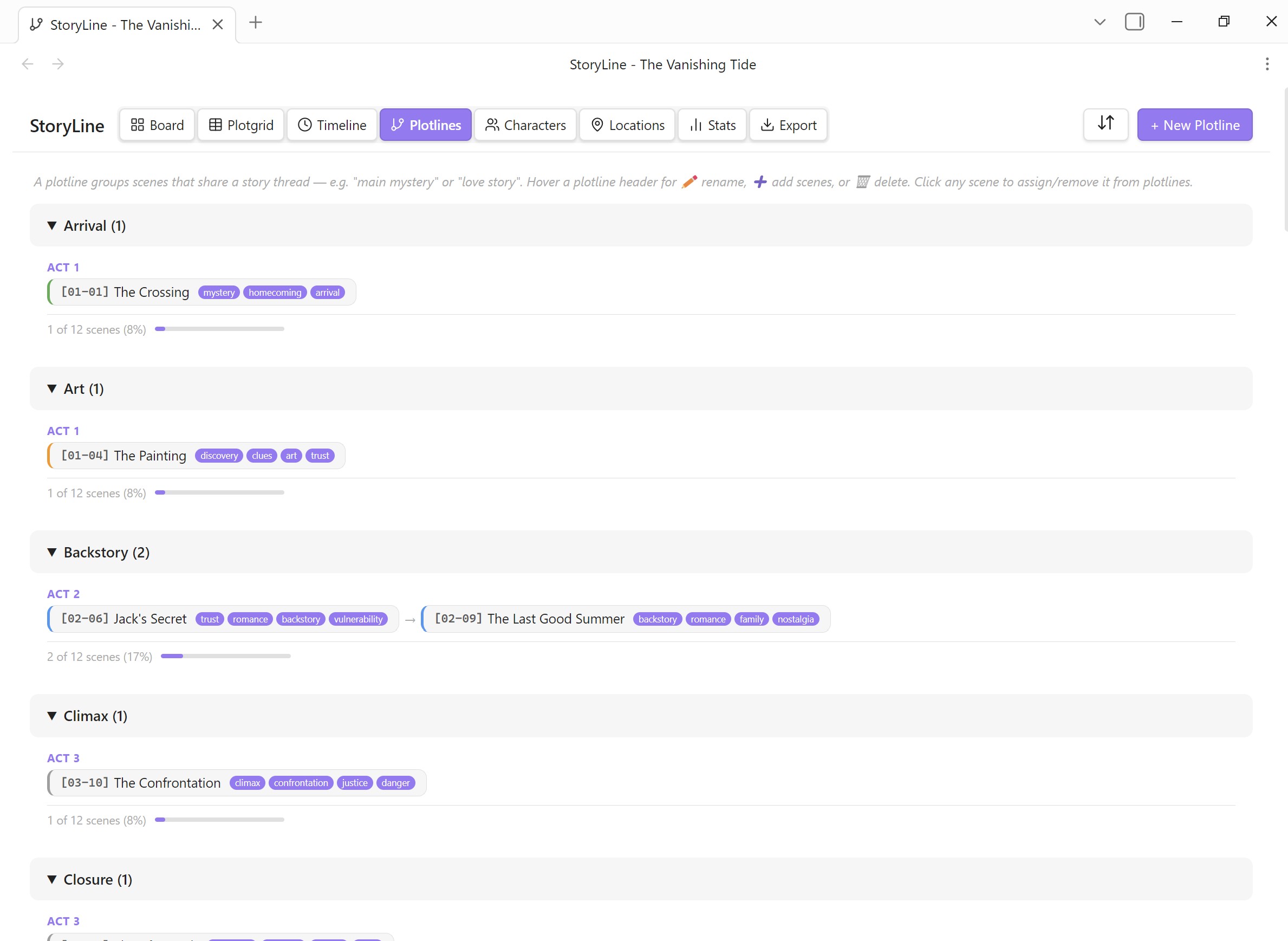
Track which plotlines (tags) appear across your scenes. A matrix view that makes it easy to spot gaps, clusters, and pacing issues in your story threads.
Characters View
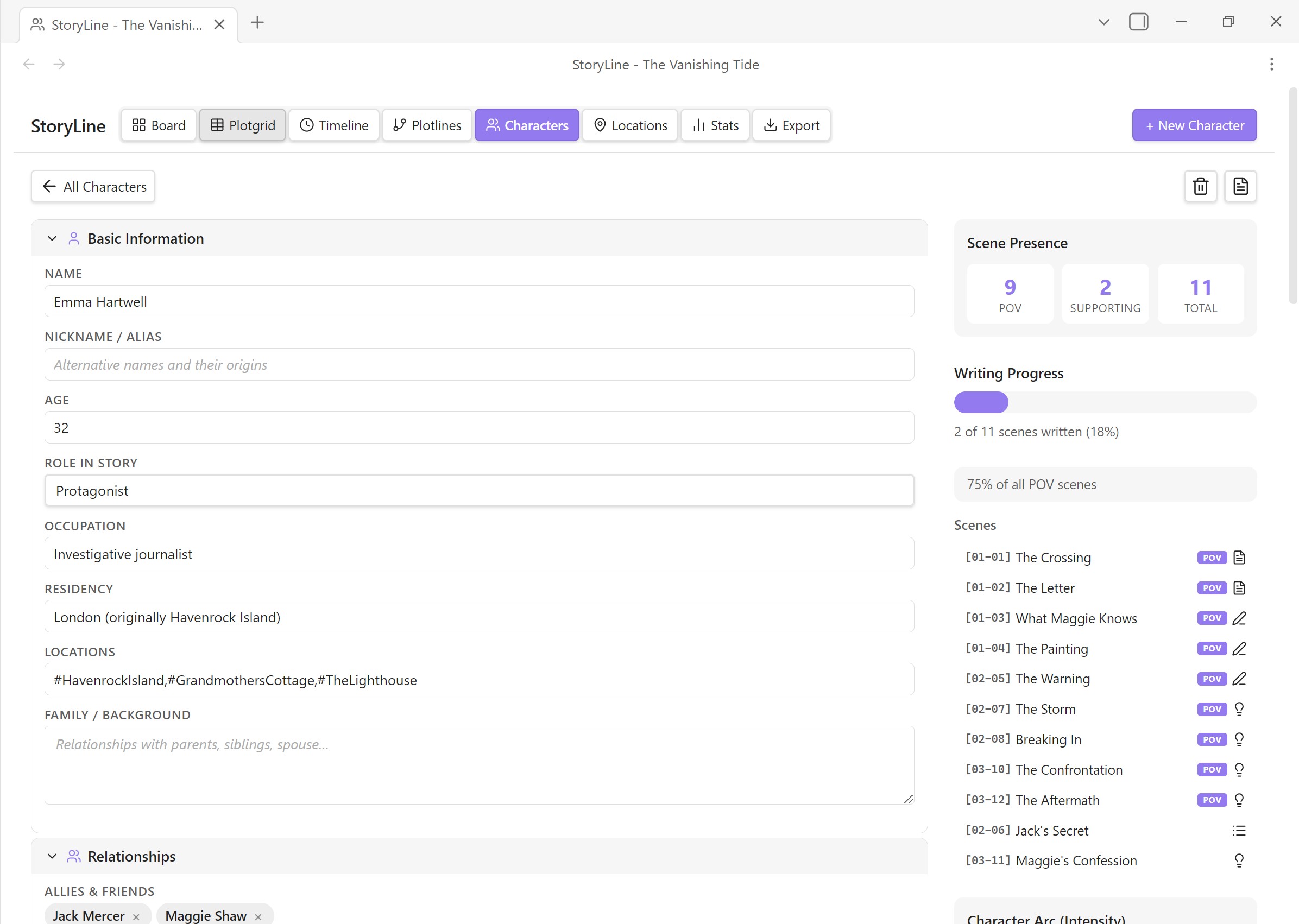
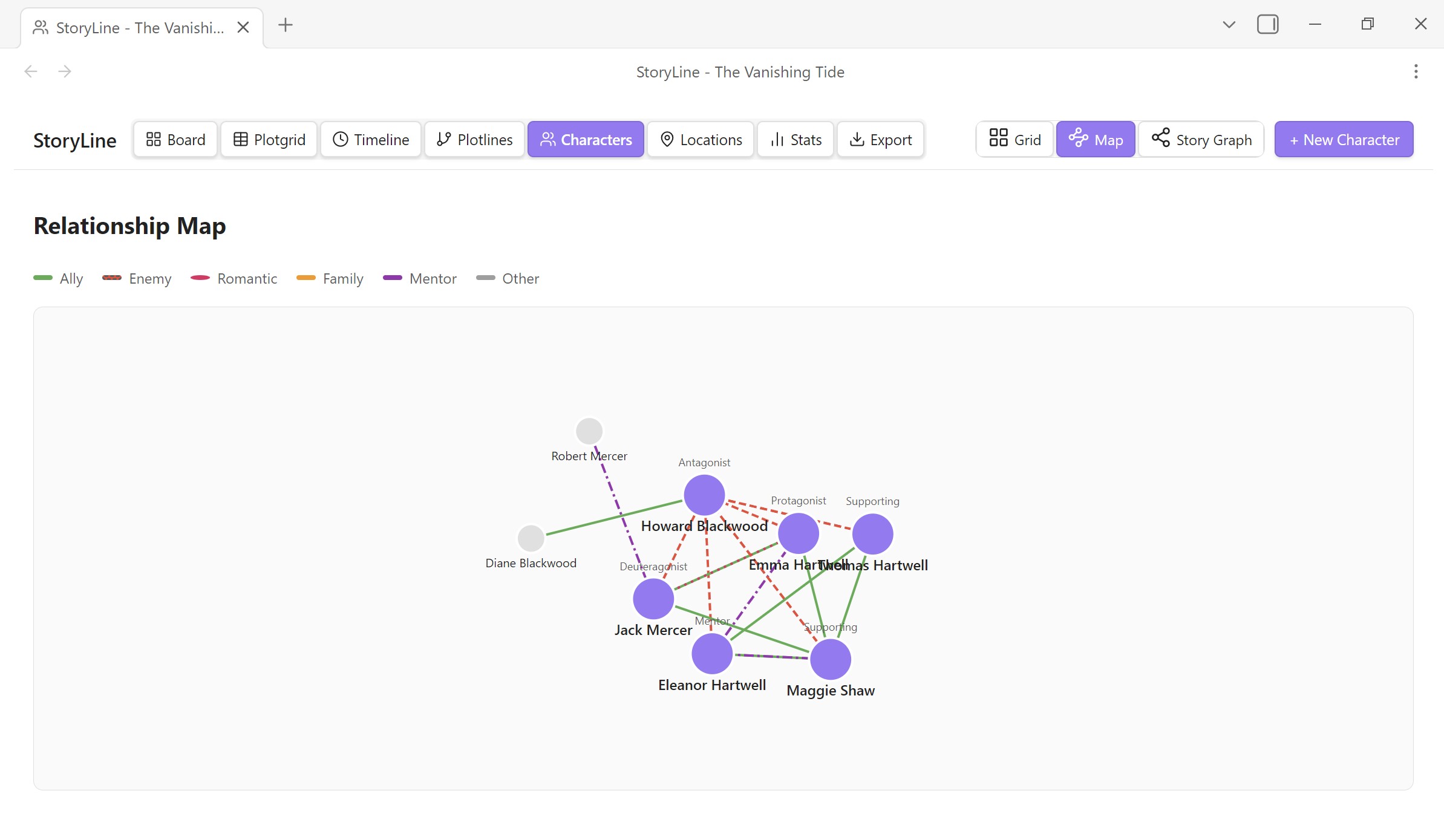
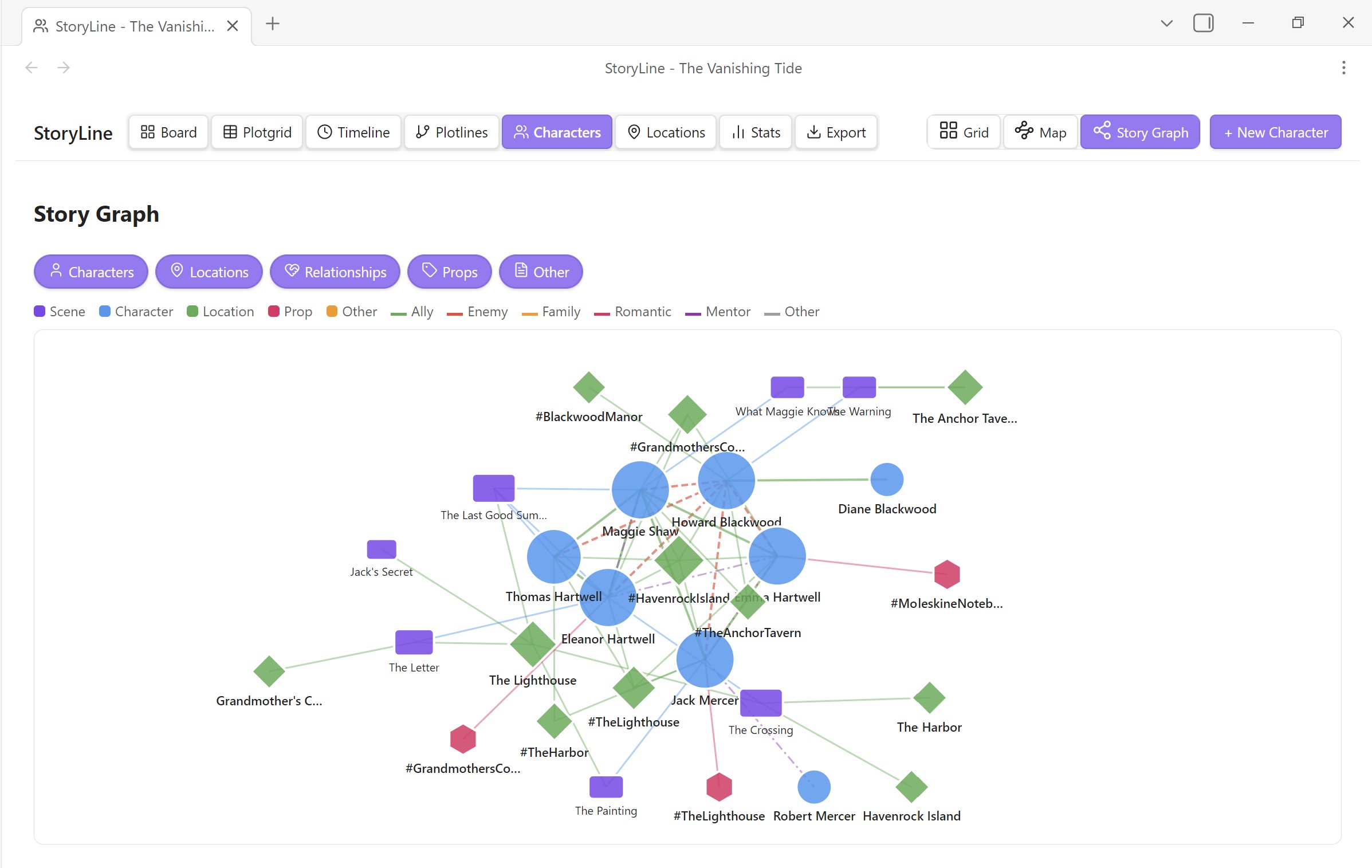
Rich character profiles with collapsible sections: basic info, physical traits, personality, backstory, relationships, character arc, and custom fields. Includes a force-directed relationship map and a story graph showing how characters connect to scenes, locations, and props.

Locations View
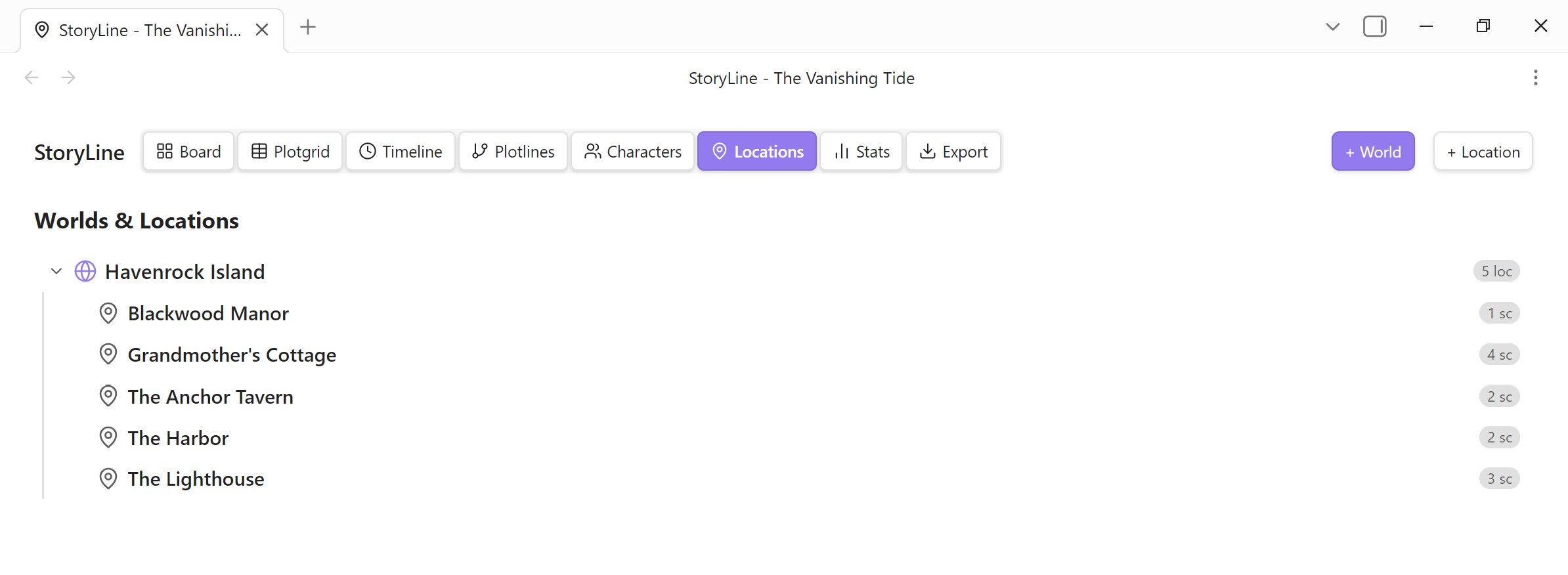
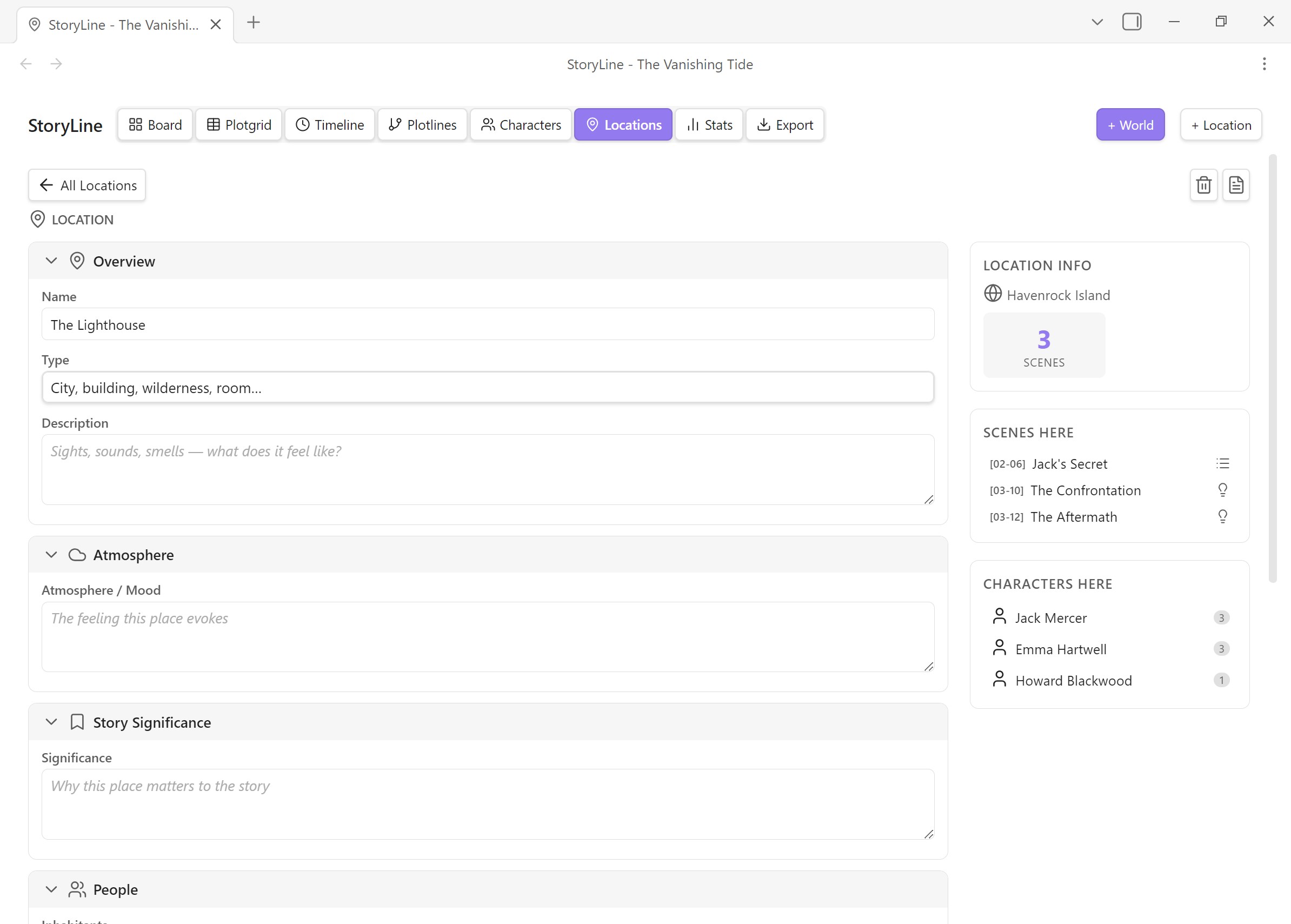
Hierarchical worldbuilding with worlds as top-level containers and locations nested underneath. Each location has fields for atmosphere, significance, and narrative role.
Stats View
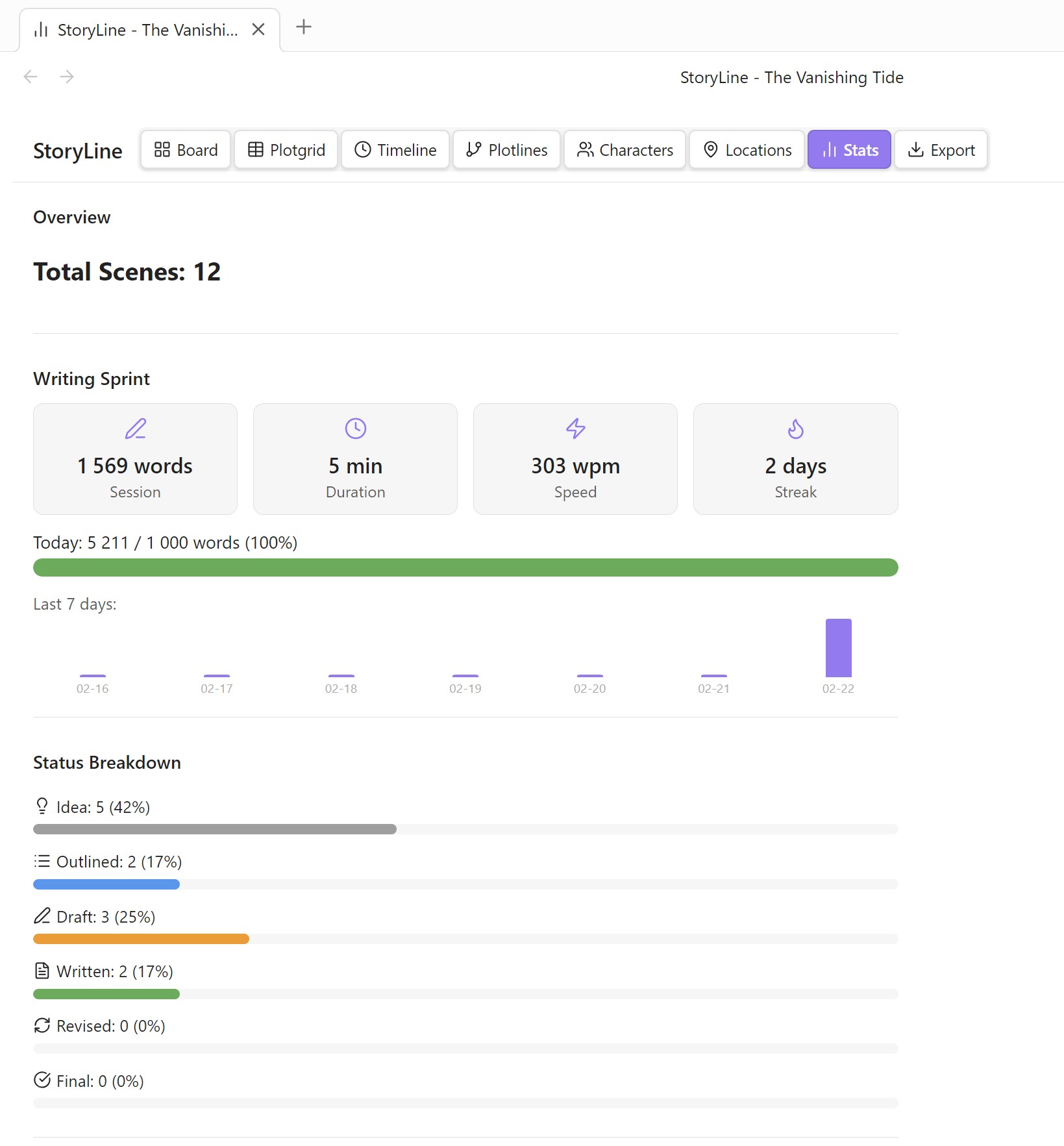
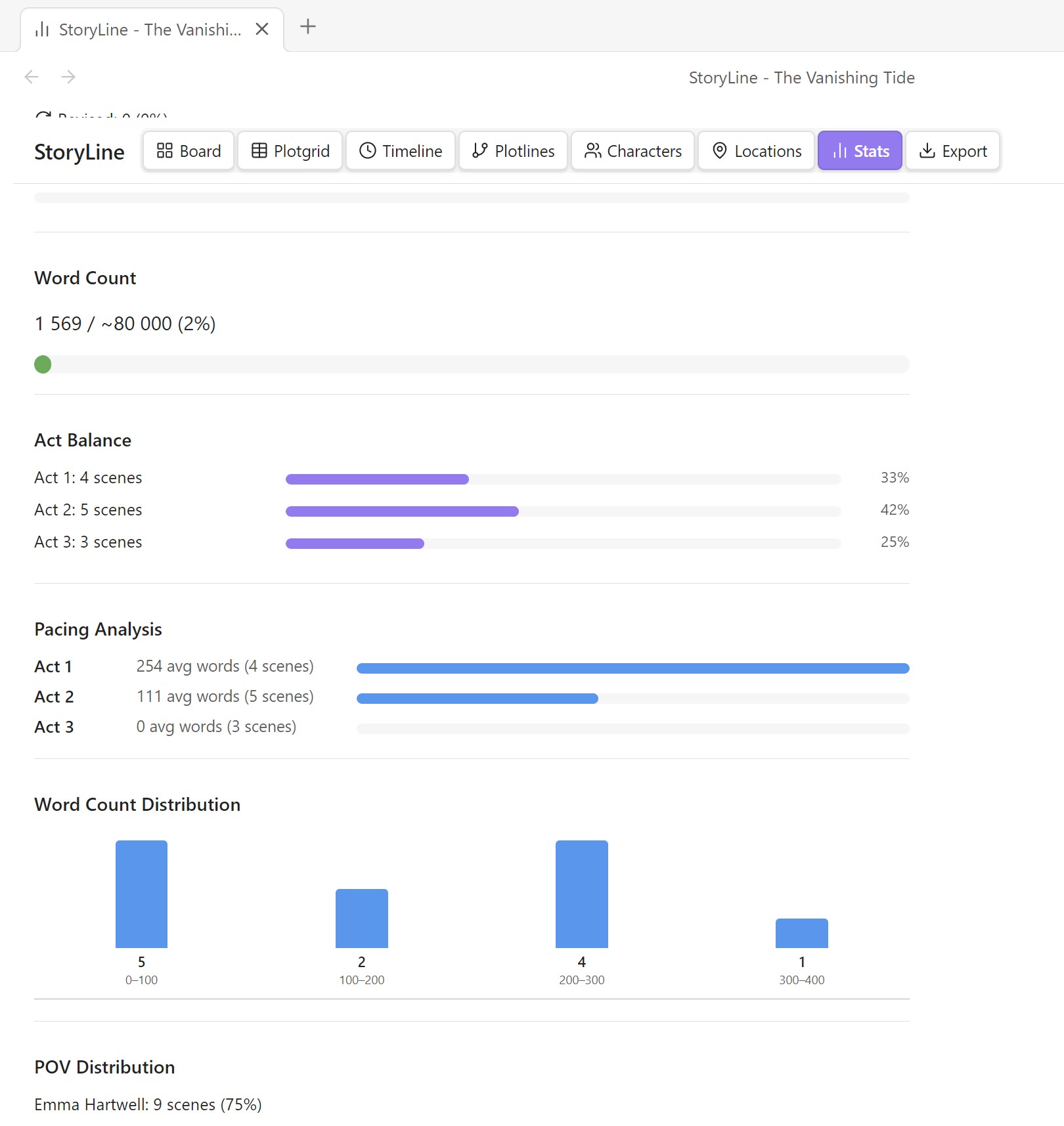
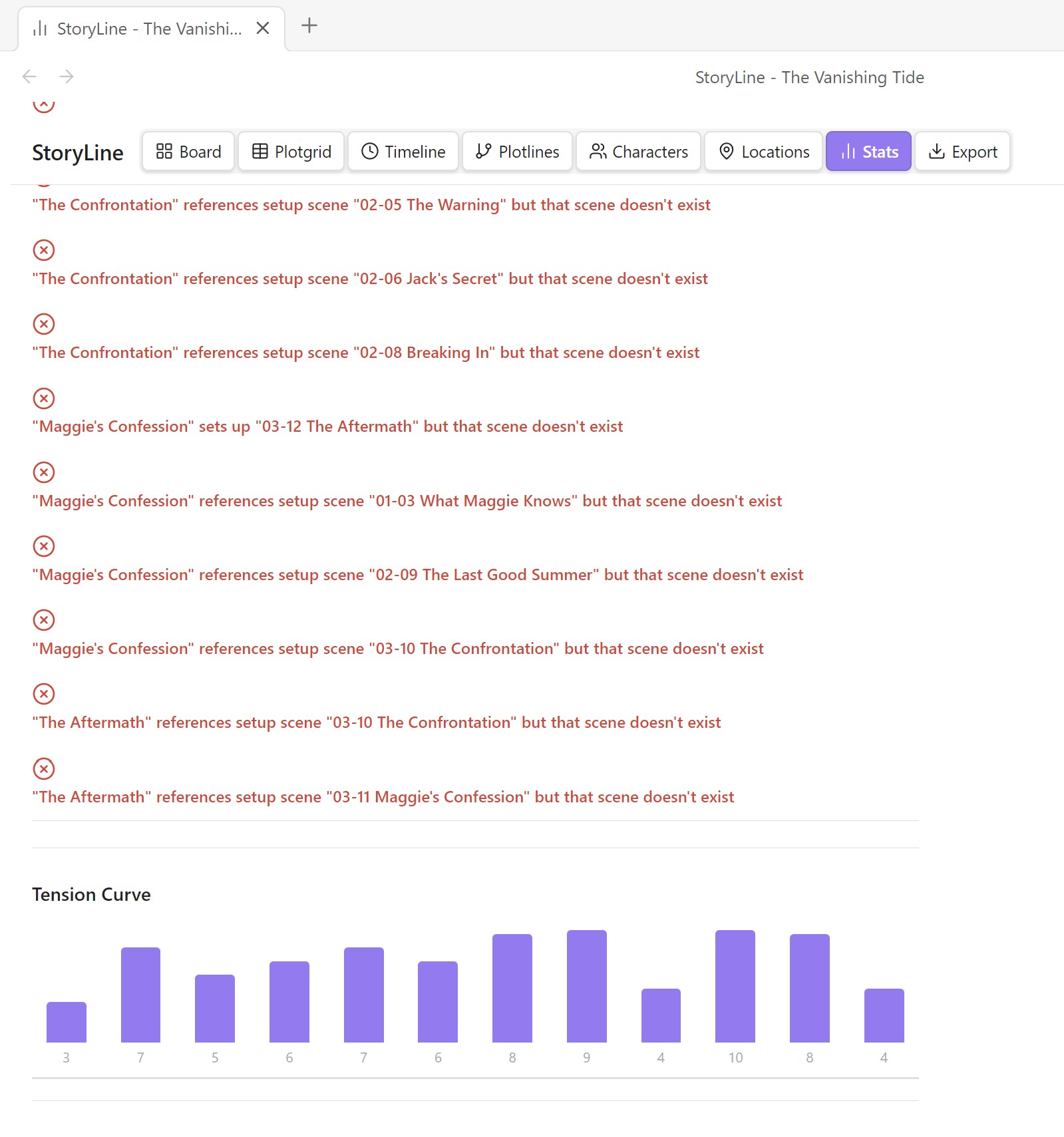
Dashboard with word counts, writing progress, pacing analysis (average scene length by act, word count distribution), plot hole detection, and a built-in writing sprint timer.

Export
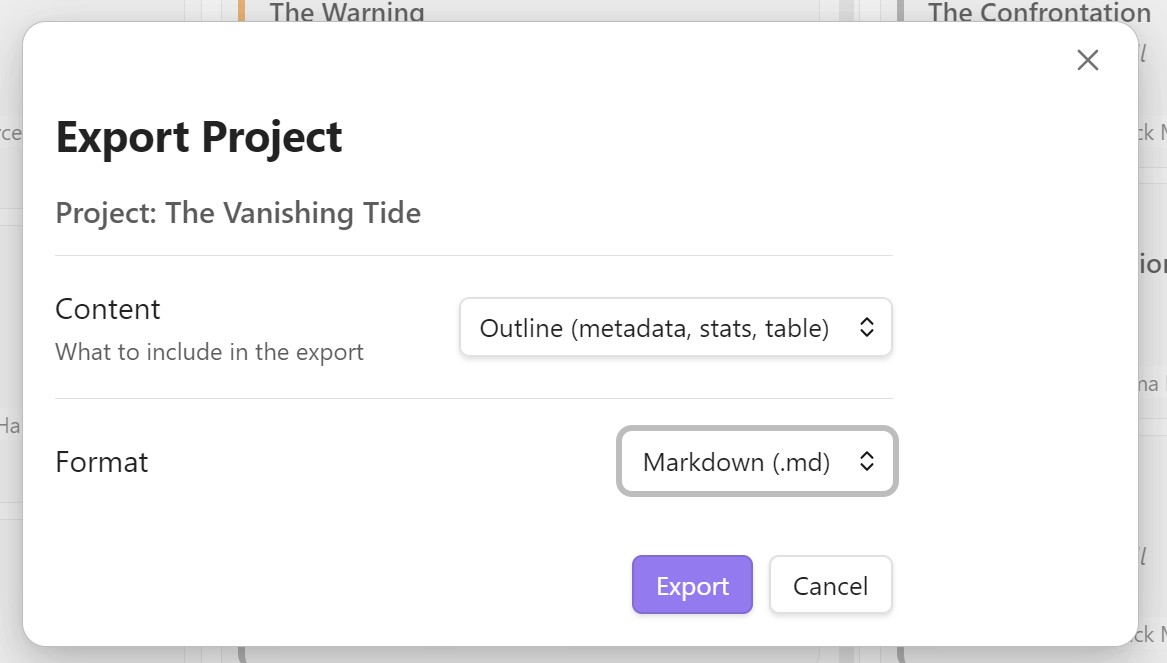
Four export formats: Markdown, JSON, CSV, and PDF (via HTML). Export either an outline (metadata + stats) or a full manuscript.
Key Features
-
Scene Management — Full metadata, six-stage status pipeline, drag-and-drop, multi-select bulk edits, notes, snapshots, and reusable templates.
-
Timeline Modes — Ten non-linear narrative modes: flashback, flash-forward, parallel, frame, simultaneous, time skip, dream, mythic, circular, and linear.
-
Beat Sheet Templates — Save the Cat, Three-Act, Hero’s Journey — scaffold your acts with named beats.
-
Relationship Map — Interactive force-directed graph with six color-coded relationship types.
-
Story Graph — Visualize how scenes connect to characters, locations, and props via
#tagsand[[wikilinks]]. -
Link Scanner — Auto-detects
[[wikilinks]]in scene text and classifies them as characters, locations, or other. -
Tag Type Overrides — Right-click any tag to reclassify it (prop, location, character, other).
-
Filtering & Presets — Filter by status, character, location, tag, or free text. Save presets for quick reuse.
-
Setup / Payoff Tracking — Link foreshadowing and resolution scenes. Warns about unresolved setups.
-
Plot Hole Detection — Automated validation across six categories.
-
Pacing Analysis — Bar charts and histograms for scene length and distribution.
-
Writing Sprint — Built-in countdown timer for focused writing sessions.
-
Color Coding — Color by status, POV, emotion, act, or tag. Custom tag colors. Dark/light mode aware.
-
Undo / Redo —
Ctrl+Z/Ctrl+Shift+Zwith a 50-action stack.
Keyboard Shortcuts
| Shortcut | Action |
|---|---|
Ctrl+Shift+1–7 |
Switch between views |
Ctrl+Shift+N |
Quick-add a new scene |
Ctrl+Shift+E |
Export project |
Ctrl+Z / Ctrl+Shift+Z |
Undo / Redo |
Project Structure
StoryLine/
  My Novel.md              ← Project file (Markdown + YAML frontmatter)
  My Novel/
    Scenes/                ← Scene files (Markdown + frontmatter)
    Characters/            ← Character profiles (Markdown + frontmatter)
    Locations/             ← Location & world profiles (Markdown + frontmatter)
    Exports/               ← Exported files
All files are standard Markdown with YAML frontmatter. Edit them directly in Obsidian or through StoryLine’s UI.
Multiple Projects
Create, switch, and fork projects from the command palette. Each project gets its own folder structure. The last-used project is remembered across sessions.
For detailed documentation of every feature, field, and option, see the full README.
MIT License
A zipped Sample project is included in the repository to show all features.
Install it with my other plugin: PluginHub: GitHub - PixeroJan/obsidian-extension-hub: An Obsidian plugin that allows you to browse GitHub, the Official Community Archive, and the Obsidian Forum to find and install plugins across multiple vaults simultaneously. · GitHub
Use @PixeroJan to search on Github with it and install directly from Github.
